3D Render to Video Ad Crowdfunding No Prototype: A Trust-First Workflow


Summarize with
Summary
Learn how to turn 3D renders into crowdfunding video ads without a prototype, while separating concept visuals from proof. Build a safer campaign video with AdsTurbo.
By AdsTurbo.ai | Published 2026-11-06 | Updated 2026-11-06
A 3D render to video ad crowdfunding no prototype workflow can help hardware founders explain a product before manufacturing is complete. The important distinction is simple: use renders to communicate the concept, but do not present simulated performance as proof that the product already works.
For Kickstarter Design and Technology projects, the platform requires prototype demonstrations to reflect the product’s current state and prohibits CGI or special effects from showing functionality that does not yet exist. (kickstarter.com) Indiegogo may provide more flexibility in some campaign situations, but honest disclosure remains essential.
What does 3D render to video ad crowdfunding no prototype mean?
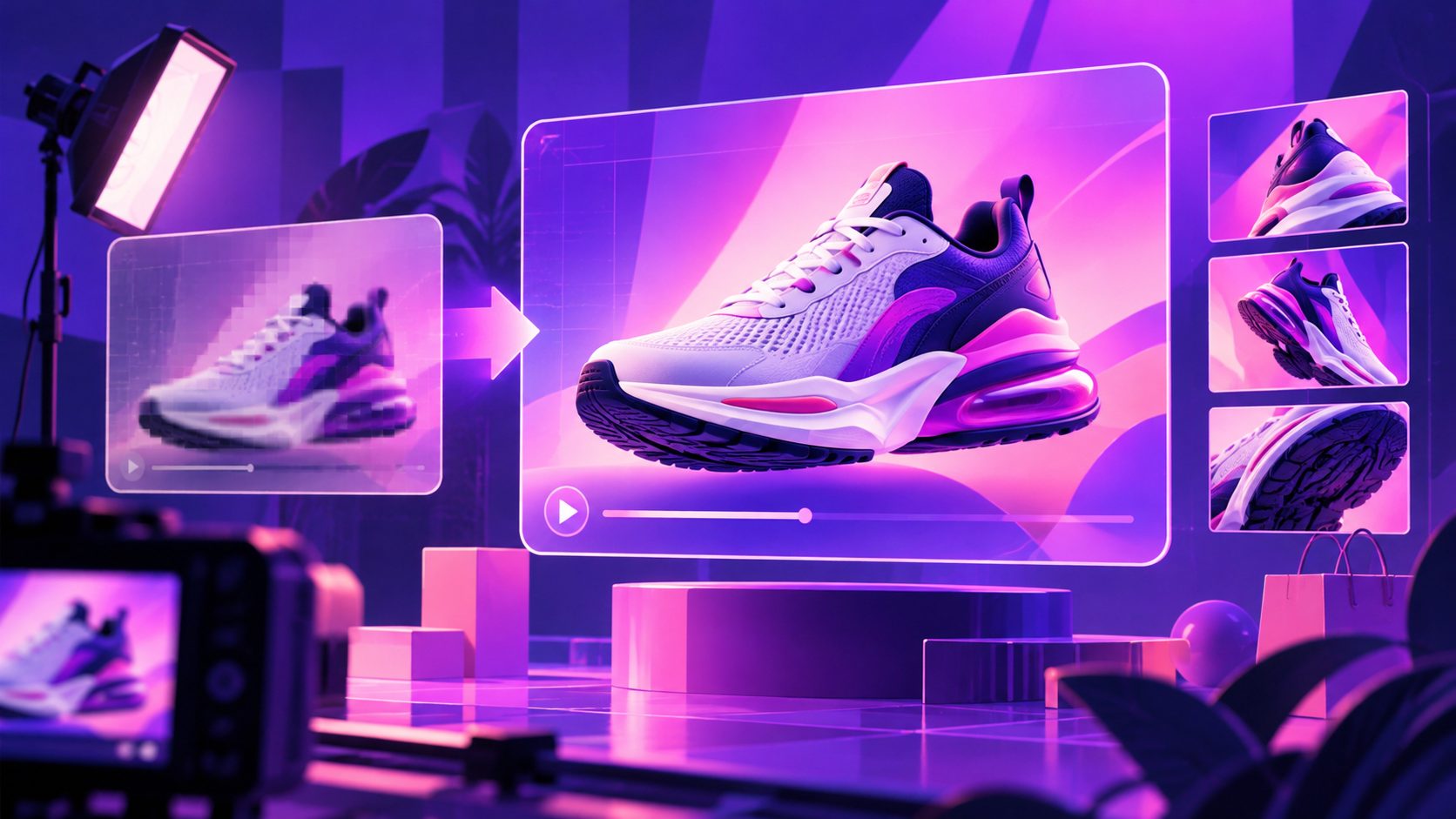
3D render to video ad crowdfunding no prototype means converting CAD models, product renders, sketches, or design references into motion-based marketing visuals before a finished physical sample exists. The video can show intended form, dimensions, materials, use context, and planned interaction—but it should label future-facing visuals clearly.
This is not a workaround for platform rules. It is a pre-prototype communication method.
A strong campaign separates three visual categories:
| Visual category | What it proves | How to present it |
|---|---|---|
| CAD or 3D render | Intended design and appearance | Label as “concept,” “render,” or “visualization” |
| Physical prototype footage | Current build and real limitations | Show unedited or lightly edited evidence |
| Motion graphics | Story, sequence, and context | Do not use them to fake unbuilt functions |
Kickstarter specifically distinguishes technical drawings, CAD designs, sketches, and development documentation from photorealistic renderings that could be mistaken for finished products. (kickstarter.com)
Why a render-only crowdfunding video often loses trust
The most common weakness in render-based campaign videos is not poor animation. It is the absence of a visible boundary between what exists and what is planned.
A polished render can unintentionally imply that:
- the product has already been manufactured;
- the internal mechanism has been validated;
- the software and hardware work together;
- the stated materials and dimensions are final;
- the delivery timeline is already reliable.
That creates a credibility gap. Backers are not only buying an object; they are evaluating execution risk, engineering maturity, and founder honesty.
Kickstarter’s guidance says projects involving complex hardware should show working prototypes and avoid misleading imagery. It also advises creators to explain what has been completed and what remains. (kickstarter.com)
The trust-first rule
Use the render to answer:
“What is this product supposed to become?”
Use real documentation to answer:
“What has the team actually achieved?”
If no prototype exists, replace false proof with transparent evidence:
- Show the design process.
- Explain the engineering assumptions.
- Identify unresolved risks.
- Demonstrate any component that does exist.
- State which scenes are visualizations.
This approach may look less polished than a fully simulated commercial, but it is more defensible and more useful to serious backers.
How to build the video from 3D renders
A practical render-to-video workflow has five stages.
1. Define the product promise
Start with one sentence describing the customer problem and the intended improvement. Avoid opening with a feature list.
For example:
“A compact travel workstation designed to turn limited desk space into a full productivity setup.”
The promise should be understandable before the viewer sees technical details. Then select two or three features that support it.
2. Convert the render into a shot plan
Do not animate every available angle. Build a controlled sequence:
- Problem context: Show the frustrating situation the product is designed to address.
- Hero reveal: Present the concept from a clear, stable angle.
- Transformation: Animate the intended opening, folding, mounting, or configuration.
- Feature callouts: Use exploded views, transparent layers, or labels for internal elements.
- Use-case visualization: Place the concept in a realistic environment.
- Development disclosure: Explain that the visuals represent the intended design.
- Campaign CTA: Invite viewers to follow, back, or learn more.
The highest-value movement is usually not a dramatic camera orbit. It is a short action that makes the product’s purpose obvious.
3. Separate proof scenes from concept scenes
A useful editing convention is to use different visual treatments:
- Real footage: Natural color, documentary framing, direct voiceover.
- CAD or render footage: Slightly stylized color, visible labels, “concept visualization” text.
- Technical explanation: Wireframe, exploded, or semi-transparent views.
- Future scenario: A clear caption such as “Intended use” or “Planned configuration.”
Kickstarter recommends transparent documentation and permits design-process materials such as technical drawings and CAD designs, while warning against realistic renderings that confuse viewers about the product’s current state. (kickstarter.com)
A better 30-second structure for pre-prototype ads
For paid traffic, a short video should not attempt to replace the complete campaign page. Its job is to create qualified curiosity.
| Time | Message | Visual approach |
|---|---|---|
| 0–3 sec | Identify the problem | Real context or simple motion graphic |
| 3–8 sec | Introduce the concept | Clearly labeled 3D hero render |
| 8–16 sec | Show the intended mechanism | Animation, exploded view, or CAD sequence |
| 16–23 sec | Explain development status | Founder narration, drawings, or test evidence |
| 23–30 sec | Give the next step | Campaign preview, waitlist, or project page CTA |
The critical improvement is placing the disclosure before the CTA, not hiding it in fine print. A viewer who understands the status can become a higher-quality backer than someone persuaded by a misleading commercial.
AdsTurbo can support this production process with Product Video, clip-by-clip editing, video subtitles, background replacement, AI upscaling, and video translation. Its asynchronous generation workflow supports status polling or Webhook completion events, which can help teams organize multiple creative exports without treating generated footage as product proof.
How to create campaign variants without changing the truth
A single render can support several legitimate creative variations:
- problem-first versus feature-first opening;
- technical audience versus lifestyle audience;
- founder explanation versus narrated animation;
- compact square ad versus vertical short-form video;
- English version versus localized campaign version;
- engineering-focused versus design-focused CTA.
The underlying product claims should remain identical. Only the presentation changes.
AdsTurbo’s Ad Clone workflow can analyze a reference ad and help reconstruct its opening rhythm, shot logic, and CTA structure. For crowdfunding, use that capability to study pacing—not to copy another creator’s claims, branding, footage, or identity. A reference video can inform structure while your own render, documentation, and development disclosures provide the substance.
For additional production context, the CAD-to-video ecommerce workflow explains how design assets can be organized into product-focused video scenes. The Kickstarter early-bird video script guide is useful when the campaign needs a concise offer and CTA structure.
An original pre-launch test: the 3-layer credibility score
Before publishing, review every shot using three questions:
| Layer | Review question | Pass condition |
|---|---|---|
| Reality | Does this show something that exists? | Real footage or clearly stated documentation |
| Intent | Is this a planned or conceptual feature? | Render or simulation is labeled |
| Risk | Could a reasonable viewer misunderstand it? | Caption, narration, or edit removes ambiguity |
Score each scene from 0 to 2:
- 0: Likely to mislead.
- 1: Understandable but needs clarification.
- 2: Clear and properly supported.
A 30-second ad with 10 scenes produces a maximum score of 20. Treat any scene scoring 0 as a mandatory revision. This is not a platform rule or a scientific benchmark; it is a practical editorial framework for finding trust leaks before launch.
The goal is not to make every scene look real. The goal is to make the campaign’s reality status impossible to misunderstand.
Kickstarter versus Indiegogo: what changes?
Kickstarter has explicit requirements around prototype demonstrations, current-state functionality, and misleading renderings. Its rules also require creators to disclose undeveloped hardware-software dependencies. (kickstarter.com)
Indiegogo campaign guidance commonly emphasizes storytelling, product explanation, and development context, but platform acceptance should never be treated as permission to imply that an unbuilt product has been validated. The safest workflow is to review the latest rules for the selected category, then design the video around transparent evidence.
A 3D render can explain a future product. It cannot substitute for proof of a working prototype.
Frequently asked questions
Can I use 3D renders in a crowdfunding advertisement without a prototype?
You can use them to explain the concept, design direction, or intended use, but label them clearly. Do not use a render to demonstrate a capability that has not been built or tested.
Should the entire video be labeled as CGI?
Not necessarily. Label individual scenes according to their status. Combine concept visuals with founder narration, design documentation, component tests, or prototype evidence where available.
What if my product has no physical sample at all?
Focus on the problem, design rationale, engineering process, materials under consideration, and remaining development work. Avoid language that suggests production readiness.
Can AI generate the campaign video?
AI-assisted production can help with editing, subtitles, localization, upscaling, and creative variations. The final campaign should still explain how AI or generated visuals are used when that information affects how viewers interpret the product.
How can AdsTurbo help with this workflow?
AdsTurbo provides Product Video, Ad Clone, clip-by-clip editing, subtitles, video translation, AI upscaling, background replacement, and API access. These tools can help turn approved renders and documented claims into multiple campaign-ready formats without replacing the need for honest product evidence.
For a broader pre-launch framework, see the guide to crowdfunding pre-launch video ads without a finished product.