AdsTurbo
By Zengshi AI
Zengshi AIzengshi.ai
Your full-funnel growth partner in the AI era. AdsTurbo is one of its four products, alongside MaxAEO AI search visibility, Toppp AI sales & support and PopTo social content creation.
See all productsAdsTurboYour full-funnel growth partner in the AI era. AdsTurbo is one of its four products, alongside MaxAEO AI search visibility, Toppp AI sales & support and PopTo social content creation.
See all productsUpload a source video or image and a clear character image. AdsTurbo creates a new video or image with the selected character. For video, the source motion and timing are used as references. Review the result before use.
Add one target video or image and one character image. Generate a new version, then review the result before use.
Change the character in a video or image. For video, use the source motion and timing as references; for both formats, review identity, lighting, scene, and visible artifacts before publishing.
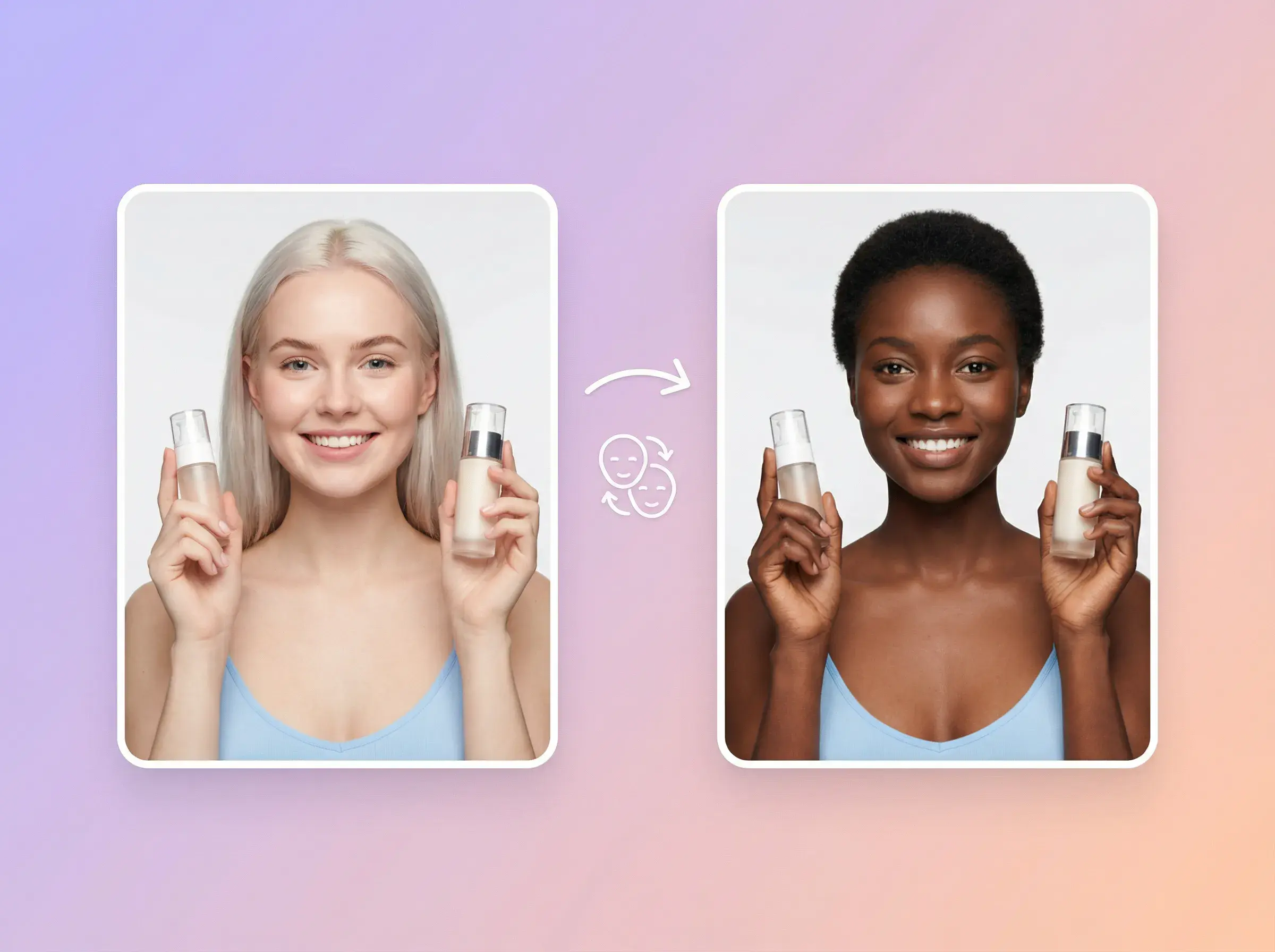
Replace the main person with the selected character image, then review the face, hair, clothing, and body boundaries.
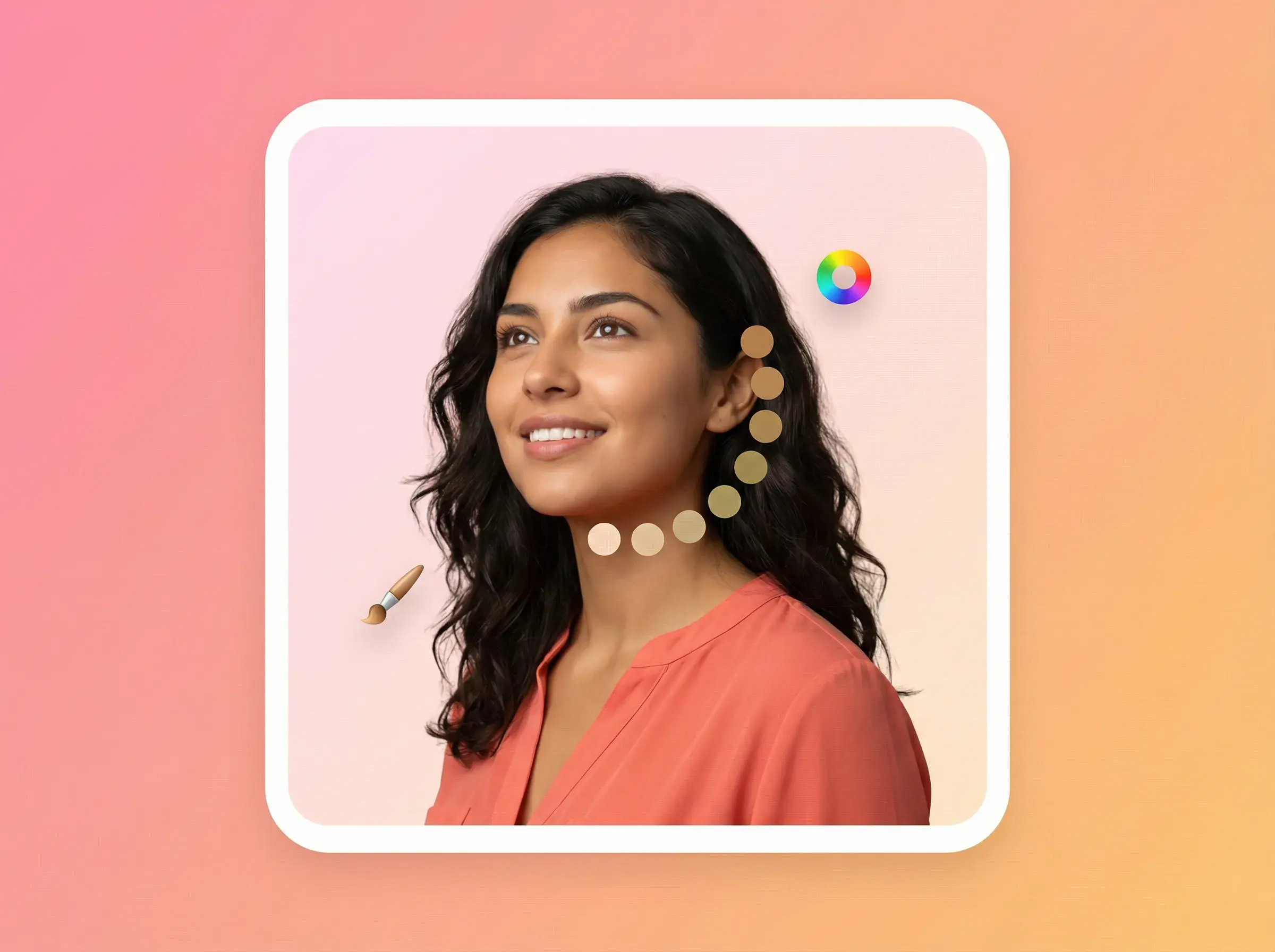
Use the source lighting and environment as references, then inspect skin tone, edges, and foreground objects in the result.
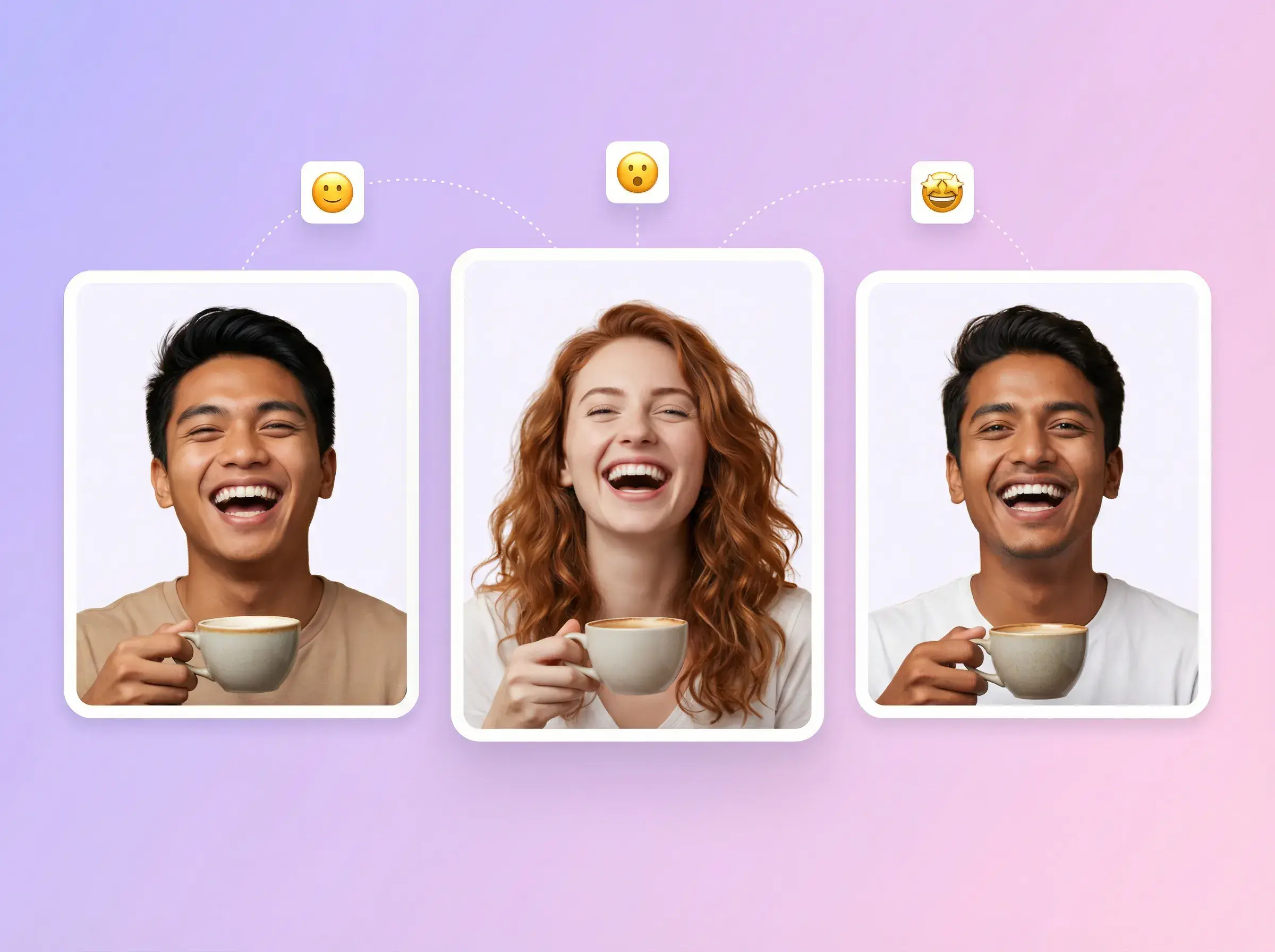
For video, use the source motion, pacing, and camera movement as references. Review fast movement, hands, and occlusion.
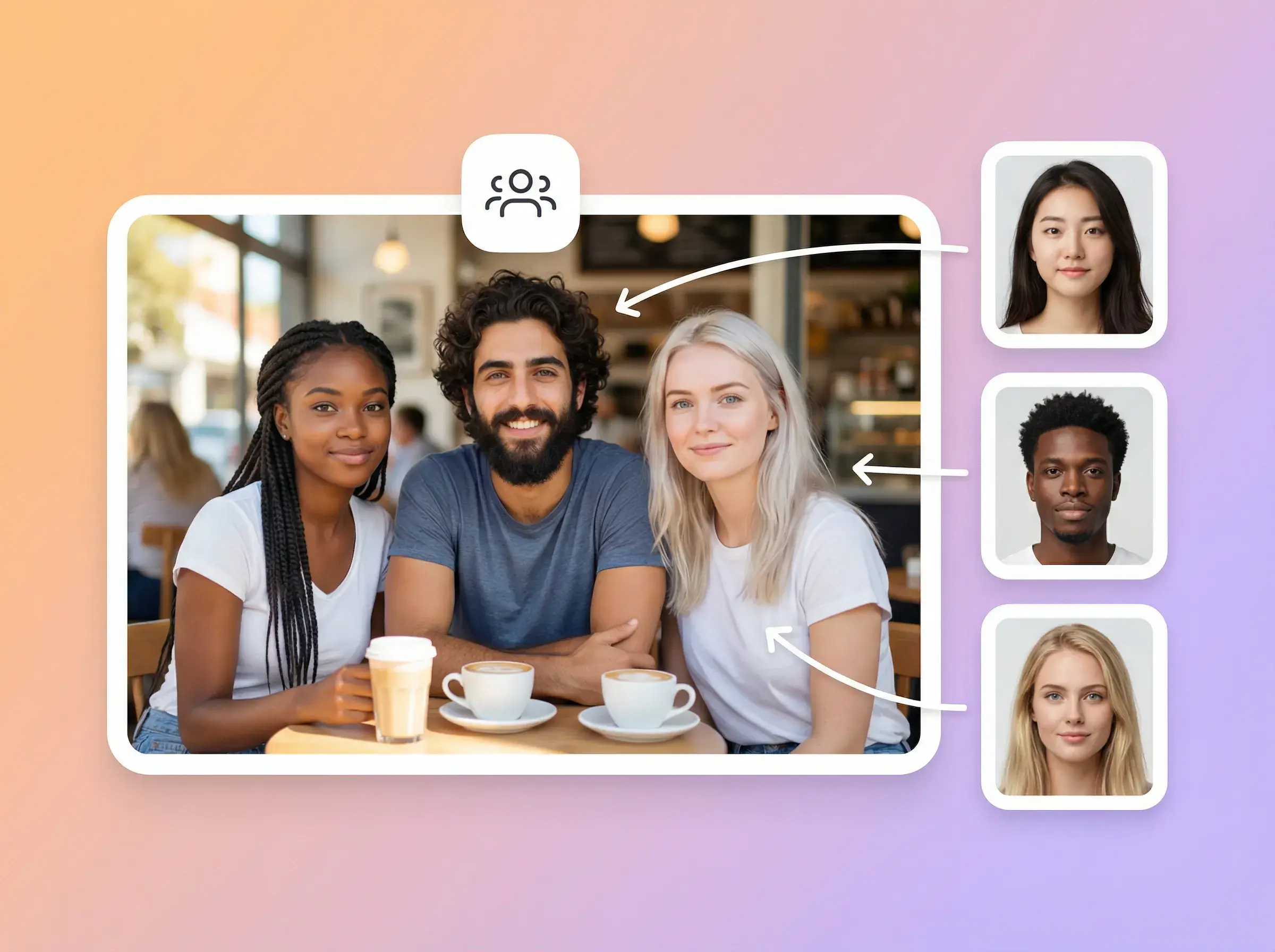
Reuse the same character image across source videos, and review each result for face, hair, clothing, and body consistency.
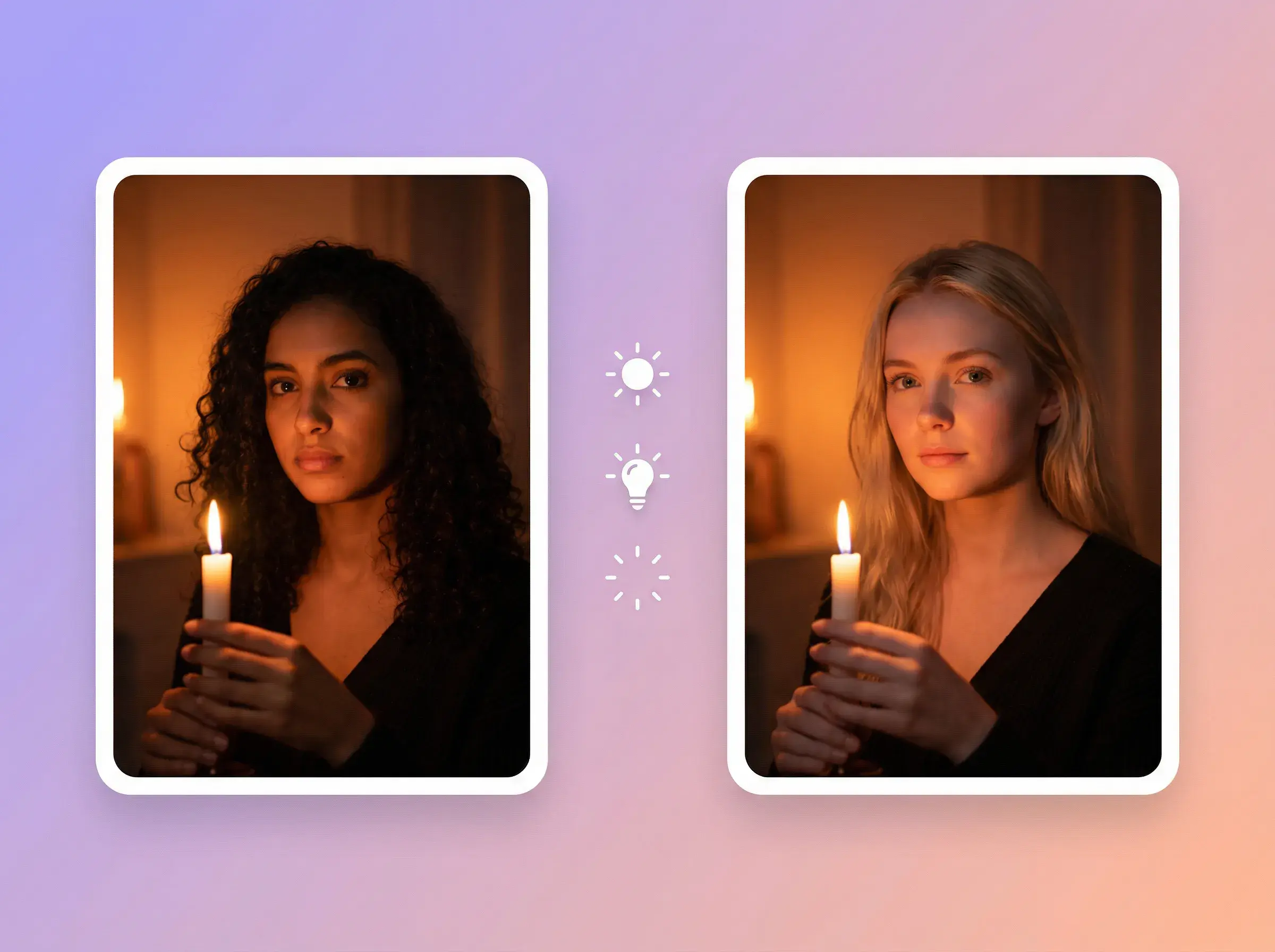
Create versions from the same source with different character images for audience or market review.
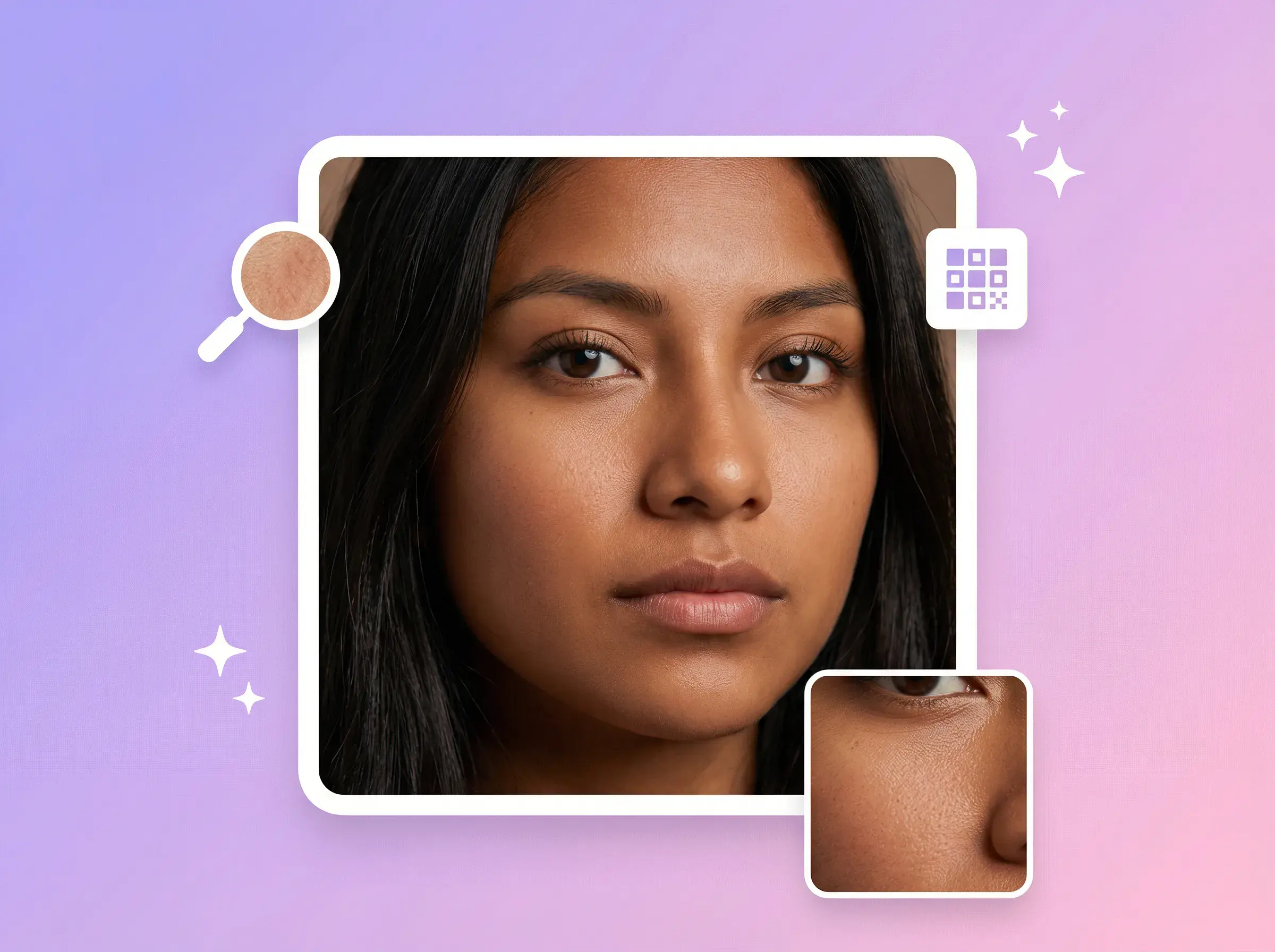
Check the completed result for identity, motion, lighting, scene, and visible artifacts before downloading or publishing.
Upload a source, add a character image, and review the completed result.
Add one video or image from your device, or choose one from AdsTurbo Assets.
Choose a clear image and check that the source has one visible main person.
Submit the task, then inspect identity, motion, lighting, scene, and visible artifacts before use.
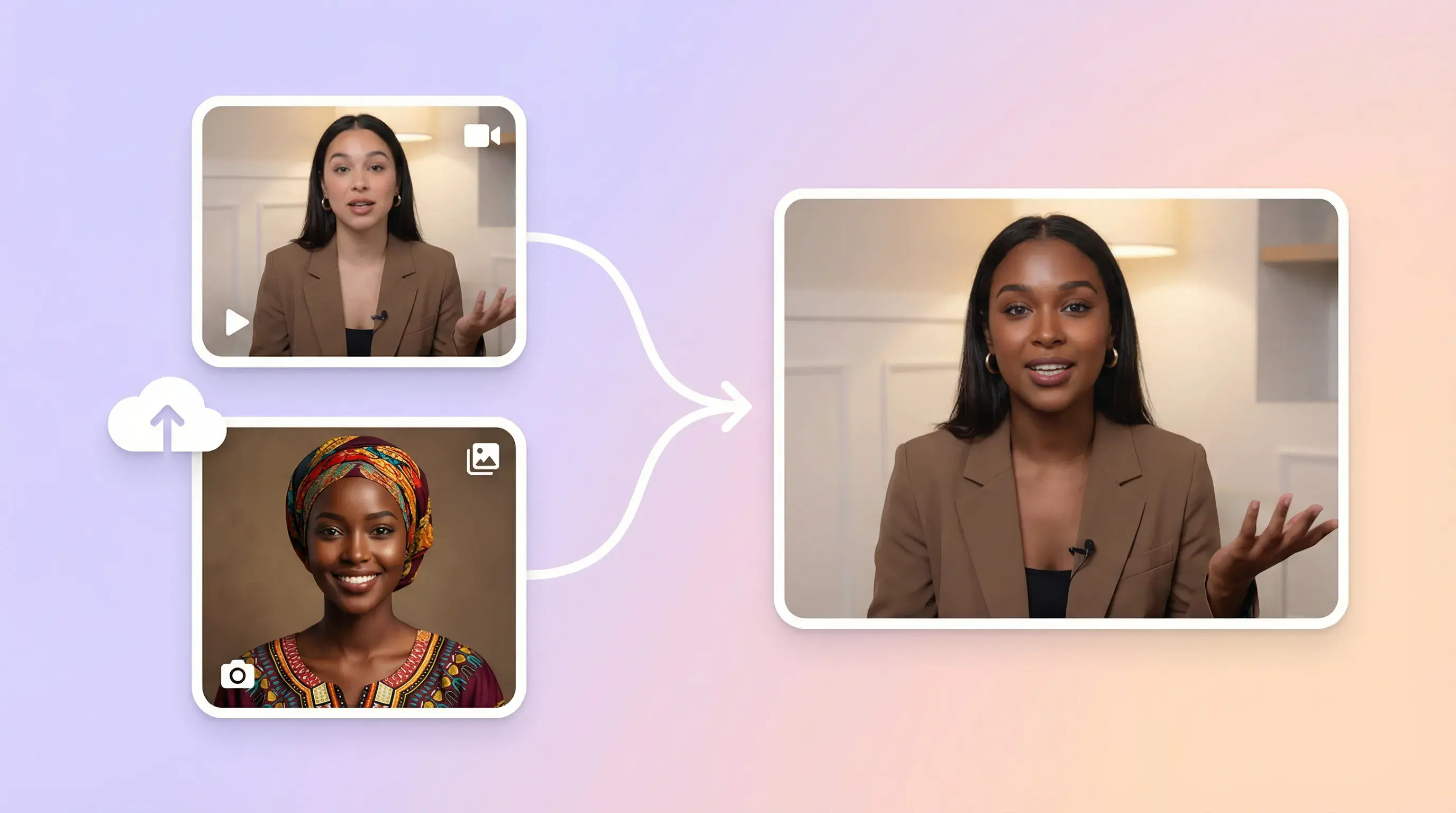
UPLOAD YOUR INPUTS
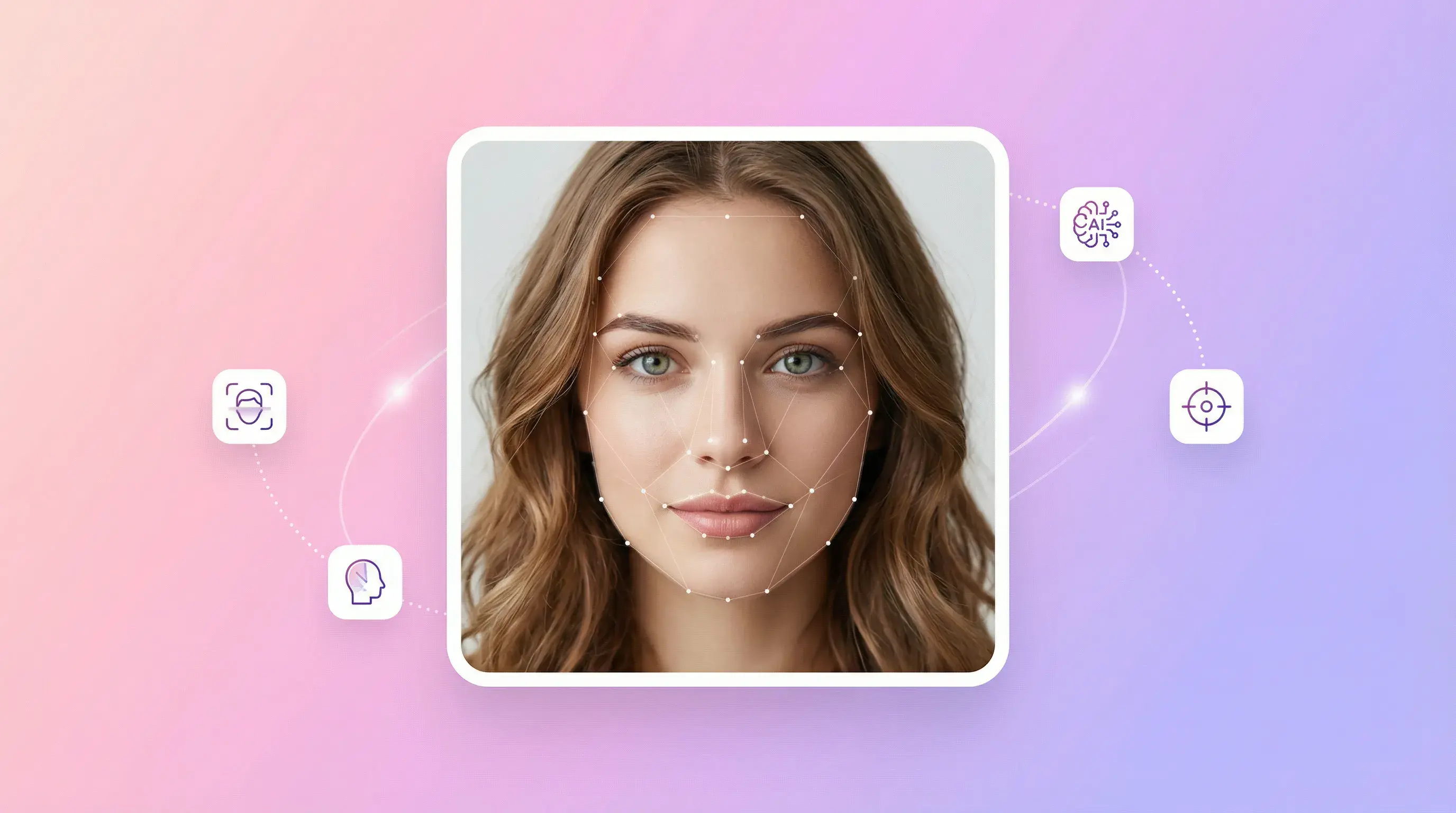
CREATE CHARACTER VARIANTS
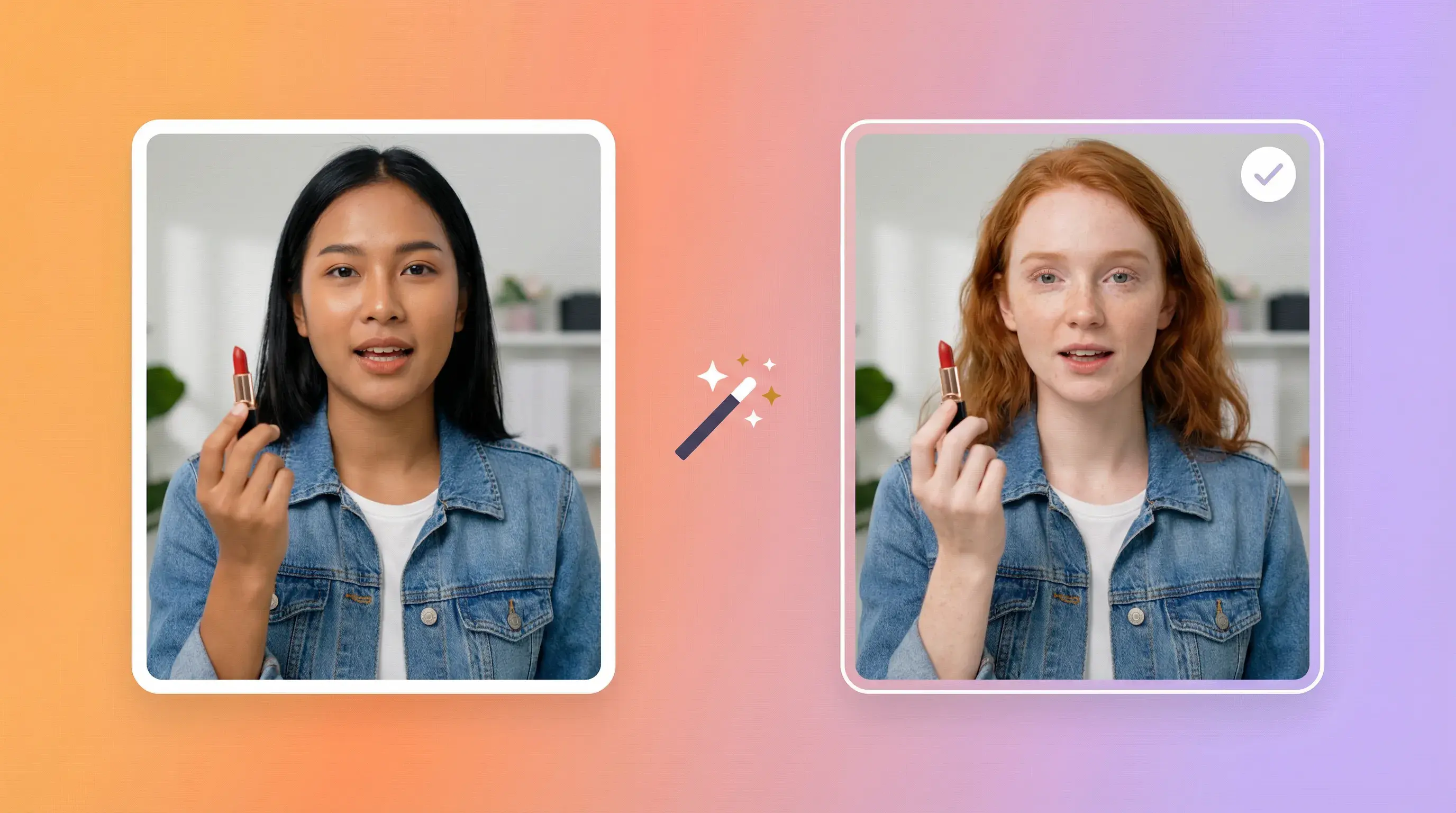
PREPARE MARKET VERSIONS
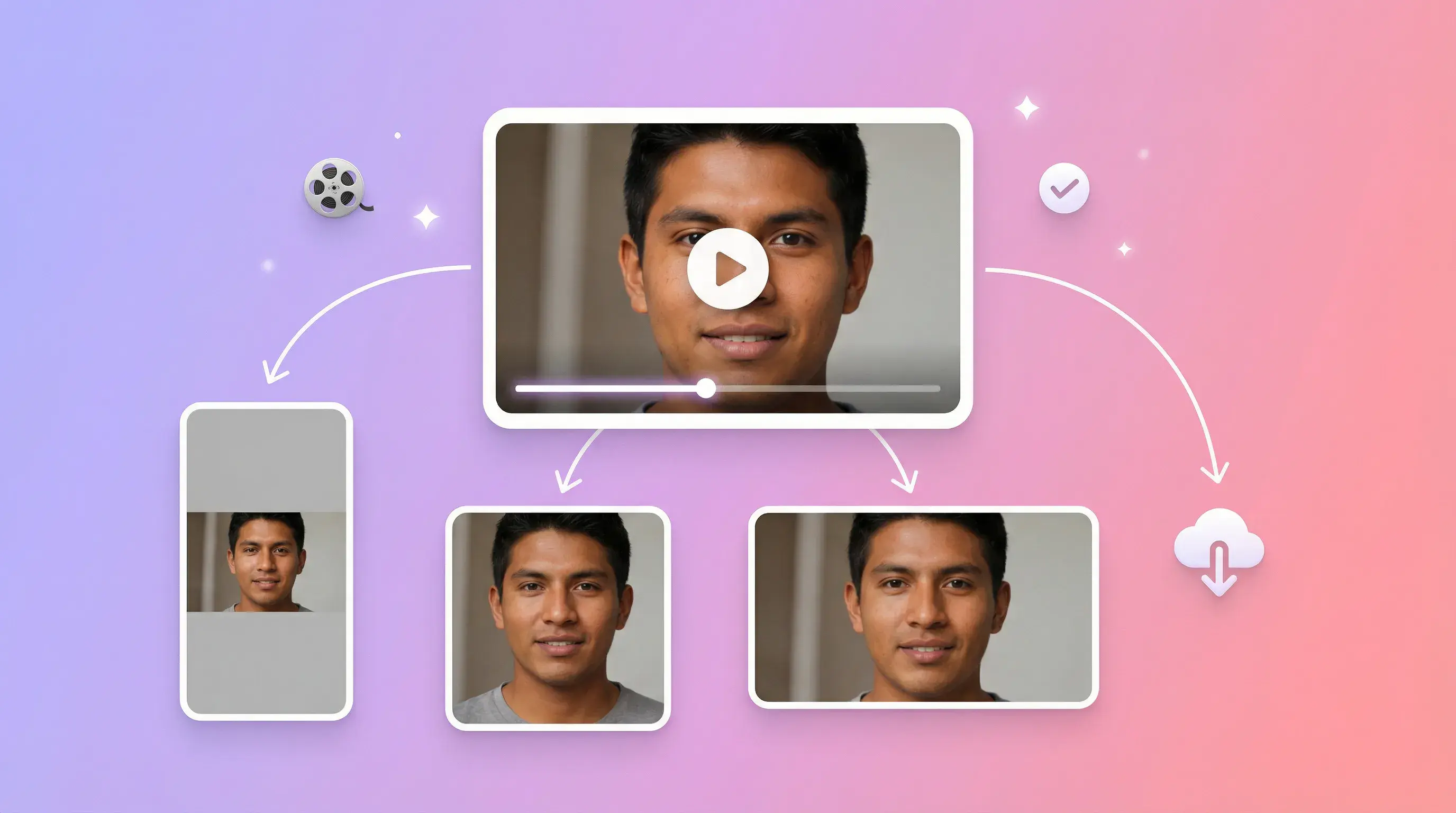
REUSE A CHARACTER REFERENCE
Inputs, production steps, and review
Choose a workflow based on the source material, required control, review needs, timeline, and budget.
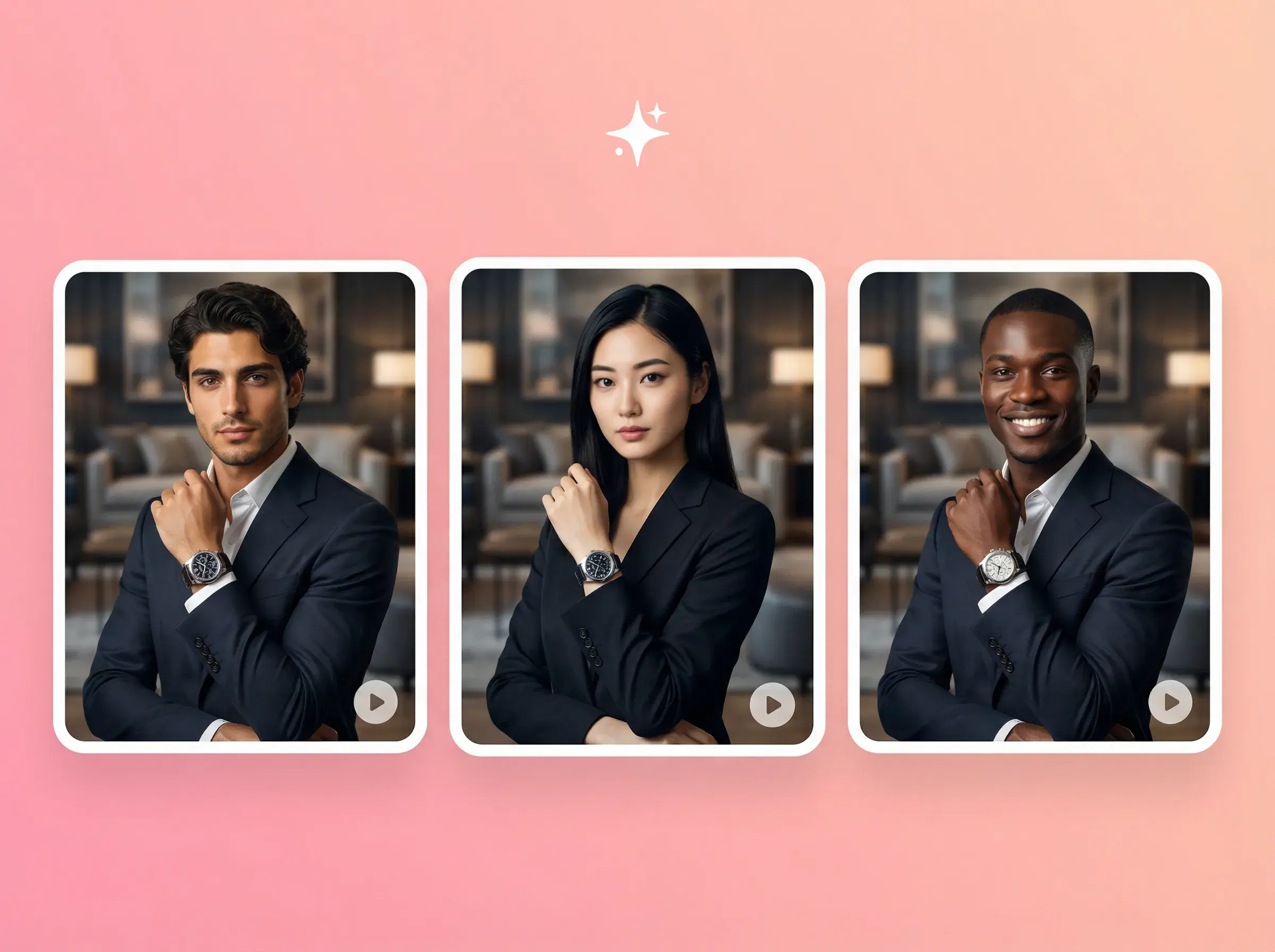
A version of the source media with the selected character, ready for you to review before editing or publishing.
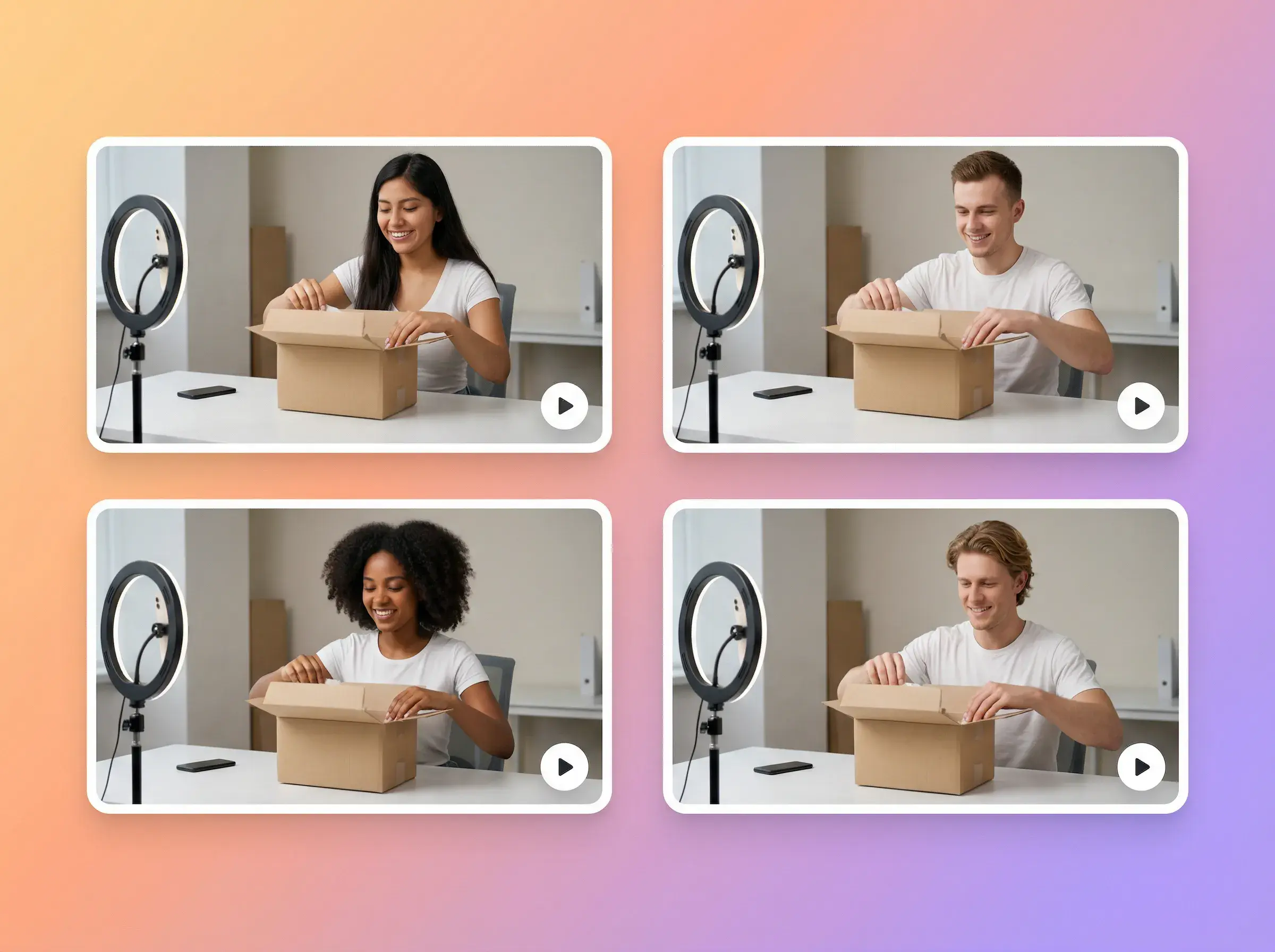
Create several versions from one source with different character images, then review which version fits the brief.
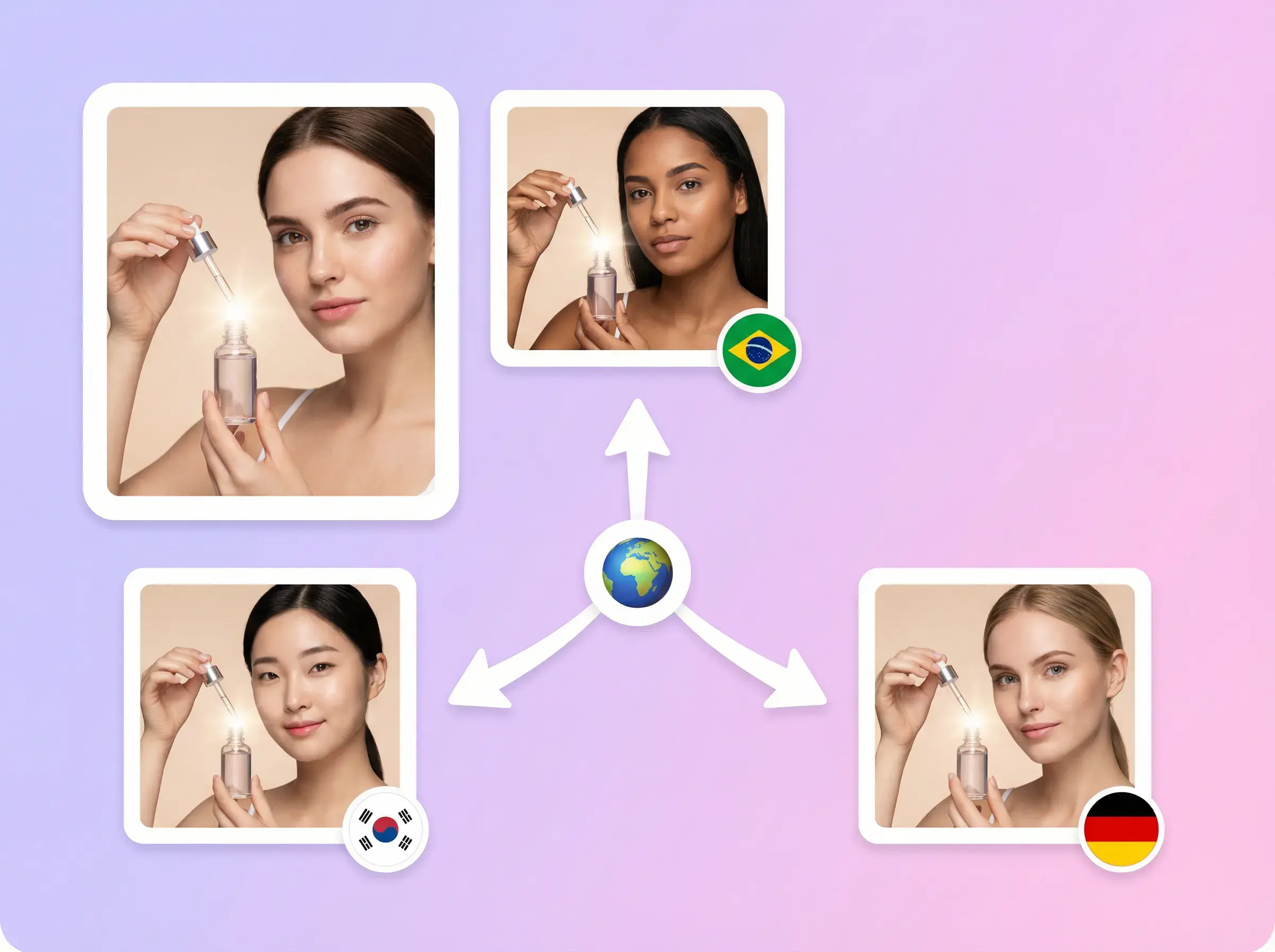
Use a selected character image for a regional creative, then review brand, cultural, and visual suitability before use.

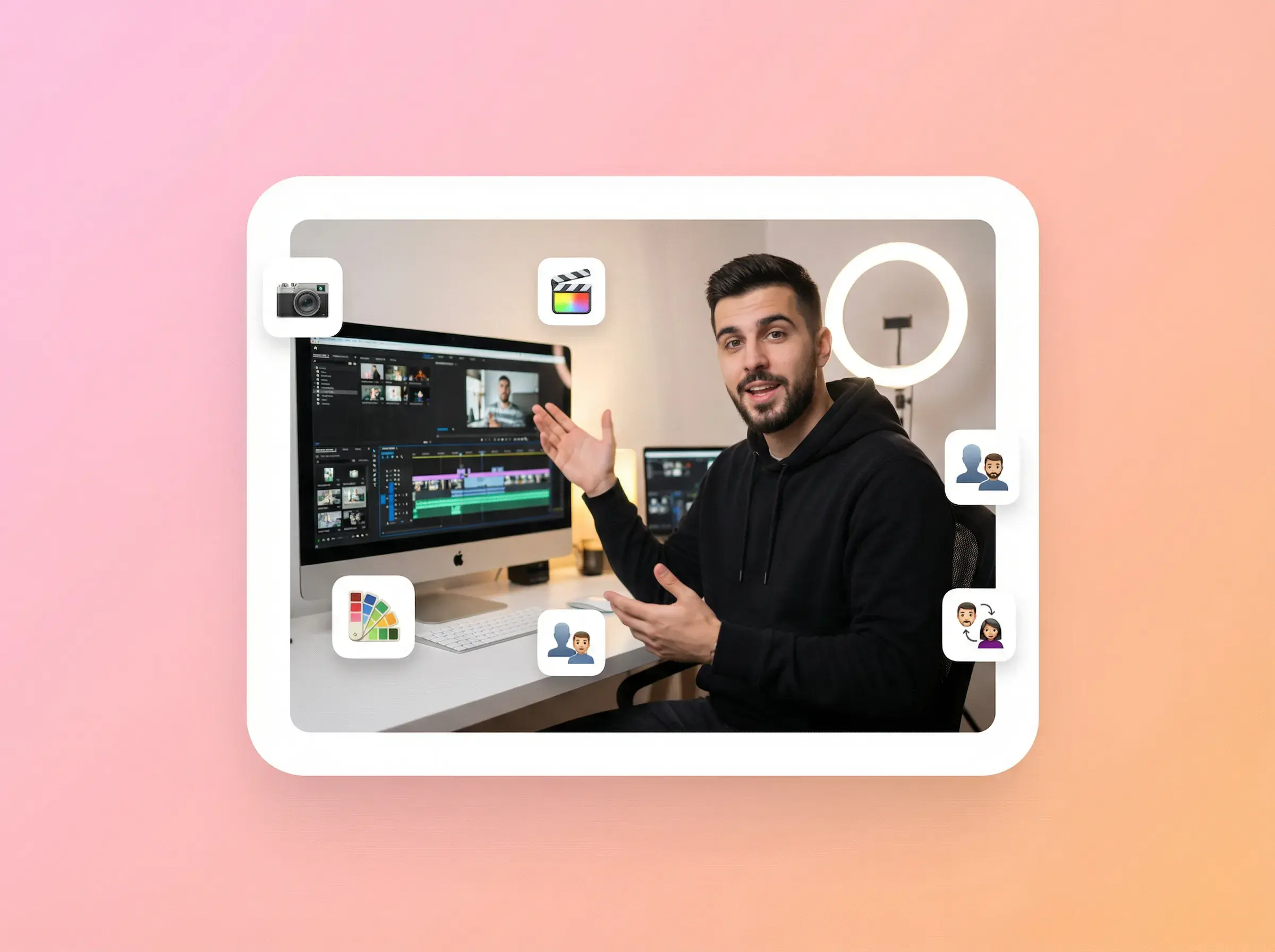

CHARACTER SWAP
Add one source video or image with a visible main person, plus one clear character image showing the person you want to swap in.
For video, AdsTurbo uses the source motion, timing, lighting, and scene as references. For images, it uses the source composition, lighting, and scene as references. Review faces, hands, edges, and occlusion before use.
Use a clear image with the character’s face visible. When the source includes full-body motion, prefer a reference that also shows the body and limbs. Avoid heavy blur or occlusion.
You can submit the same source video or image with different character images. Review each completed result separately before selecting a version for editing or publishing.
You can create a video or image character version for a regional creative. Review brand and cultural suitability before publishing. Character Swap changes the character; it does not translate speech, captions, or on-screen text.
Upload a source video or image and a character image, generate a new version, and review the result before use.
AdsTurbo