AdsTurbo
By Zengshi AI
Zengshi AIzengshi.ai
Your full-funnel growth partner in the AI era. AdsTurbo is one of its four products, alongside MaxAEO AI search visibility, Toppp AI sales & support and PopTo social content creation.
See all productsAdsTurboYour full-funnel growth partner in the AI era. AdsTurbo is one of its four products, alongside MaxAEO AI search visibility, Toppp AI sales & support and PopTo social content creation.
See all productsUpload an MP4 or paste a supported video link. AdsTurbo generates a clip-by-clip report with shot timing, visual notes, scripts, camera angles, and ad-structure scoring.
Upload an MP4 or paste a supported video link to generate a report with shots, timing, scripts, visual notes, and camera angles.
Upload one MP4 file up to 200MB, choose one from Assets, or paste a supported video link.
Review each detected clip, its timing, script, visual content, camera angle, and ad structure.
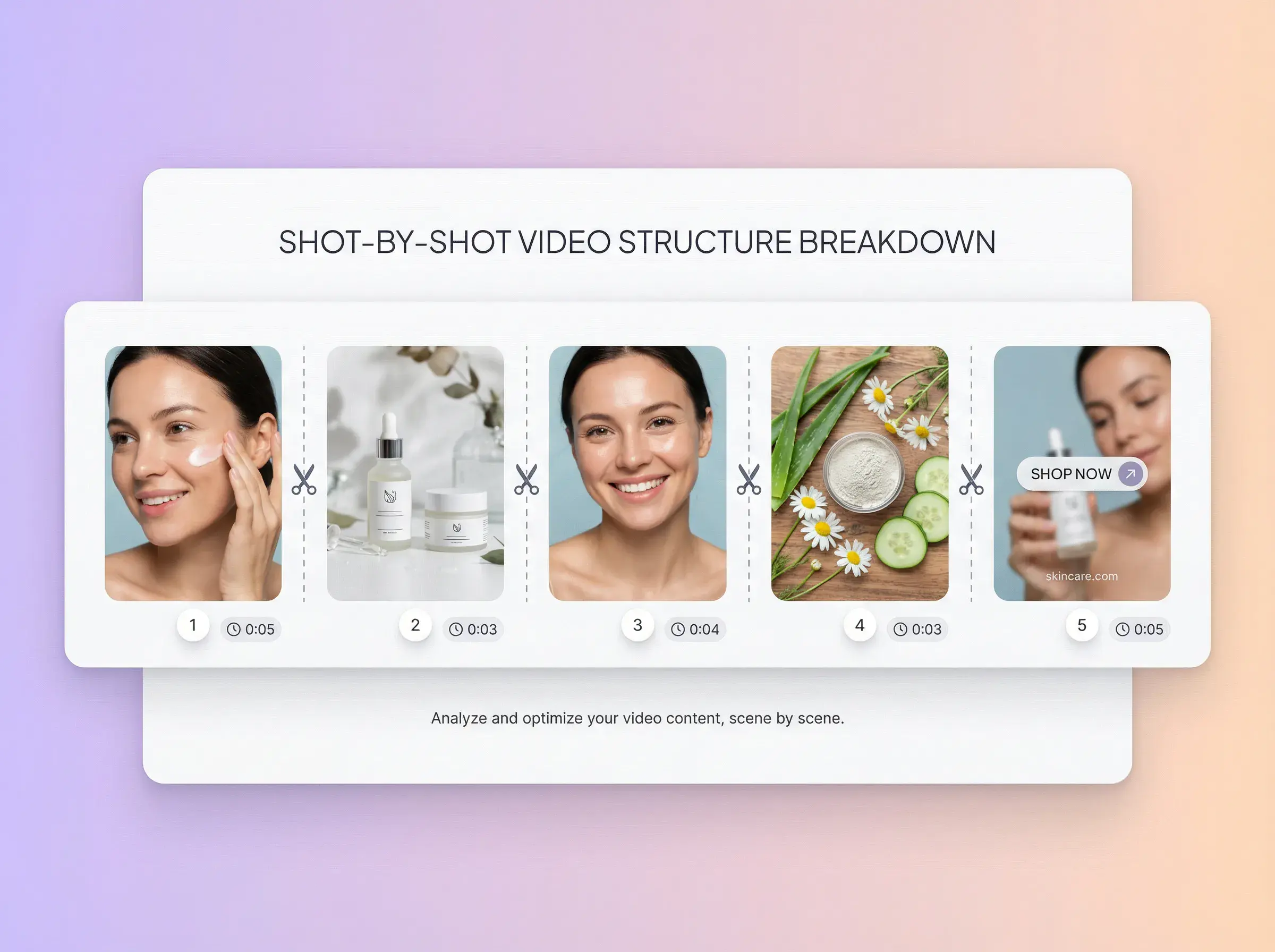
Review each detected clip with timing, a key frame, visual notes, script text, and camera angle.
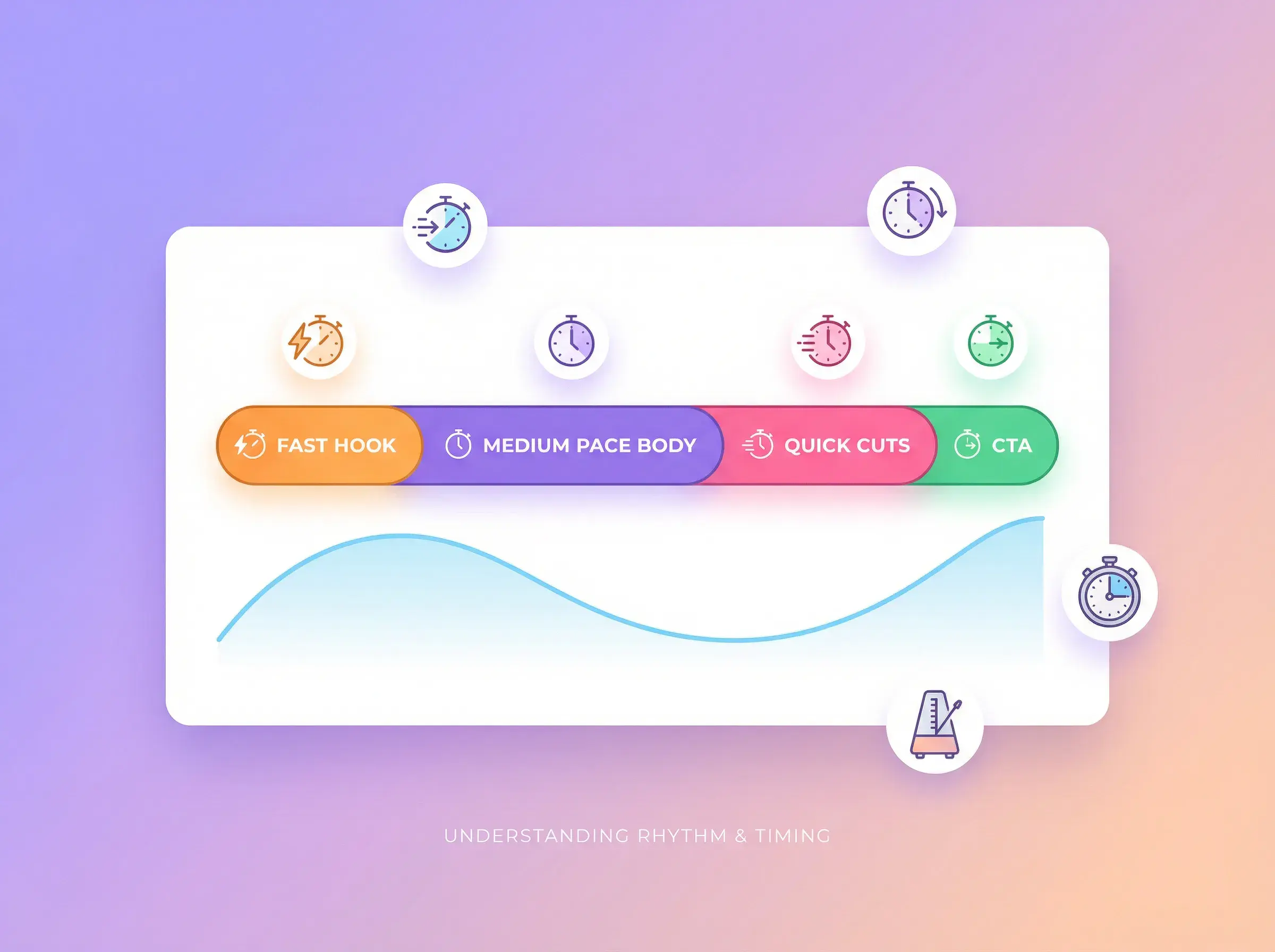
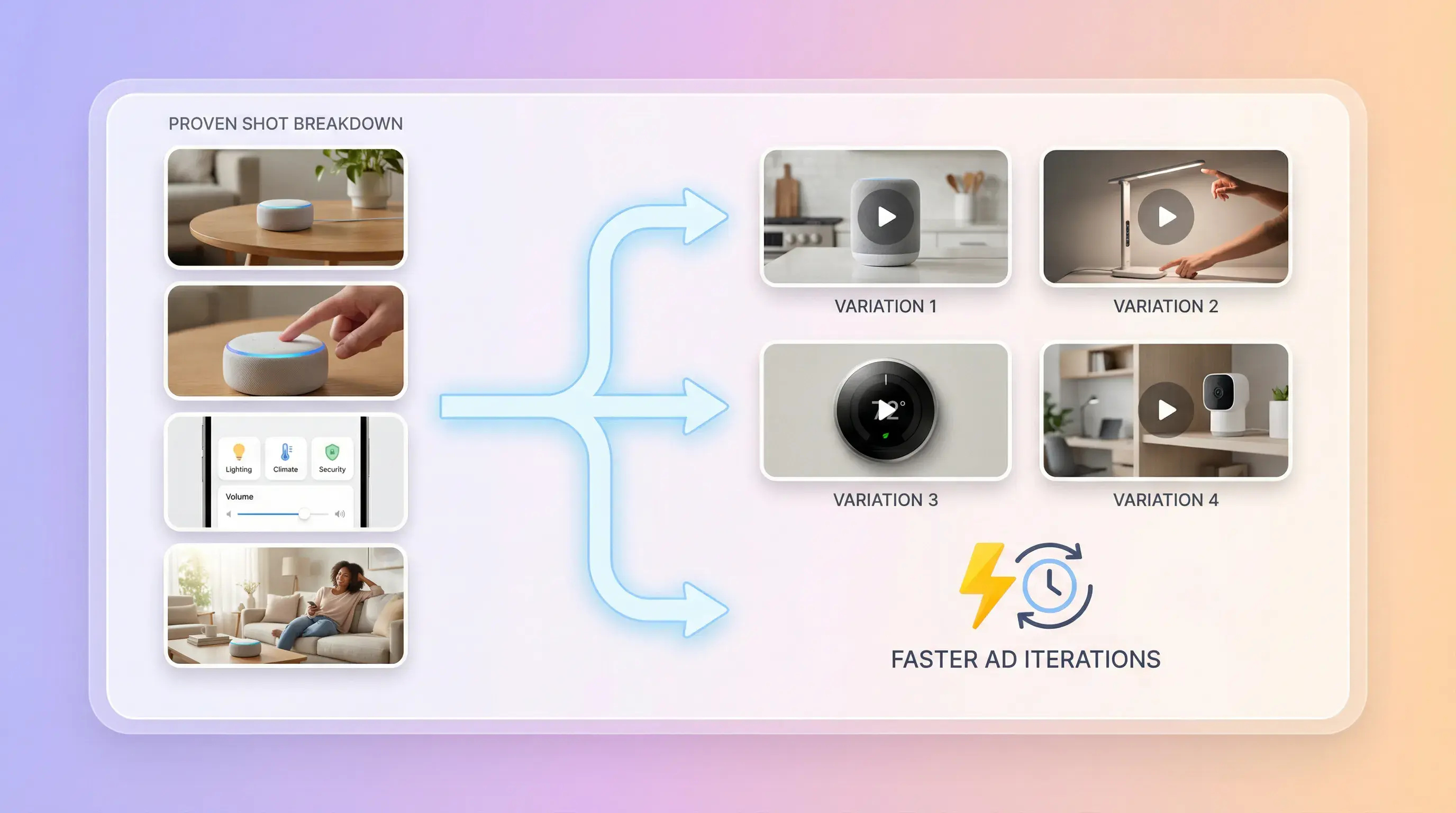
See the duration and order of each detected clip.
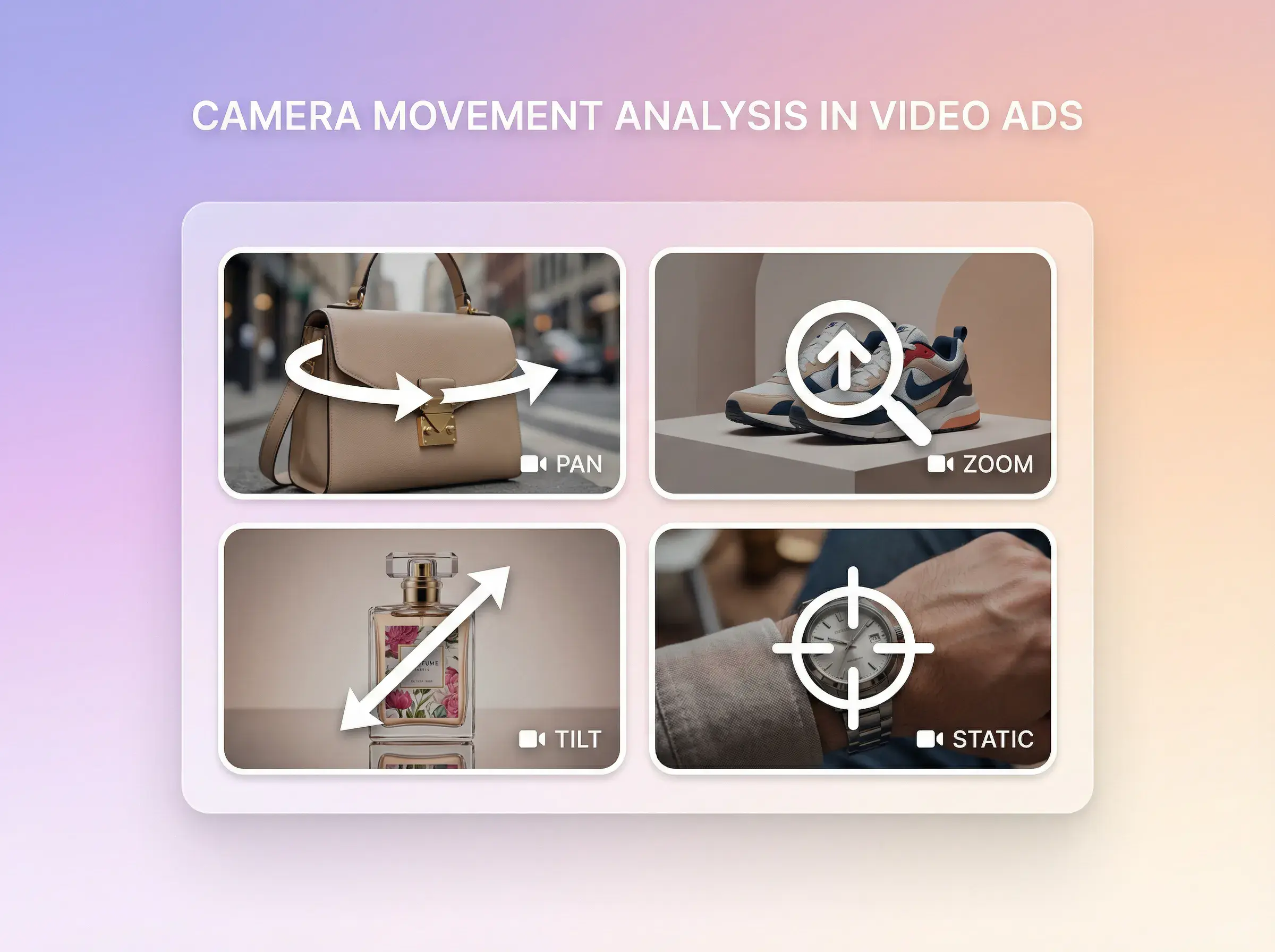
Review visual content and camera-angle notes for each detected clip.
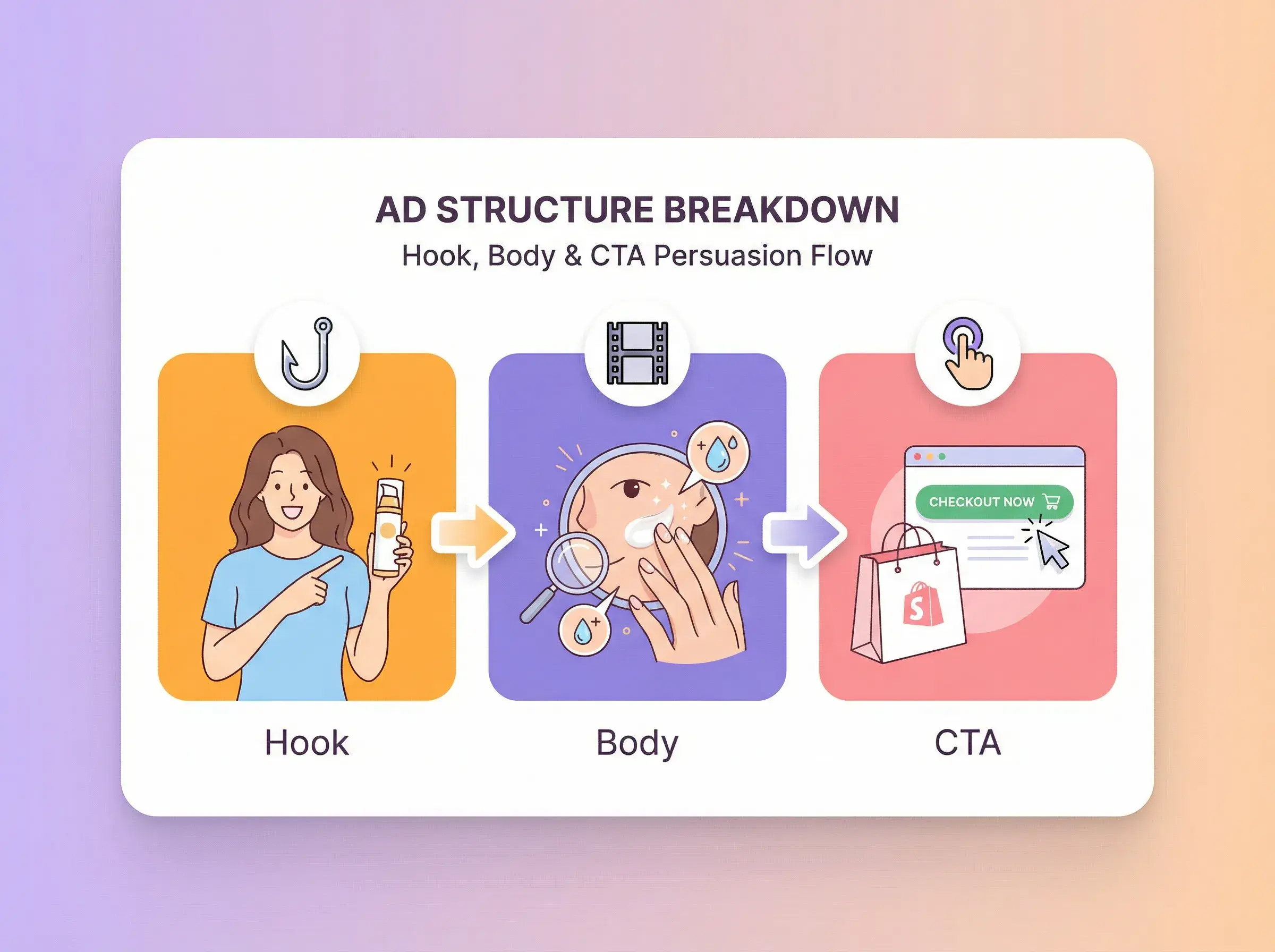
Review overall ad potential across attention, relevance, clarity, proof, and conversion.
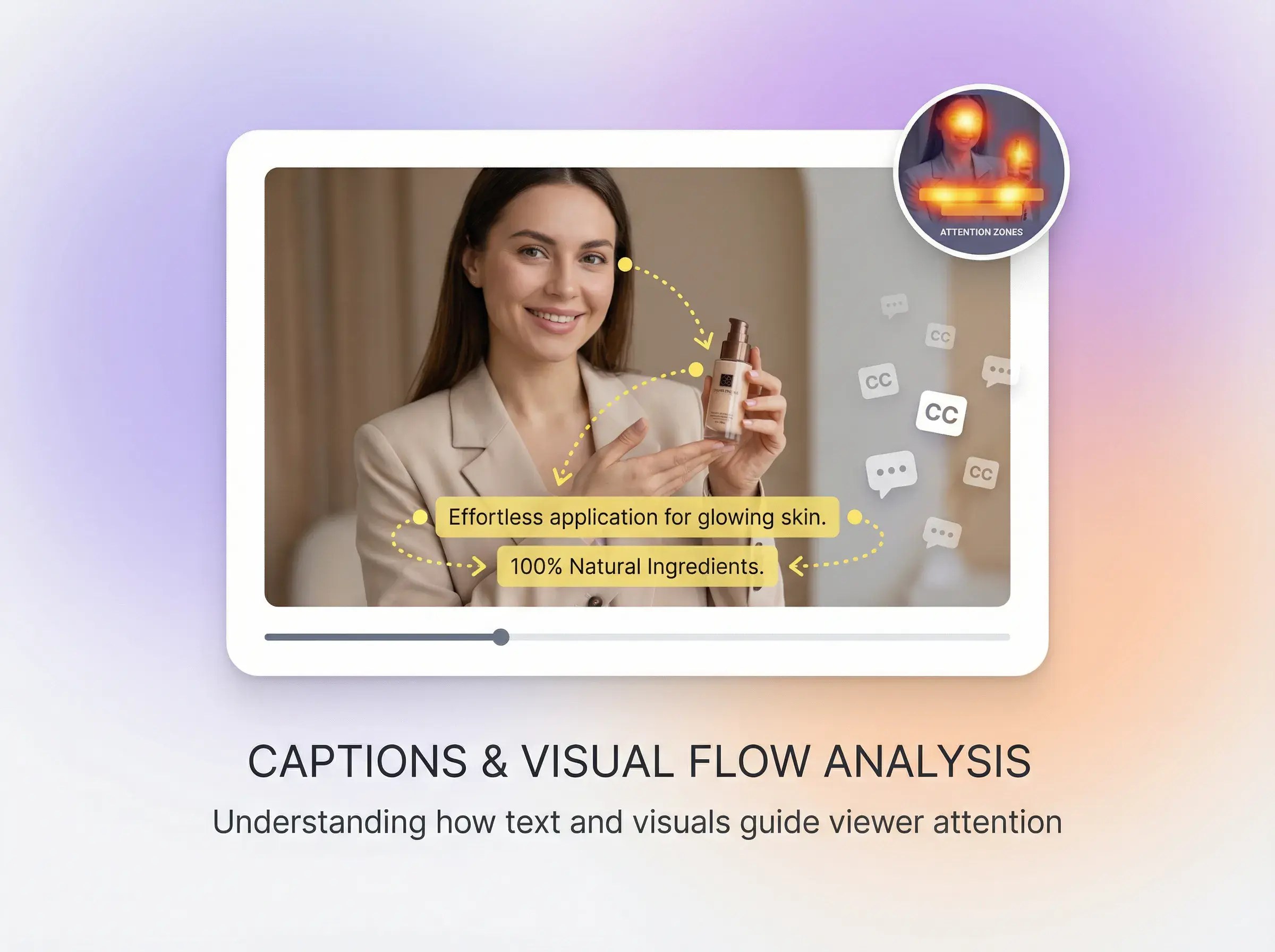
Review clip-level script text, visual content, and the full video script.
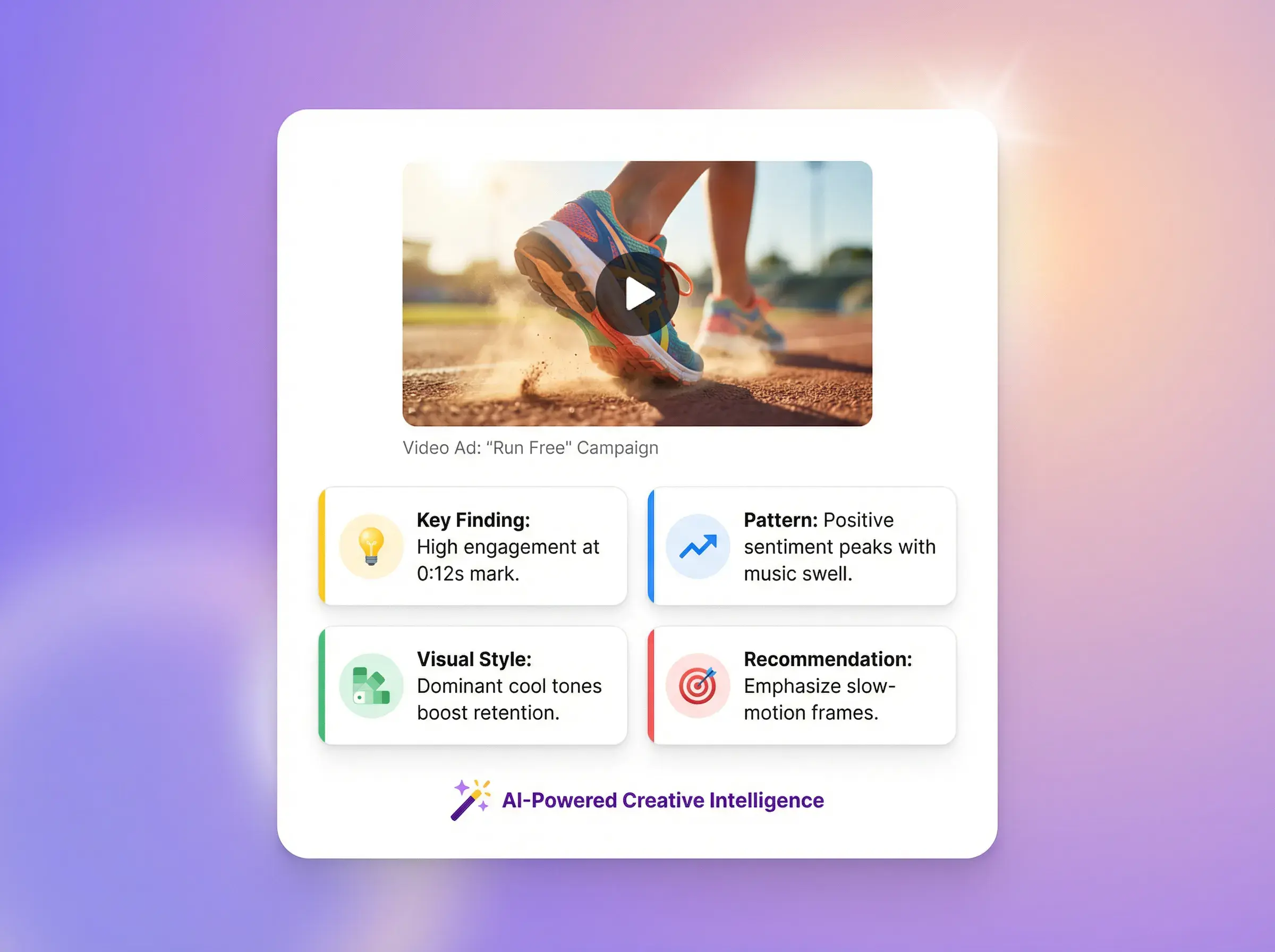
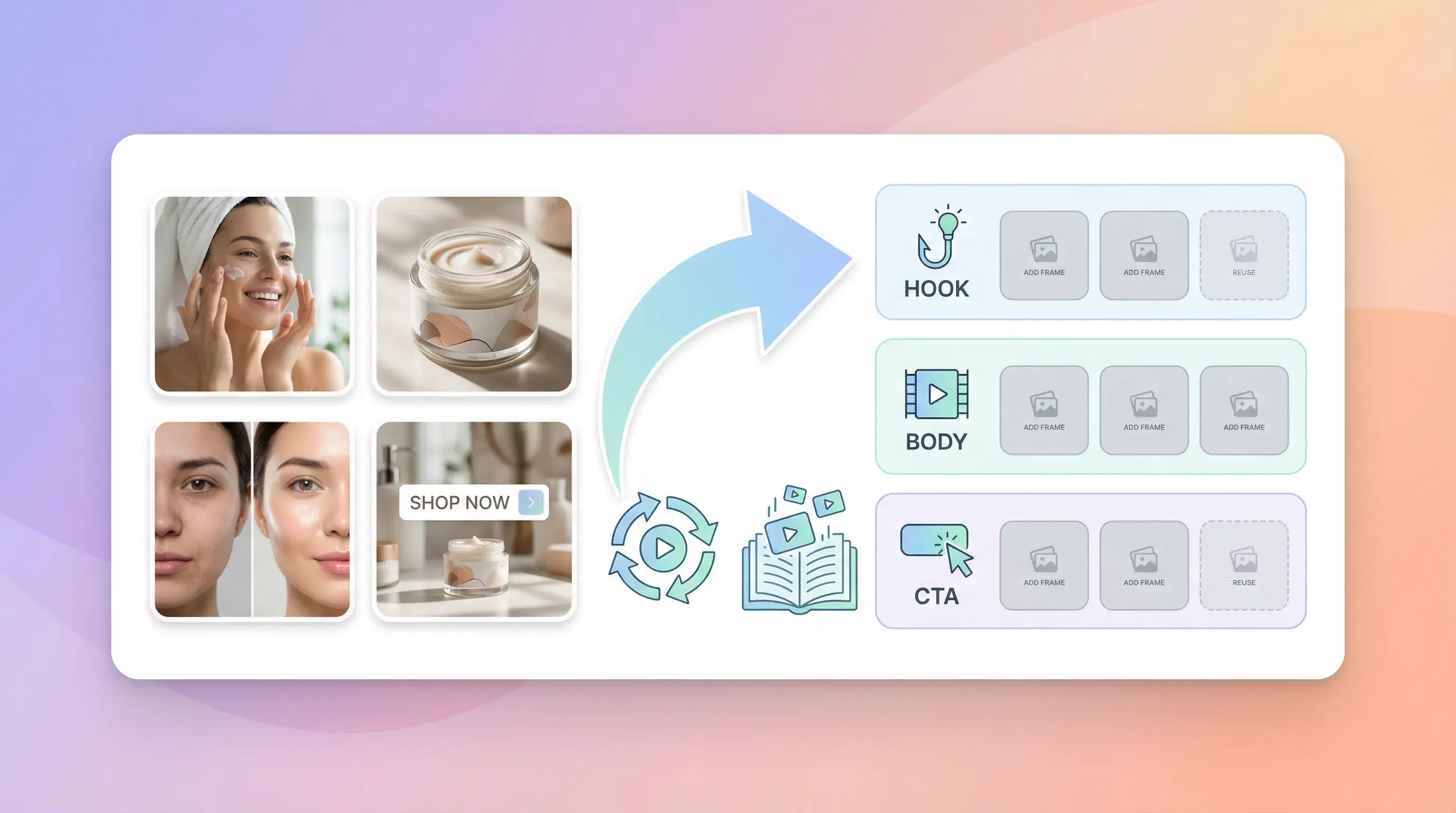
Check display, in-use, hook, problem, proof, and closing modules with reasons and evidence.
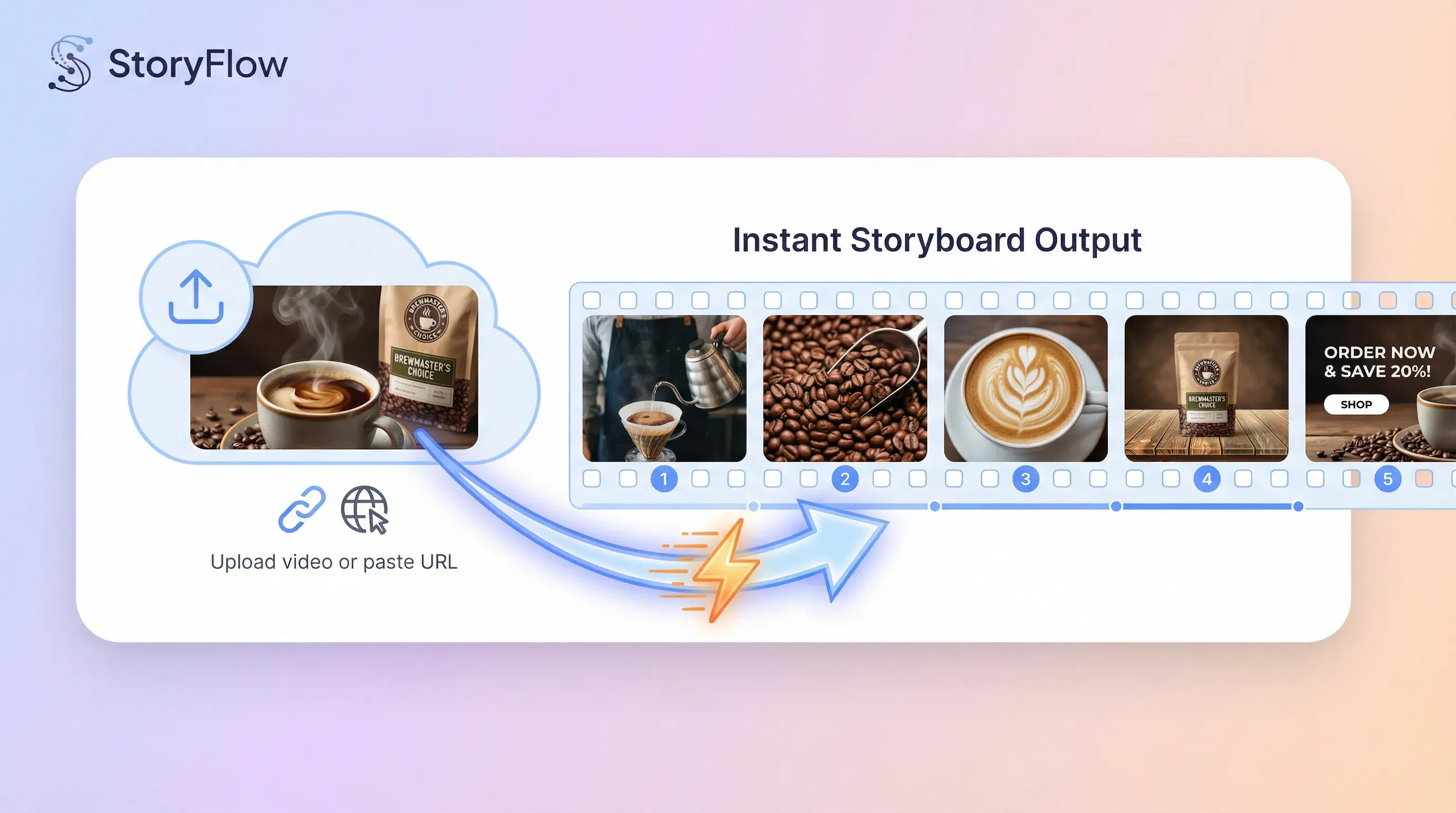
VIDEO INPUT
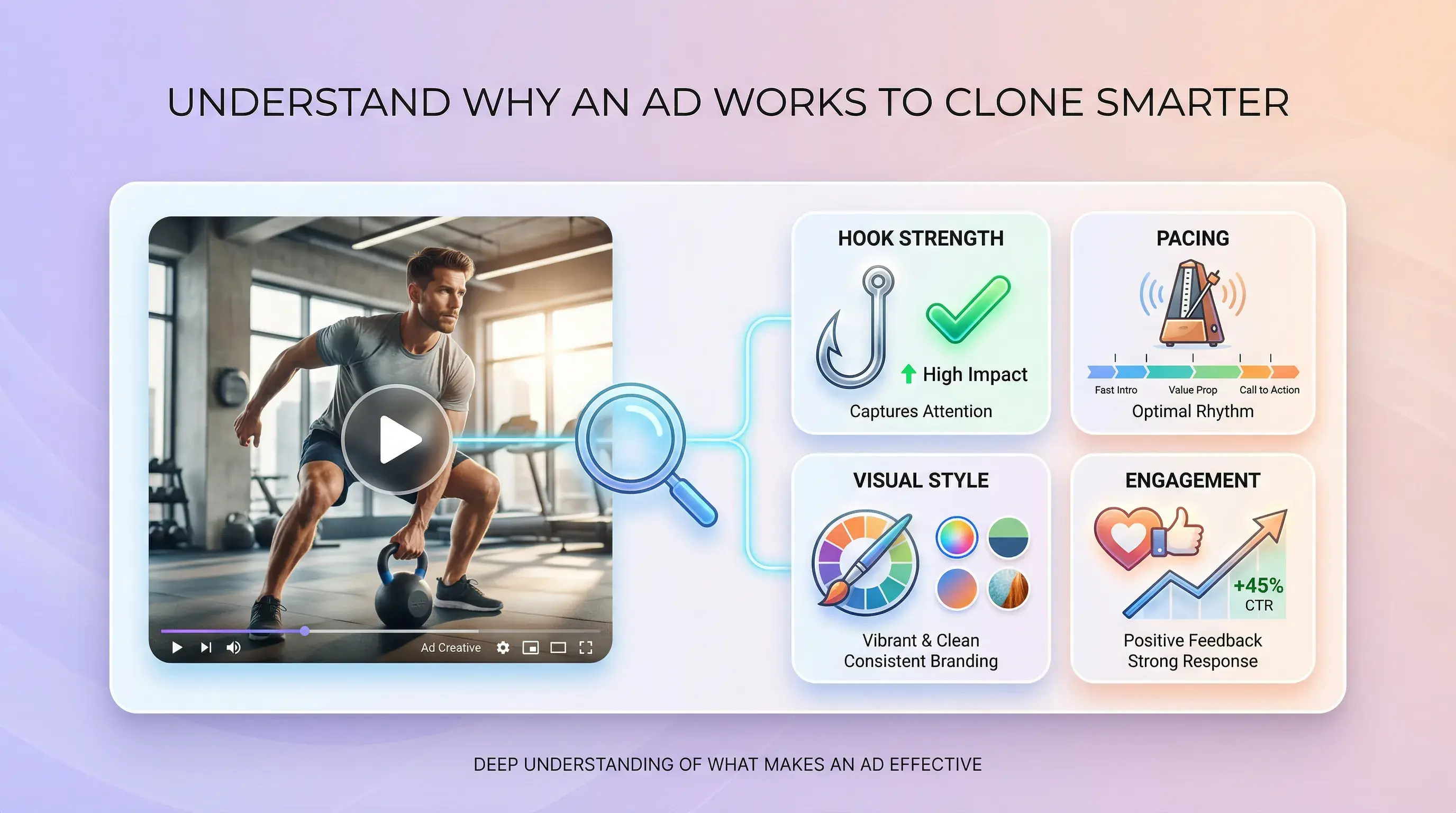
AD STRUCTURE REVIEW
CLIP-BY-CLIP REPORT
SCRIPT AND EVIDENCE
REPORT SCOPE
Compare what each workflow records. Review AI-generated findings before using them.
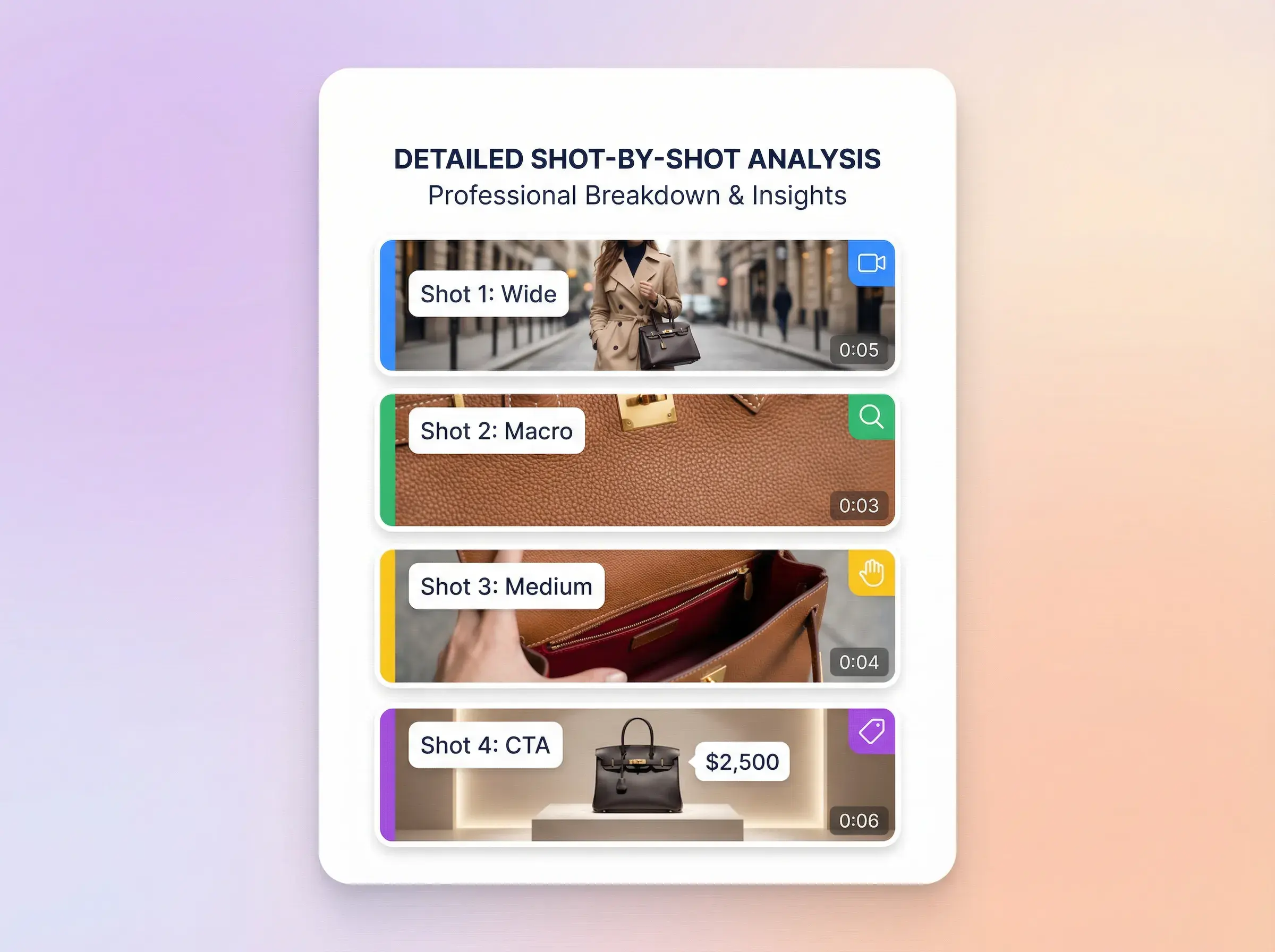
Detected clips with timing, key frames, visual notes, script text, and camera angles.
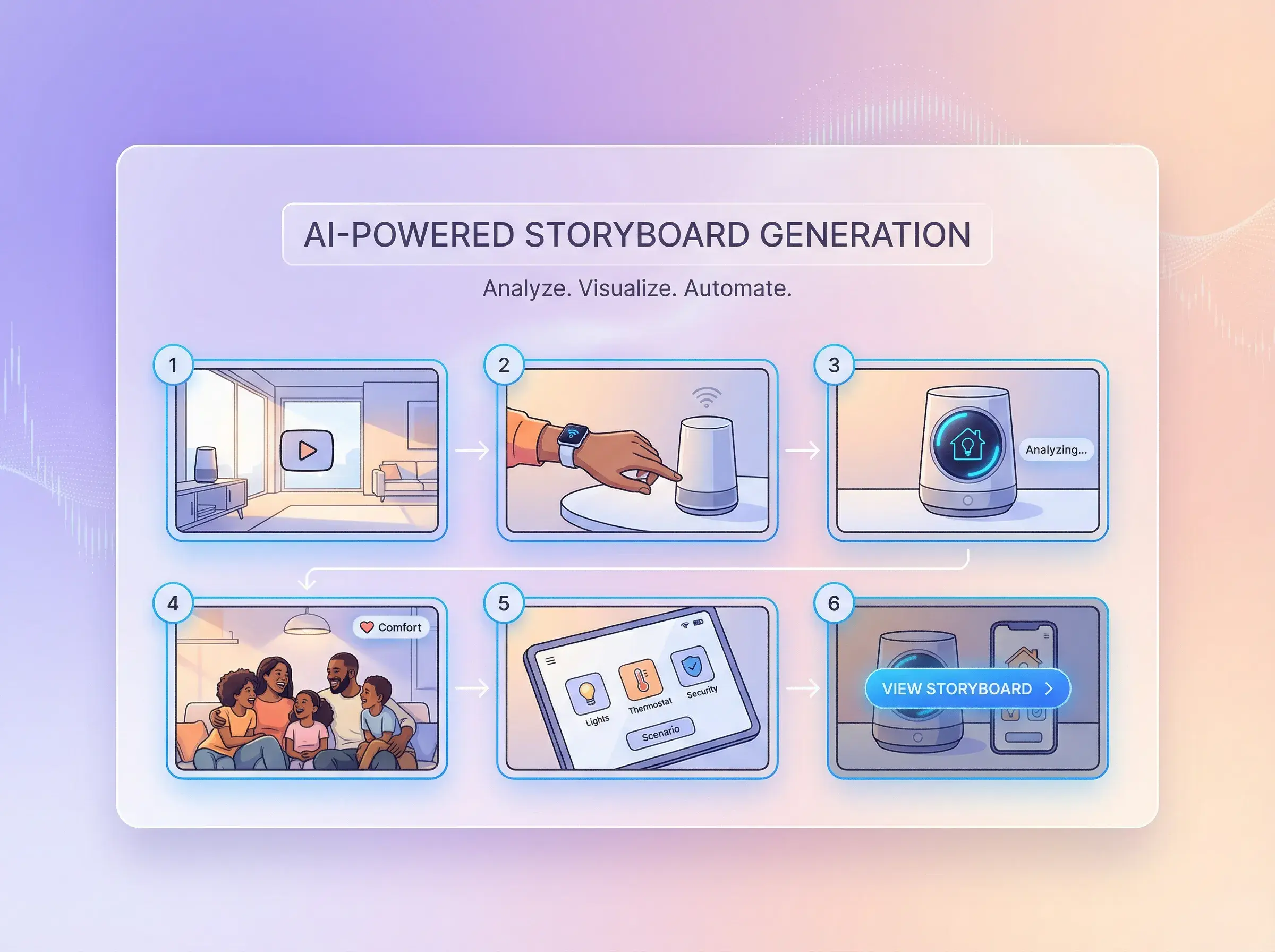
Open the extracted script alongside the clip-level breakdown.
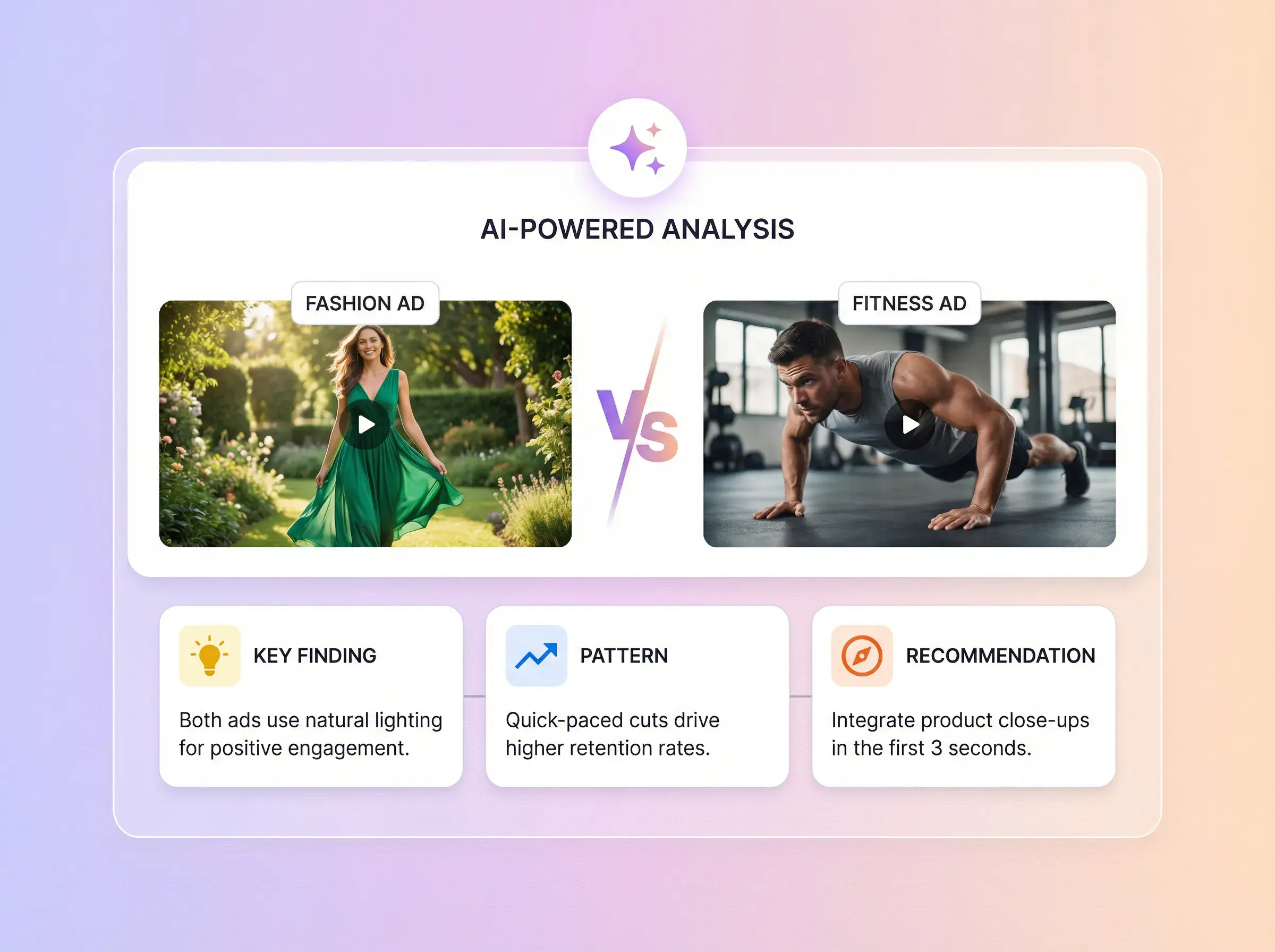
Review the overall score, five evaluation dimensions, and module-level reasons and evidence.



CLIP BY CLIP
Upload one MP4 file up to 200MB, or paste a supported video link. Use only material you own or are authorized to analyze.
The report can include an overall ad score, five evaluation dimensions, a module breakdown, and clip-level timing, visuals, scripts, and camera-angle notes. Review AI-generated results before use.
The report helps you inspect structure, scripts, visuals, and ad modules. It does not generate or guarantee a new winning ad.
You can submit a supported MP4 or video link and review the detected clips in the same report format. Results depend on the source video.
Open the completed analysis in Task Center to review the clip-by-clip report and full video script.
Upload an MP4 or paste a supported video link, then review the generated report before using its findings.
AdsTurbo