AdsTurbo
By Zengshi AI
Zengshi AIzengshi.ai
Your full-funnel growth partner in the AI era. AdsTurbo is one of its four products, alongside MaxAEO AI search visibility, Toppp AI sales & support and PopTo social content creation.
See all productsAdsTurboYour full-funnel growth partner in the AI era. AdsTurbo is one of its four products, alongside MaxAEO AI search visibility, Toppp AI sales & support and PopTo social content creation.
See all productsUpload a video or use a YouTube, Google Drive, or direct video link. Choose one target language or accent, then generate a dubbed video with synchronized audio.
Translate and dub a video in your selected language
Upload the video you want to translate and dub
Localize faster. Stay consistent.
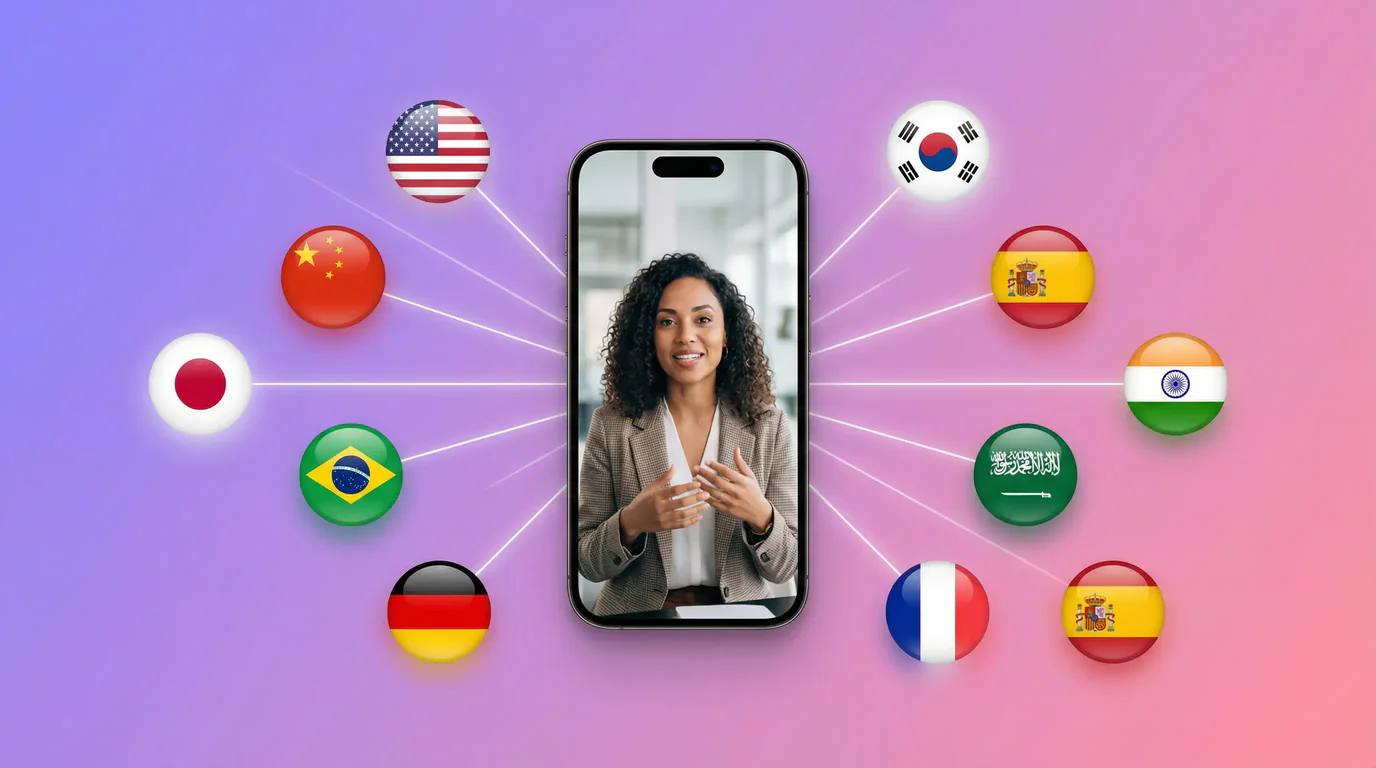
Choose from 40+ language and accent options for this generation.
Generate translated speech for the selected target language or accent.
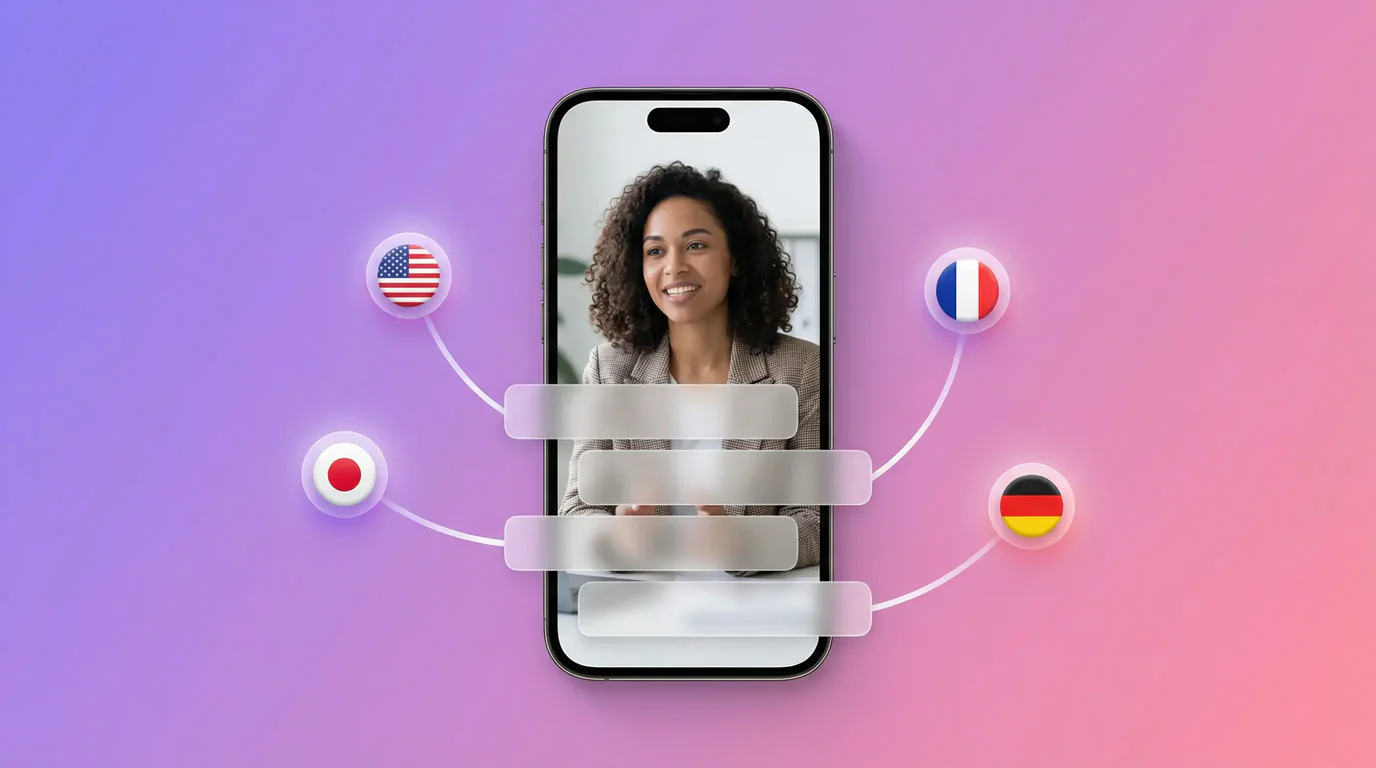
Use Video Translation for dubbed audio.
Generate dubbed audio aligned to the source video timing.
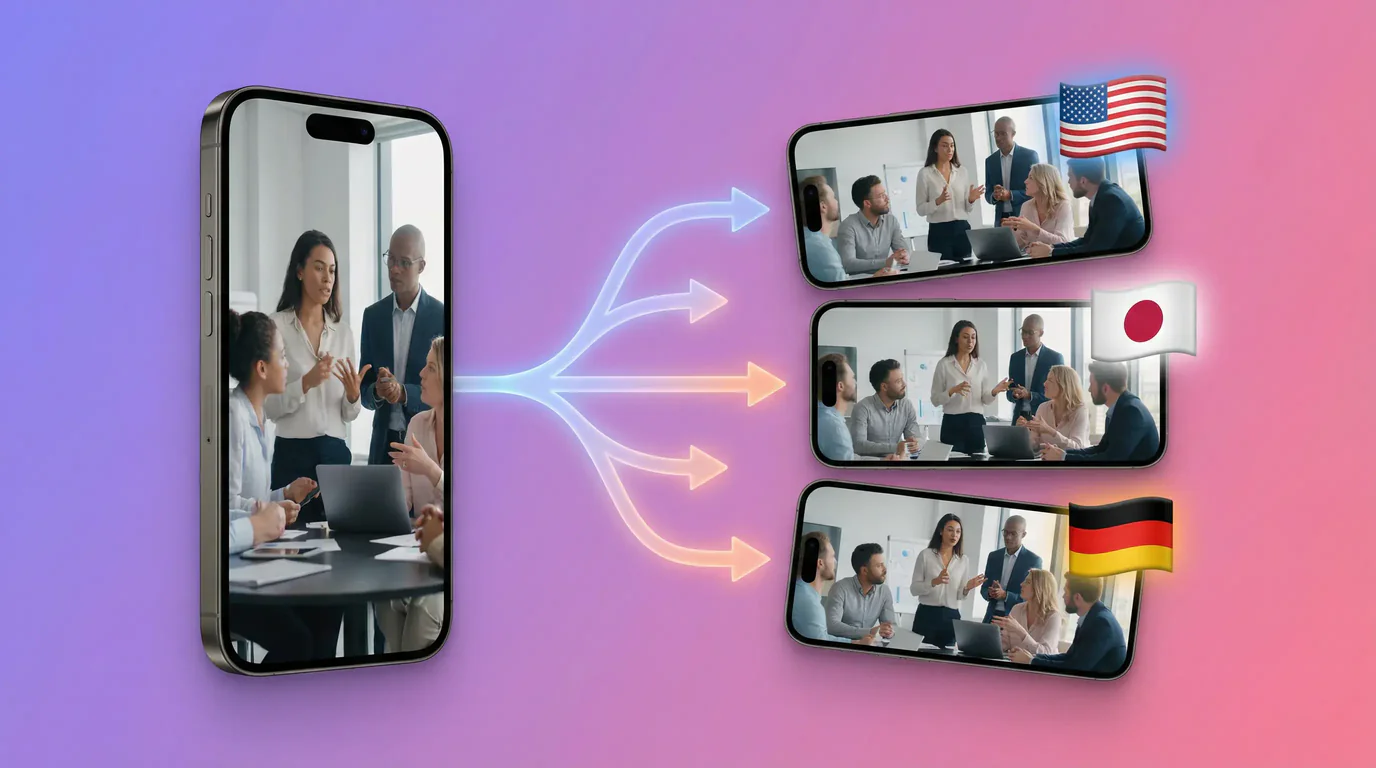
Run a new generation with a different target language.
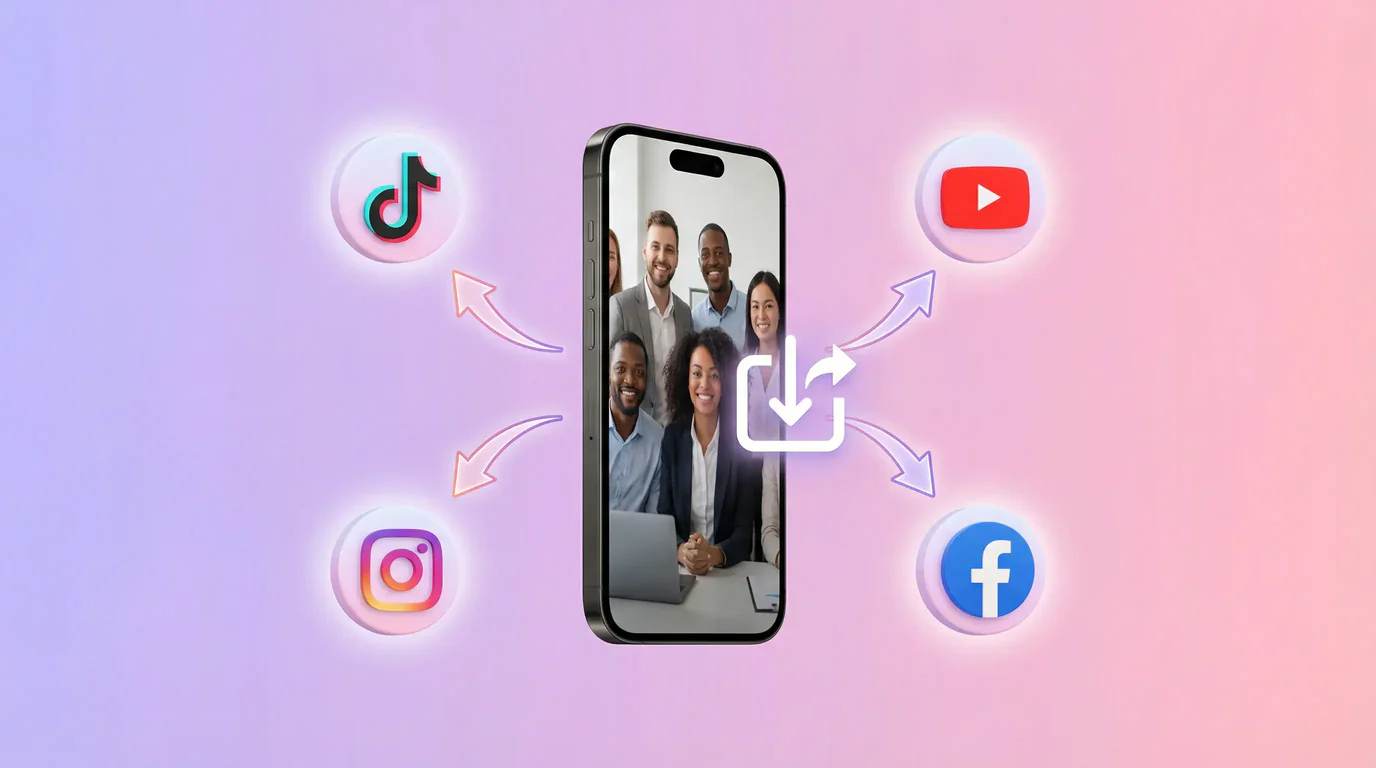
Preview or download the result in Task Center, then start another generation when needed.
Upload one source video, choose one target language, and generate a dubbed result. Run the workflow again when you need another language.
Choose a local video or paste a supported video link to begin.
Select from 40+ language and accent options for this generation.
Submit the translation, then preview and download the completed video from Task Center.
Need another language? Start a new generation for the next target.
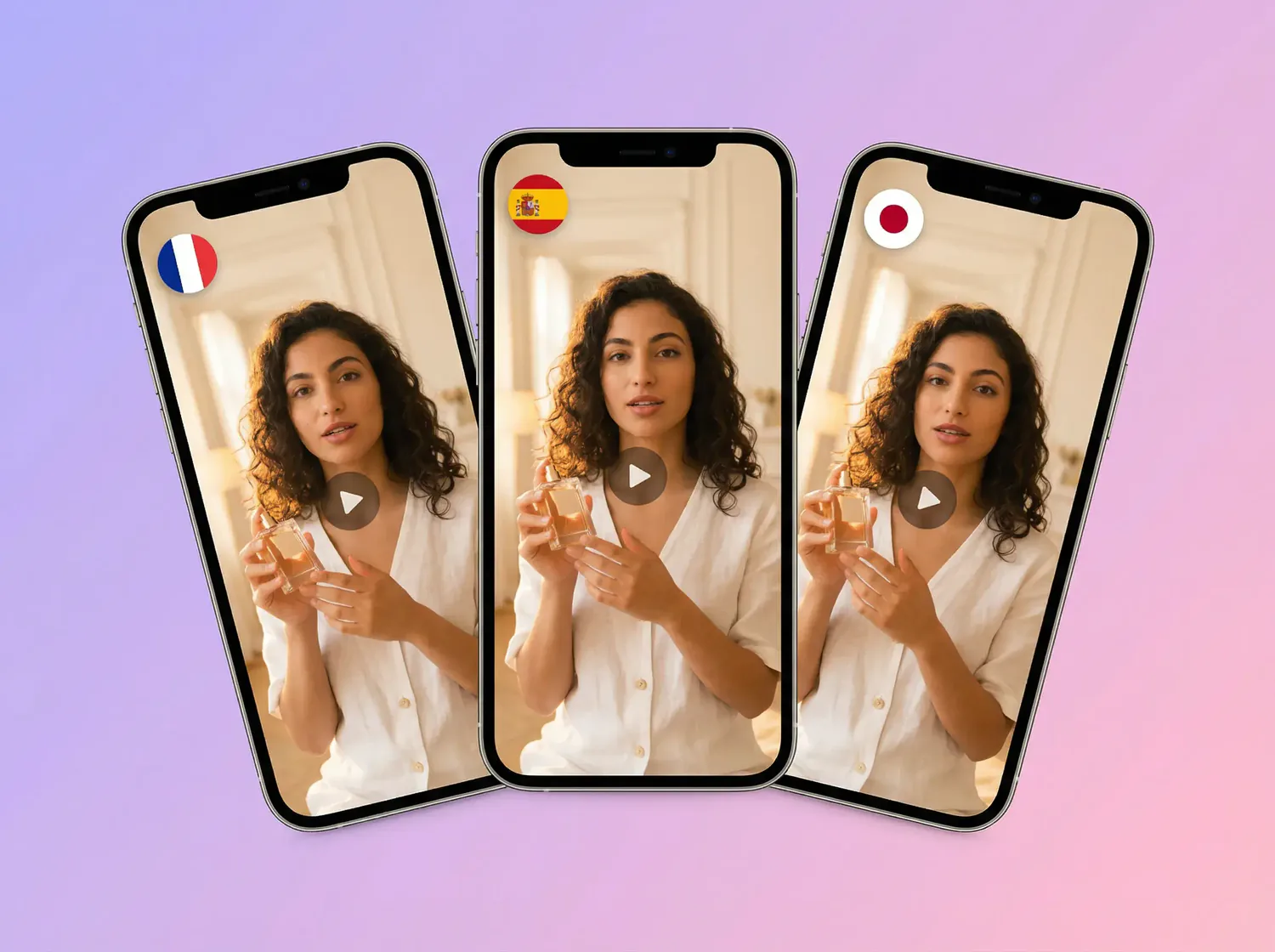
Generate a translated result for the chosen language or accent.
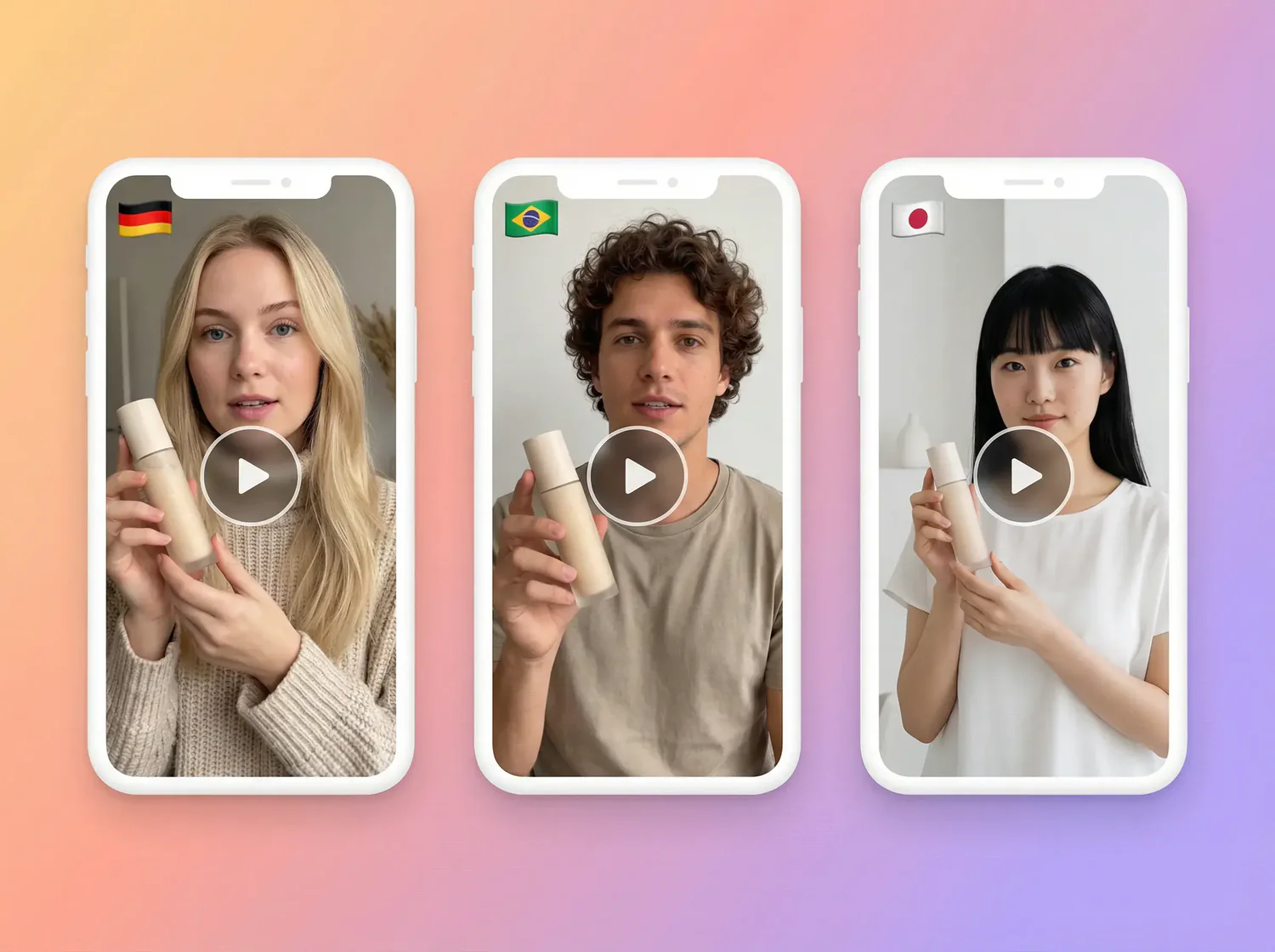
Create dubbed audio aligned to the source video timing.
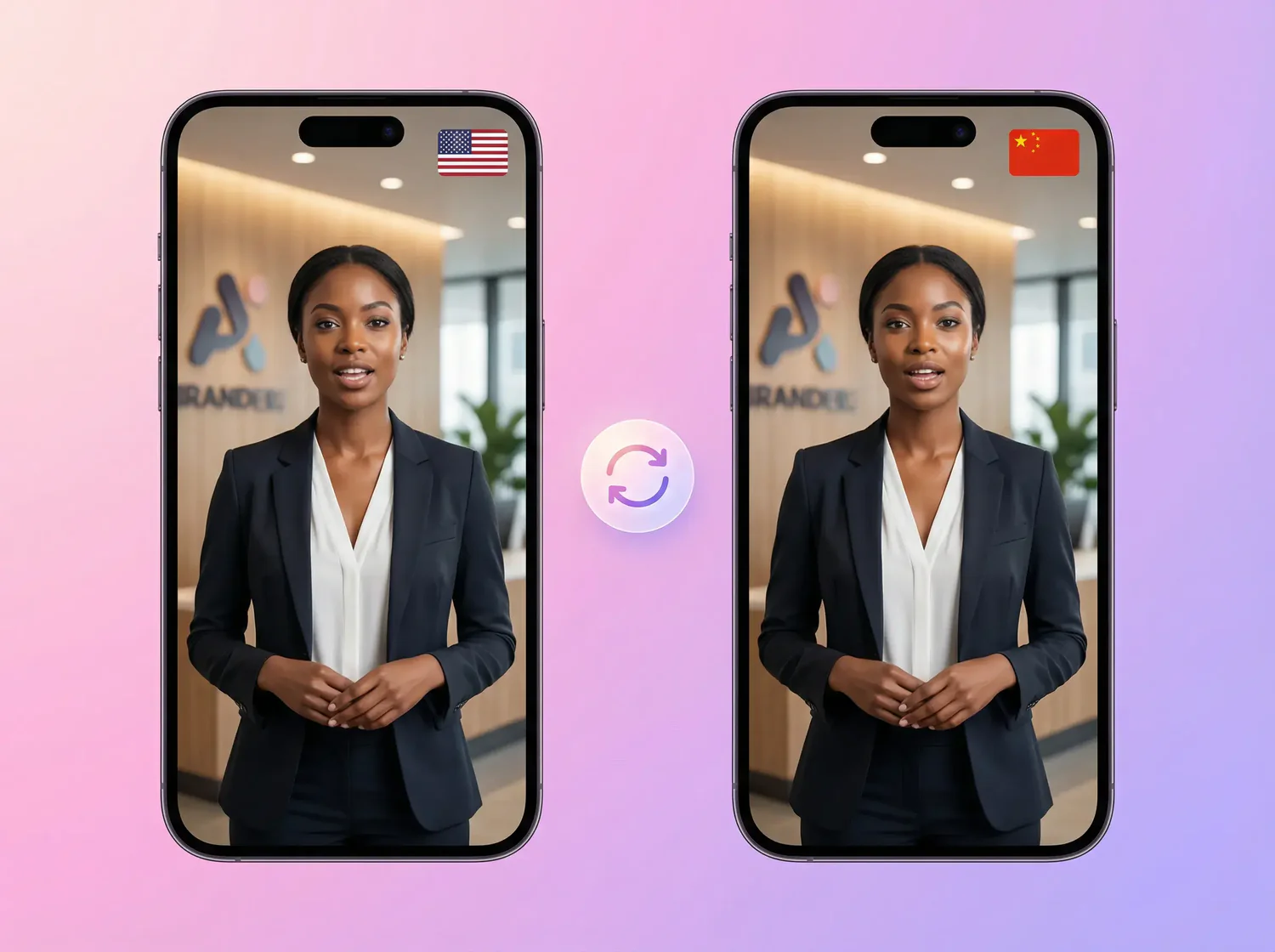
Run another generation when you need another market or language.
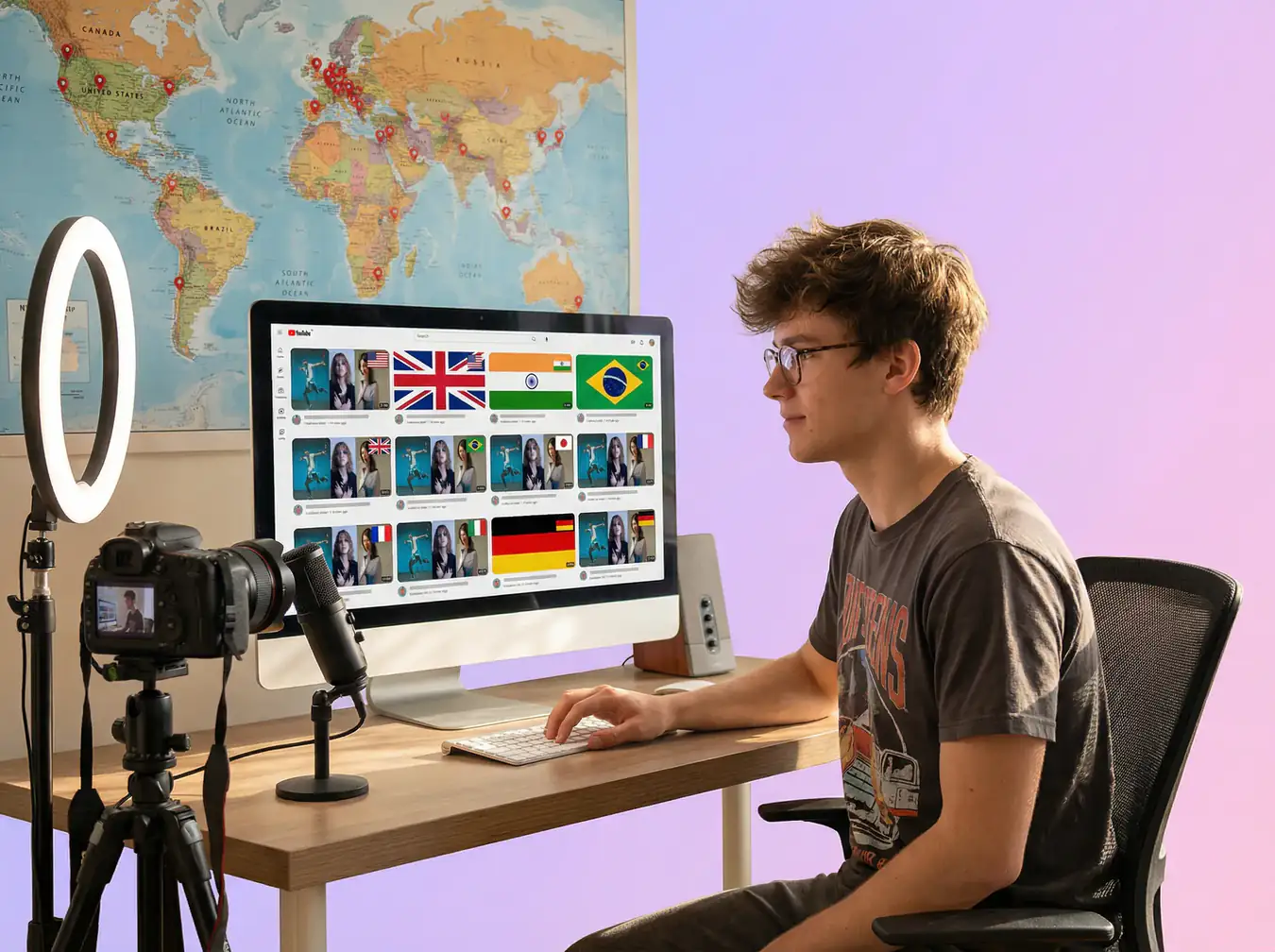
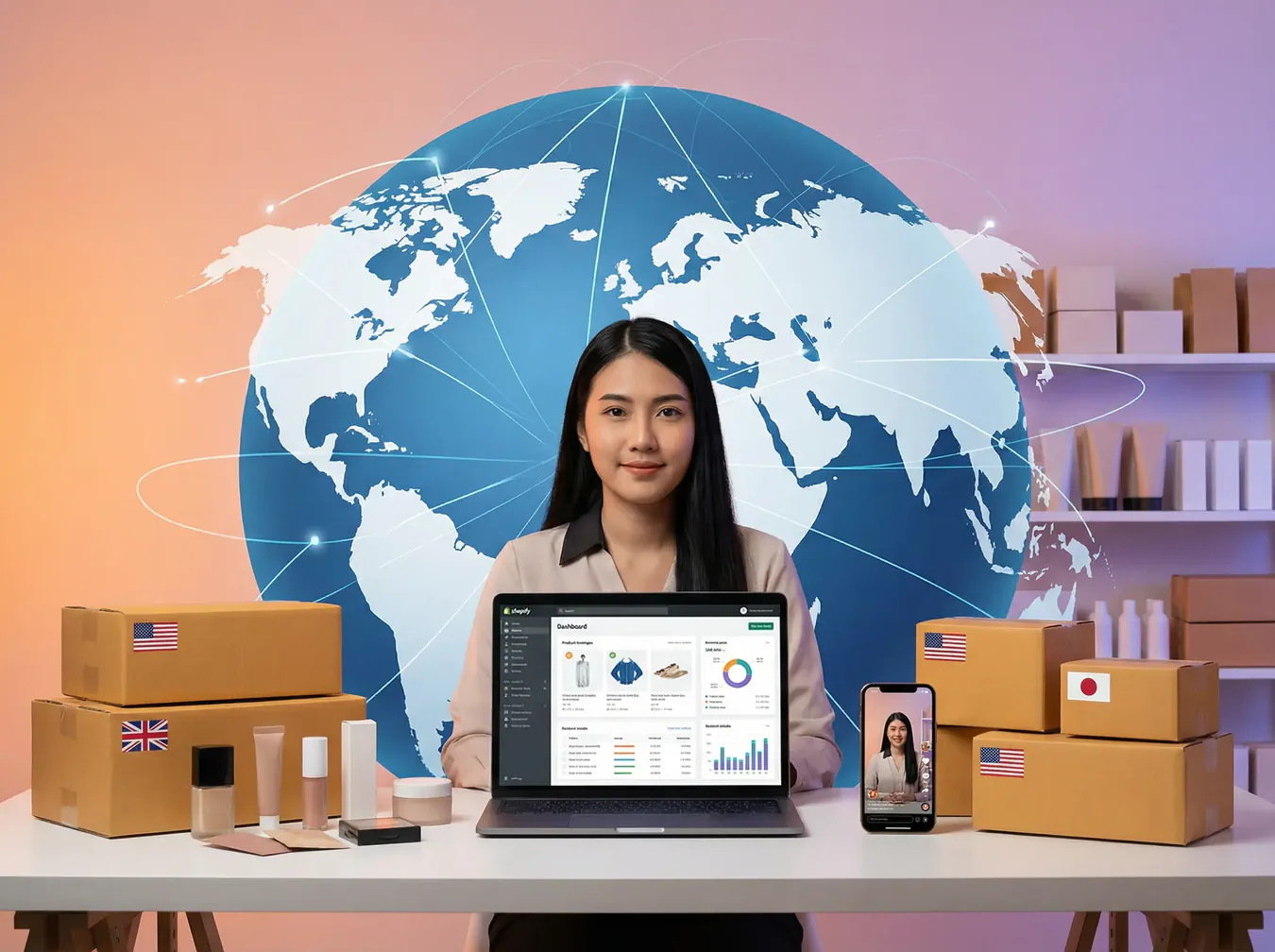

VIDEO TRANSLATION
Upload a video file, choose an existing video asset, or use a supported YouTube, Google Drive, or direct video-file link. Check the uploader for current format and size limits.
Choose from 40+ language and accent options. Availability may vary by model or region.
Video Translation generates a dubbed video. For captions or subtitle-only workflows, use AdsTurbo’s AI Video Subtitle Generator.
Each generation uses one target language or accent. Start another generation to create a version for a different market.
Cross-border ads, creator repurposing, product explainers, and global content distribution.
Choose a target language or accent and generate a dubbed video with synchronized audio.
AdsTurbo