AdsTurbo
By Zengshi AI
Zengshi AIzengshi.ai
Your full-funnel growth partner in the AI era. AdsTurbo is one of its four products, alongside MaxAEO AI search visibility, Toppp AI sales & support and PopTo social content creation.
See all productsAdsTurboYour full-funnel growth partner in the AI era. AdsTurbo is one of its four products, alongside MaxAEO AI search visibility, Toppp AI sales & support and PopTo social content creation.
See all productsUpload your video and remove watermarks, logos, subtitles, and text overlays with AI. Choose a removal mode and export a cleaner result for repurposing, ads, and content creation.
Erase logos, subtitles and text overlays from your video or image effortlessly.
Erase overlays while keeping the video natural.
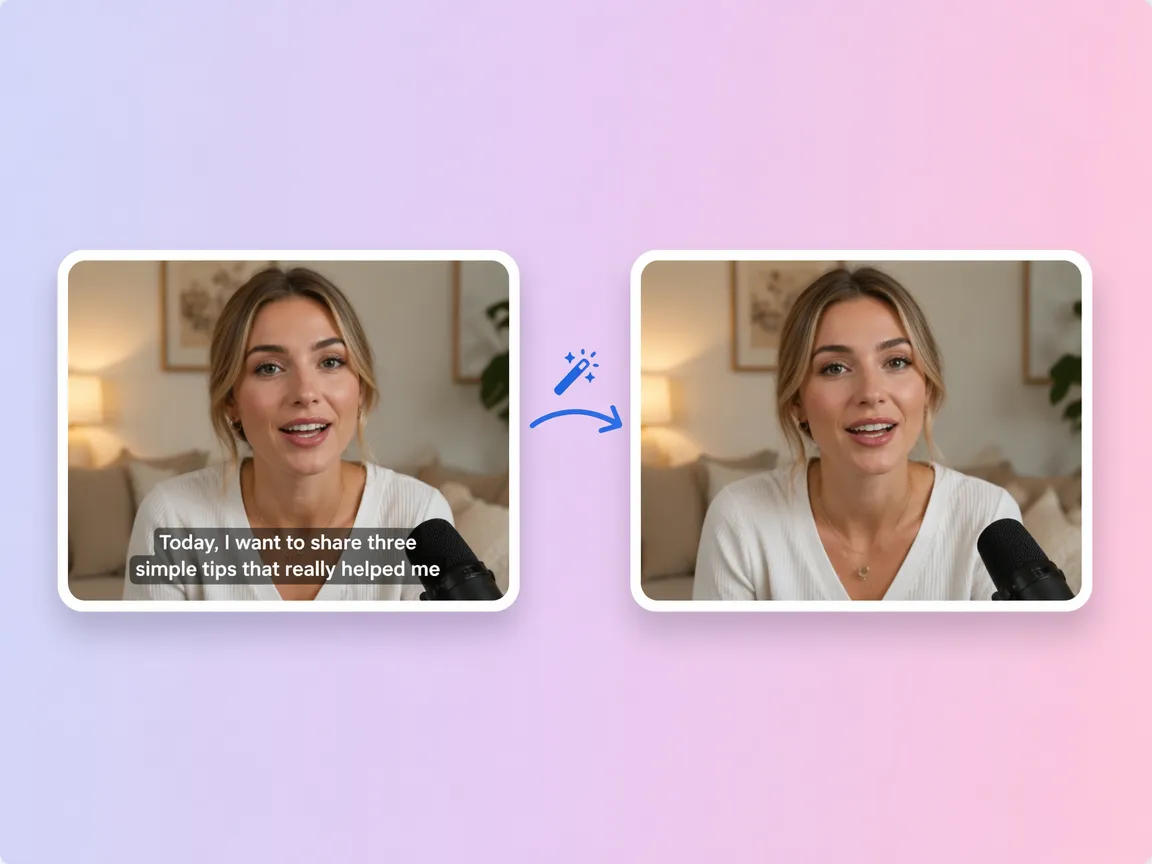
Automatically detect and remove subtitles and text overlays from videos.
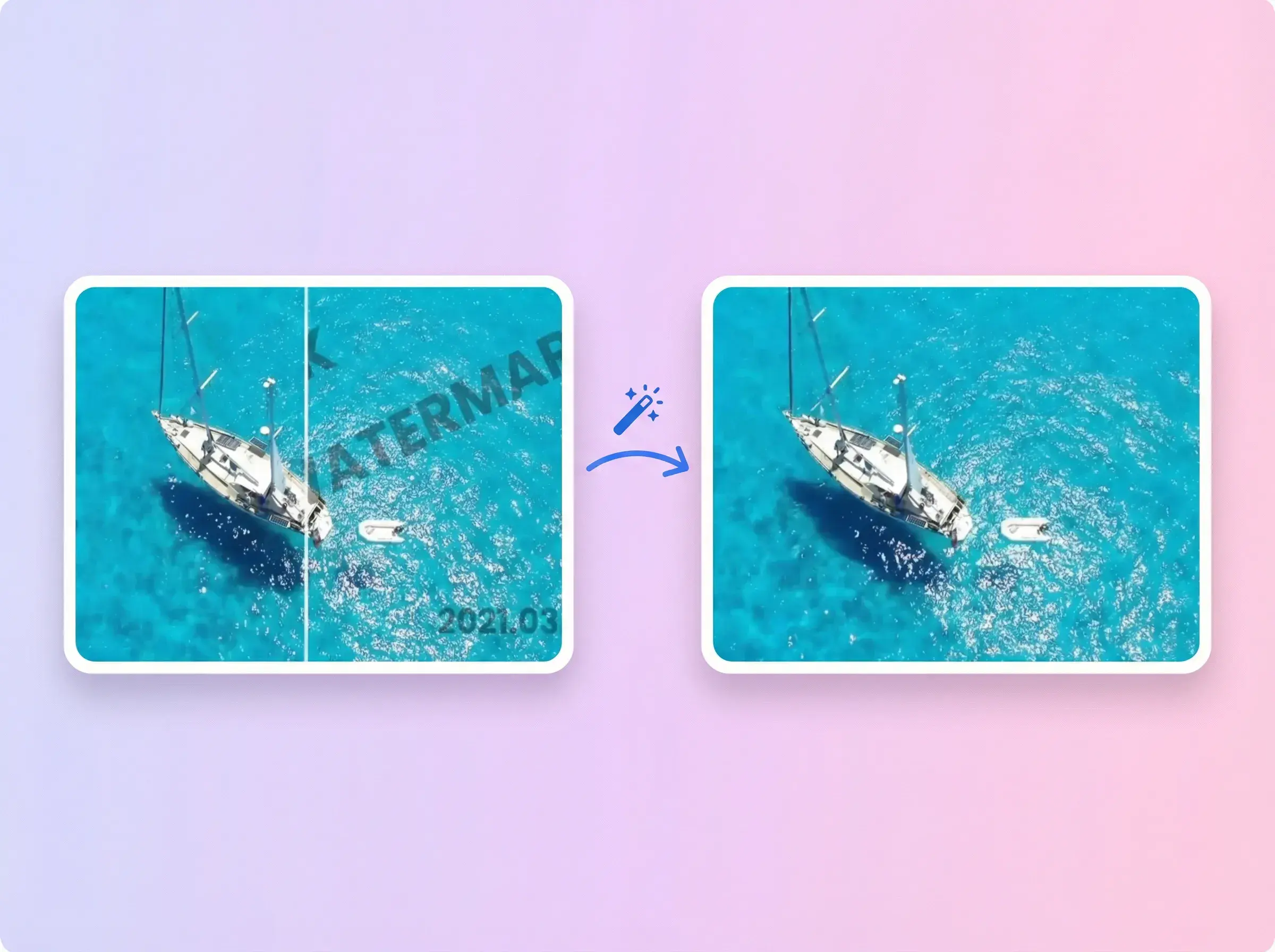
Remove common watermark logo overlays from your video.
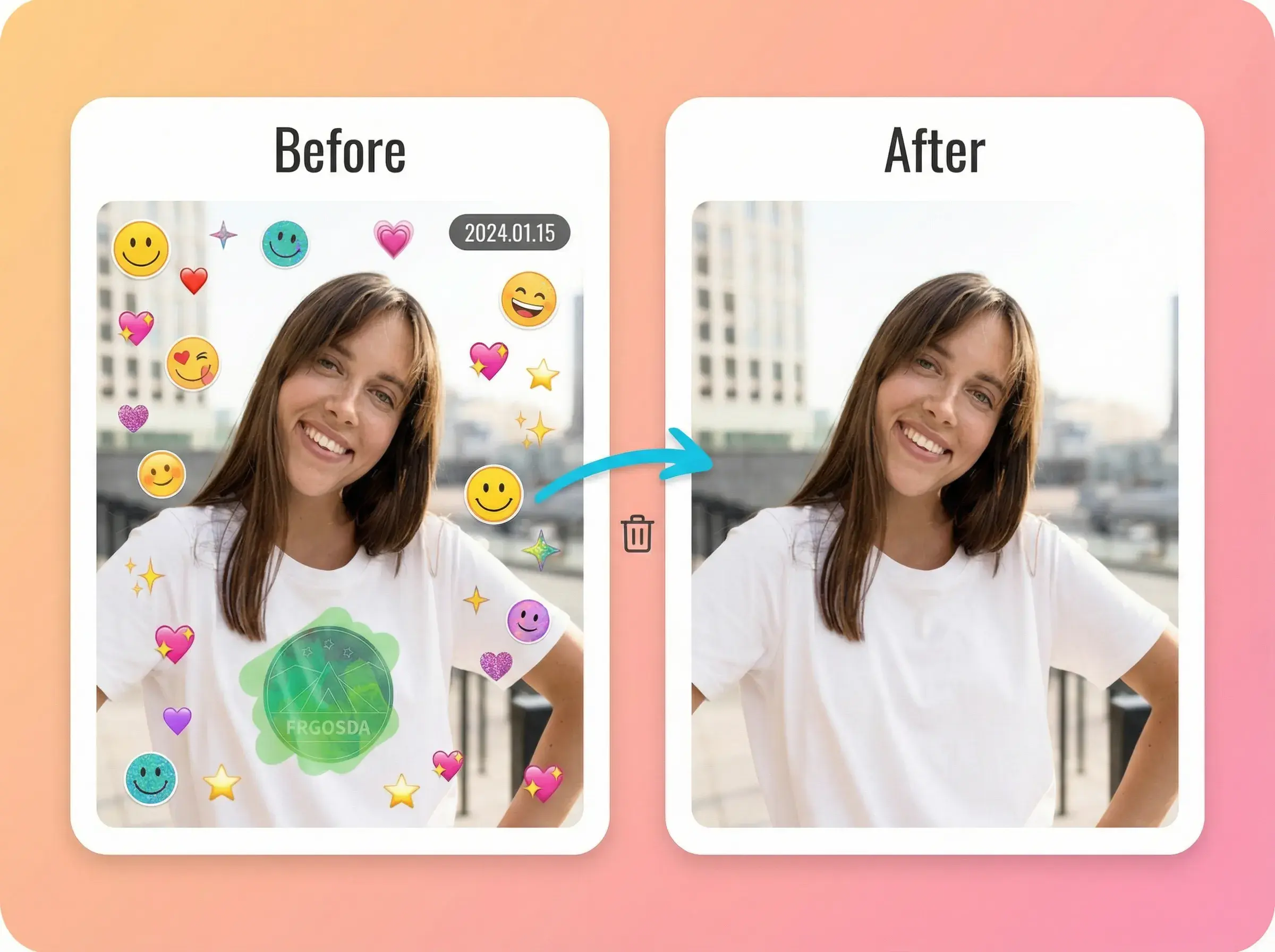
Clean up corner marks that distract from the content.
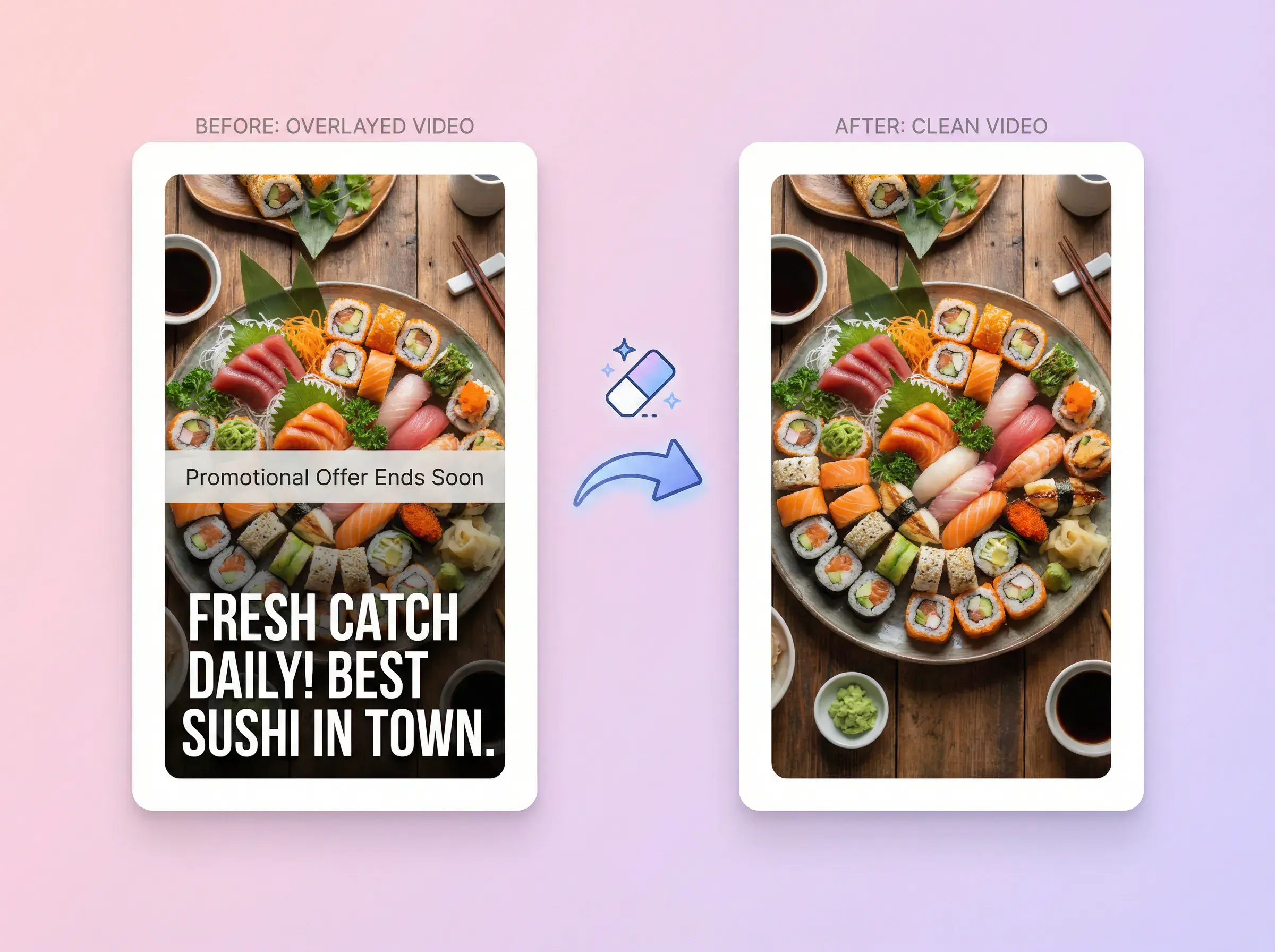
Reduce leftover edges so results look smoother.
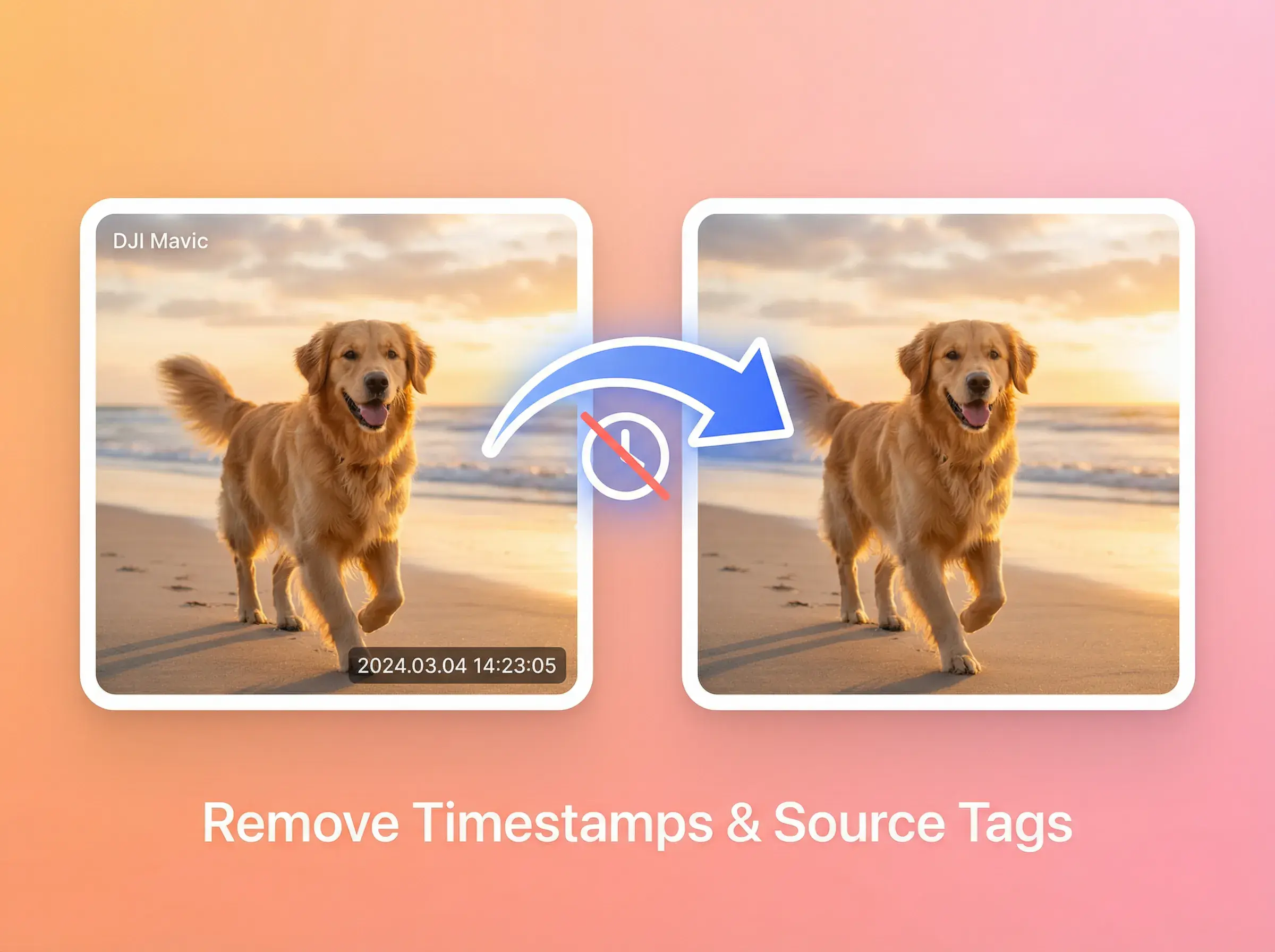
Make videos clean enough for reposting and editing.
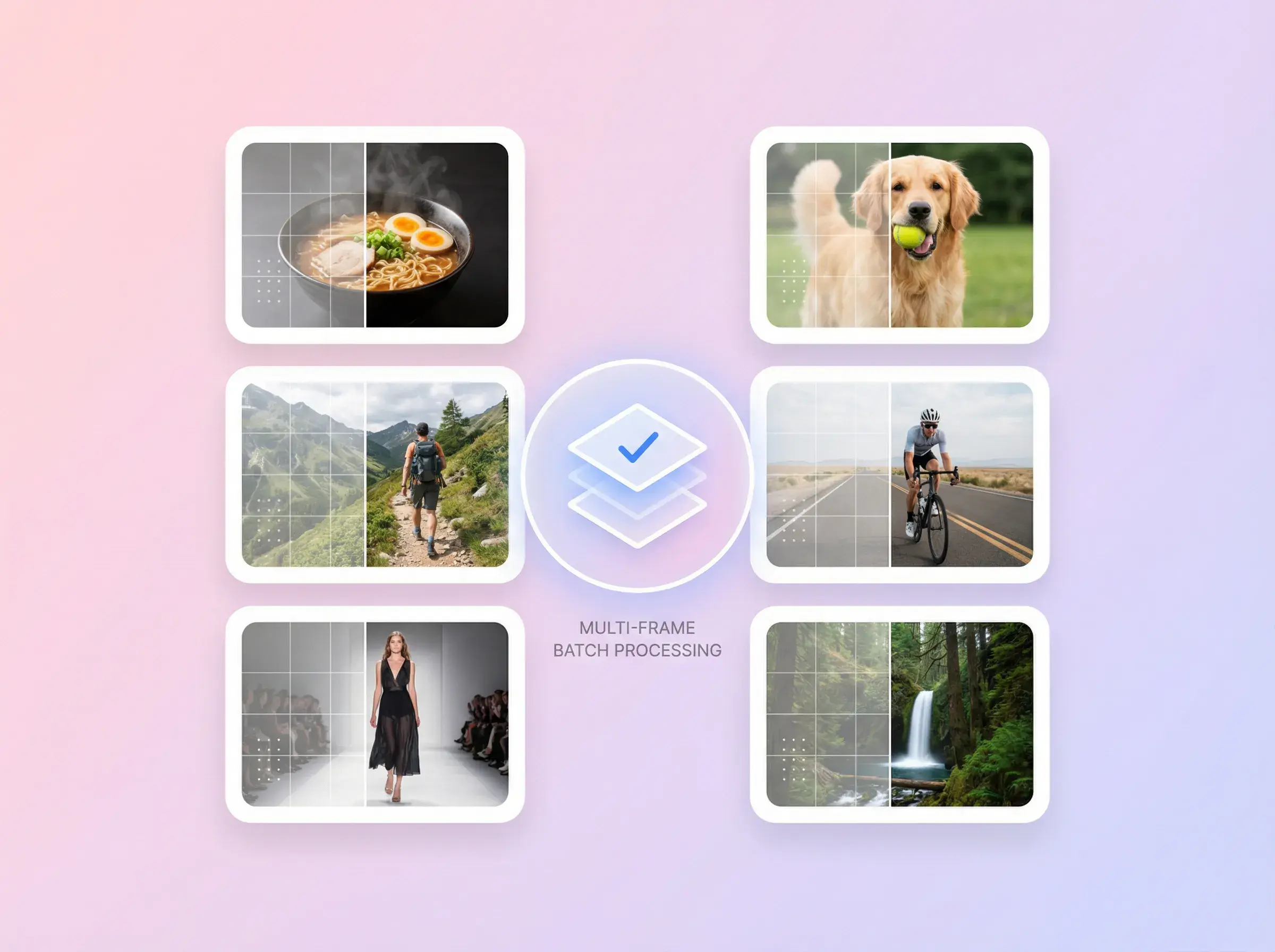
Export clean results without obvious quality loss.
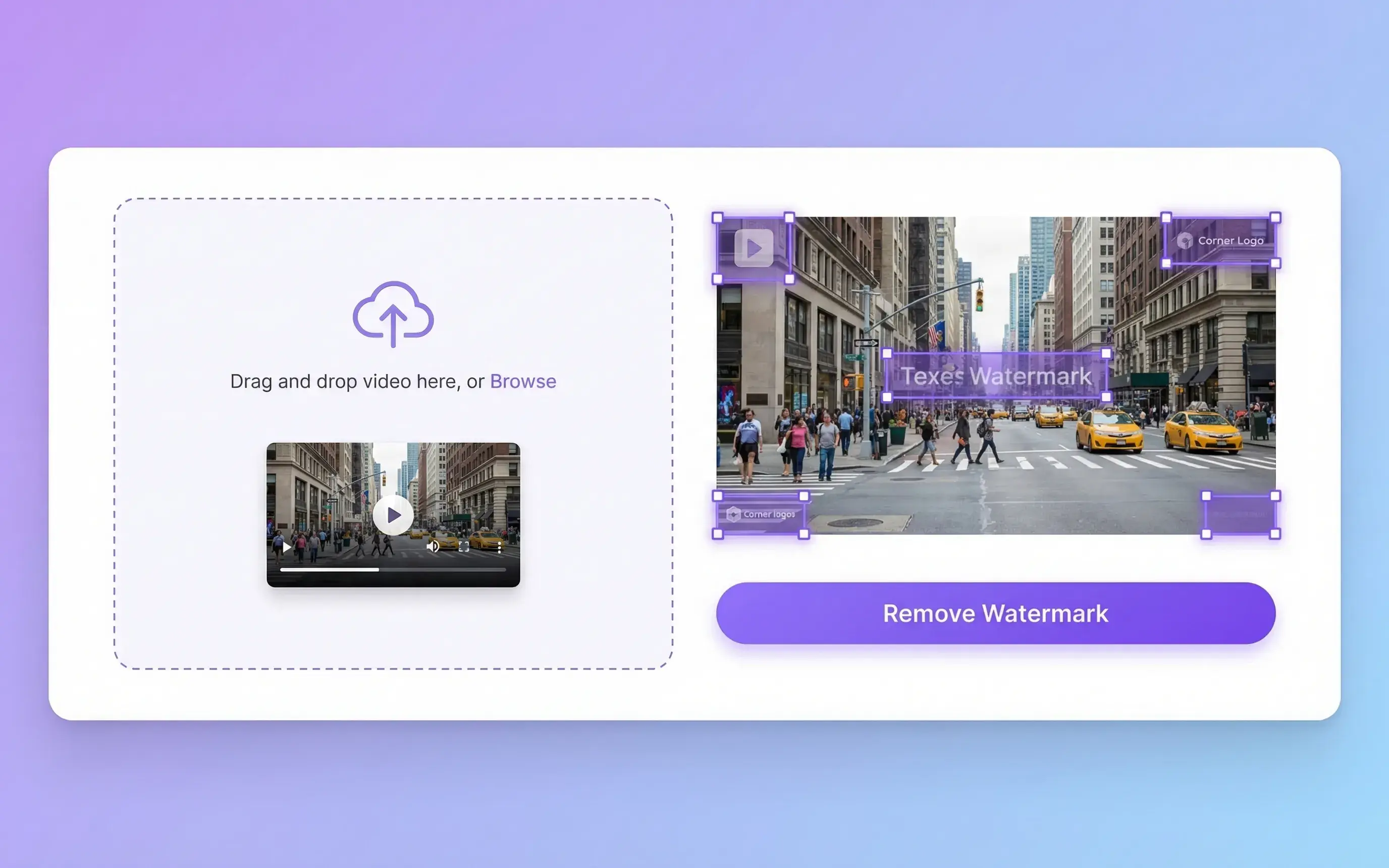
Import source
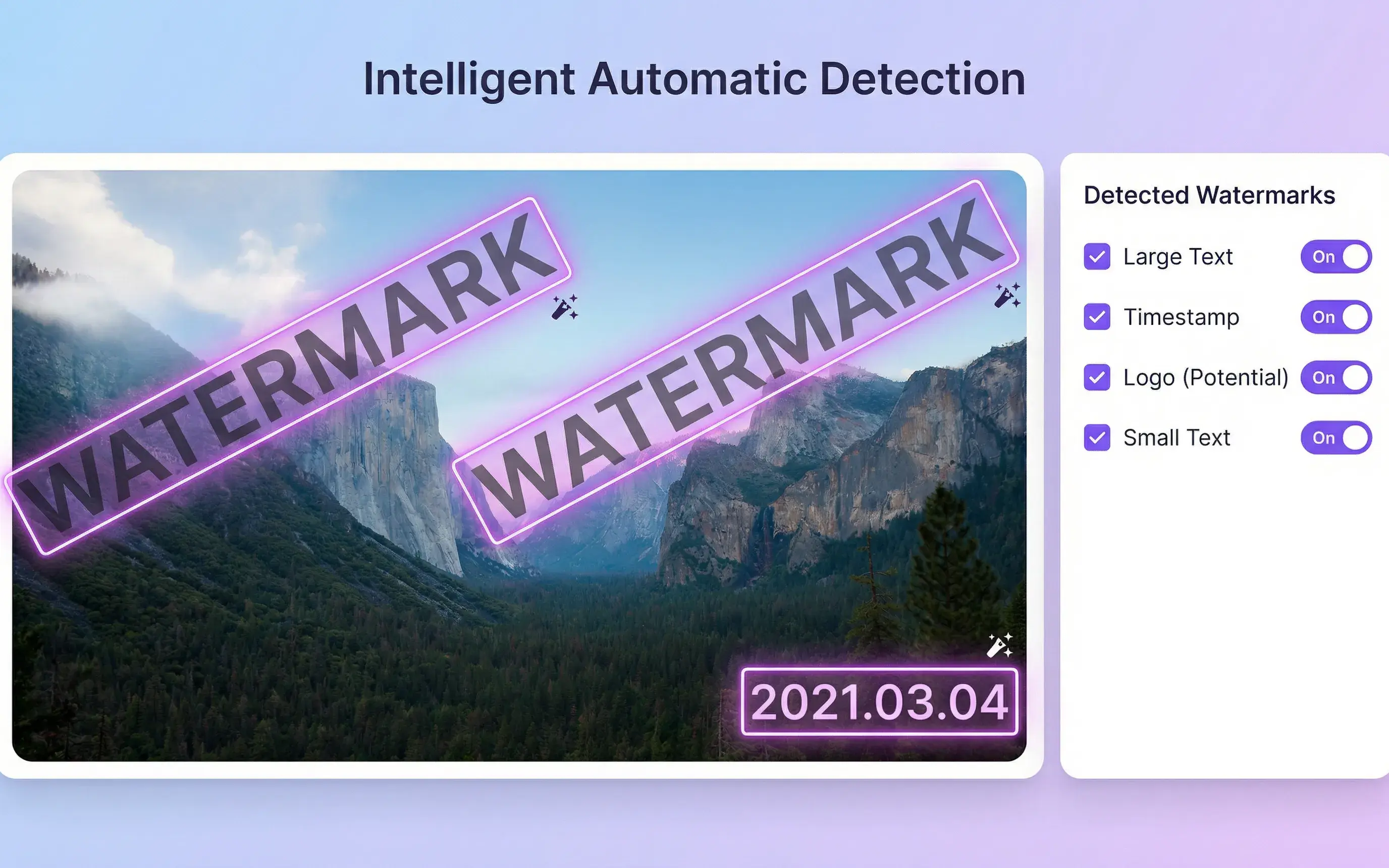
AI detection
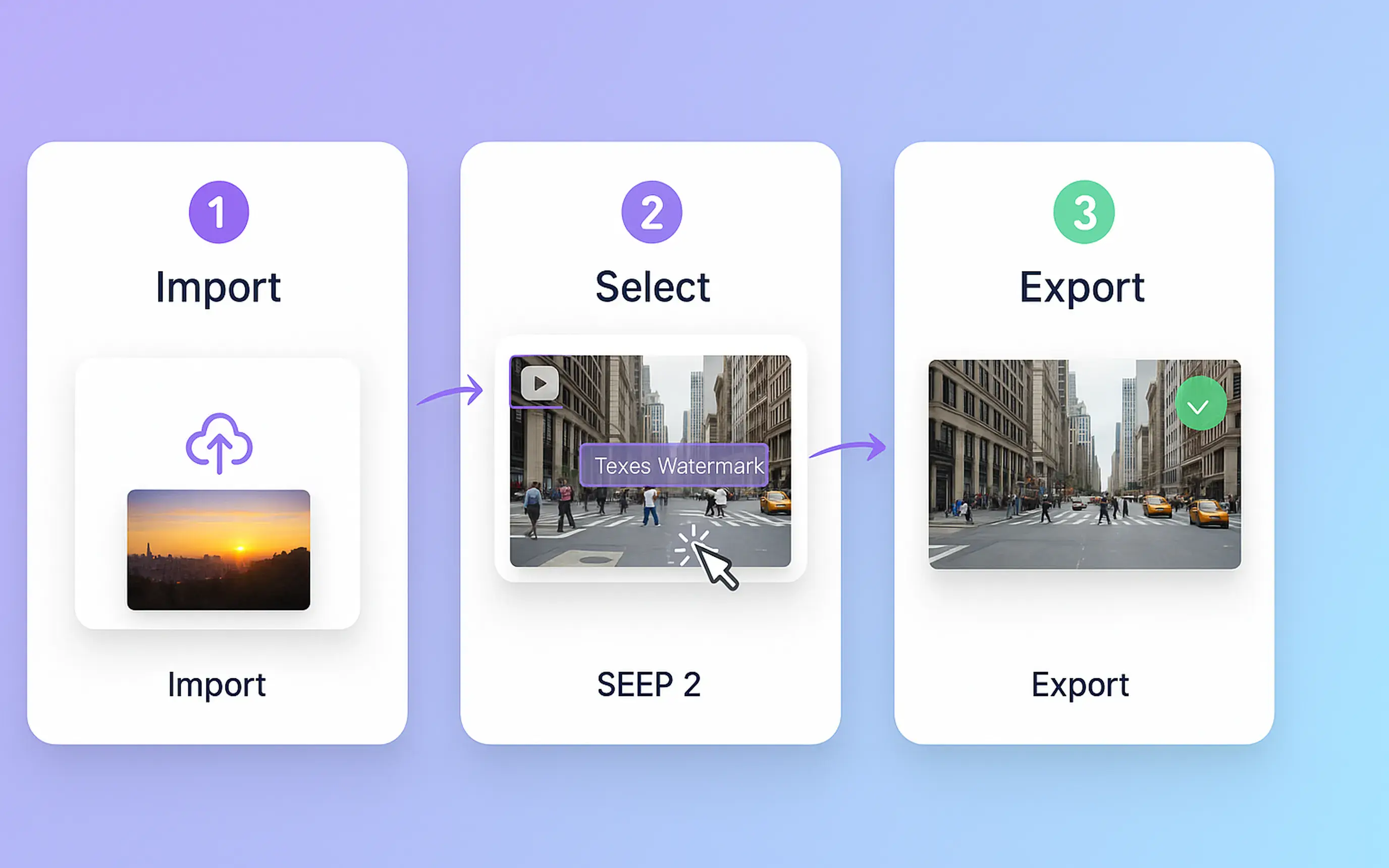
Simple workflow
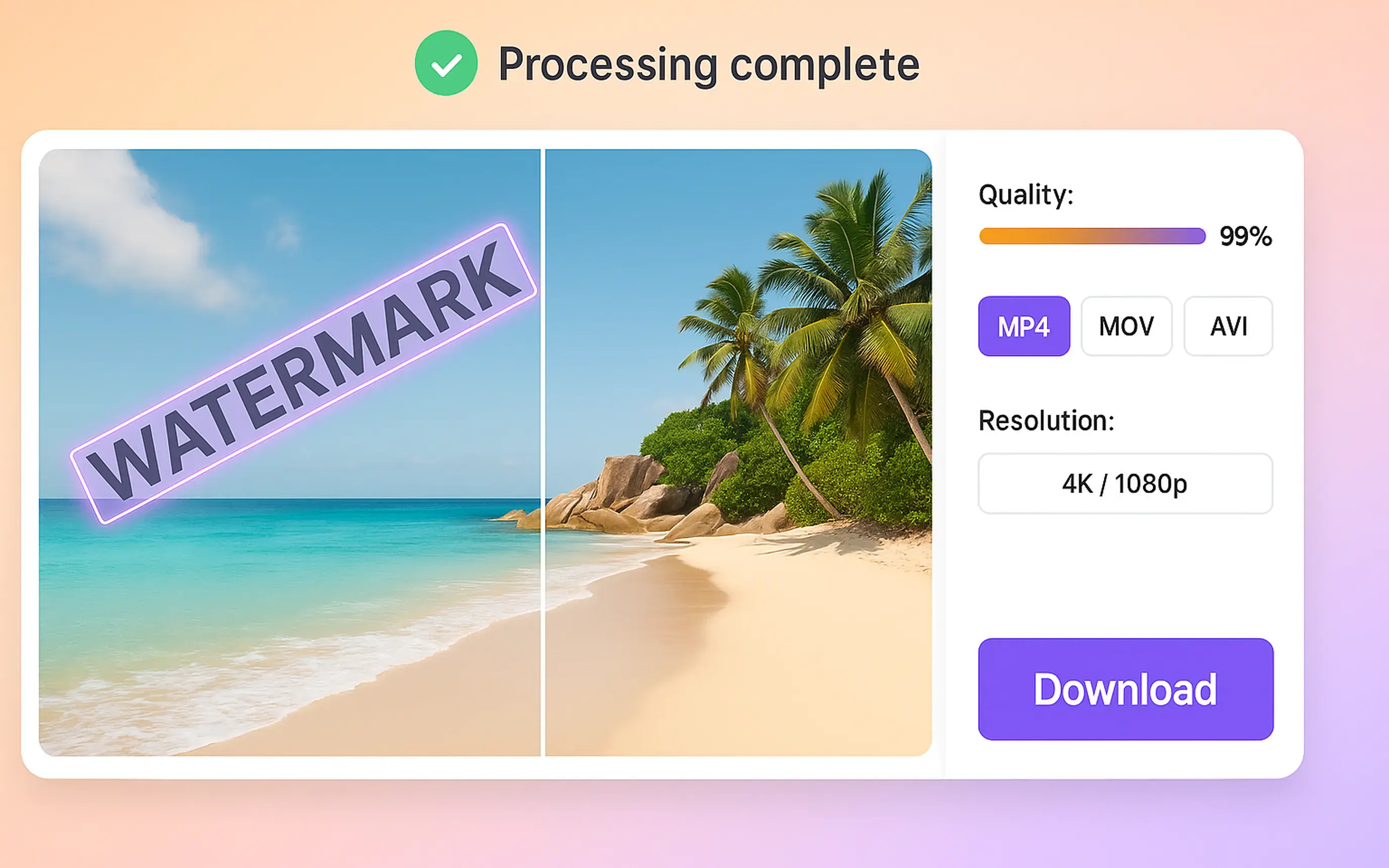
Export clean
Speed + quality
AI Eraser is built for fast, high-fidelity cleanup—without manual masking overhead.
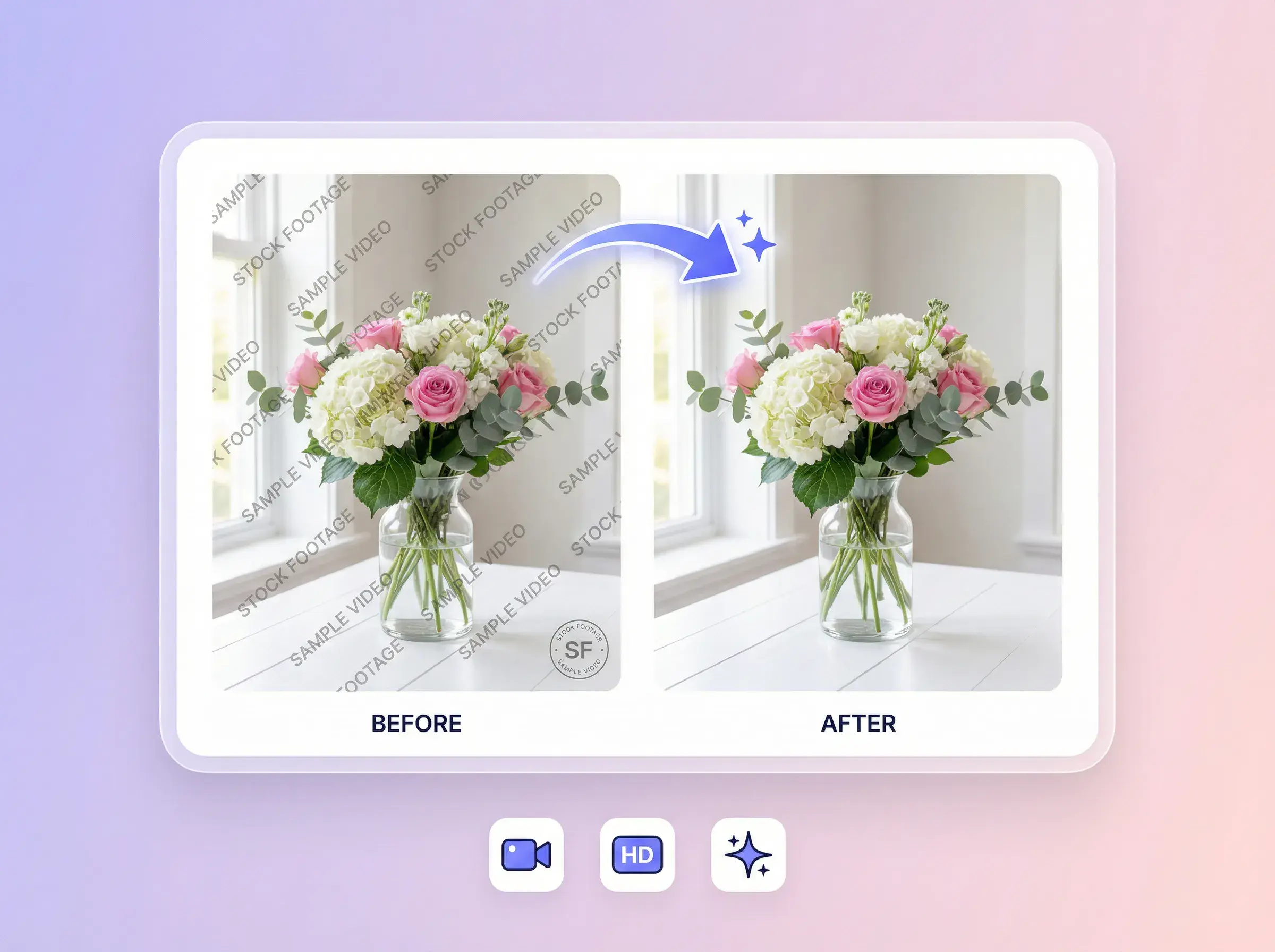
Export videos without distracting overlays—ready to publish.
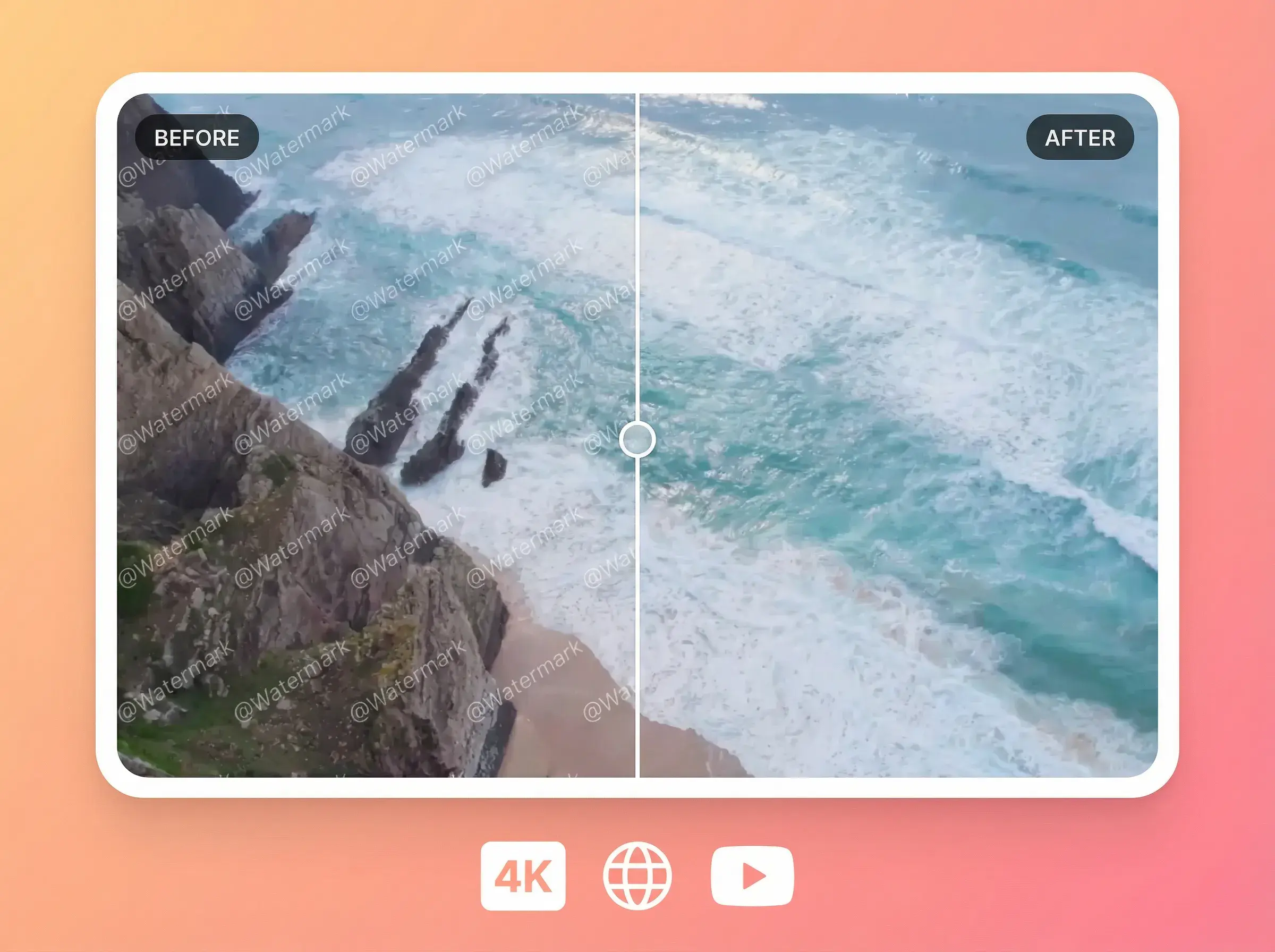
Clean videos for edits, reposting, and creative remixing.
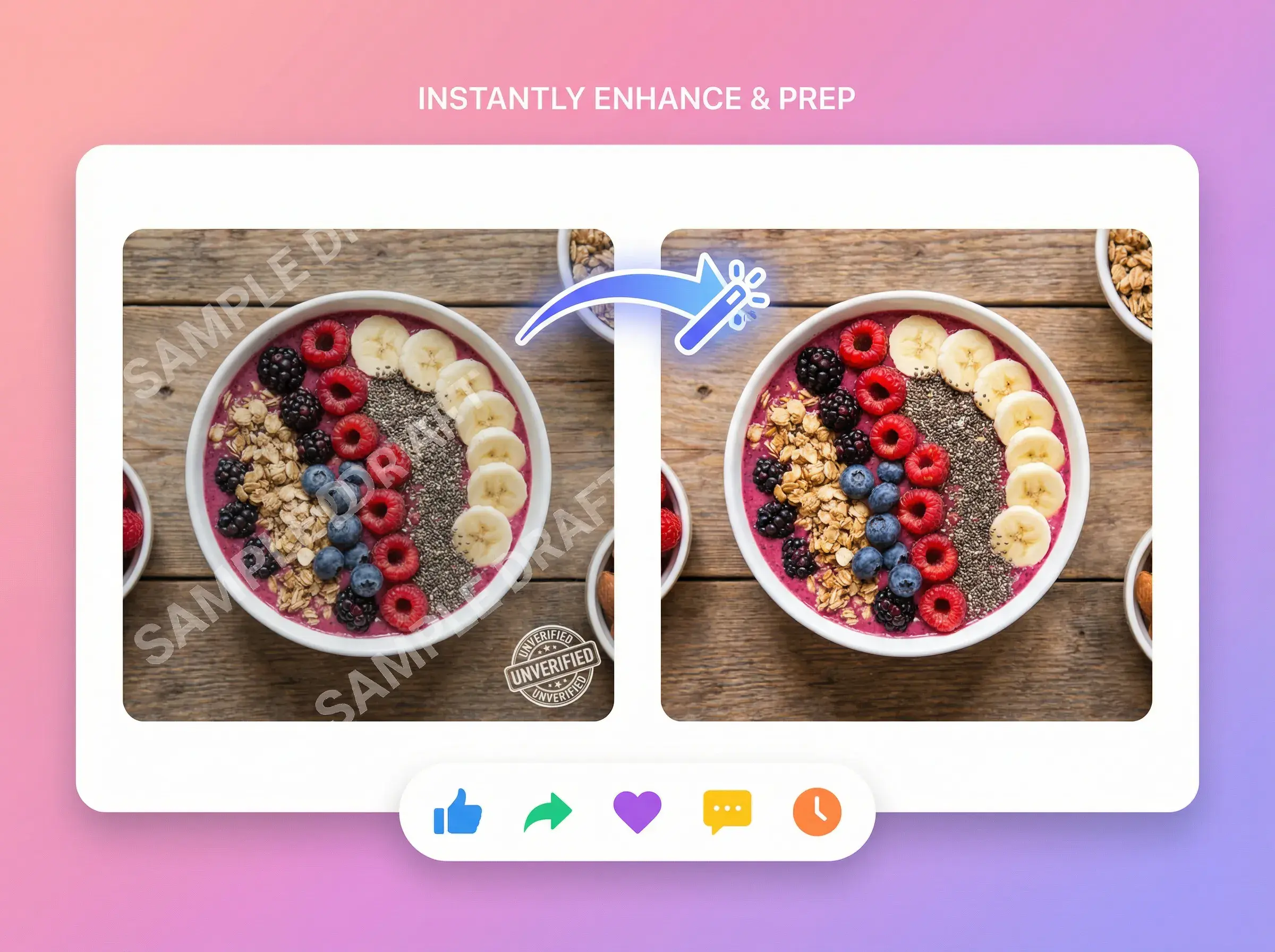
Cleaner output with minimal quality loss and smooth visuals.


AI ERASER
Upload your video, choose Auto Remove Logo or Auto Remove Text, and start generating. AdsTurbo detects the target overlay and creates a clean preview for export.
Yes. AdsTurbo can remove common logo and watermark overlays, and videos also support automatic subtitle and text removal.
The tool is designed to preserve background and motion continuity for believable results.
Auto Remove Text is currently available for videos only. Use Auto Remove Logo for images.
Both Auto Remove Logo and Auto Remove Text are one-click—no manual region selection needed.
Only remove watermarks from videos you own or have permission to modify.
Upload → select mode → start generating → preview and export.
One-click logo and subtitle removal. Clean, export-ready results for repurposing and ads.
AdsTurbo