 AdsTurbo
By Zengshi AI
Zengshi AIzengshi.ai
Your full-funnel growth partner in the AI era. AdsTurbo is one of its four products, alongside MaxAEO AI search visibility, Toppp AI sales & support and PopTo social content creation.
See all productsAdsTurboYour full-funnel growth partner in the AI era. AdsTurbo is one of its four products, alongside MaxAEO AI search visibility, Toppp AI sales & support and PopTo social content creation.
See all productsUpload one reference image, enter your event details, and choose one of 9 aspect ratios and one of 7 output languages for each generation.
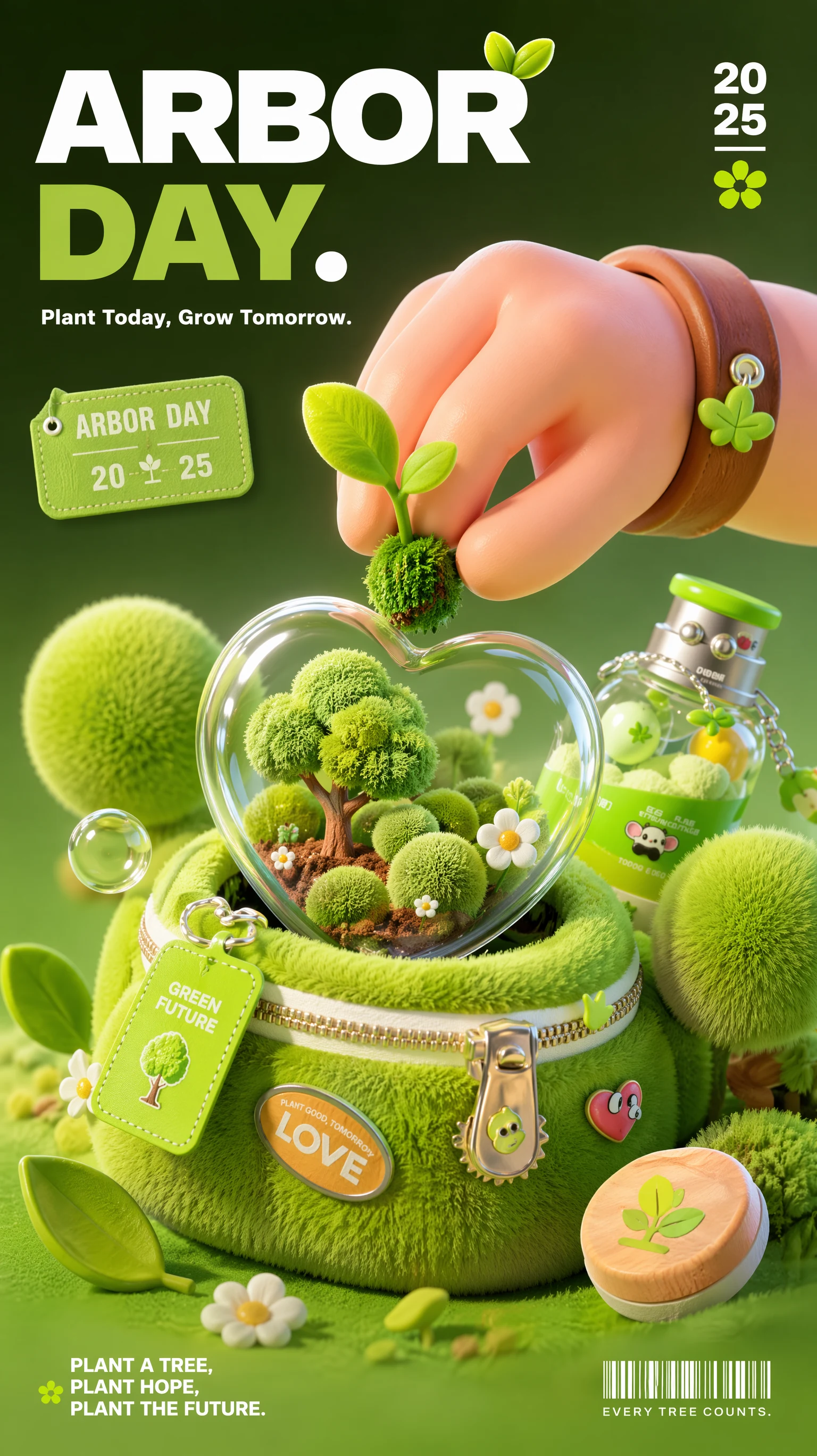
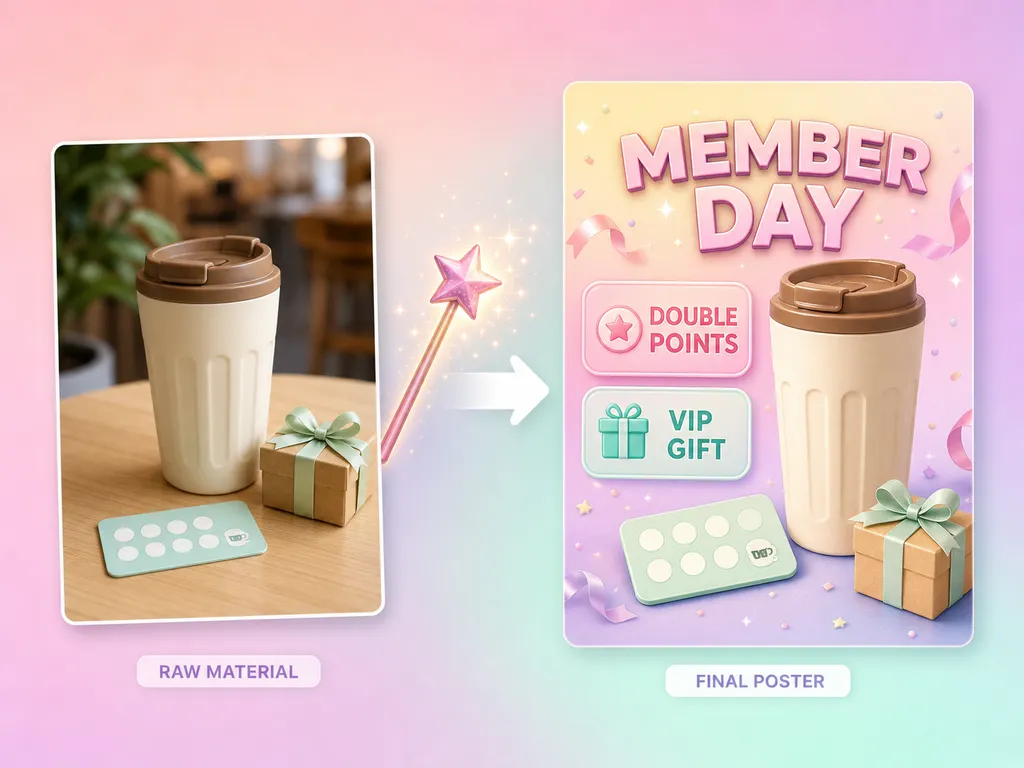
Upload one reference image and enter your event details to generate one poster.
Three steps in the AdsTurbo Event Poster workspace. Each generation produces one poster image.
Open the Event Poster workspace and upload one reference image from your device or your asset library. The image guides the visual direction of the poster.
Type the event or campaign name, dates, offer details, and the key message you want on the poster.
Pick one of 9 aspect ratios and one of 7 output languages. Each generation uses 29 credits, produces one poster, and takes about 2 minutes on average.
Need another size or language? Change the setting and submit another generation.
Each generation uses one reference image, your event details, one aspect ratio, and one output language.
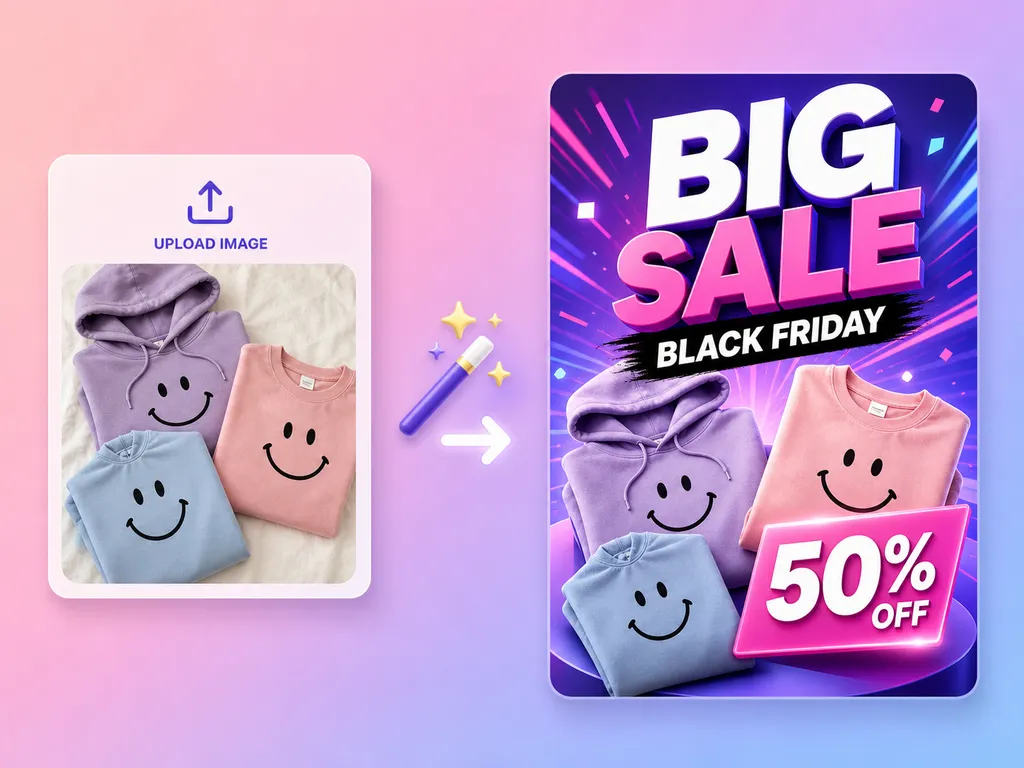
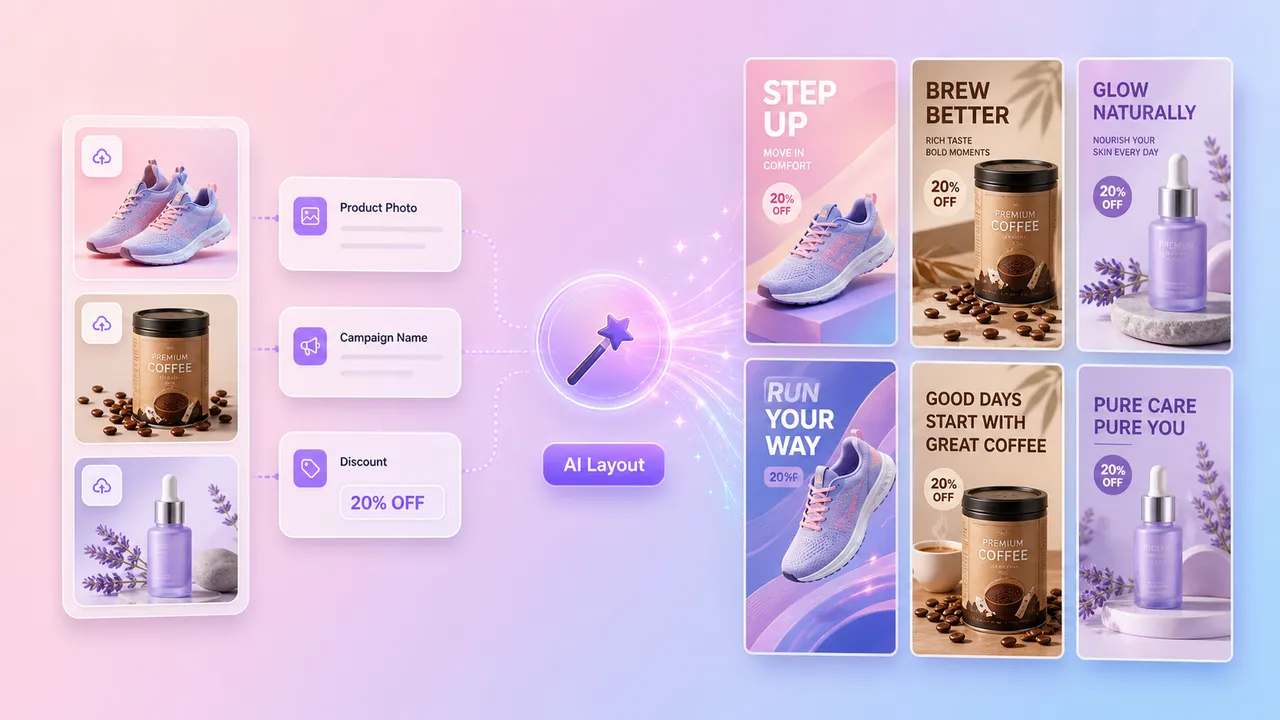
Enter the sale, launch, holiday, or seasonal campaign details you want the poster to use: name, dates, offer, and key message.
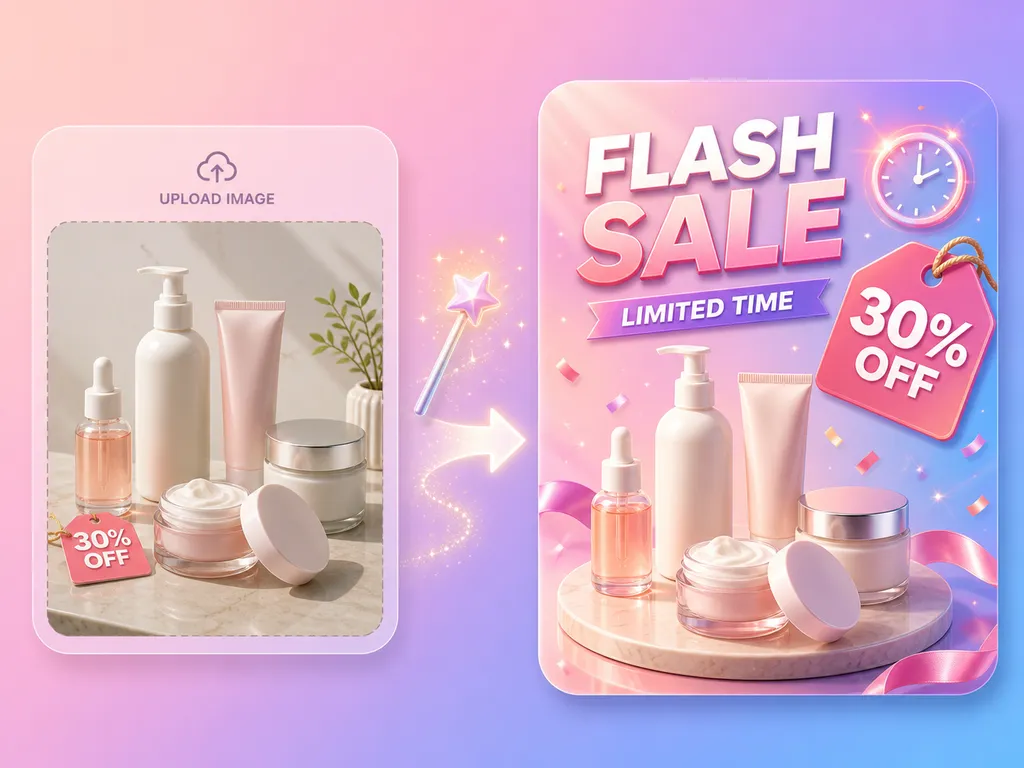
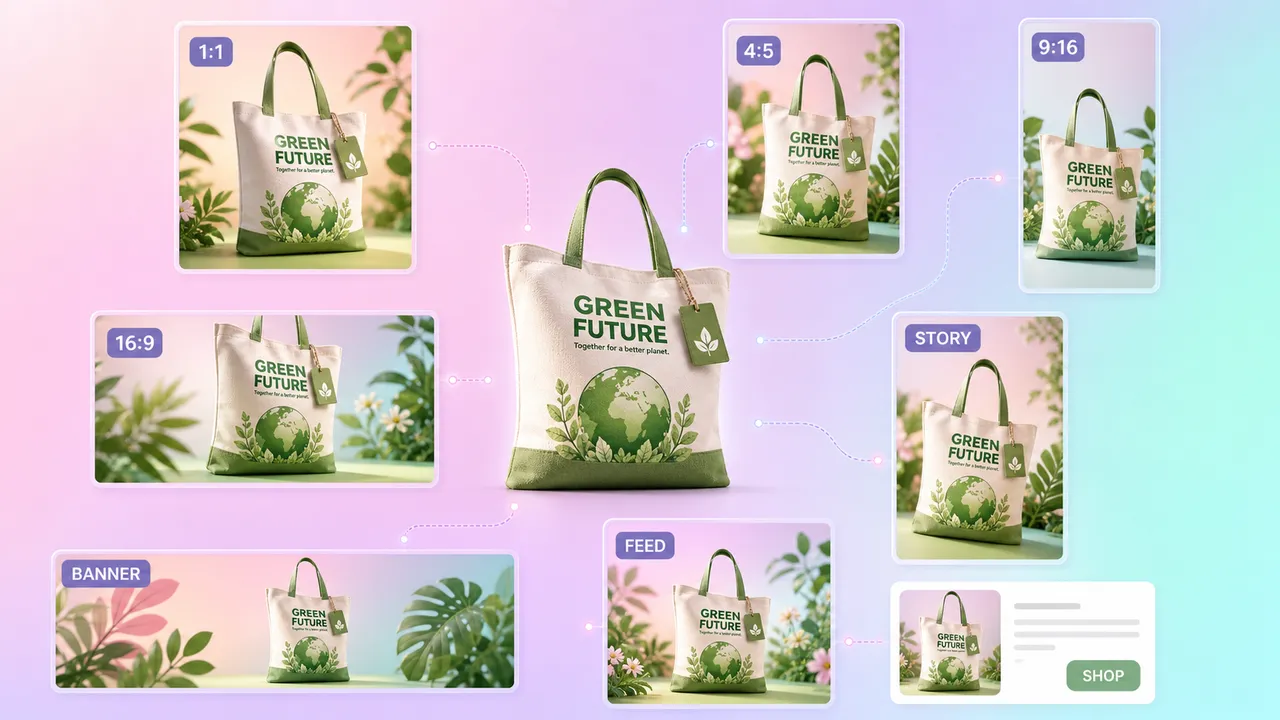
Upload one reference image, such as a product photo or brand visual. It helps carry the visual direction into the poster; details can still vary.
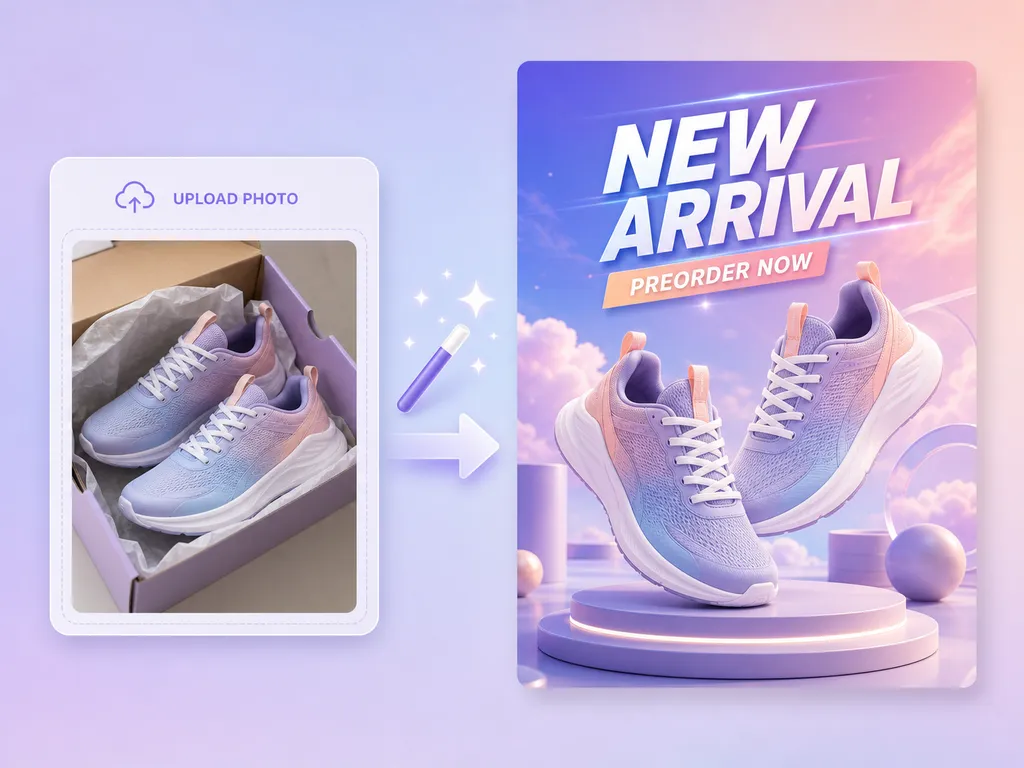
Choose one aspect ratio per generation: 9:16, 2:3, 3:4, 4:5, 1:1, 5:4, 4:3, 3:2, or 16:9.
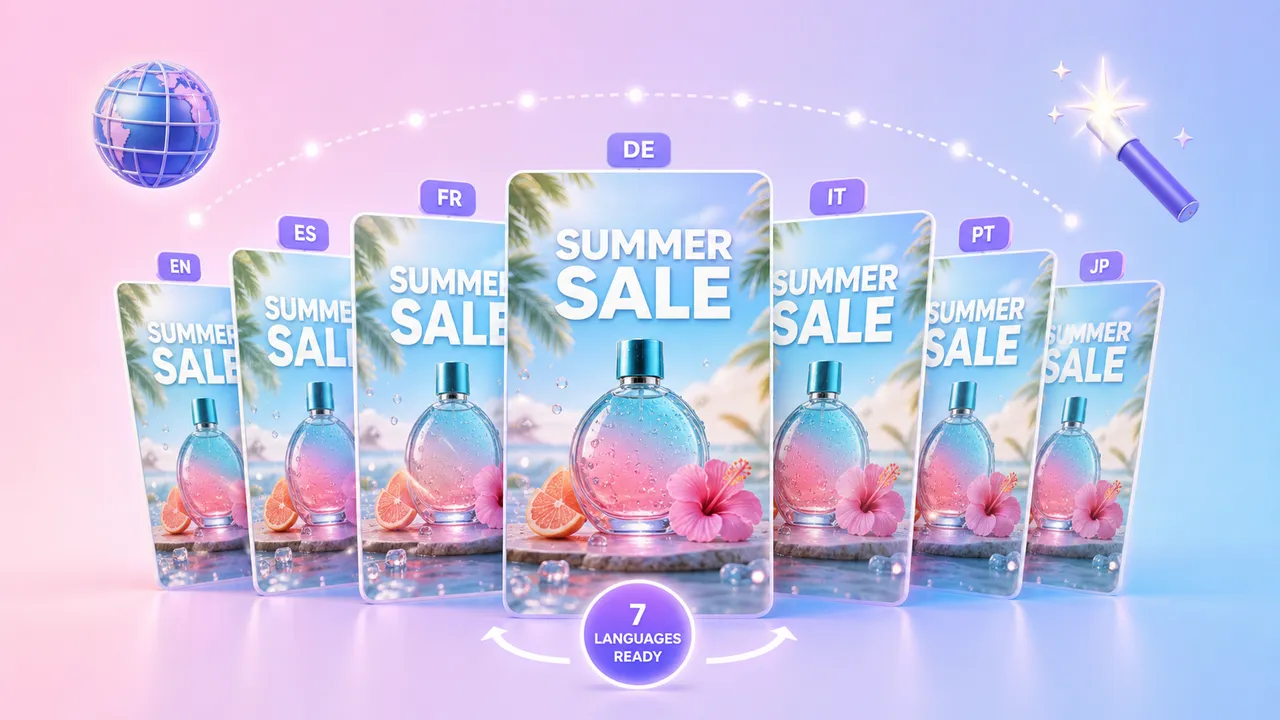
Choose one output language per generation: Chinese, English, Korean, Japanese, Russian, French, or Spanish.
Each generation uses 29 credits and produces one poster image. Generation takes about 2 minutes on average; actual time varies by task.
Download the finished poster as JPG or PNG from your task list. Image output ranges from 0.5K to 4K for digital and print use; the actual resolution varies by task.
Inputs
Settings
Languages
Revisions
Public information comparison
Checked on 2026-10-13. AdsTurbo facts are confirmed by the AdsTurbo product team; TopView and Creatify entries come from their official pages, and vendor claims about speed have not been independently benchmarked. The three tools define a task differently, so this table is not a ranking.
Sources: TopView AI Poster Generator · TopView credits guide · Creatify Image Ads · Creatify pricing
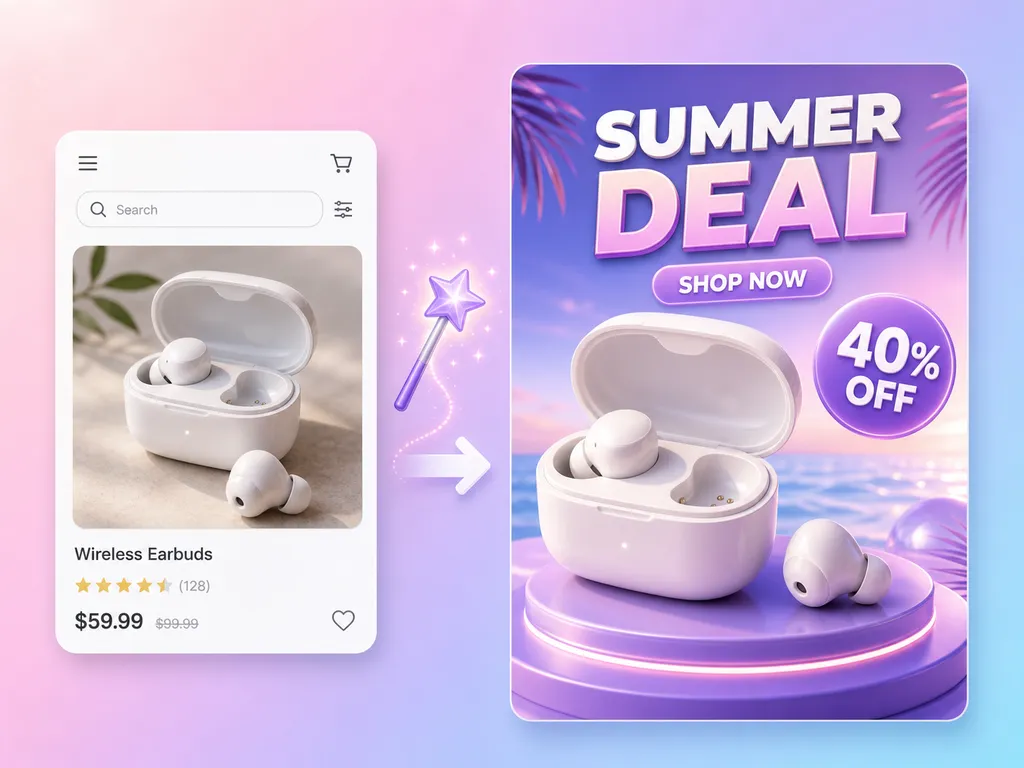
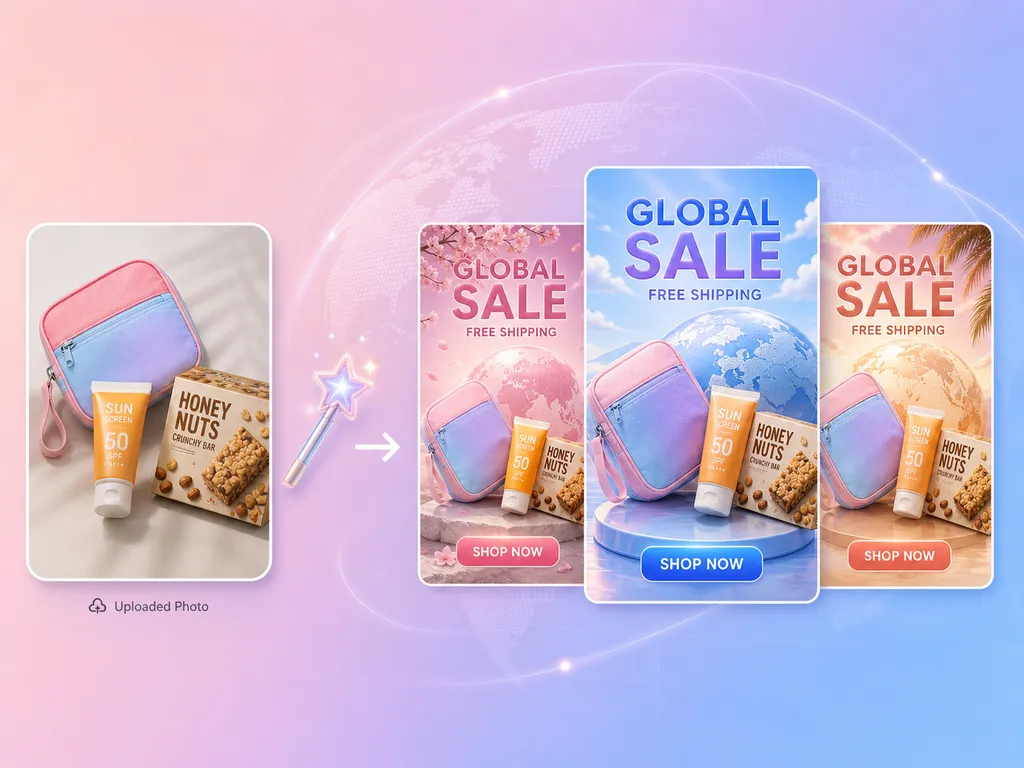
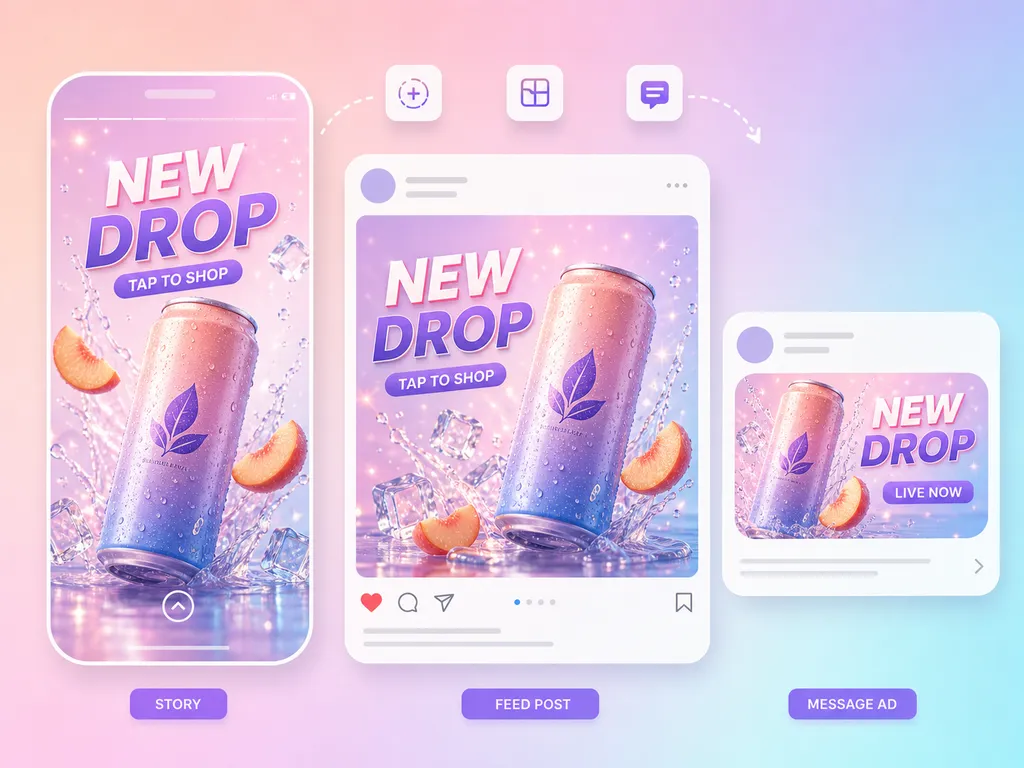
Event and promotional posters for sales and limited-time offers, carrying the discount, dates, and key message from your event details.
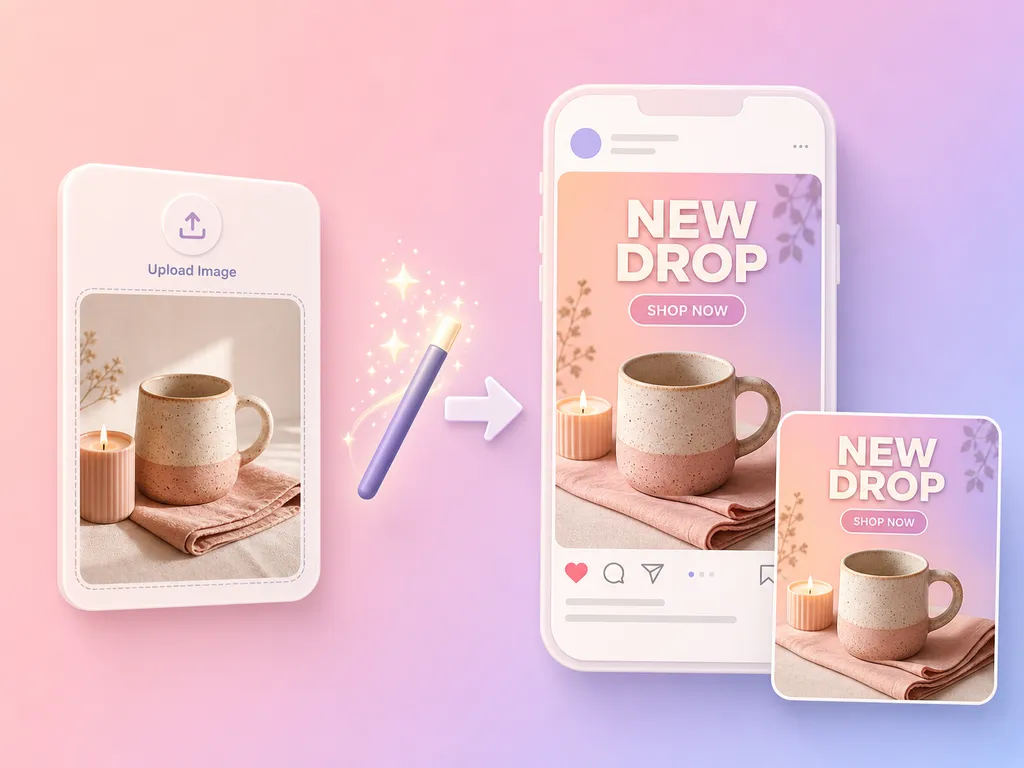
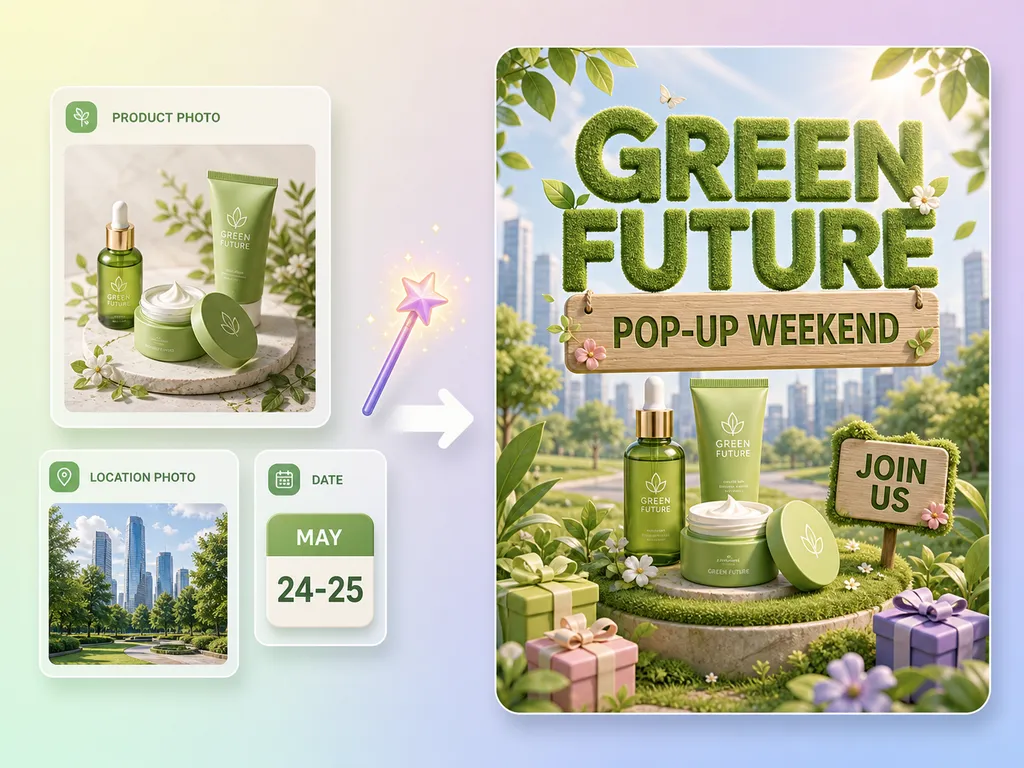
Announcement posters for product launches, new arrivals, and events such as runs, pop-ups, and live streams.
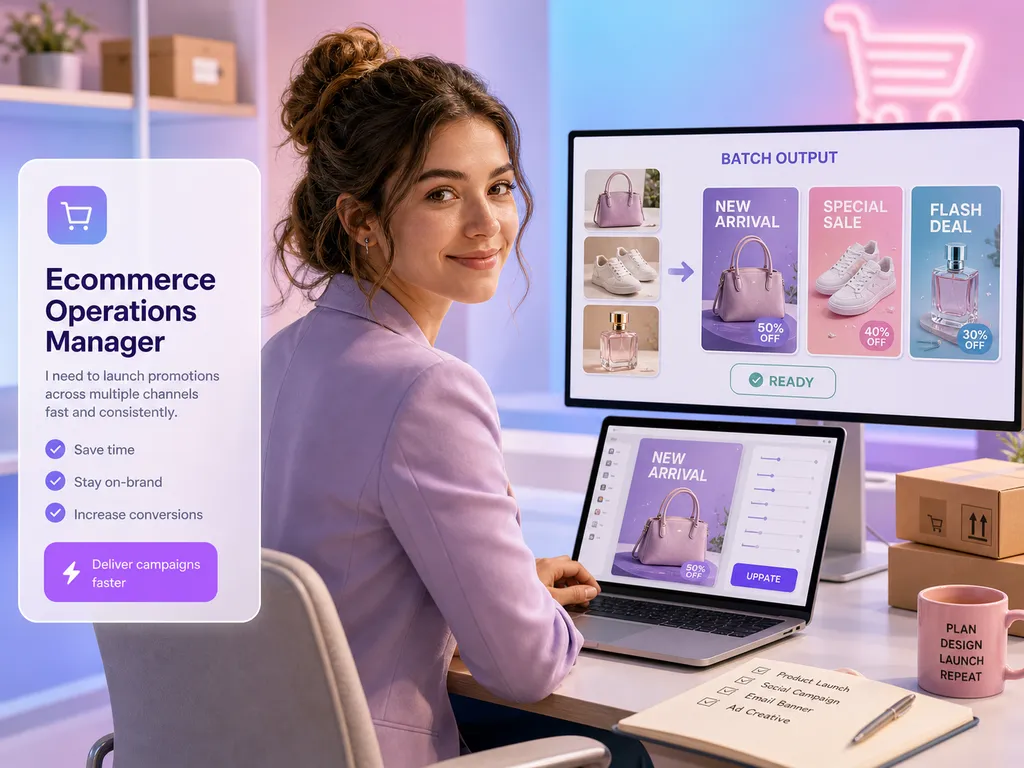
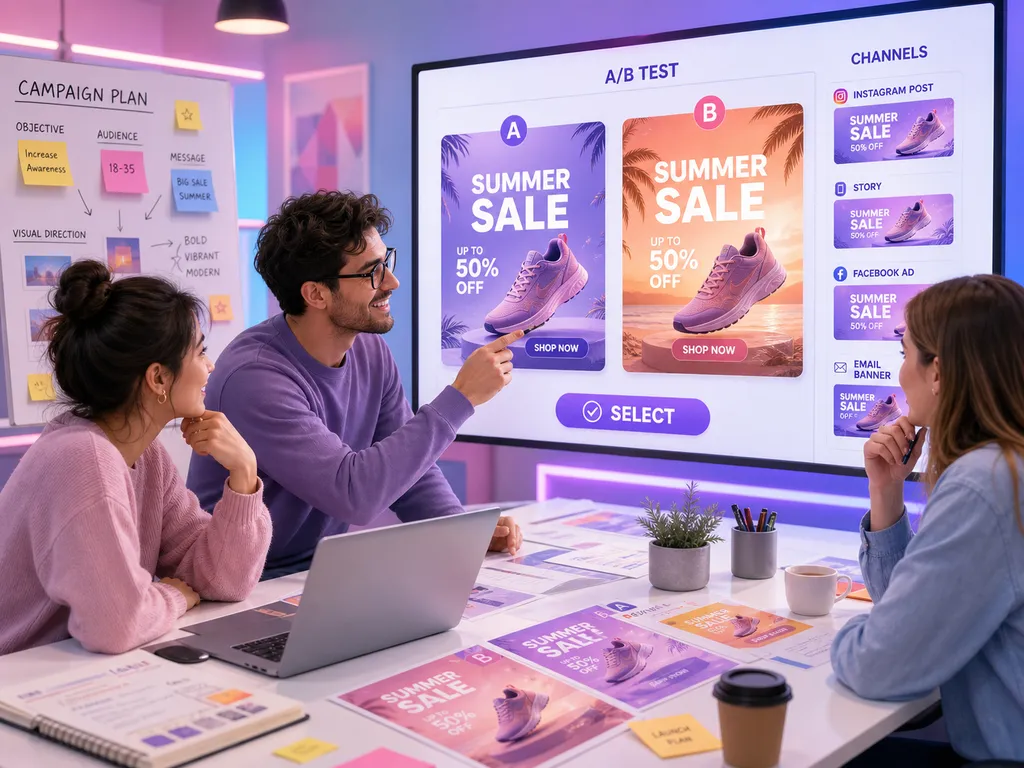
Event posters for holiday and seasonal campaigns, generated in the aspect ratio and output language you choose.
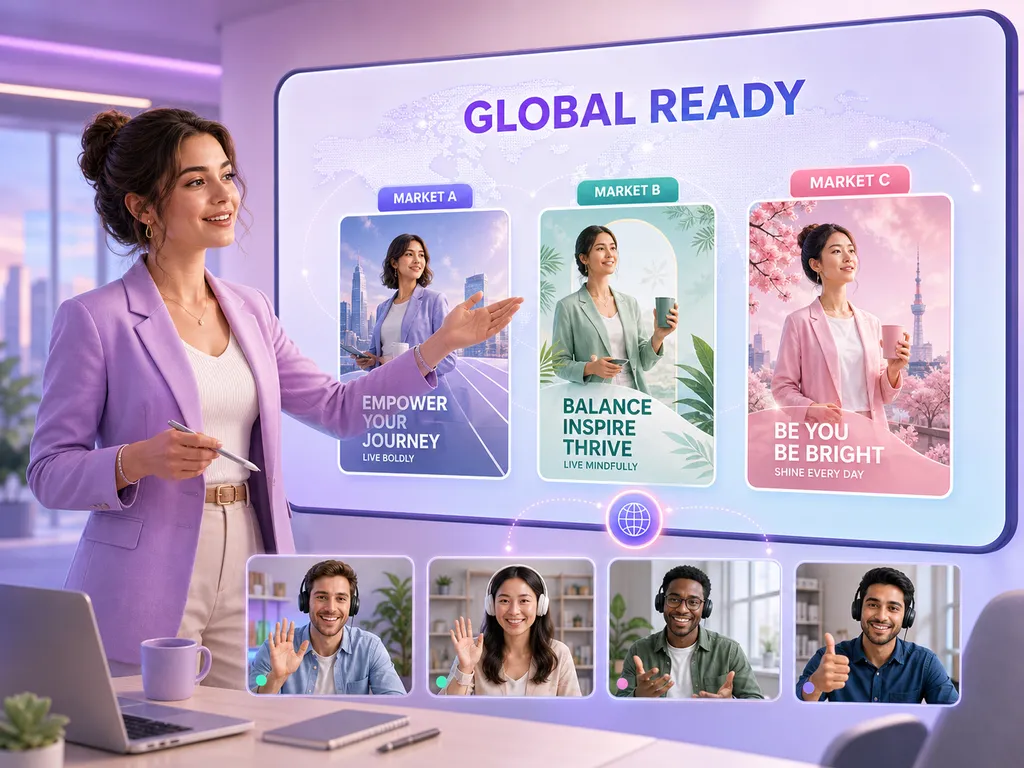
EVENT POSTER
Upload one reference image, such as a product photo or brand visual, that you want the poster to follow. It guides the visual direction; the poster can differ in details. If your product photo needs a clean backdrop first, try White Background Image.
Add the event or campaign name, dates, offer details, and the key message you want on the poster.
Not in the current workflow. Choose one of 9 aspect ratios for each generation and submit another generation for a different ratio.
Choose one language per generation: Chinese, English, Korean, Japanese, Russian, French, or Spanish.
Each generation uses 29 credits and produces one poster image.
About 2 minutes on average. Actual processing time varies by task.
Finished posters are available as JPG or PNG. Image output ranges from 0.5K up to 4K, which covers digital and print use; the actual resolution varies by task.
Yes. Generated posters can be used commercially. You remain responsible for having the rights to any image you upload.
Download finished posters from your task list or the asset library in AdsTurbo. Manage or delete generated assets from your Project page.
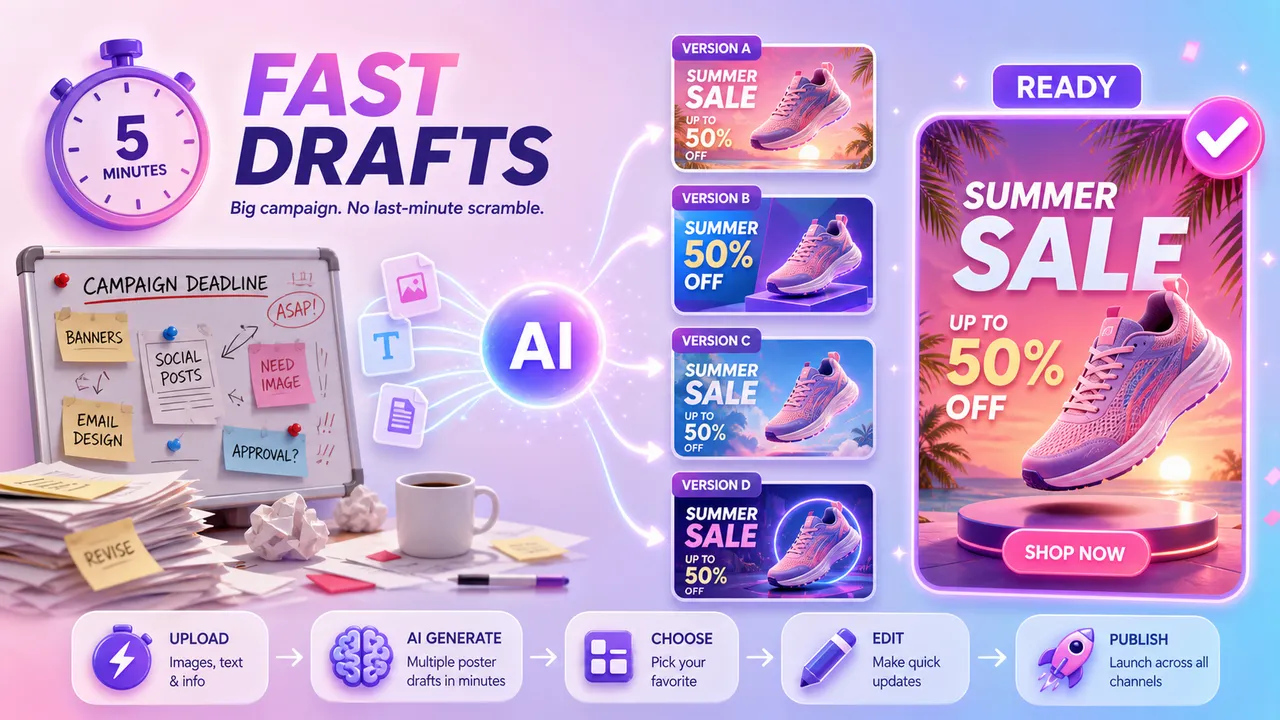
Yes. Update the reference image, details, aspect ratio, or output language and submit another generation. Each generation is a new task.
Enter the event details, choose one aspect ratio and one output language, then start generation. Each generation uses 29 credits and produces one poster.
AdsTurbo


