By Zengshi AI
AI CREATIVE STUDIO

AI Video Subtitle Generator —create accurate auto captions for any video

Upload a video and generate accurate, time-synced subtitles automatically. Create multilingual captions for social media, marketing, and e-commerce content.

VIDEO SUBTITLE

Upload a video and get accurate AI-generated subtitles automatically.

Video File

How to Add Subtitles to a Video with AdsTurbo

Turn any source video into a captioned video in three steps.

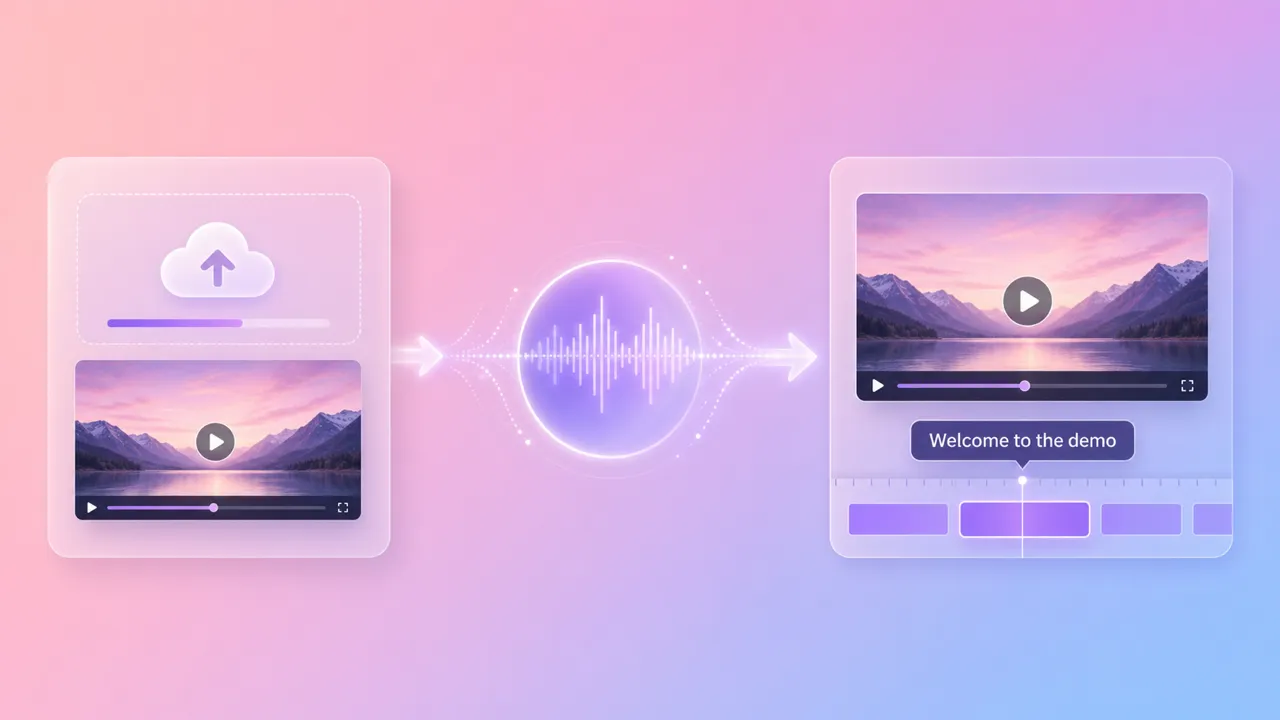
  1. Upload your video

    Import a video from your device or AdsTurbo Assets.

  2. Generate AI subtitles

    AdsTurbo transcribes the speech, creates time-synced captions, and applies your selected language and subtitle style.

  3. Review and export

    Review the generated subtitles, make any needed adjustments, and export the captioned video or subtitle file.

What makes Video Subtitle powerful

From raw video to captioned content—fully automatic.
High-accuracy transcription

High-accuracy transcription

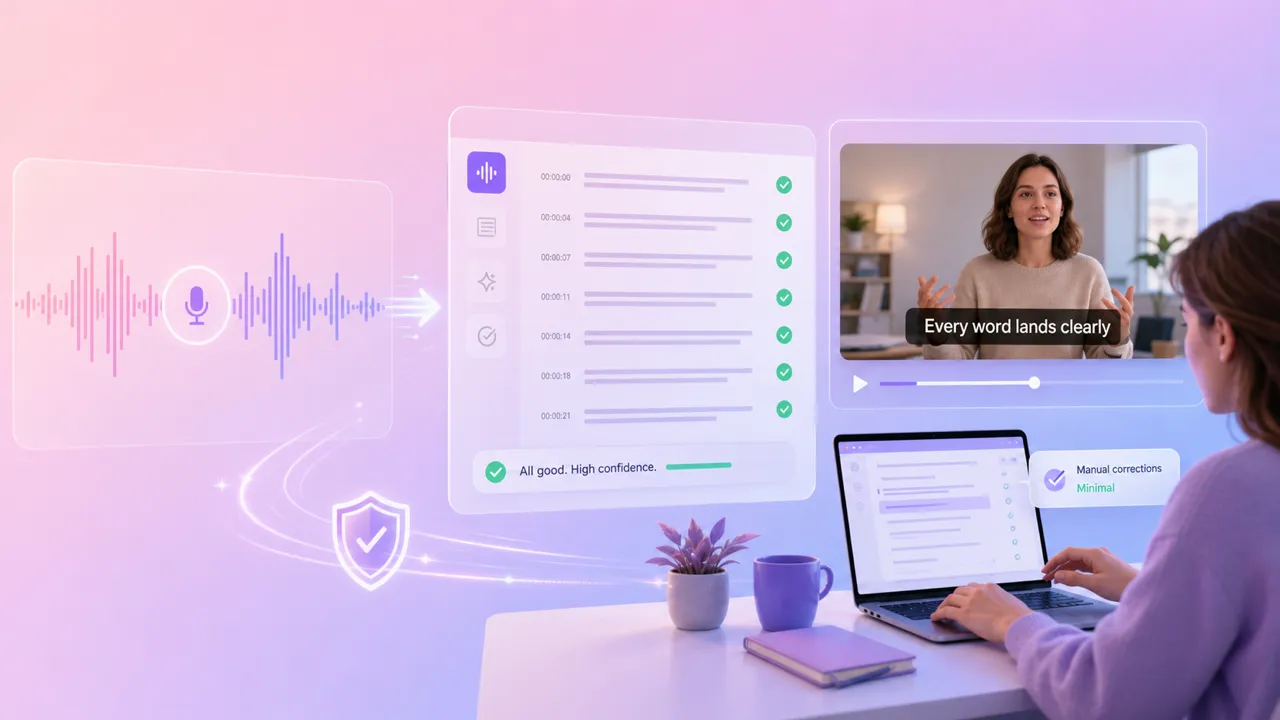
AI speech recognition delivers precise word-by-word transcription with proper punctuation and sentence breaks.
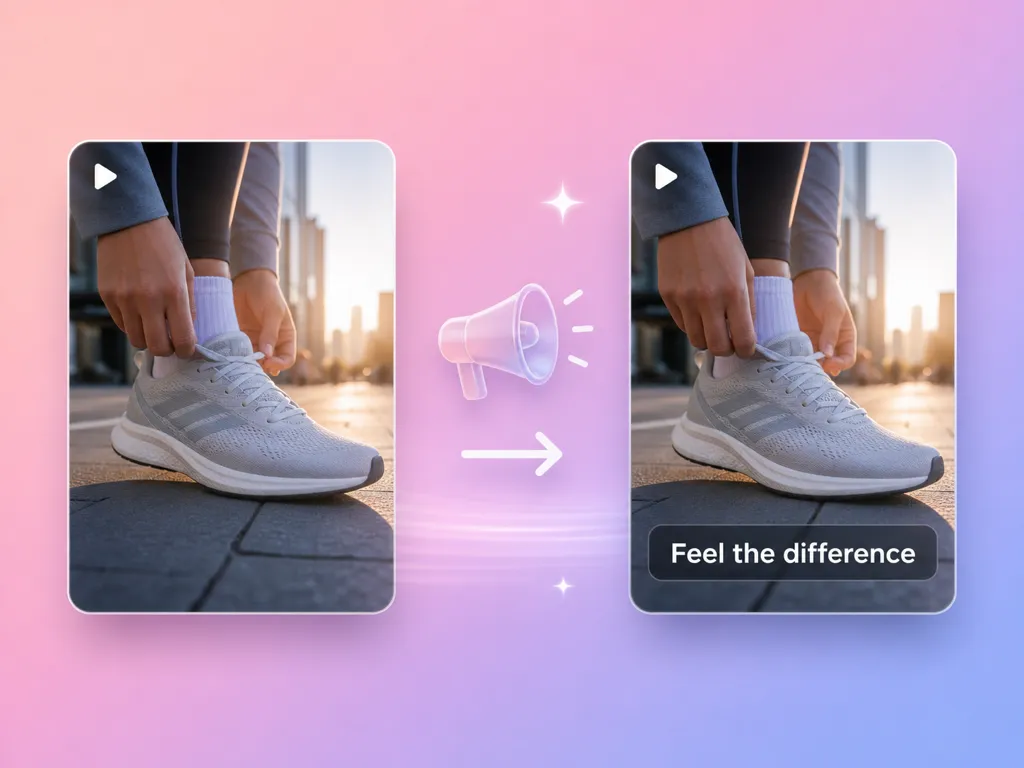
ACCURACYAI
Perfect time synchronization

Perfect time synchronization

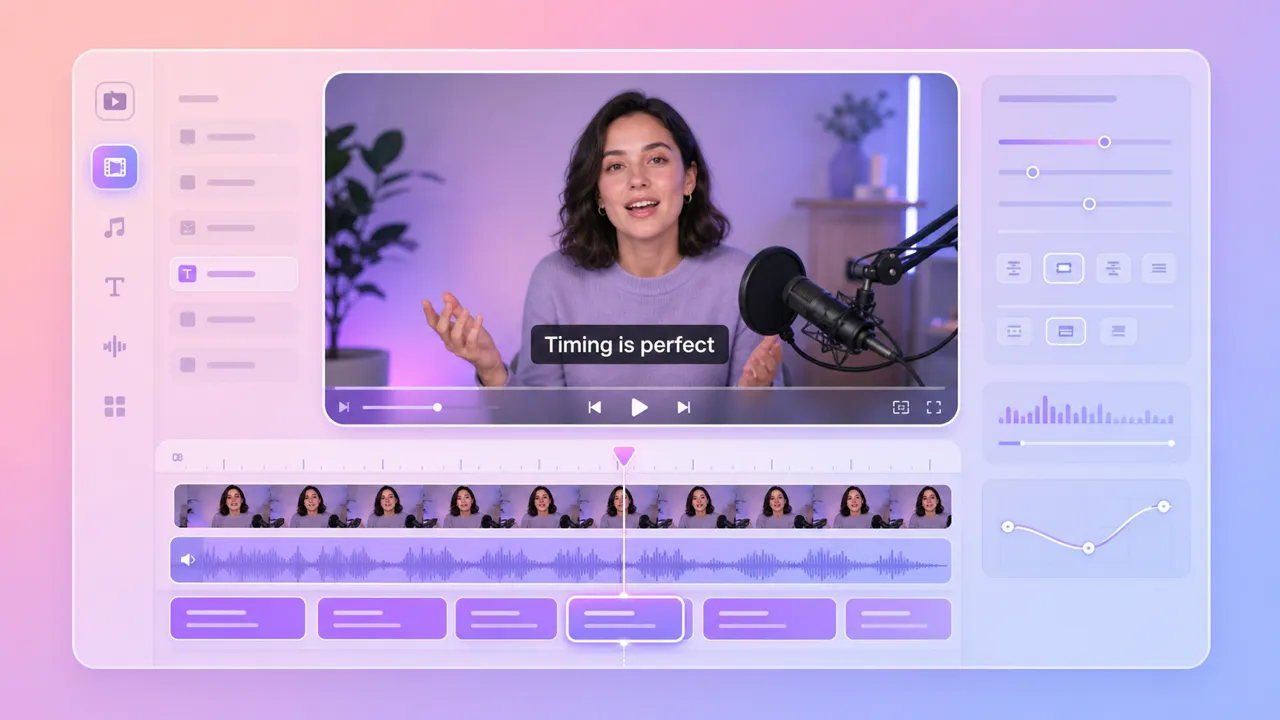
Subtitles are time-aligned to speech with frame-level accuracy—no manual timing adjustments needed.
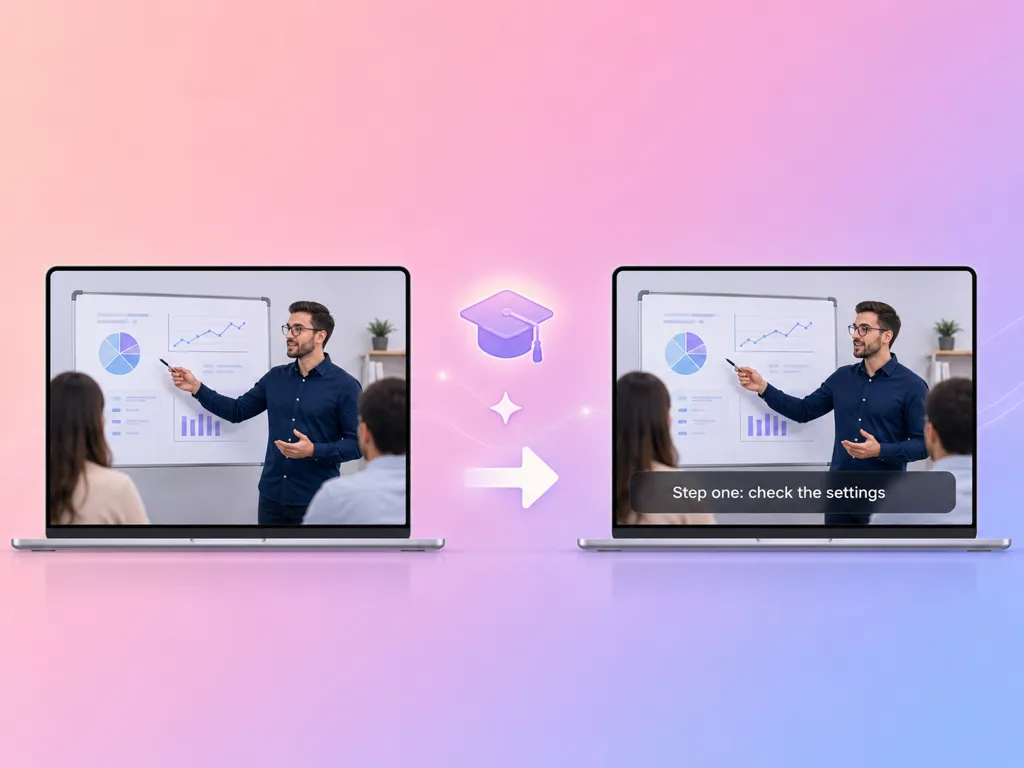
TIMINGSYNC
Multilingual support

Multilingual support

Generate subtitles in multiple languages—reach international audiences without hiring translators.
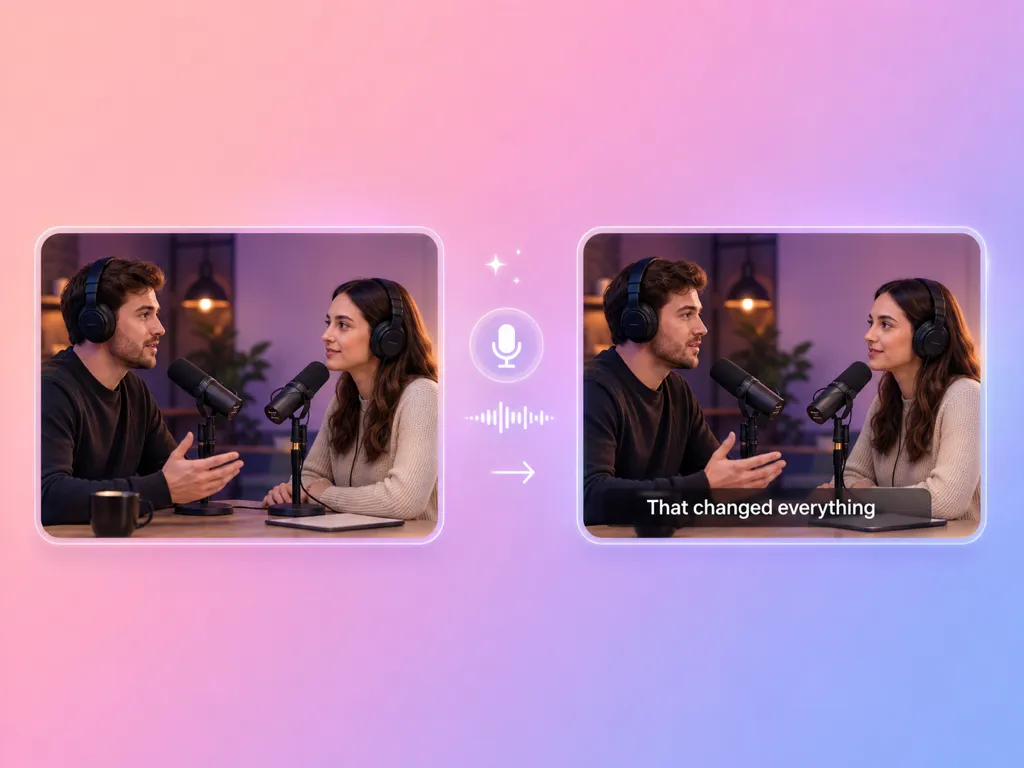
LANGUAGEGLOBAL
Social media optimized

Social media optimized

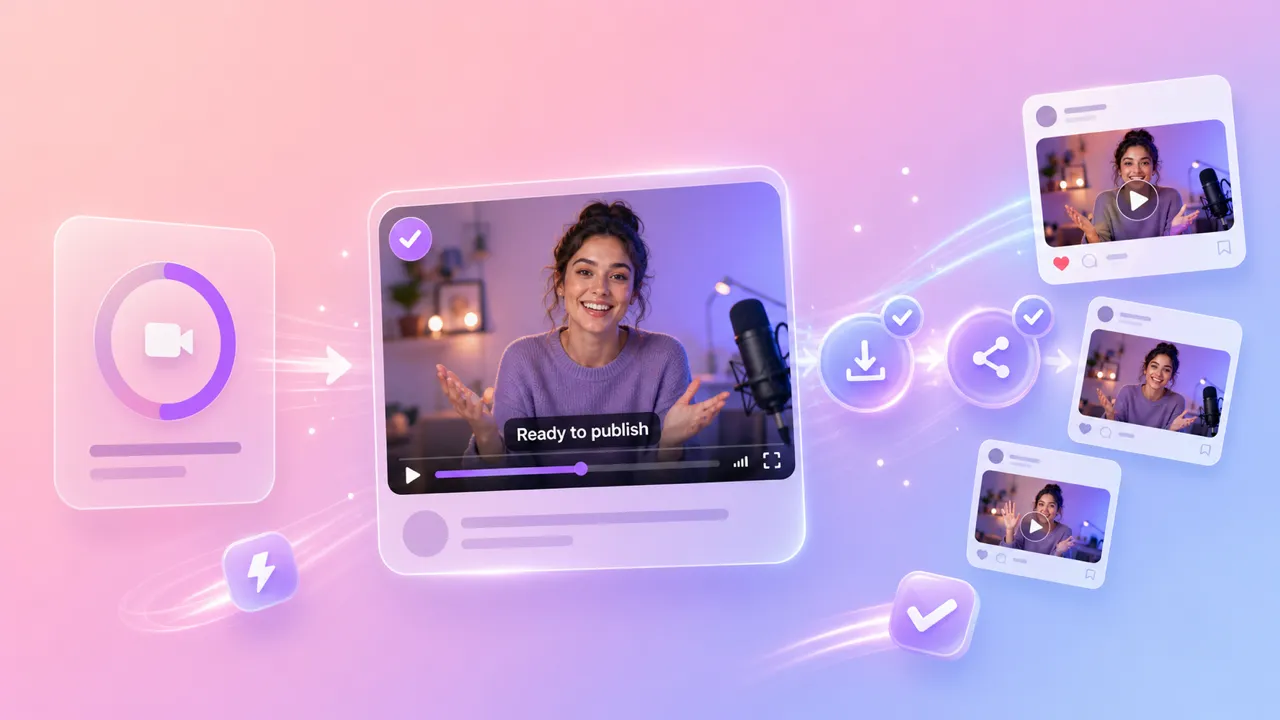
Captions formatted for TikTok, Instagram Reels, YouTube Shorts, and other vertical and horizontal formats.

SOCIALFORMAT
Upload and done

Upload and done

No settings to configure—upload your video and get subtitles generated automatically in minutes.
SIMPLEFAST
Boost engagement & reach

Boost engagement & reach

Captioned videos get up to 80% more watch time—make every video accessible and algorithm-friendly.
ENGAGEMENTREACH

Everything inside AdsTurbo Video Subtitle

Drop in a video—get perfectly timed subtitles back

Upload and get captions

Drop in a video—get perfectly timed subtitles back

  • AI transcribes speech and generates subtitle tracks automatically
  • Proper sentence breaks, punctuation, and capitalization
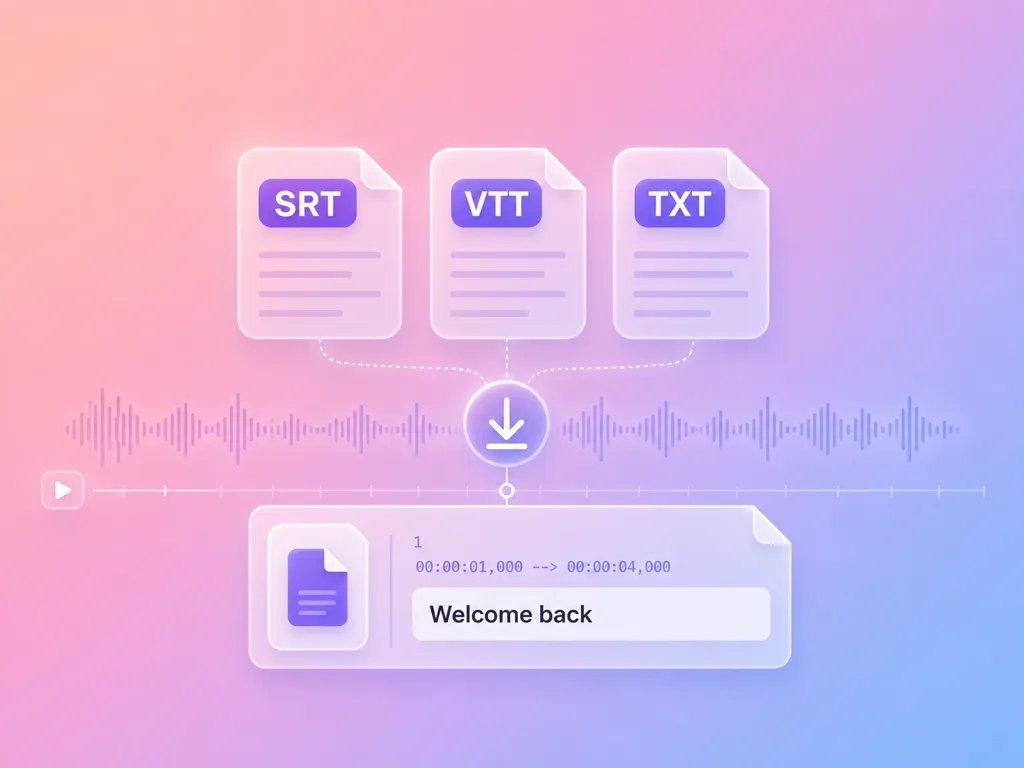
  • Download subtitles embedded in the video or as separate files
Captions that look native on every platform

Built for content creators

Captions that look native on every platform

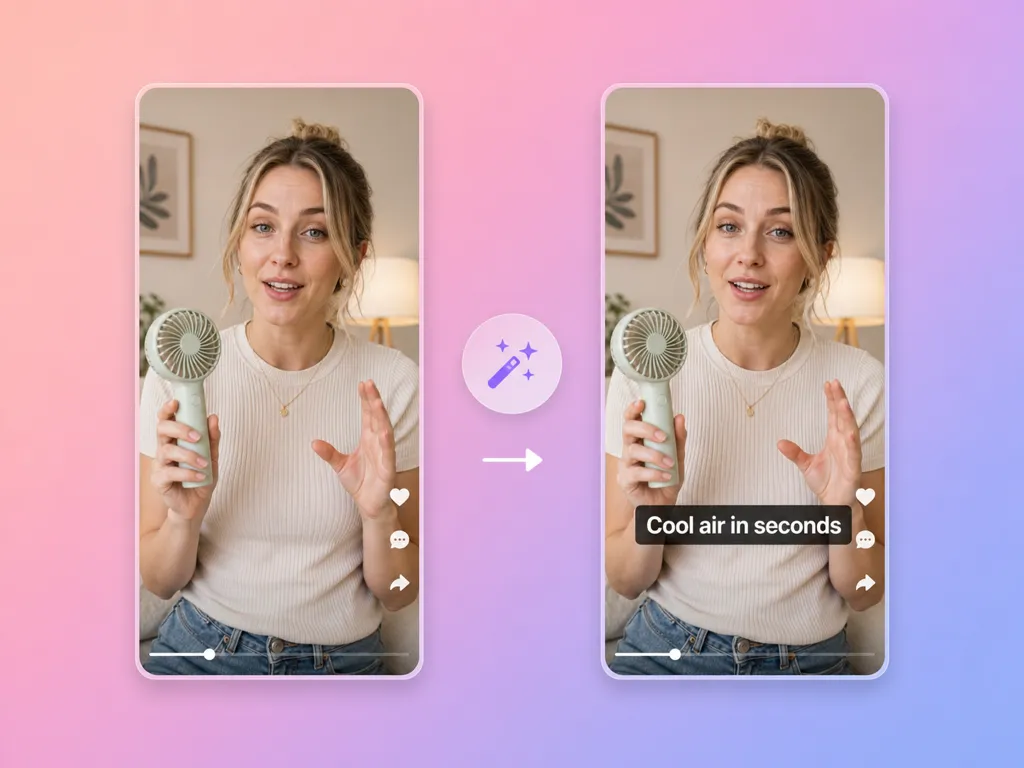
  • Subtitle styling optimized for social media readability
  • Proper text sizing for mobile-first vertical video
  • Clean positioning that doesn't obscure key visual content
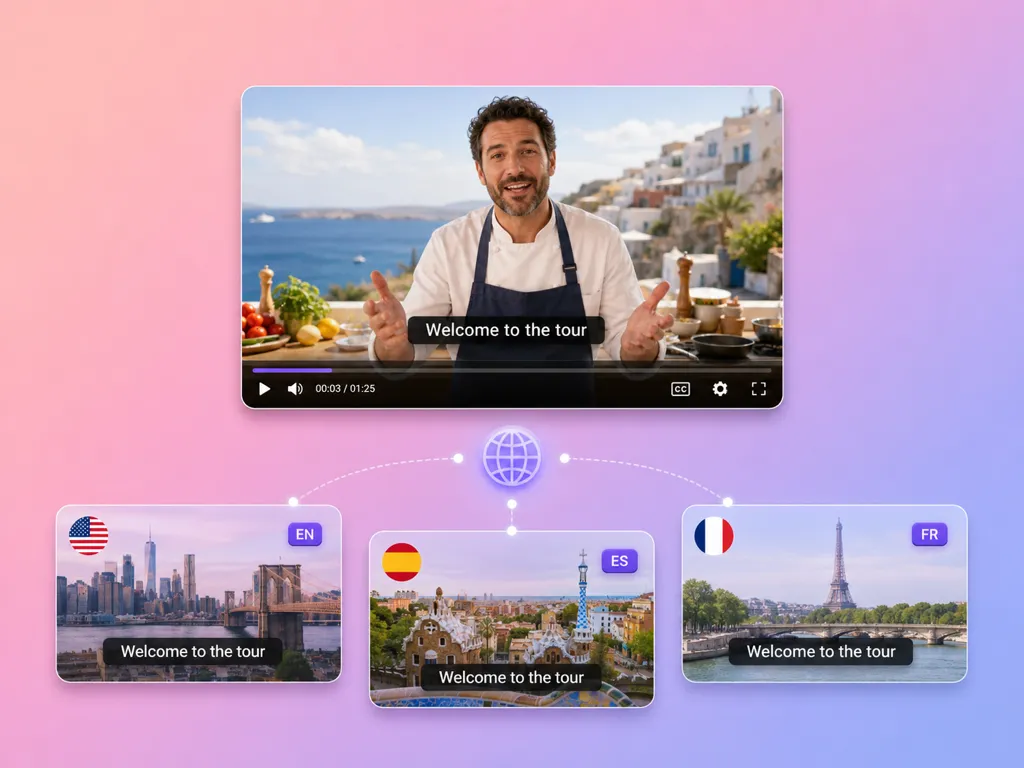
One video, subtitles in every language your audience speaks

Multilingual reach

One video, subtitles in every language your audience speaks

  • AI-powered translation generates subtitles in multiple languages
  • Reach international audiences without manual translation work
  • Expand to new markets with the same video content
Captions that boost watch time, reach, and inclusivity

Accessibility & performance

Captions that boost watch time, reach, and inclusivity

  • Make videos accessible to deaf and hard-of-hearing viewers
  • Captioned videos rank higher in social media algorithms
  • 85% of social media videos are watched without sound—captions are essential

AdsTurbo Video Subtitle vs other workflows

Speed + accuracy + zero effort

AdsTurbo Video Subtitle
Manual transcription
YouTube auto-captions
CapCut / editing tools
Time to generate subtitles
Minutes
Hours
Minutes
30+ min
Transcription accuracy
High
Highest (manual)
Medium
Medium–High
Multilingual subtitle support
Yes
Manual translation
Limited
Limited
Platform-ready styling
Automatic
Manual
YouTube only
Manual
Editing software required
No
Yes
No
Yes
Cost per video
Low
High
Free (low quality)
Free–Medium

Video Subtitle is built for creators and marketers who need captions fast—without transcription skills or editing software.
What Video Subtitle can generate

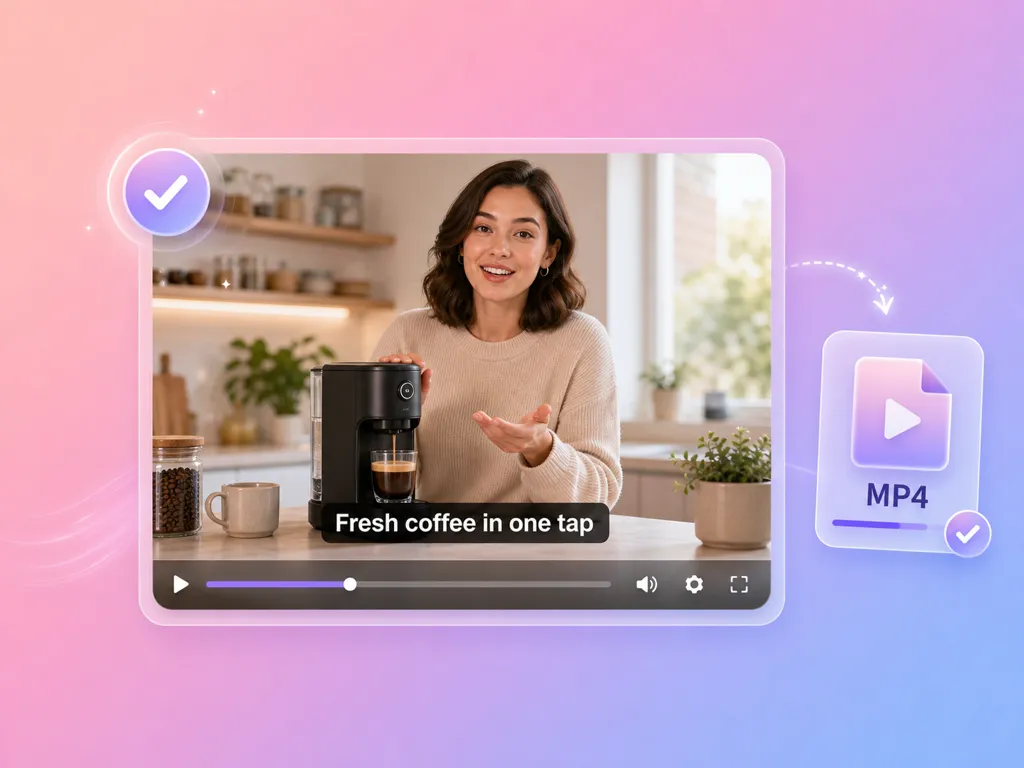
Social Media Captioned Videos

Social Media Captioned Videos

Videos with burned-in captions styled for TikTok, Instagram Reels, YouTube Shorts, and other social platforms.
E-commerce Product Videos

E-commerce Product Videos

Product demos, reviews, and how-to videos with clear subtitles that boost viewer comprehension and conversion.
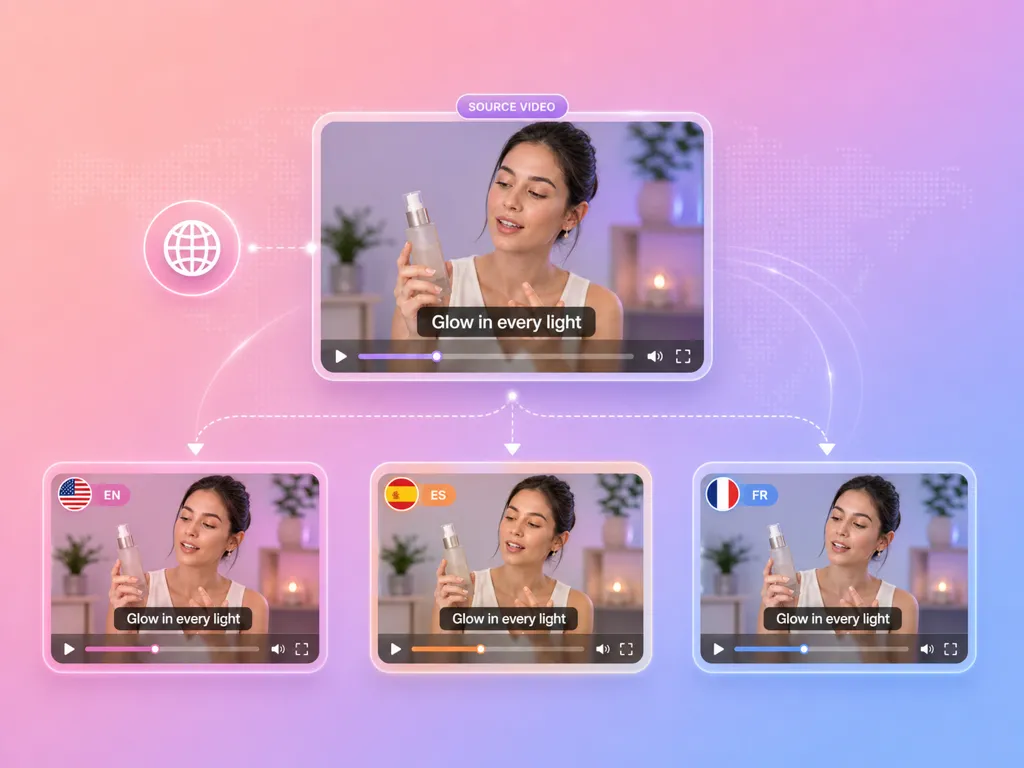
Multilingual Subtitle Tracks

Multilingual Subtitle Tracks

AI-translated subtitle files in multiple languages—expand your video content to international audiences instantly.
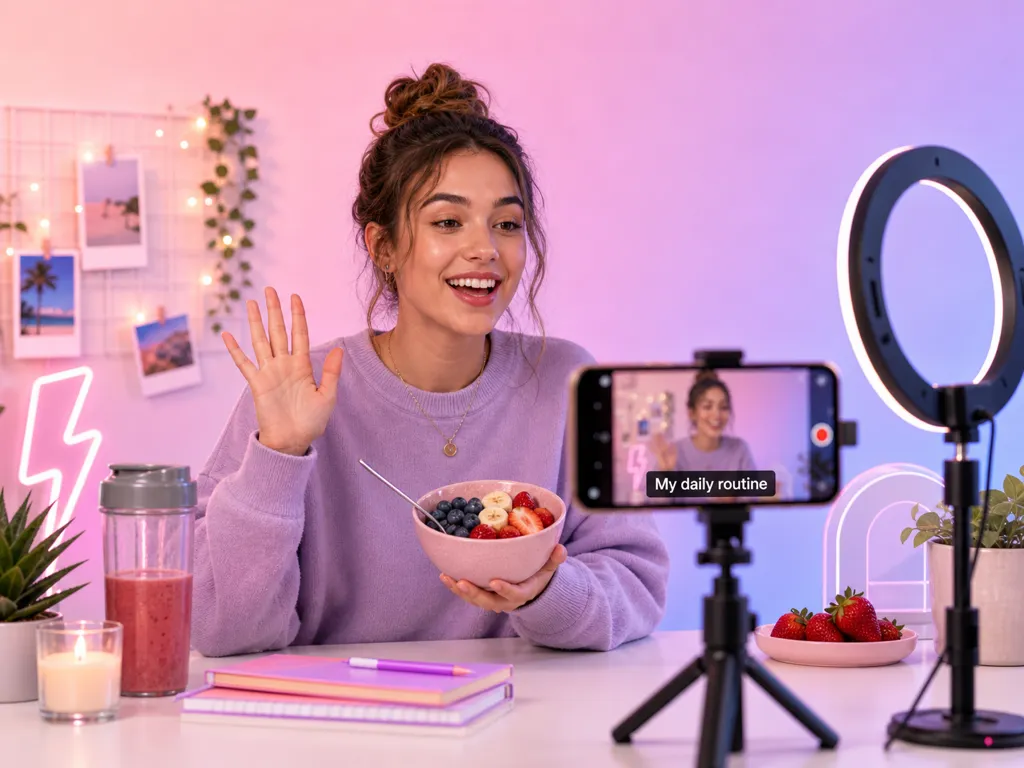

Video Subtitle Generator Inputs and Output Options

Choose how AdsTurbo generates and delivers subtitles for your video.

Video input
Upload a source video in a supported format.
Source language
Select the spoken language or let AdsTurbo detect it automatically.
Subtitle language
Generate captions in the source language or translate them for another audience.
Subtitle format and style
Choose the subtitle file format and visual style for your workflow.
Output
Export a captioned video, a separate subtitle file, or both.

Who should use Video Subtitle?

Content creators & influencers

Content creators & influencers

  • Add captions to every video without manual typing
  • Boost watch time with always-on subtitles
  • Reach international followers with multilingual captions
E-commerce brands & sellers

E-commerce brands & sellers

  • Caption product videos for higher engagement and conversion
  • Make product demos accessible on all platforms
  • Localize video content for cross-border marketplaces
Marketing teams & agencies

Marketing teams & agencies

  • Caption ad creatives and campaign videos at scale
  • Meet accessibility requirements for video advertising
  • Deliver multilingual video content to global clients

FAQ

VIDEO SUBTITLE

01How do I generate subtitles from a video?

Upload your video and start generating. AdsTurbo detects the spoken language, transcribes the audio, and creates time-synced subtitles automatically.

02Can I add auto captions to a video online?

Yes. AdsTurbo generates captions in your browser workflow, so you can subtitle a video without manually transcribing or timing every line.

03What video formats are supported?

Most common video formats including MP4, MOV, and AVI. Upload your video and the AI handles the rest—no format conversion needed.

04Do I need to configure any settings?

No—just upload your video. AI automatically detects the spoken language, transcribes the audio, and generates time-synced subtitles.

05How accurate are the AI-generated subtitles?

Very accurate for clear speech. AI handles natural speech patterns, multiple speakers, and background noise well. You can review and fine-tune if needed.

06Can I get subtitles in multiple languages?

Yes—AI can generate translated subtitles in multiple languages, letting you reach international audiences with the same video content.

07Will the subtitles work on social media platforms?

Yes—subtitles are styled and formatted for optimal readability on TikTok, Instagram, YouTube, and other platforms.

08What subtitle settings can I customize?

You can choose the source language, target subtitle language, subtitle format, and visual style before generating your captions.

09Can I download subtitle files separately from the video?

Yes. You can export captions embedded in the video or download them as a separate subtitle file for use in video editors and publishing platforms.

Generate subtitles from any video — automatically

Upload your video. AI generates time-synced, platform-ready captions—boosting engagement, accessibility, and global reach.