Amazon Lightning Deal Countdown Video Ads: A Prime Day Workflow

Summarize with
Summary
Learn how to plan compliant Amazon Lightning Deal countdown video ads for Prime Day, with a 15-second script framework and batch-creation workflow.
By adsturbo.ai | Published 2026-11-06 | Updated 2026-11-06
Amazon Lightning Deal countdown video ads work best when they make three things immediately clear: what the product does, what the offer is, and when the offer ends. For Prime Day and other peak shopping periods, sellers can adapt one strong product video into short teaser, launch, and final-hours variations instead of producing every asset from scratch.
A Lightning Deal is a time-limited promotion that typically runs for a restricted number of hours. Amazon states that Lightning Deals can run for up to 12 hours, while the exact schedule and eligibility depend on the seller account, product, and deal setup. (sellercentral.amazon.com)
What are Amazon Lightning Deal countdown video ads?
Amazon Lightning Deal countdown video ads are short promotional videos designed to build awareness before or during a limited-time Amazon deal. They are not a replacement for the deal configured in Seller Central; they are creative assets that communicate the product benefit and direct shoppers toward the relevant product detail page or campaign destination.
The most reliable structure is:
- Product recognition in the opening seconds
- One useful benefit demonstrated visually
- A precise, verified offer message
- A real end time or “deal starts” reminder
- A simple call to action
Amazon Ads recommends introducing the product or brand within the first two seconds, showing the product in use, designing for sound-off viewing, and using clear text or captions. (advertising.amazon.com)
The key distinction is between a real countdown and invented urgency. A timer should match the scheduled deal window. Avoid resetting countdowns, implying unlimited inventory is almost gone, or claiming “last chance” when the promotion still has substantial time remaining.
Why countdown creative matters during Prime Day
Lightning Deals compress the decision window. Amazon describes them as promotions with special merchandising and limited availability, while its advertising guidance recommends burst-style visibility around short promotional windows. (sellercentral.amazon.com)
That creates three creative jobs:
| Campaign phase | Shopper question | Video objective |
|---|---|---|
| Before the deal | “Why should I remember this product?” | Build recognition and explain the main benefit |
| During the deal | “Why buy now?” | Show the offer and remaining time clearly |
| Final hours | “Will I miss it?” | Remind shoppers without exaggerating scarcity |
A useful information-gain principle is to change the message by phase, not merely change the timer. A pre-deal video should sell the product. A live-deal video should sell the product plus the offer. A final-hours version should reduce friction by repeating the product, price condition, and destination.
For supporting assets outside Amazon, an Amazon event poster workflow can extend the same product-and-offer concept to social posts, email, display placements, and other campaign formats.
How to build a 15-second Lightning Deal video
A 15-second format is long enough to demonstrate a product benefit but short enough for fast mobile viewing. Use this sequence:
0–2 seconds: Show the product immediately
Open with a clean product shot, packaging reveal, or use-case moment. Do not begin with a logo animation that delays product recognition.
On-screen copy:
“Prime Day deal coming soon”
or
“Today only: limited-time savings”
2–6 seconds: Demonstrate one benefit
Choose one problem the product solves. For example, a small appliance might show a simple setup action; an accessory might show compatibility or portability.
Keep the demonstration concrete. “Fits in a small bag” is easier to understand than “designed for modern lifestyles.”
6–10 seconds: Introduce the offer
Use only deal information that has been confirmed in the Amazon promotion setup.
Possible copy:
- “Save [verified percentage]”
- “Lightning Deal starts [verified date/time]”
- “Limited-time Amazon deal”
- “Shop while the deal is live”
Do not add an unverified “lowest price ever” claim or a fabricated inventory percentage.
10–13 seconds: Add the countdown
The countdown should correspond to the stage of the campaign:
- Pre-deal: “Starts in 2 days”
- Live deal: “Ends tonight”
- Final-hours: “Deal ends at [verified time]”
If the video will run across multiple time zones or placements, use a date-and-time format that avoids ambiguity.
13–15 seconds: Close with a direct action
End with a short CTA such as:
- “See the deal on Amazon”
- “Shop the Lightning Deal”
- “View product details”
Keep the final frame visually simple. Product, offer, and CTA should remain readable without sound.
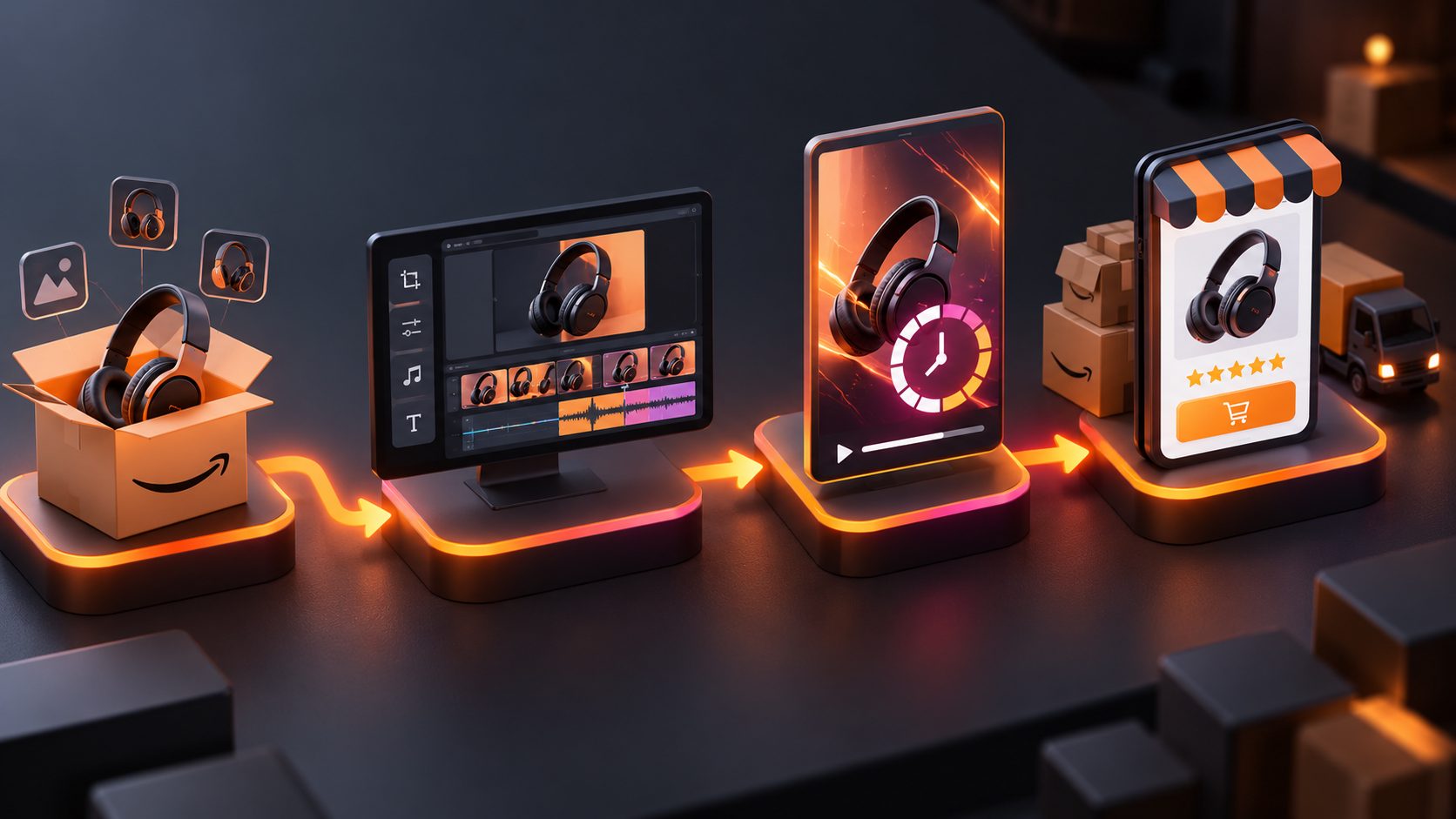
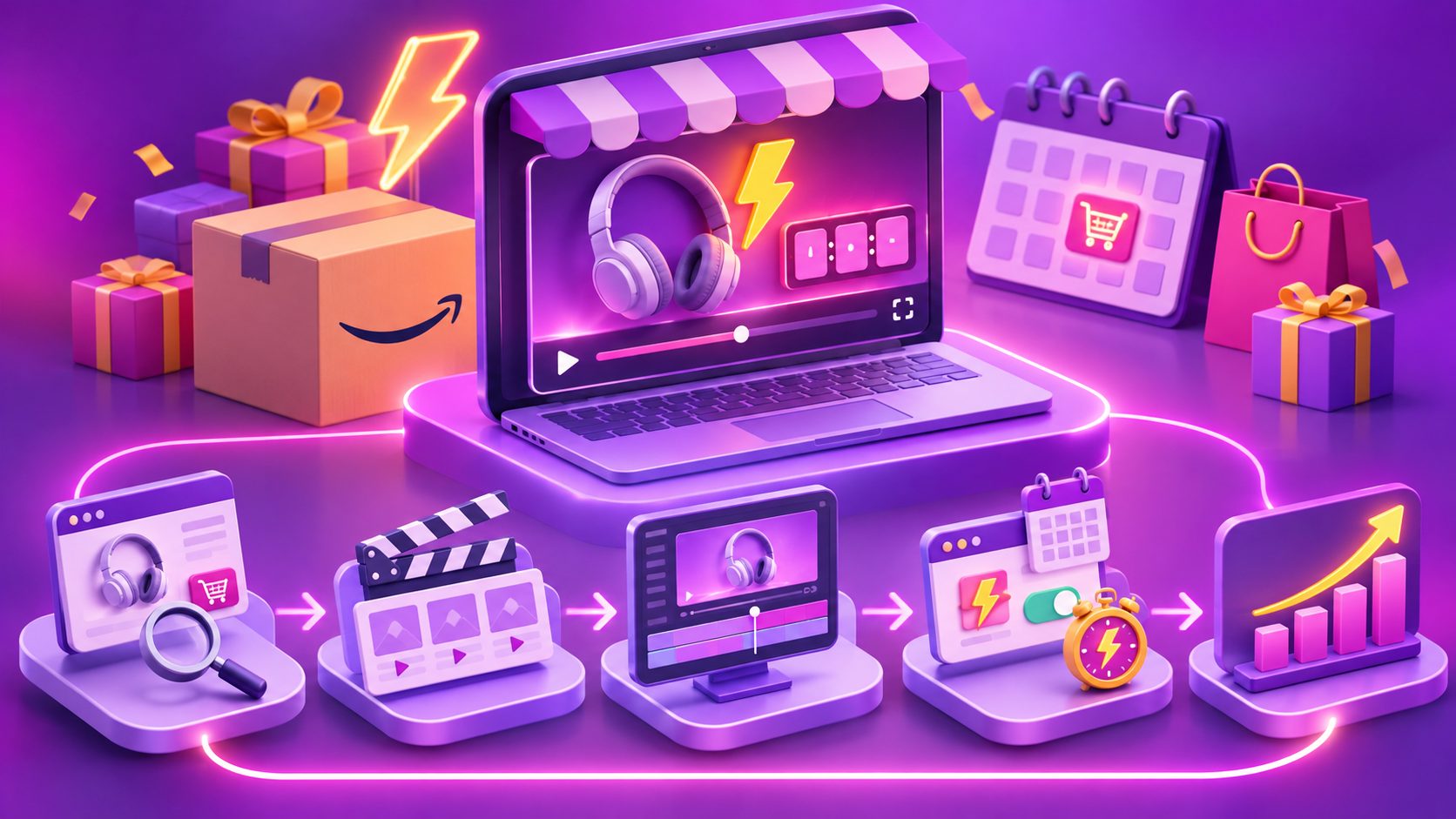
A practical batch-production workflow for sellers
The fastest production system separates the stable product message from the changing promotion layer.
Step 1: Prepare a product truth sheet
Record:
- Product name and ASIN
- One primary benefit
- Three approved product facts
- Deal start and end time
- Verified discount or promotional wording
- Destination URL or campaign placement
- Approved brand colors and logo
This prevents creative teams from inventing claims while producing variants.
Step 2: Create one proof-first master video
Start with a product image or existing product footage. AdsTurbo Product Video supports JPG and PNG product uploads, with clear product photos on a plain background producing the best results. The workflow can be used for product review, introduction, or demonstration-style short videos.
For teams repurposing existing footage, bulk AI video ad production for ecommerce provides a useful framework for creating multiple creative variations around the same product message.
Step 3: Produce three message variants
Create at least:
- Teaser variant: product benefit plus upcoming deal reminder
- Live-deal variant: product benefit plus confirmed offer
- Final-hours variant: product benefit plus verified closing time
Change one major variable at a time. If the hook, presenter, offer, background, and CTA all change together, performance results become harder to interpret.
AdsTurbo supports ad cloning, product video generation, subtitles, video translation, background replacement, and clip-by-clip editing. Its video subtitle workflow can generate synchronized captions and export either a subtitled video or a separate subtitle file.
Step 4: Adapt the aspect ratio
A campaign may require different layouts for Amazon placements, social channels, email, and display. Keep the product and offer inside a safe central area, then export versions for the required placements.
For a product-image-first production process, Amazon product image-to-video advertising offers a relevant model: begin with a clean product asset, add a clear selling point, and create short-form variants for testing.
Compliance checks before publishing
A countdown video should support the promotion, not create a mismatch with it. Use this checklist:
- Confirm the deal window. The video’s date and time must match the scheduled promotion.
- Confirm the price language. Avoid displaying a discount that differs from the live offer.
- Avoid fake scarcity. Do not invent stock levels, claim “almost sold out,” or use a timer that resets without a real deadline.
- Protect product visibility. Text overlays should not cover the product or key demonstrations.
- Design for muted playback. Captions should communicate the essential message without narration.
- Review the deal image separately. Amazon’s deal-image guidance requires an all-white background and prohibits added text, logos, or watermarks that are not part of the product itself. (sellercentral.amazon.com)
- Check deal status. Amazon notes that deals can be suppressed or canceled if eligibility or requirements change, so creative should be reviewed if the promotion status changes. (sellercentral.amazon.com)
A useful operational rule is to maintain two files: a promotion-neutral master and a time-sensitive offer version. If the deal time changes, the master remains reusable and only the promotional layer needs revision.
Common questions
Should the countdown appear in every version?
No. A pre-deal teaser may use a start reminder, while a live-deal video can use an end-time message. The countdown should reflect the viewer’s actual stage in the promotion.
How long should the video be?
For a fast mobile promotion, 10–15 seconds is a practical starting range. Longer videos can work when the product needs a demonstration, but the offer and product identity should still appear early.
Can one product video support multiple marketplaces?
Yes, the core demonstration can be reused, but the offer, language, aspect ratio, CTA, and platform requirements should be adapted separately. AdsTurbo supports multilingual translation, subtitles, and multiple video editing controls for localization workflows.
What should sellers test first?
Test the opening hook and benefit before testing decorative changes. Compare a product-first opening, a problem-first opening, and a deal-first opening while keeping the product, offer, and audience consistent.
How can teams produce many versions safely?
Use a locked product truth sheet, a reusable master video, and controlled variant fields for hook, presenter, language, CTA, and timing. AdsTurbo’s advanced plans support team workflows, API access, and custom workflows; its asynchronous tasks can be monitored through status polling or Webhook callbacks.
A strong Lightning Deal campaign is not just a timer placed over a product clip. It is a controlled sequence: prove the product, state the verified offer, match the real deadline, and adapt the message to each phase. For sellers preparing a high-volume Prime Day test, this approach creates more usable variants while reducing the risk of mismatched or exaggerated promotion claims.