Amazon PPC Video Ads Launch Strategy for New Products


Summarize with
Summary
Build an Amazon PPC video ads launch strategy that tests product angles, search intent, and creative hooks before scaling spend. Learn the workflow and start testing.
By adsturbo.ai | Published 2026-11-01 | Updated 2026-11-01
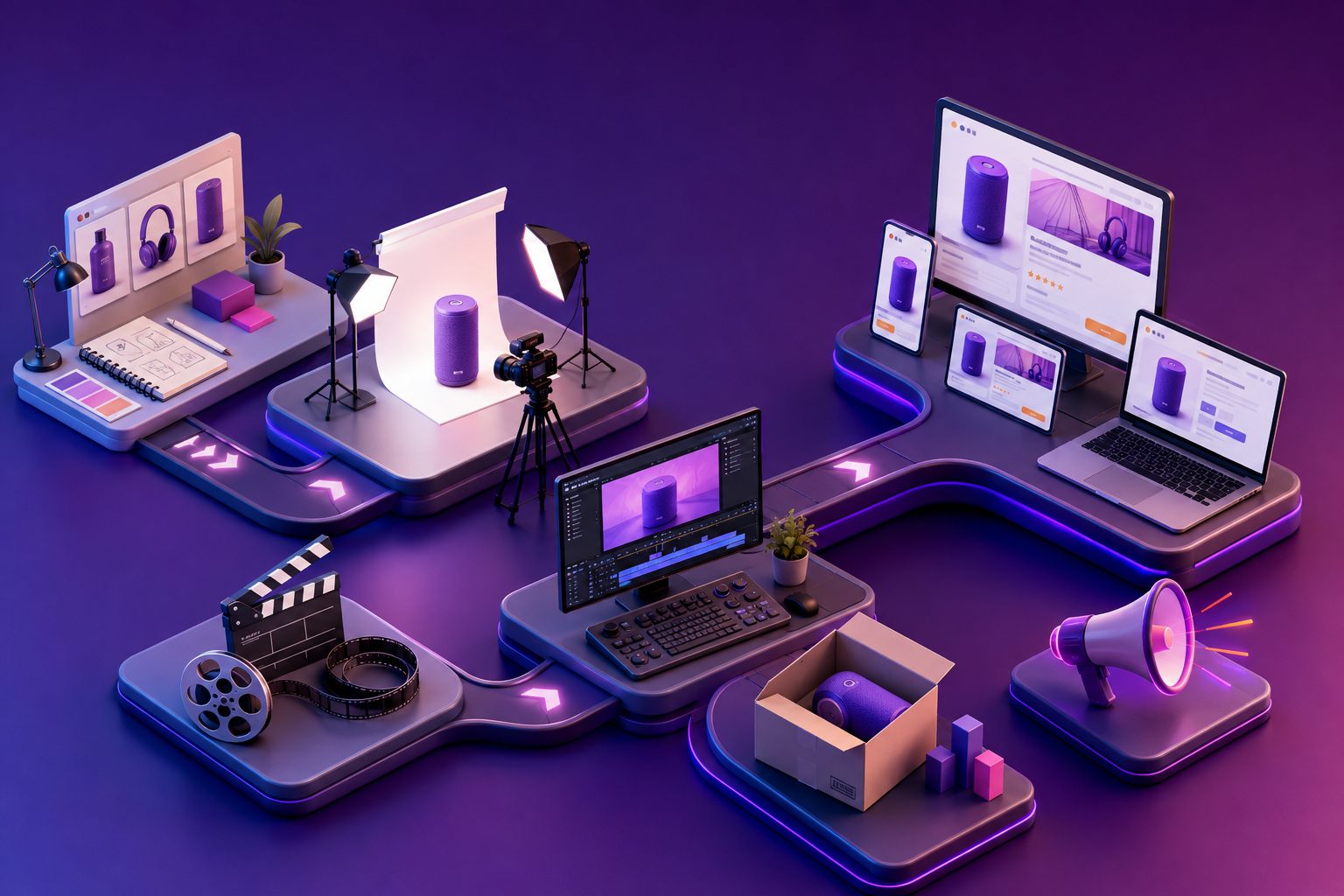
A practical Amazon PPC video ads launch strategy should not begin with one expensive “hero” video. For a new ASIN, the smarter approach is to test several product claims, search-intent angles, and opening scenes at low cost, then scale the combinations that earn both clicks and orders.
Amazon’s own guidance emphasizes product features, real-world use, clear relevance, and measurable outcomes such as CTR, conversion rate, ROAS, and video-view rate. (advertising.amazon.com) This guide turns those principles into a launch workflow for ecommerce sellers.
What is an Amazon PPC video ads launch strategy?
An Amazon PPC video ads launch strategy is a staged plan for using video inside Amazon advertising campaigns to discover which creative message attracts qualified shoppers and converts them into buyers.
The goal is not simply to produce a polished video. It is to connect:
- A search intent, such as “leakproof water bottle” or “quiet cordless vacuum.”
- A product proof point, such as a demonstration, comparison, or use case.
- A campaign target, such as a keyword, competitor ASIN, or product category.
- A measurable decision, such as keep, revise, pause, or scale.
Amazon Sponsored Products video is designed to highlight product features in search environments, while Sponsored Brands video can support brand discovery and direct shoppers to a product detail page or Brand Store. (advertising.amazon.com)
Why video testing matters during a new product launch
New products usually lack enough historical data to reveal the strongest selling angle. A single video can generate clicks, but it cannot tell you whether shoppers responded to the product’s price, demonstration, design, convenience, or a specific keyword context.
A useful launch test separates creative variables instead of changing everything at once:
| Variable | Example test options |
|---|---|
| Opening scene | Product in use, problem moment, close-up detail |
| Core benefit | Saves time, improves comfort, prevents mess |
| Proof style | Demonstration, comparison, before-and-after |
| Audience angle | Beginner, professional, gift buyer |
| CTA emphasis | Shop now, compare features, solve a problem |
This creates a “message-to-query” map. For example, a video that performs well for “portable blender” may not be the best creative for “smoothie maker for travel,” even when both keywords relate to the same product.
Original testing framework: score each video on two dimensions—attention efficiency and sales efficiency. Attention efficiency uses impressions, CTR, and five-second view rate. Sales efficiency uses detail-page conversion rate, orders, and ROAS. The winning launch asset is not always the video with the highest CTR; it is often the one that produces the strongest qualified traffic.
How to build the campaign structure
Start with a small number of clearly separated campaigns. Avoid placing every keyword, product target, and video into one campaign because mixed data makes creative decisions harder.
Campaign 1: Search-intent discovery
Use automatic, broad, and phrase targeting to identify how shoppers describe the problem your product solves. Keep the initial creative focused on the product’s most obvious use case.
Review search-term data for:
- Queries with high click volume
- Queries producing detail-page engagement
- Search terms with early orders
- Irrelevant terms that require negative targeting
Campaign 2: High-intent conversion
Move promising terms into an exact-match campaign. Pair each important intent cluster with a video that demonstrates the corresponding feature.
For instance:
- “under cabinet lighting” → installation and brightness demonstration
- “running belt with phone pocket” → fit and storage demonstration
- “waterproof picnic blanket” → water-resistance test
Amazon recommends that video titles and descriptions accurately match the feature shown, because misleading feature labels can reduce relevance or lead to moderation problems. (advertising.amazon.com)
Campaign 3: Product and competitor discovery
Use product targeting to test placement against comparable products. The creative should answer one comparison question rather than present a general brand story:
- What does this product do better?
- Which feature reduces buyer uncertainty?
- What use case is easier with this product?
This approach is more useful for launch learning than producing a generic lifestyle montage.
What should the first three videos show?
A practical first batch contains three distinct jobs rather than three versions of the same edit.
Video one: The primary use case
Show the product being used in a realistic environment. Make the product the visual focal point and demonstrate the main outcome quickly.
Video two: The differentiating feature
Focus on the feature competitors may not communicate clearly. Use a close-up, side-by-side comparison, or functional demonstration.
Video three: The objection remover
Address the question that could stop the purchase: installation difficulty, portability, cleaning, compatibility, size, durability, or learning curve.
Amazon recommends multiple feature videos so shoppers can encounter the product from different areas of interest. Its Sponsored Products video guidance also favors real product use, clear lighting, and limited dependence on narration or talking heads. (advertising.amazon.com)
For fast iteration, AdsTurbo can combine a product image, selling points, and a reference concept into short product videos. Its Product Video workflow supports JPG or PNG product images and can produce review, introduction, or demonstration-style videos. A related low-budget product photo video workflow can help sellers turn existing listing assets into testable variations.
A 14-day launch testing workflow
Days 1–3: Validate the listing and creative fit
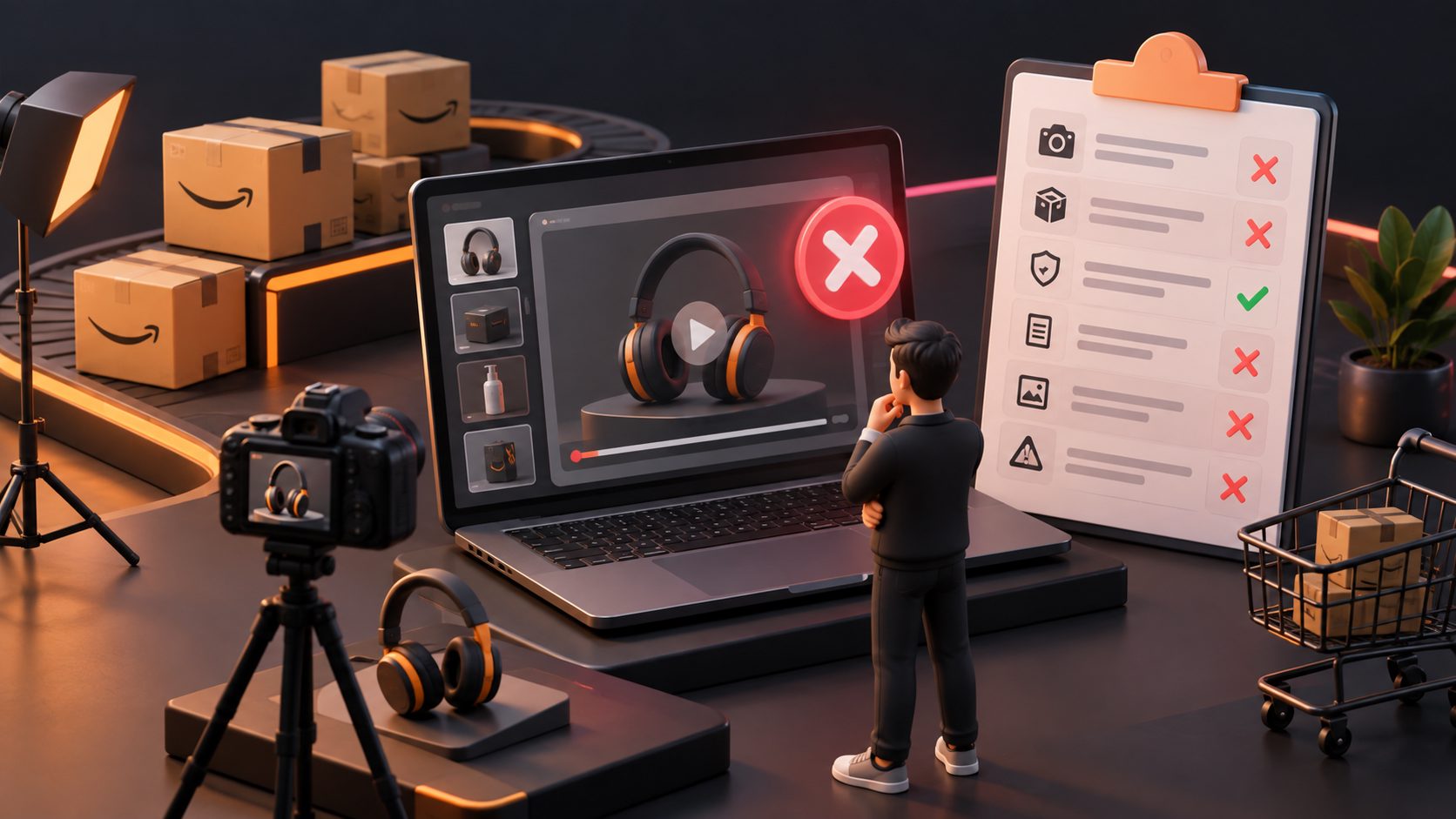
Before increasing bids, confirm that the product detail page supports the promise in the video. The main image, title, bullets, price, and inventory should not contradict the ad.
Launch a small creative set with separate intent groups. Record impressions, CTR, five-second view rate, clicks, orders, and conversion rate.
Days 4–7: Remove weak combinations
Do not pause a video solely because it has a low order count after a few clicks. Instead, look for patterns:
- Low impressions may indicate weak eligibility, bid, or targeting.
- High impressions but low CTR may indicate a weak opening frame.
- High CTR but low conversion may indicate a listing or expectation mismatch.
- Good conversion but low volume may indicate narrow targeting or insufficient budget.
Days 8–10: Rebuild around evidence
Keep the strongest hook and replace only the weak section. For example, preserve the opening product demonstration while changing the benefit text or proof sequence.
AdsTurbo’s Ad Clone workflow can help analyze a reference video’s structure, pacing, shot logic, and CTA pattern, then create new variants for testing. The useful principle is not copying another seller’s claims; it is studying the sequence that makes the message easy to understand.
Days 11–14: Scale qualified winners
Increase exposure only for combinations that show both engagement and commercial value. Consider Amazon’s video-specific bid adjustments where the campaign data supports them. Amazon reports that Sponsored Products video campaigns using a 5–15% video bid adjustment saw average gains in impressions and conversion rate compared with campaigns without the adjustment, although individual results vary. (advertising.amazon.com)
How to optimize for ROAS without killing learning
ROAS is important, but early launch data has two purposes: generating sales and identifying the message that deserves more investment.
Use a simple decision matrix:
| Result | Likely diagnosis | Next action |
|---|---|---|
| Low CTR, low CVR | Weak creative or poor relevance | Change opening and targeting |
| High CTR, low CVR | Promise exceeds listing experience | Align video and detail page |
| Low CTR, high CVR | Strong offer but weak attention | Test first two seconds |
| High CTR, high CVR | Qualified winner | Increase budget gradually |
| High views, few clicks | Entertainment without intent | Add clearer product proof |
Keep the product visible. Amazon’s guidance recommends that the product occupy a substantial portion of the frame and discourages blurry footage, letterboxing, excessive animation, and videos that rely on unsupported audio. (advertising.amazon.com)
For international launches, AdsTurbo supports video translation, subtitles, lip sync, resolution enhancement, and character replacement. These functions can help create localized tests, but the translated version should still reflect the local search intent and the claims supported by the listing.
Common questions
Should a new Amazon product use video ads immediately?
Video can be tested early when the listing, inventory, price, and product proof are ready. It should not be used to compensate for missing information or weak product-market fit.
Should the first video be a brand story?
Usually, no. For a cold-start ASIN, a feature demonstration or objection-removal video gives shoppers a clearer reason to click. Brand storytelling can be tested later through Sponsored Brands or upper-funnel formats.
How many videos should be tested?
Start with three materially different concepts. More variations are useful only when each one tests a clear hypothesis rather than a cosmetic change.
What if the video gets clicks but no orders?
Check the search term, product detail page, price, reviews, delivery promise, and claim-to-proof alignment. High CTR with low conversion often means the video creates curiosity but does not resolve the buyer’s purchase concern.
Can one video be reused across marketplaces?
It can be adapted, but localization should include more than subtitles. Review the search phrase, offer, product claims, on-screen text, and cultural context for each marketplace.
Final takeaway
The strongest Amazon PPC video ads launch strategy treats video as a learning system, not a one-time production project. Test search intent against specific product proof, separate discovery from conversion campaigns, and scale only when engagement and sales efficiency point in the same direction.
For sellers building multiple creative variants, AdsTurbo provides product video generation, Ad Clone, subtitles, translation, background replacement, AI upscaling, and API access for higher-level workflows. The practical advantage is faster iteration: more controlled creative hypotheses can reach the marketplace before the launch budget is exhausted.