Dropshipping Product Screenshots to Video Ads: A Practical Testing Workflow


Summarize with
Summary
Learn how to turn dropshipping product screenshots to video ads with AI, build accurate creative variations, and test hooks, formats, and offers faster. Start creating.
By adsturbo.ai | Published 2026-11-03 | Updated 2026-11-03
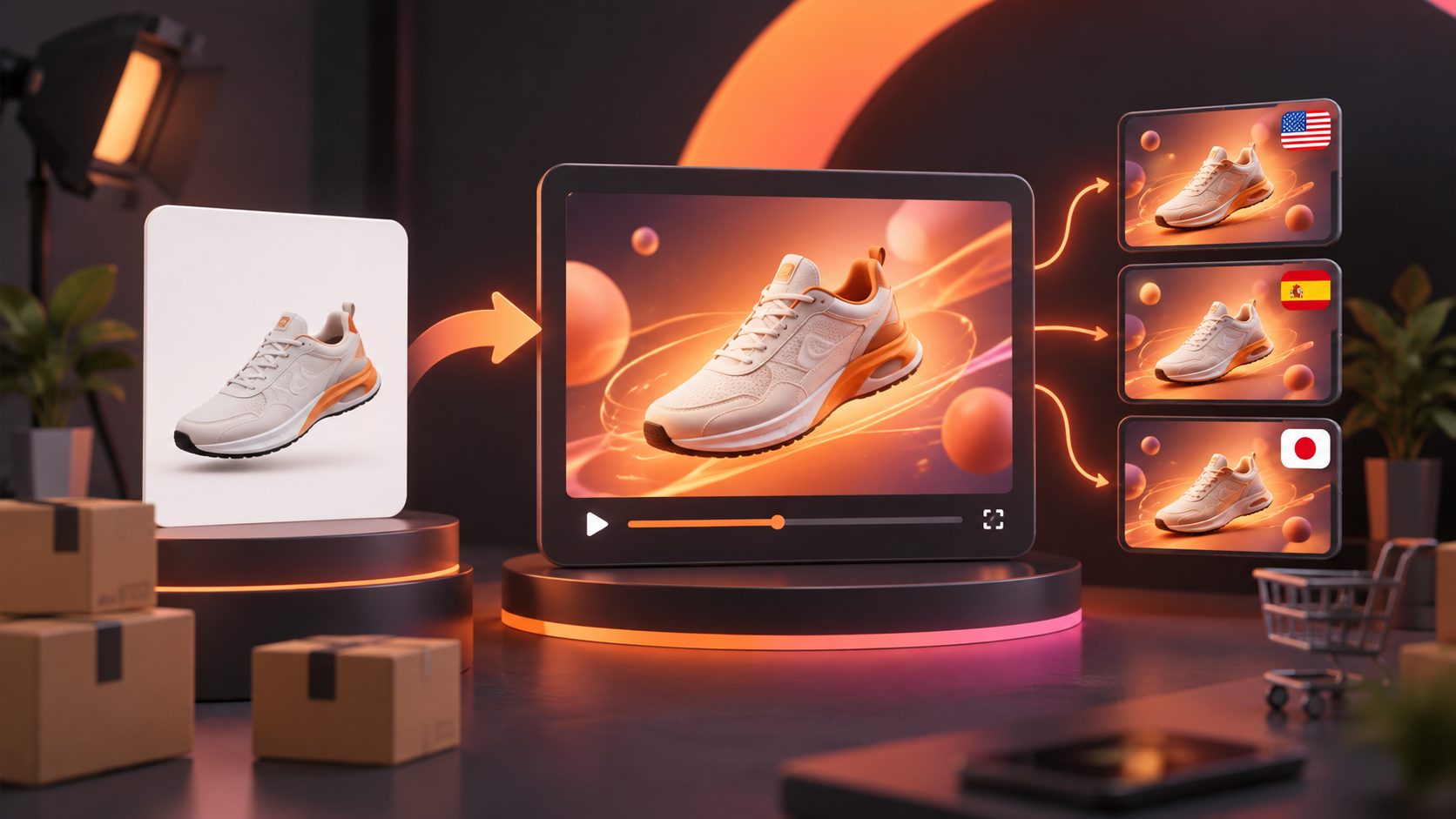
Turning dropshipping product screenshots to video ads is a practical way for solo sellers to test products before investing in samples, creators, or a full production setup. With a few supplier images, product claims, and promotional details, you can build short-form creatives for TikTok, Instagram Reels, YouTube Shorts, and paid social campaigns.
The important distinction is that AI should not simply animate a screenshot. It should transform limited product evidence into a structured test: a clear hook, a visible product benefit, proof or demonstration, and a direct call to action.
What are dropshipping product screenshot video ads?
Dropshipping product screenshot video ads are short promotional videos created from supplier listings, product screenshots, catalog images, or simple JPG and PNG product photos. AI can add motion, scenes, text overlays, captions, voiceovers, product demonstrations, and different characters without requiring the seller to own inventory.
A screenshot is only raw material. It may show the product, but it usually does not explain:
- Who needs it
- What problem it solves
- How it works
- Why the offer is timely
- What the viewer should do next
The strongest workflow turns one image into several creative angles rather than one generic slideshow. For example, a portable organizer could become a “small-space problem” ad, a “before-and-after” ad, a gift-focused ad, and a product demonstration.
What do you need before creating the video?
Start with the cleanest product evidence available. A clear product image on a plain background usually gives image-generation and video tools a more reliable visual reference than a busy screenshot containing browser controls, reviews, or unrelated products.
Prepare these inputs:
- Product image: Use a sharp JPG or PNG showing the complete item.
- Core benefit: Write one specific benefit, such as “stores cables without tangling.”
- Audience: Define the likely buyer and use case.
- Offer: Add a discount, bundle, free-shipping message, or other verified promotion.
- Restrictions: Remove unsupported claims, exaggerated guarantees, and copied supplier text.
- Destination: Decide whether the video is for TikTok, Meta, Shorts, or a product page.
AdsTurbo Product Image supports JPG and PNG uploads and can analyze a product’s shape, color, and category. It can also create multiple image types, including banners, lifestyle images, close-ups, material-detail visuals, instruction graphics, and brand images. For ecommerce sellers, this helps convert one weak supplier screenshot into a small visual asset set before video production.
For cleaner product references, see this guide to creating a pure white background image for ecommerce.
How do you turn a product screenshot into a short video ad?
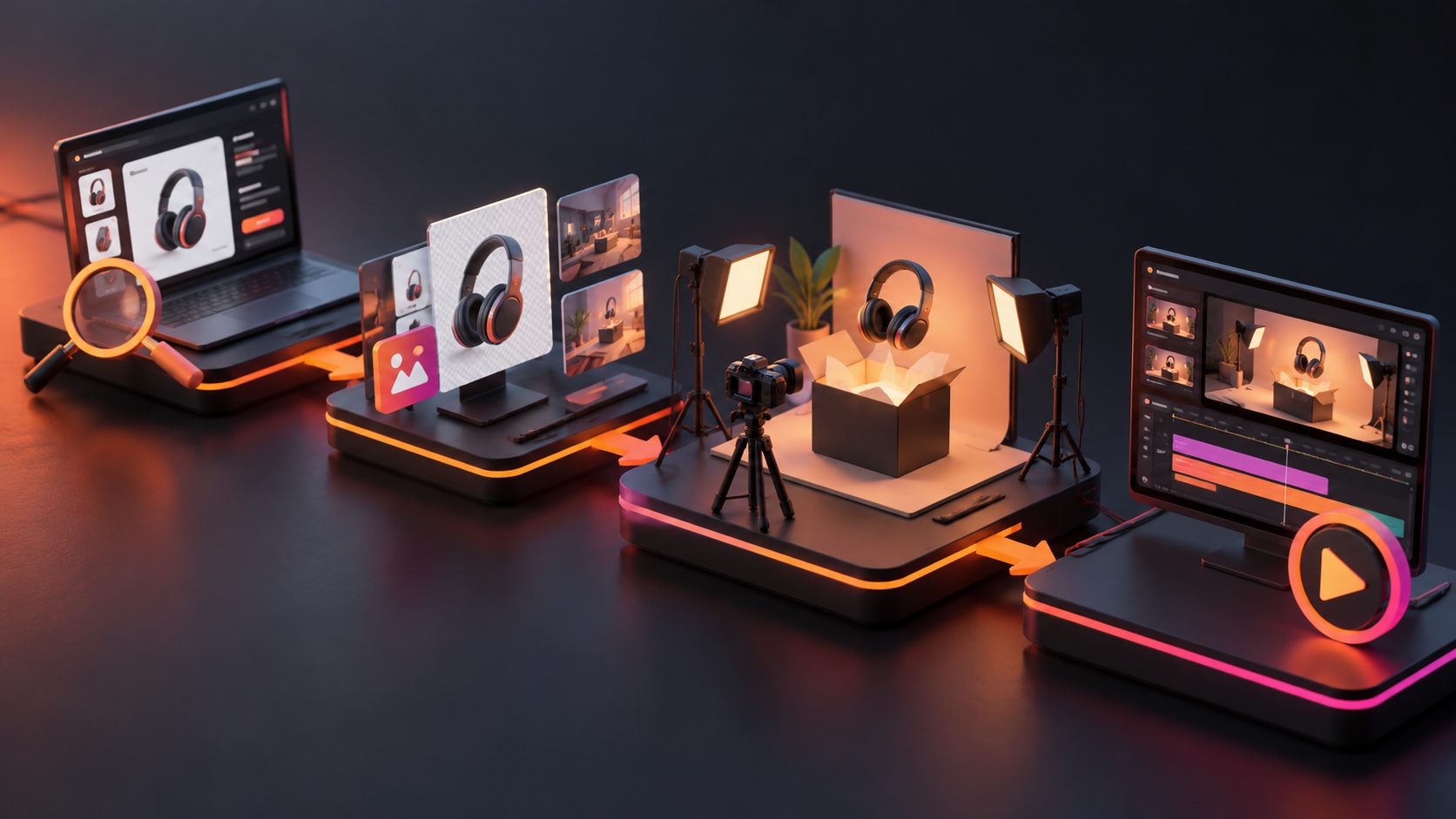
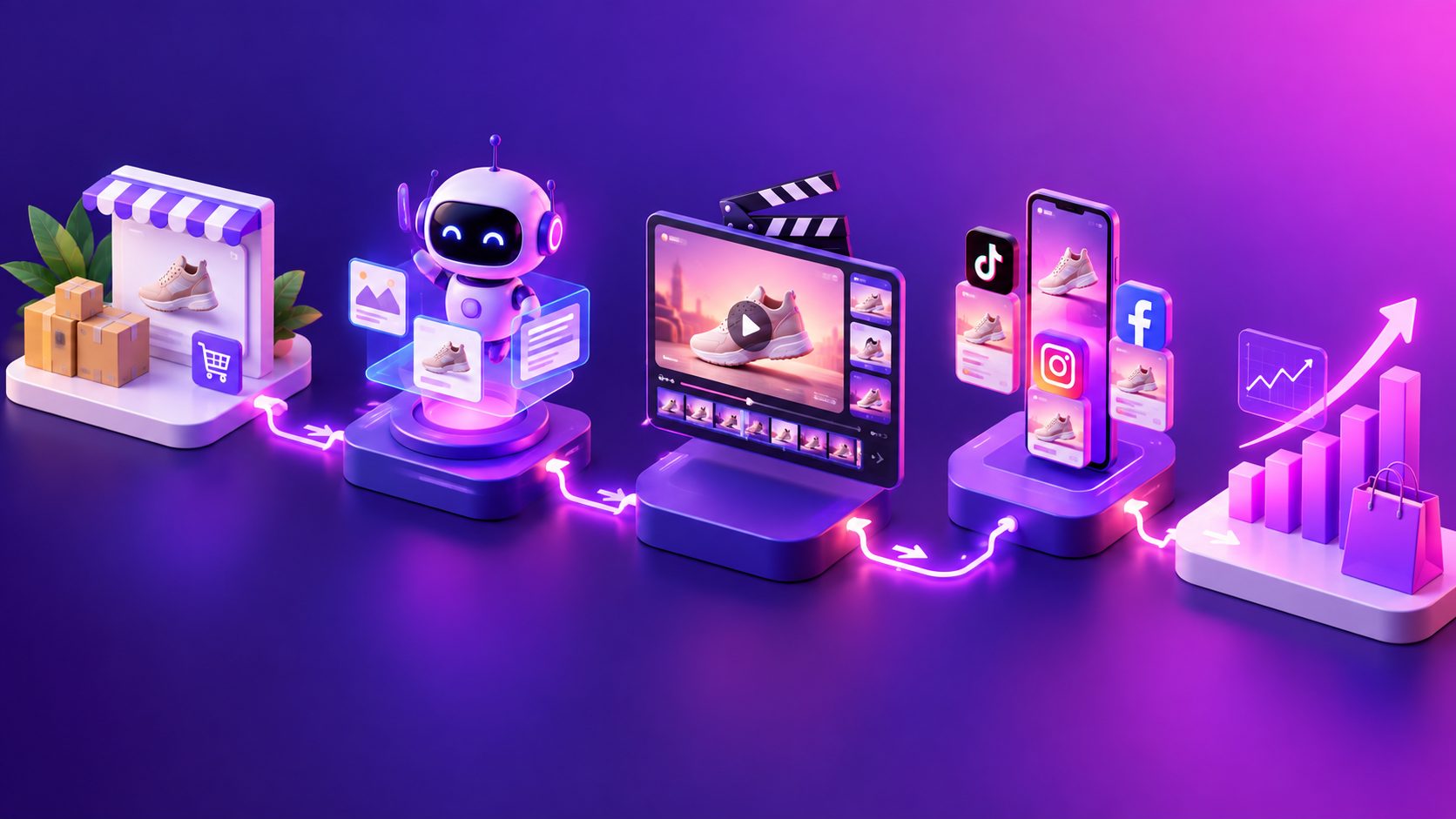
Use the following production sequence. It is designed for fast product validation, not cinematic storytelling.
1. Clean the source image
Crop out browser bars, marketplace watermarks, unrelated text, and competing products. Keep the product’s shape, logo, color, and packaging accurate. If the screenshot includes a price or shipping promise, verify that information before placing it in the final ad.
If the original image is low-resolution, improve it before adding motion. AdsTurbo provides AI upscaling with before-and-after preview and 4K export support for standard video files.
2. Choose one advertising angle
A common mistake is trying to explain every product feature in a 15-second video. Select one angle per creative:
- Problem and solution
- Product demonstration
- Before and after
- Gift or seasonal use
- Comparison with a common alternative
- Convenience or time saving
- Visual transformation
One product can support several angles, but each video should have one primary message.
3. Build a five-part structure
A reliable short-form structure is:
- Hook: Show the problem or surprising result in the first one to two seconds.
- Context: Identify the situation the viewer recognizes.
- Product reveal: Show the item clearly and repeatedly.
- Proof: Demonstrate the feature, result, texture, size, or use case.
- CTA: Tell the viewer what to do next.
For a screenshot-based ad, the proof section is especially important. Without it, the result may look like an animated catalog listing rather than a useful product video.
4. Generate multiple variations
Use a controlled variation system instead of changing everything at once. My recommended framework is a 3 × 3 creative matrix:
| Variable | Version A | Version B | Version C |
|---|---|---|---|
| Hook | Pain point | Curiosity | Outcome |
| Presentation | Product-only | AI presenter | Lifestyle scene |
| CTA | Shop now | See how it works | Limited offer |
This creates nine possible combinations. For a first test, produce three to five videos that change only one major variable at a time. That makes performance easier to interpret than launching nine completely different concepts.
AdsTurbo Product Video can use a JPG or PNG product image, with optional selling points and promotional information, to generate UGC-style product videos. It can support product review, product introduction, and product demonstration formats.
How should you adapt the video for each platform?
Do not rely on one master file cropped everywhere. The opening frame, text placement, and pacing should match the destination.
TikTok and Instagram Reels
Use a vertical 9:16 layout, large captions, quick visual changes, and a clear product appearance in the opening seconds. Keep important text away from the lower interface area and the right-side controls.
YouTube Shorts
Use a fast opening, strong visual contrast, and captions that remain readable on mobile. The video should still make sense when watched without sound.
Meta ads
Test both UGC-style and product-focused versions. A direct-response version may need a stronger offer, while a lifestyle version may work better for introducing the product to a colder audience.
Product pages
Slow the pacing slightly and emphasize demonstration, dimensions, materials, and usage. A product-page video should reduce uncertainty rather than only maximize attention.
For a broader view of vertical formats, review this 9:16 ecommerce video guide for demand generation.
How do you test screenshot-based ads without wasting budget?
Treat the first campaign as a message test, not a judgment of the entire business. Track the creative in stages:
- Thumb-stop signal: Are people staying beyond the opening?
- Engagement signal: Do viewers watch enough to understand the product?
- Click signal: Does the promise motivate a visit?
- Store signal: Do visitors view the product, add to cart, or begin checkout?
- Sales signal: Does the angle produce profitable orders?
A useful diagnostic rule is to identify the first broken stage. High views but weak clicks usually indicate a weak offer or unclear CTA. Clicks without add-to-carts may indicate a mismatch between the ad and product page. Add-to-carts without purchases may point to shipping, trust, price, or checkout friction.
This staged approach is a key information gain over the usual “make a pretty AI video” workflow: it separates creative failure from product, offer, and store problems.
How can AdsTurbo support the production workflow?
AdsTurbo combines product-image creation, product video generation, ad cloning, subtitles, translation, and video editing controls in one workflow. Its tools include product image generation, background replacement, AI upscaling, character swap, motion control, lip sync, video translation, watermark removal, and script extraction.
For sellers testing international markets, Video Subtitle can automatically transcribe speech, create synchronized captions, and export either a video with embedded subtitles or a separate subtitle file. AdsTurbo also supports multilingual localization for video and ecommerce visuals.
The platform includes more than 300 AI actors and over 100 product advertising templates. Higher-tier plans support team workflows, API access, and custom workflows. Its API uses standard REST architecture with Bearer API key authentication, while asynchronous generation tasks can be monitored through polling or completion webhooks.
When a supplier video is available, an ad clone workflow for ecommerce creative fatigue can help preserve the original hook, pacing, shot logic, and CTA structure while creating new product-specific variants.
Common mistakes to avoid
Using supplier claims without verification
A screenshot can contain claims that are inaccurate, outdated, or unsuitable for your market. Rewrite the message around observable features and verified store information.
Hiding the product until the end
If the viewer cannot identify the product quickly, the video may attract attention without creating purchase intent. Show the item early and maintain visual consistency.
Making every variation identical
Changing only the background is not a meaningful creative test. Change the hook, problem framing, demonstration, or audience angle.
Treating AI output as final
Inspect labels, hands, product proportions, text, captions, and demonstrations. If the generated scene shows a product doing something it cannot actually do, remove or replace that scene.
Frequently asked questions
Can I create a video ad from one supplier screenshot?
Yes. One clear product image can support a short product video, lifestyle scene, UGC-style concept, or product demonstration. Multiple angles and better source images usually improve visual consistency.
Should I use screenshots or product photos?
Use a clean product photo whenever possible. Screenshots are useful for early testing, but remove browser elements, unrelated text, and unverified claims before production.
What length should a dropshipping video ad be?
Start with a concise version that communicates one problem, one benefit, and one CTA. The ideal length depends on the platform, product complexity, and amount of proof needed.
Can I create multilingual versions?
Yes. Video translation and subtitle workflows can adapt the same creative into different languages. Review translated claims and captions before publishing.
How many variations should I make first?
A practical starting point is three to five versions with controlled changes. Once one angle earns stronger engagement or clicks, expand that angle into new hooks, presenters, scenes, and offers.
Final takeaway
The fastest path from a supplier screenshot to a useful video ad is not maximum visual complexity. It is a disciplined loop: clean the image, choose one angle, show the product early, add believable proof, create controlled variations, and diagnose performance by funnel stage.
For solo dropshipping sellers, this turns limited supplier assets into a repeatable creative-testing system instead of a one-off video project.