TikTok Shop Fashion Runway Video Generator: A Practical Testing Framework

Summarize with
Summary
Use a TikTok Shop fashion runway video generator to create multi-model outfit tests, compare hooks and formats, and scale product creative with AdsTurbo. Start building fashion videos.
By adsturbo.ai | Published 2026-11-09 | Updated 2026-11-09
A TikTok Shop fashion runway video generator turns clothing images, model references, and creative instructions into short vertical fashion videos. For cross-border apparel sellers, its main value is not producing one polished runway clip—it is creating structured variations to test models, body types, styling, hooks, pacing, and calls to action.
TikTok itself describes AI fashion video tools as generating try-on videos from uploaded fashion product and model images, while requiring sellers to review accuracy and policy compliance before publishing. (seller-us.tiktok.com)
What is a TikTok Shop fashion runway video generator?
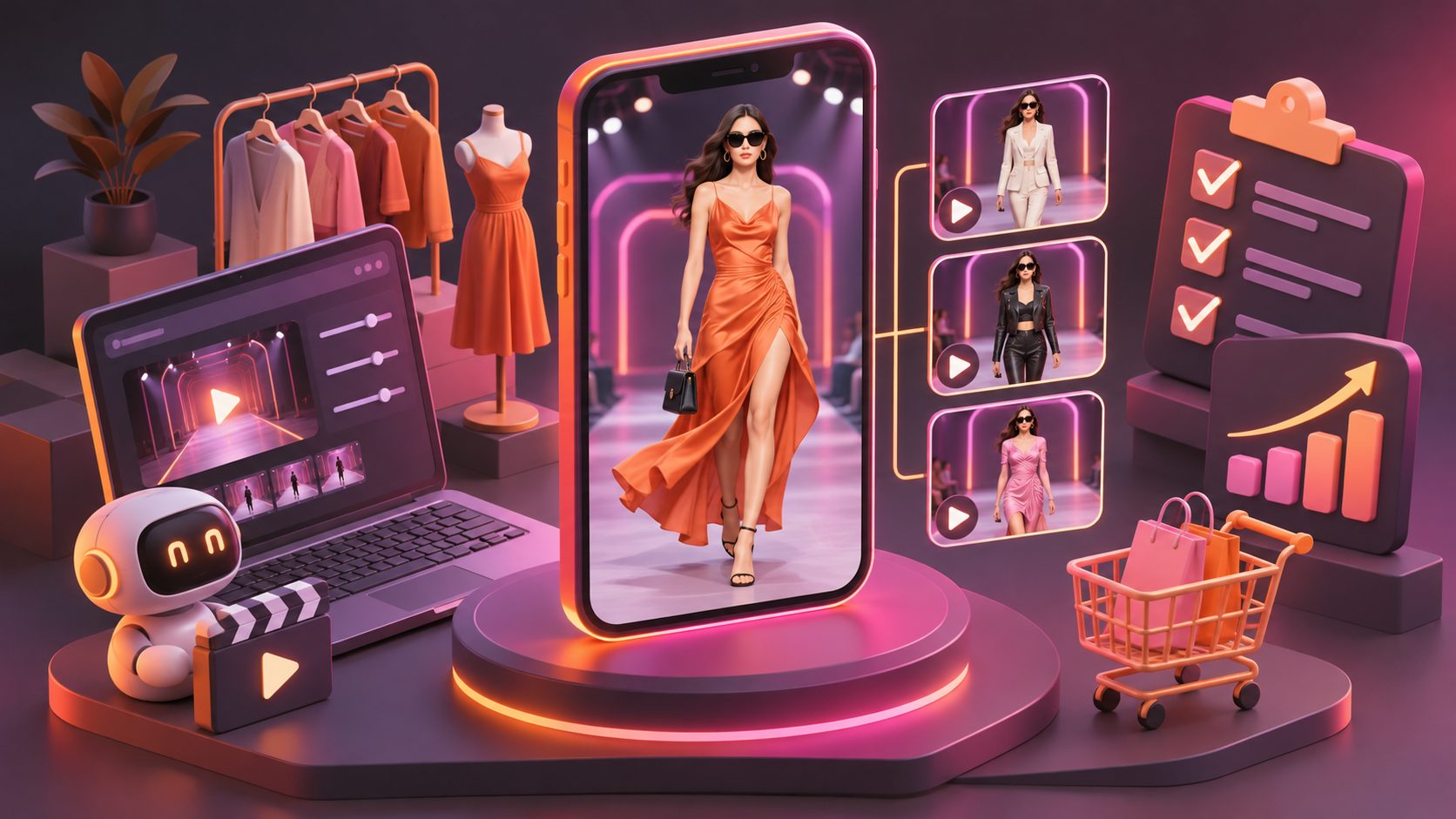
A TikTok Shop fashion runway video generator is an AI workflow that creates short fashion showcase videos from product photos or existing references. Instead of filming every garment with multiple creators, sellers can produce variations such as:
- One dress shown on several model types
- Front, side, and walking views
- Casual, office, vacation, or evening styling
- Different opening hooks and on-screen text
- Multiple voiceovers, languages, and captions
- 9:16 videos adapted for TikTok Shop, Reels, and Shorts
The important distinction is between visual generation and commercial testing. A visually attractive runway clip may still fail if the fabric, hemline, color, pattern, or fit is inaccurate. The best workflow treats AI video as a testing system with a product-accuracy checkpoint.
Why fashion sellers use AI runway videos for product testing
Traditional fashion production often requires a sample, a location, a photographer, a model, and repeated editing. That process is expensive when a seller wants to compare ten hooks or five audience segments for the same SKU.
An AI workflow can reduce the number of physical shoots needed for early creative exploration. It is especially useful for:
-
New-product cold starts
Create initial videos before enough creator content exists. -
Multi-market localization
Adapt captions, scripts, and voiceovers for English-speaking regions and other markets. -
Body-type and styling comparisons
Test whether shoppers respond better to a petite, midsize, tall, athletic, or curvy presentation. -
Creative iteration
Rework the first three seconds without reshooting the entire video. -
Cross-platform reuse
Export different aspect ratios and edit versions for TikTok, Instagram Reels, and YouTube Shorts.
TikTok’s fashion guidance also emphasizes creative resources, trend discovery, and creator collaboration, which suggests that AI-generated runway footage works best as part of a broader creative testing process rather than as a replacement for every creator asset. (ads.tiktok.com)
The 24-asset runway testing matrix
A useful way to avoid random AI generation is to build a 24-asset test matrix. This is an original planning framework for apparel sellers:
| Variable | Test options |
|---|---|
| Model presentation | Petite, midsize, tall, athletic |
| Opening hook | “How it fits,” movement shot, detail close-up |
| Setting | Studio runway, street, bedroom mirror, outdoor café |
| Product emphasis | Full silhouette, fabric texture, styling versatility |
| CTA | Shop the drop, check available colors, compare sizes |
Create six combinations from each row rather than changing everything at once. For example, keep the model and setting consistent while testing three different hooks. Then compare the result using the same product, offer, duration, and caption style.
This produces more useful learning than generating 24 unrelated videos. If a video performs well, the seller can identify whether the improvement likely came from the opening, model presentation, setting, or product explanation.
A practical sequence
- Select one SKU with clear product photos.
- Create four model-presentation variations.
- Apply two hooks to each variation.
- Keep the CTA and offer consistent.
- Review product accuracy before publishing.
- Compare retention, clicks, product views, and conversions.
- Rebuild the strongest combination with new styling or settings.
The framework separates creative appeal from product-market signals. A high-view video with weak product clicks may need a clearer product demonstration, while a lower-view video with strong conversion may deserve a stronger opening.
How to prepare product images for better results
Start with clean JPG or PNG product images. AdsTurbo Product Image supports JPG and PNG uploads, and clear product photos on a plain background are recommended for stronger image generation results.
For fashion products, prepare at least:
- A full front view
- A back or side view when relevant
- Close-ups of texture, buttons, seams, or prints
- Accurate color references
- Size and fit notes
- The main selling point, such as stretch, layering, or occasion
Avoid relying on a single heavily styled image when the garment has important construction details. AI may preserve the general silhouette while changing small elements such as pocket placement, print scale, or neckline shape.
For a supporting asset workflow, TikTok Shop product video generation for cold starts provides a useful product-first structure that can be adapted into runway-style creative.
How to structure a high-performing runway video
A runway video should communicate the product quickly. A practical 15-second structure is:
-
0–2 seconds: visual interruption
Open with movement, a fast outfit change, or a clear silhouette. -
2–6 seconds: full-body presentation
Show how the garment looks while walking, turning, or sitting. -
6–10 seconds: detail proof
Highlight fabric, neckline, pockets, stretch, drape, or layering. -
10–13 seconds: styling comparison
Show two occasions, colors, or outfit combinations. -
13–15 seconds: direct CTA
Tell the viewer what to do next, such as checking colors, sizes, or the product page.
For example, a linen dress may use the hook “One dress, three summer plans.” The video can then show a walking silhouette, a fabric close-up, and three styling changes. This is more informative than a generic model walk because each shot answers a shopping question.
AdsTurbo supports product video creation, clip-by-clip editing, subtitles, background replacement, motion control, and video translation. These functions allow sellers to separate the runway movement from the information layer instead of trying to solve every creative decision in one generation.
Runway video versus AI try-on video
These formats overlap, but they serve different purposes.
| Format | Best for | Main risk |
|---|---|---|
| Runway video | Silhouette, movement, styling, collection mood | Product details may be too small |
| Try-on video | Fit context and model comparison | AI may distort garment construction |
| UGC-style video | Hook, opinion, and direct response | Can look generic without product proof |
| Detail video | Texture, seams, material, and features | Less emotional than a styled outfit |
A strong TikTok Shop content plan can combine them. Use a runway clip to attract attention, a detail clip to establish trust, and a captioned product explanation to answer objections.
For more structured apparel content, repurposing live streams into Meta video ads can help turn existing fashion demonstrations into additional short-form assets.
Accuracy, disclosure, and publishing checks
AI-generated fashion videos should be reviewed before publication. TikTok’s AI fashion video terms state that sellers remain responsible for checking whether generated videos are accurate, truthful, and compliant with applicable platform policies. (seller-us.tiktok.com)
Use this pre-publishing checklist:
- Does the garment match the actual color and pattern?
- Are the sleeves, hem, buttons, zippers, and pockets accurate?
- Does the model movement create unrealistic stretching?
- Are body proportions or fit claims misleading?
- Are captions readable on a mobile screen?
- Does the video avoid unsupported claims?
- Is any required AI-generated-content disclosure handled correctly?
- Does the product link match the featured SKU?
Do not use AI to imply that a person physically wore, tested, or reviewed a product when that did not happen. If fit is uncertain, use cautious language such as “shown for styling reference” rather than making a guaranteed fit claim.
How AdsTurbo fits into the workflow
AdsTurbo can support an end-to-end creative pipeline for ecommerce sellers:
- Product Image: Generate product-focused visuals from JPG or PNG references.
- Product Video: Create UGC-style product videos from product images and selling points.
- Ad Clone: Analyze a reference ad and rebuild its pacing, shot logic, and CTA structure for a new product.
- Motion Control: Transfer movement from a reference video to a target character image.
- Lip Sync and Video Translation: Create localized spoken versions with synchronized mouth movement.
- Video Subtitle: Transcribe speech and generate timed captions for short-form platforms.
- AI Upscaling: Improve low-resolution footage before export.
The platform also supports API access, asynchronous task execution, status polling, and Webhook completion events. That matters when a seller wants to generate many creative variations as a batch rather than process each video manually.
A practical automation flow is:
- Upload product references.
- Store the SKU, color, size, and selling points as structured inputs.
- Generate model, setting, and hook variations.
- Poll task status or receive Webhook completion events.
- Run a manual product-accuracy review.
- Export captioned videos by platform ratio.
- Track performance by creative ID.
Common questions
Can one product image create a complete fashion runway video?
Yes, one clear product image can be used as the starting reference for a generated fashion video. However, multiple views and detail images usually provide better control over construction, color, and fit representation.
Should every model variation use a different outfit?
No. For clean testing, keep the garment constant while changing one variable, such as model presentation or hook. This makes the performance comparison more meaningful.
Are AI runway videos a replacement for real creator content?
Not always. AI runway videos are efficient for early testing, localization, and variation production. Real creator content can add authentic handling, fit commentary, and product experience when those details are essential.
What video length works best?
There is no universal winning length. Short clips should communicate the garment quickly, while more detailed videos may need additional seconds for fabric, fit, or styling proof. Test duration as a separate variable rather than changing it together with every other element.
How can sellers create more localized versions?
Use translated voiceovers, subtitles, and rewritten on-screen text while keeping product facts consistent. AdsTurbo supports video translation and multilingual subtitle workflows for this purpose.
Final takeaway
A TikTok Shop fashion runway video generator is most valuable when used as a controlled creative testing engine. The strongest workflow combines accurate product references, deliberate model and hook variations, clear shopping information, and a human review before publishing.
Start with one SKU and the 24-asset matrix. Identify which presentation earns attention, which version creates product interest, and which creative produces measurable shopping action. Then scale the winning structure across colors, collections, markets, and platforms with AdsTurbo.