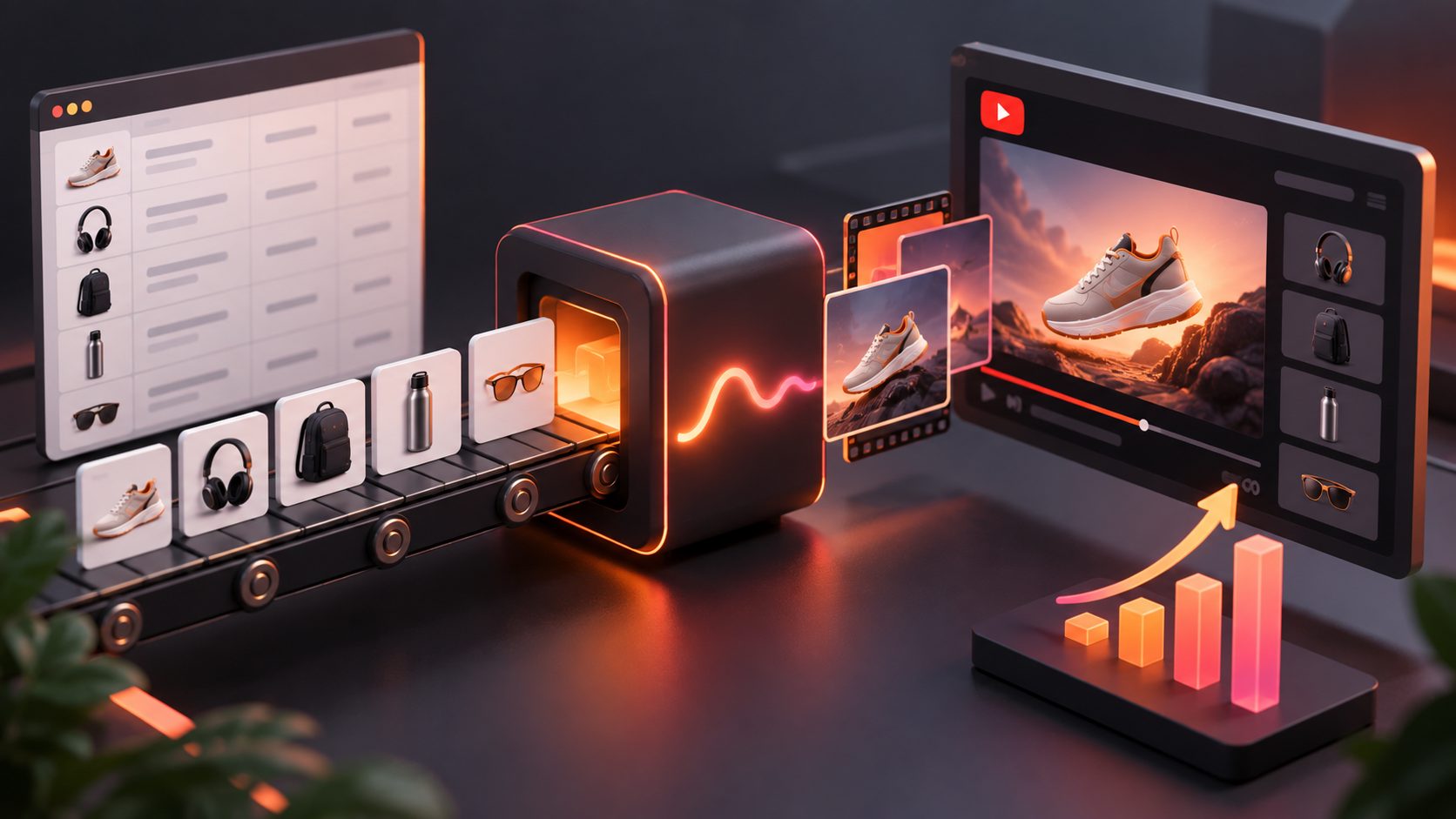
Gift with Purchase Video Ad Script Ecommerce: 15-Second Templates

Summarize with
Summary
Build a clear gift with purchase video ad script ecommerce brands can use to show the offer, explain the threshold, and increase cart value. Get practical templates.
By adsturbo.ai | Published 2026-11-12 | Updated 2026-11-12
A strong Gift with purchase video ad script ecommerce brands can use should make three things obvious within seconds: what the customer receives, what qualifies the order, and what action to take next. The most effective version does not treat the free gift as a footnote. It gives the gift its own reveal, proof, and reason to complete the cart.
What is a gift-with-purchase video ad?
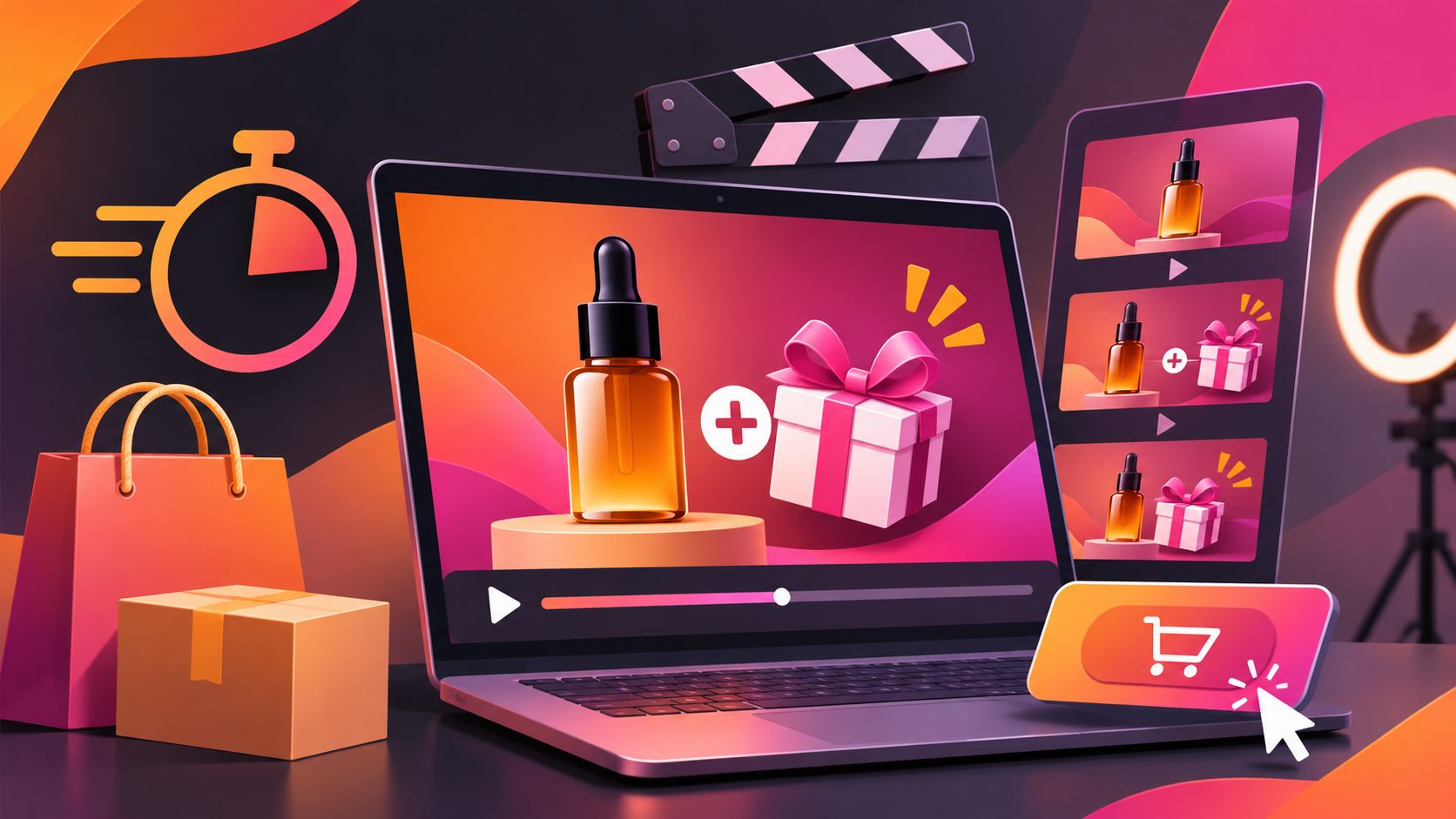
A gift-with-purchase video ad promotes a free item that shoppers receive after buying a qualifying product or reaching a spending threshold. The video should visually connect the main product, the bonus item, the qualification rule, and the checkout action.
For example:
“Spend $75 on skincare and receive this travel pouch free. Add your favorites to unlock the gift.”
This is different from a general discount. A discount lowers the price of the existing order, while a gift-with-purchase offer increases the perceived contents of the order. The customer needs to understand the value of the added item without doing mental math.
Search results commonly recommend a five-part structure: hook, qualifier, gift reveal, proof, and CTA. That framework is useful, but a practical improvement is to show the gift before explaining the product benefit when the gift is visually distinctive. The bonus item becomes the scroll-stopping element rather than a last-second offer. (framenotion.com)
The 15-second structure that makes the offer clear
A 15-second ad has limited room, so use one promise per video. Do not combine a free gift, free shipping, multiple discounts, and a long product tutorial in the same cut.
| Time | Purpose | Visual direction | Voiceover or on-screen copy |
|---|---|---|---|
| 0–2 seconds | Stop attention | Open on the product and gift together | “Your order just got an upgrade.” |
| 2–5 seconds | Explain the offer | Highlight the gift with a close-up | “Spend $75 and get this travel pouch free.” |
| 5–9 seconds | Show relevance | Demonstrate how the gift fits or complements the product | “It keeps your essentials organized wherever you go.” |
| 9–12 seconds | Remove friction | Show the cart threshold or qualifying product | “Add your favorites until your cart reaches $75.” |
| 12–15 seconds | Drive action | Product, gift, deadline, and CTA on screen | “Shop now and claim the free gift.” |
The qualifier should be visible in text even if it appears in the voiceover. Many viewers watch with sound off, and the offer becomes difficult to trust when the threshold is only spoken.
Three ready-to-use video ad scripts
Script 1: Direct-value reveal
Best for: Retargeting shoppers who already know the product.
Visuals: Product beauty shot, gift close-up, combined order shot.
Script:
“Buy the [main product] and get the [free gift] at no extra cost.
The gift is designed to make [use case] easier, so you get more from every order.
Add [qualifying product or spend threshold] to your cart and claim yours while the promotion lasts.
Shop now.”
Use this version when the gift is easy to understand and has a clear practical connection to the main product.
Script 2: Cart-threshold nudge
Best for: Cart reminders and shoppers close to the minimum spend.
Visuals: Cart total moving toward the threshold, product suggestions, gift reveal.
Script:
“You’re one item away from unlocking your free gift.
Add [recommended product] and reach [threshold] to receive the [gift].
It pairs with your order for [specific benefit].
Add one more item and make your cart worth more.”
This script is especially useful when the store can recommend a relevant add-on. The “one item away” message should only be used when the shopper’s actual cart qualifies for that statement.
Script 3: Premium unboxing angle
Best for: Beauty, fashion, accessories, home, and giftable products.
Visuals: Clean package opening, product reveal, gift placed beside the main item.
Script:
“This is what arrives when you order [main product] during the promotion.
You get [main product], plus the [gift] included free.
The bonus is made for [specific use or occasion], not just added as filler.
Shop the offer before the promotion ends.”
The phrase “not just added as filler” is a useful positioning angle for premium brands. It tells shoppers that the gift has a purpose and reinforces the quality of the overall bundle.
How to turn a white-background product image into a premium ad
A white-background product image is enough to create the foundation of a short promotional video, but it needs movement and hierarchy. Start with a clean product image, then build the sequence around the offer rather than adding random animation.
Step 1: Establish the product
Use a slow push-in, controlled rotation, or close-up crop. Keep the first frame uncluttered so viewers can identify the product immediately.
Step 2: Introduce the gift
Bring the gift into the frame through a slide, reveal, package opening, or side-by-side composition. The gift should look like a deliberate part of the order, not a floating graphic.
Step 3: Add one proof detail
Show a useful feature, texture, size comparison, storage function, or realistic use case. Avoid unsupported claims such as “best,” “guaranteed,” or “customers love it” unless the store can substantiate them.
Step 4: Make the threshold readable
Use one short line:
- “Spend $75, get the pouch free”
- “Buy the starter set, receive the refill free”
- “Add two qualifying items to unlock your bonus”
Do not hide important restrictions in tiny type. If the promotion excludes products, requires a code, or ends at a specific time, state the condition clearly.
Step 5: Finish with a single CTA
Choose one action: “Shop the offer,” “Add to cart,” or “Unlock your gift.” Multiple CTAs weaken the end card and make the next step less obvious.
For clearer footage from a compressed product clip or older source asset, an AI video enhancer can improve the visual foundation before editing. AdsTurbo also supports product image generation, background replacement, subtitles, and product video workflows for ecommerce creative production.
A testing framework for increasing cart value
The most useful original testing angle is to separate the offer message from the visual treatment. Create a small matrix instead of changing every part of the ad at once.
| Variable | Version A | Version B |
|---|---|---|
| Hook | “Get this free with your order” | “Your cart is one step from a bonus” |
| Gift presentation | Product close-up | Unboxing reveal |
| Qualification | Specific product | Spend threshold |
| Proof | Gift utility | Main product benefit |
| CTA | “Shop the offer” | “Unlock your gift” |
Create six versions by combining three hooks with two visual treatments while keeping the offer, landing page, and audience consistent. Track completed purchases and average order value, not only video views or clicks.
A simple diagnostic rule:
- High watch rate, low clicks: the hook is interesting, but the offer or CTA is unclear.
- High clicks, low purchases: the landing page may not match the video’s qualification language.
- Good purchases, low average order value: test a higher threshold or a more relevant add-on.
- Low watch rate: reveal the product and gift earlier.
This approach produces more actionable learning than making six unrelated videos. It shows whether the problem is attention, comprehension, relevance, or checkout alignment.
Production workflow for ecommerce teams
A repeatable workflow can look like this:
- Define the exact qualifying rule and promotion deadline.
- Select one main product and one clearly relevant gift.
- Prepare product photos, logo, colors, offer text, and CTA.
- Write three hooks without changing the core offer.
- Produce 15-second and 30-second versions.
- Add captions designed for TikTok, Instagram Reels, and YouTube Shorts.
- Export platform-appropriate versions and compare purchase outcomes.
AdsTurbo Video Subtitle can automatically transcribe speech, generate time-synced captions, and export either a captioned video or a separate subtitle file. For a broader testing process, the ecommerce creative batching system provides a useful way to organize hooks, formats, and variants.
Common questions
Should the gift appear in the first frame?
Usually, yes. If the gift is the main reason to stop scrolling, show it immediately. A later reveal works better when mystery or anticipation is central to the campaign.
How long should a gift-with-purchase ad be?
Use 15 seconds for a direct offer, retargeting, or cart reminder. Use 30 seconds when cold audiences need more product context, proof, or explanation of the qualification rule.
Should the ad show the gift’s standalone price?
Only when the price is accurate and the comparison is permitted by the brand’s claims policy. If the exact value could confuse shoppers, describe the gift’s practical use instead.
What if the gift is not visually impressive?
Show the outcome it enables. A small accessory can become more compelling when demonstrated as part of a routine, kit, travel setup, or complete product experience.
Can one script work for TikTok, Meta, and Shorts?
The core message can stay the same, but the opening frame, caption placement, aspect ratio, and CTA treatment should be adapted. Keep the offer readable in 9:16, 1:1, and 4:5 versions rather than shrinking one layout everywhere.
Final checklist
Before publishing, confirm that:
- The gift appears within the opening seconds.
- The qualification rule matches the store promotion exactly.
- The product and gift have a clear relationship.
- Captions remain readable without sound.
- The deadline or scarcity claim is real.
- The ad uses one main CTA.
- The landing page repeats the same offer language.
- Success is measured by purchases and average order value.
A gift-with-purchase ad works best when the bonus feels useful, the condition feels simple, and the video makes the complete order easy to imagine.