Jewelry Macro Video Ad AI Generator: Preserve Sparkle, Shape, and Detail

Summarize with
Summary
Create jewelry macro video ads from clean product photos while controlling sparkle, metal shape, and close-up detail. Build testable ecommerce creatives with AdsTurbo.
By adsturbo.ai | Published 2026-11-08 | Updated 2026-11-08
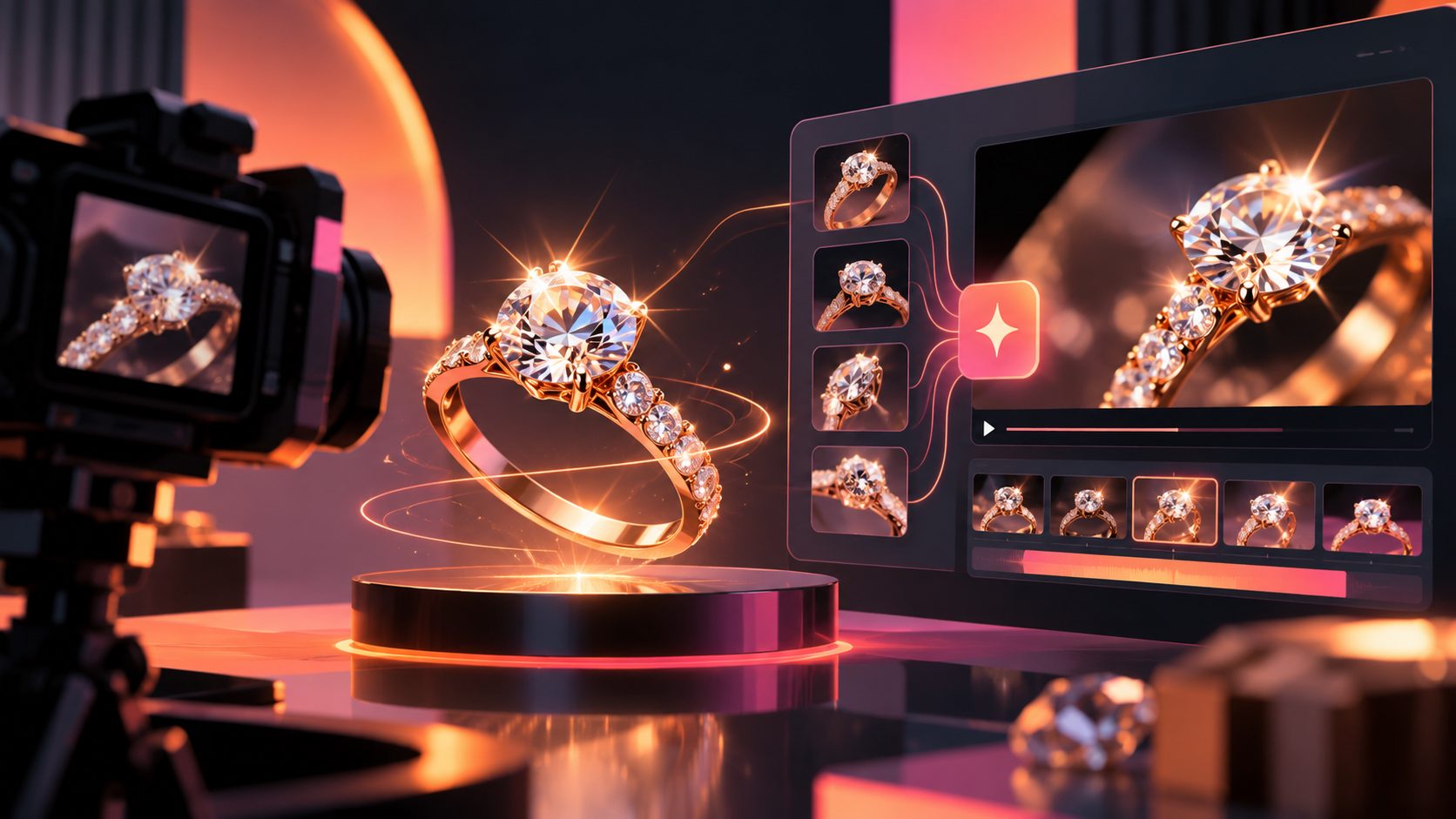
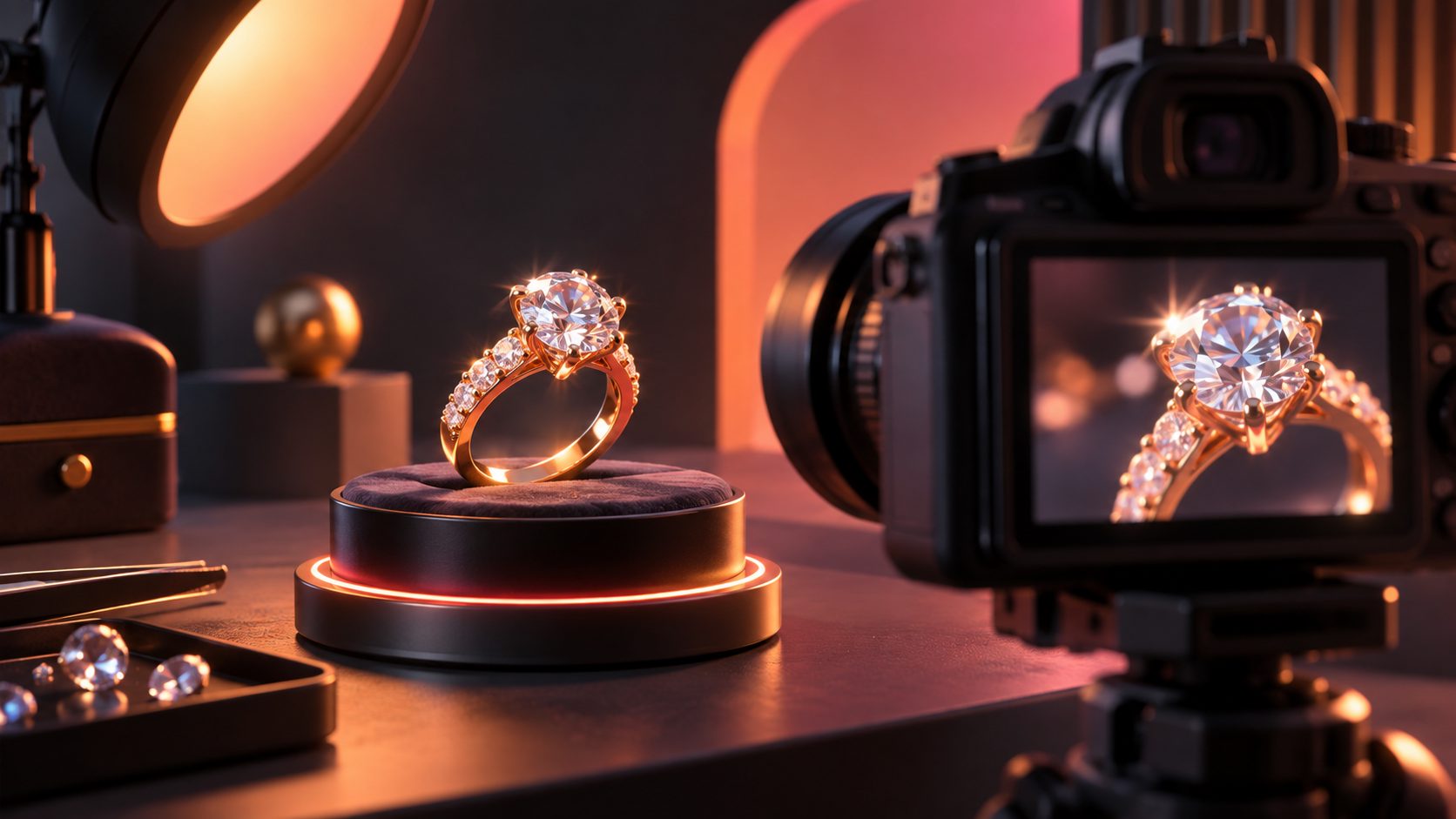
A jewelry macro video ad AI generator turns a product image into a close-up advertising clip that shows facets, settings, metal finish, and controlled light movement. The best workflow does not ask AI to invent the jewelry; it uses the real product image as the visual anchor and limits motion to camera movement, reflections, background, and pacing.
Jewelry is difficult to advertise because small visual errors are highly noticeable. A ring may look beautiful in a still image but appear distorted when animated. Prongs can shift, metal may become liquid-like, and exaggerated sparkle can look artificial. This guide presents a controlled workflow for producing jewelry macro ads that are more useful for ecommerce testing.
What should a jewelry macro video show?
A jewelry macro video should communicate three things quickly: what the piece looks like, how light behaves on it, and how it relates to the wearer or product context.
Common high-value shot types include:
| Shot type | Primary job | Best use |
|---|---|---|
| Macro detail | Show facets, prongs, links, texture, and finish | Product pages and retargeting |
| Slow rotation | Reveal shape and setting from multiple angles | Rings, watches, pendants |
| Controlled light pass | Create a restrained sparkle moment | Paid social hooks |
| On-model scale shot | Show size and placement | Necklaces, earrings, bracelets |
| Gift or packaging reveal | Add emotional context | Seasonal campaigns and launches |
Search results for AI jewelry video tools commonly emphasize macro rotation, sparkle, on-model motion, and gift reveals. (morphic.com) The important distinction is that each shot has a different conversion role. A sparkle shot attracts attention, but an on-model shot helps shoppers understand scale.
Why jewelry AI video often looks fake
The main problem is not insufficient sparkle. It is uncontrolled change to the product identity.
A useful way to diagnose a failed output is to separate the video into four visual layers:
- Identity layer: stone count, cut, setting, engraving, clasp, and silhouette.
- Material layer: gold, silver, platinum, gemstone color, polish, and texture.
- Motion layer: rotation, camera push-in, hand movement, or fabric motion.
- Light layer: highlights, reflections, shadow softness, and sparkle intensity.
For a premium jewelry ad, the identity and material layers should remain nearly fixed. Motion and light can change, but they should support the original product rather than redesign it.
This is the practical difference between a luxury-looking clip and a synthetic-looking clip. If the camera moves too aggressively, the model has more opportunities to reinterpret the ring. If the light flashes continuously, the viewer may read the result as a visual effect instead of evidence of craftsmanship.
A simple quality-control rule
Pause the video at the opening frame, middle frame, and final frame. Compare:
- Stone count and position
- Prong or bezel shape
- Band thickness
- Metal color
- Engraving or logo placement
- Product scale relative to the hand or background
If any of these change, use a shorter shot, reduce movement, or return to a cleaner source image.
How to create a controlled macro jewelry ad
The following workflow is designed for ecommerce sellers who need several ad variations without repeatedly booking a macro shoot.
1. Start with the cleanest product image
AdsTurbo Product Image accepts JPG or PNG product images. A sharply focused product photo on a plain, solid-color background generally gives the clearest starting point.
The source image should show the complete item, avoid heavy reflections that hide the design, and preserve the correct color of the metal and stone. A front-facing hero image can create a strong opening frame, while a second detail image may help clarify a clasp, side profile, or setting.
2. Choose one visual action per clip
Do not combine rotation, hand movement, dramatic zooming, floating particles, and multiple background changes in one generation. A short clip with one dominant action is easier to review and easier to reuse.
Examples:
- “Slow 15-degree turn while a soft highlight moves across the stone.”
- “Camera pushes toward the center setting; the ring remains fixed.”
- “Gentle wrist movement in neutral daylight; preserve the exact ring design.”
- “Macro close-up of the clasp with a single controlled reflection.”
This approach matches the broader pattern in current jewelry video workflows: one product image is used to create distinct macro, sparkle, or on-model clips rather than one overloaded sequence. (morphic.com)
3. Build a short ad structure
A practical 12–15 second jewelry ad can follow this sequence:
- 0–2 seconds: recognizable product silhouette or close-up hook.
- 2–6 seconds: macro movement across the stone or setting.
- 6–10 seconds: second angle, on-model scale, or detail shot.
- 10–15 seconds: product benefit, offer, or call to action.
The hook should identify the piece visually before adding decorative effects. For a diamond ring, the first frame might show the center stone and band clearly. For earrings, the opening should make the pair easy to recognize rather than hiding them behind motion blur.
For a broader ecommerce production system, the TikTok Shop product video workflow can help connect product images with short-form ad production.
How to make sparkle look premium instead of artificial
Sparkle should be treated as a brief lighting event, not a permanent animation layer.
Use a soft, directional light pass that crosses the most important reflective surface once. Keep the background simple enough that the viewer can distinguish the product from the environment. A dark velvet background can create contrast, but it should not overpower the jewelry.
Avoid:
- Repeated starbursts on every facet
- Overexposed white flashes
- Neon reflections unrelated to the setting
- Glitter particles that appear in front of the product
- Light movement that changes the apparent stone color
A useful creative test is to make two versions: one with a subtle highlight and one with no added sparkle. If the second version communicates the shape and material more clearly, the first version is over-processed.
This is also where AI upscaling can help after the motion is approved. AdsTurbo provides video resolution enhancement, allowing a creator to improve a low-resolution or compressed source without making artificial sparkle the central selling point.
Turning one jewelry asset into multiple ad tests
The strongest information gain from a macro workflow is not a single beautiful video. It is a structured variation system.
Create variations across four controlled dimensions:
| Test dimension | Example variations |
|---|---|
| Hook | Sparkle, setting detail, gift reveal, on-model shot |
| Message | Craftsmanship, gifting, everyday wear, limited promotion |
| Audience | Bridal, fashion, gifting, minimalist style |
| Format | 9:16, 1:1, 16:9 |
AdsTurbo supports ad cloning, product video creation, motion control, character replacement, video translation, subtitles, and background replacement. That makes it possible to reuse a product-centered asset while changing the surrounding creative treatment.
For example, a seller can keep the same ring identity while testing:
- A silent macro product-page loop
- A subtitled vertical ad for social
- A translated version for another market
- An on-model variant using a different character
- A promotion-focused version with a discount and CTA
The ecommerce ad creative variation workflow is useful when the goal is to compare hooks and offers systematically rather than produce one final edit.
When to use AdsTurbo for jewelry video production
AdsTurbo is most useful when the product image is already clear and the main production challenge is creating more video variations. Its Product Video workflow can combine a product image with selling points and promotional information to create short ecommerce ads.
For teams producing at scale, AdsTurbo also provides API access, asynchronous task processing, status polling, and Webhook completion events. Advanced plans support team workflows, API access, and custom workflows. This is relevant when a catalog team needs to send many product assets through a repeatable pipeline instead of manually exporting every variation.
You can also pair the macro ad with product image generation for ecommerce listings or use AI upscaling for product footage when the original asset needs more resolution.
Common questions
Can a jewelry macro video be made from one product photo?
Yes. One clear JPG or PNG product image can provide the visual anchor for a short macro clip. More reference images are helpful when the piece has important side details, unusual settings, or multiple wearable angles.
How do I prevent the metal from changing shape?
Use a clean source image, choose one restrained motion, and keep the product identity fixed in the prompt or workflow. Review the first, middle, and final frames before publishing.
Should sparkle be added to every gemstone?
No. A single controlled light pass is usually more believable than repeated flashes. The goal is to reveal reflective behavior, not cover the product with effects.
Which format is best for jewelry ads?
Use vertical video for TikTok, Instagram Reels, and Shorts; square video for some feed placements and product contexts; and widescreen for websites or broader display placements. Create the same concept in more than one aspect ratio when the campaign requires cross-channel testing.
Can AI video replace product photography?
It can extend a strong product image into motion, but it should not replace accuracy checks. For high-value jewelry, verify the design, material color, setting, and scale against the physical product before publishing.
Final checklist for a trustworthy jewelry macro ad
Before launch, confirm that:
- The product remains the same across all frames.
- Metal color matches the real item.
- Stone count, cut, and setting are accurate.
- Sparkle is brief and physically plausible.
- The first two seconds clearly identify the product.
- The CTA matches the actual offer.
- Captions do not cover the jewelry.
- The export format matches the intended placement.
A jewelry macro video ad AI generator works best as a controlled production system: preserve the product, animate the light carefully, and test one creative variable at a time. That balance gives high-value jewelry the visual richness of macro video without sacrificing buyer trust.