TikTok Shop Affiliate Video Drop Replacement Script: 15-Second Recovery Plan

Summarize with
Summary
Use this TikTok Shop affiliate video drop replacement script to relink eligible videos, rebuild a 15-second shoppable ad, and restore testing momentum. Start creating faster.
By adsturbo.ai | Published 2026-11-11 | Updated 2026-11-11
A tiktok shop affiliate video drop replacement script helps creators recover when a product tag becomes unavailable, a collaboration plan changes, or a seller removes the original listing. The fastest path is usually to check TikTok’s relinking option first, then prepare a short replacement video only when the original post cannot be repaired.
What happens when a TikTok Shop affiliate video loses its product link?
A dropped product link does not always mean the video must be deleted. TikTok Shop’s US relinking workflow can allow eligible creators to replace an unavailable product with another relevant product while preserving the existing post and its accumulated engagement. Common triggers include an out-of-stock product, an invalid collaboration plan, a seller blacklist, or a delisted product. (seller-us.tiktok.com)
TikTok’s product-relinking guidance says eligible videos are generally connected to recent posting and engagement windows, and the replacement must match the video closely. The relinking interface may provide recommended products or allow manual selection. A single video can support multiple product anchors in the relinking workflow, but creators should avoid adding unrelated alternatives simply to keep a tag active. (seller-us.tiktok.com)
The practical decision rule is simple:
- Relink the existing video if the footage still accurately represents the replacement product.
- Create a new replacement video if the product differs in size, color, bundle, function, branding, or claims.
- Do not force a replacement when the original content contains a seller-specific price, promotion, or product promise that no longer applies.
TikTok’s own promotional-content guidance emphasizes product-content matching. Differences in size, weight, pattern, quantity, graphics, logo, or print can create a mismatch risk. (seller-us.tiktok.com)
How to relink a dropped TikTok Shop product
TikTok Shop’s US workflow provides two primary entry points: the notification inbox and the Creator Center or Seller Center Manage tab. Look for an abnormal anchor status or a product-link issue, then review the suggested replacement before confirming. (seller-us.tiktok.com)
Relinking checklist
-
Open the product-link notification.
Check why the original item became unavailable. -
Review the suggested product.
Confirm that the product shown in the video matches the replacement listing. -
Check the offer details.
Compare variations, pack size, colors, shipping claims, discount language, and seller identity. -
Relink manually if needed.
Use the Manage tab to select a more accurate product from the available options. -
Monitor the post after relinking.
Compare clicks, product-page visits, orders, and commission activity before and after the change.
TikTok also provides a separate tool for adding product links to some already-published videos. Its US guidance states that videos posted within the last 30 days may be eligible for product linking through Creator Center tools, without deleting and re-uploading the video. (seller-us.tiktok.com)
When should you make a replacement video instead?
Create a new video when the original content cannot honestly support the replacement product. This is especially important if the old video shows a unique package, a specific product color, a discontinued bundle, or a seller-only promotion.
A replacement video should not be a rushed duplicate. The strongest recovery format is a 15-second proof-first structure that removes the failed listing from the equation and makes the new product obvious within the first few seconds.
The 15-second replacement structure
| Time | Purpose | Suggested content |
|---|---|---|
| 0–2 seconds | Stop the scroll | Show the product in use or reveal the main problem |
| 2–5 seconds | Establish relevance | Name the product and the buyer situation |
| 5–10 seconds | Provide proof | Demonstrate one feature, result, comparison, or use case |
| 10–13 seconds | Handle doubt | Address fit, setup, material, size, or convenience |
| 13–15 seconds | Drive action | Tell viewers to check the product link or yellow basket |
Replacement script template
“If you were looking for a simple way to [solve problem], watch this. This is [product name], and the part I noticed first was [specific feature]. Here’s how it works: [quick demonstration]. It’s a good fit for [target buyer or use case]. Check the product link to see the current option and details.”
This format is deliberately more specific than a generic “you need this” hook. It gives the replacement listing a clear job: solve one problem, show one proof point, and finish with one shopping action.
For additional testing ideas, compare this recovery format with a TikTok Shop first-sale video script or a TikTok Shop product showcase batch system.
How to generate multiple replacement variants without losing relevance
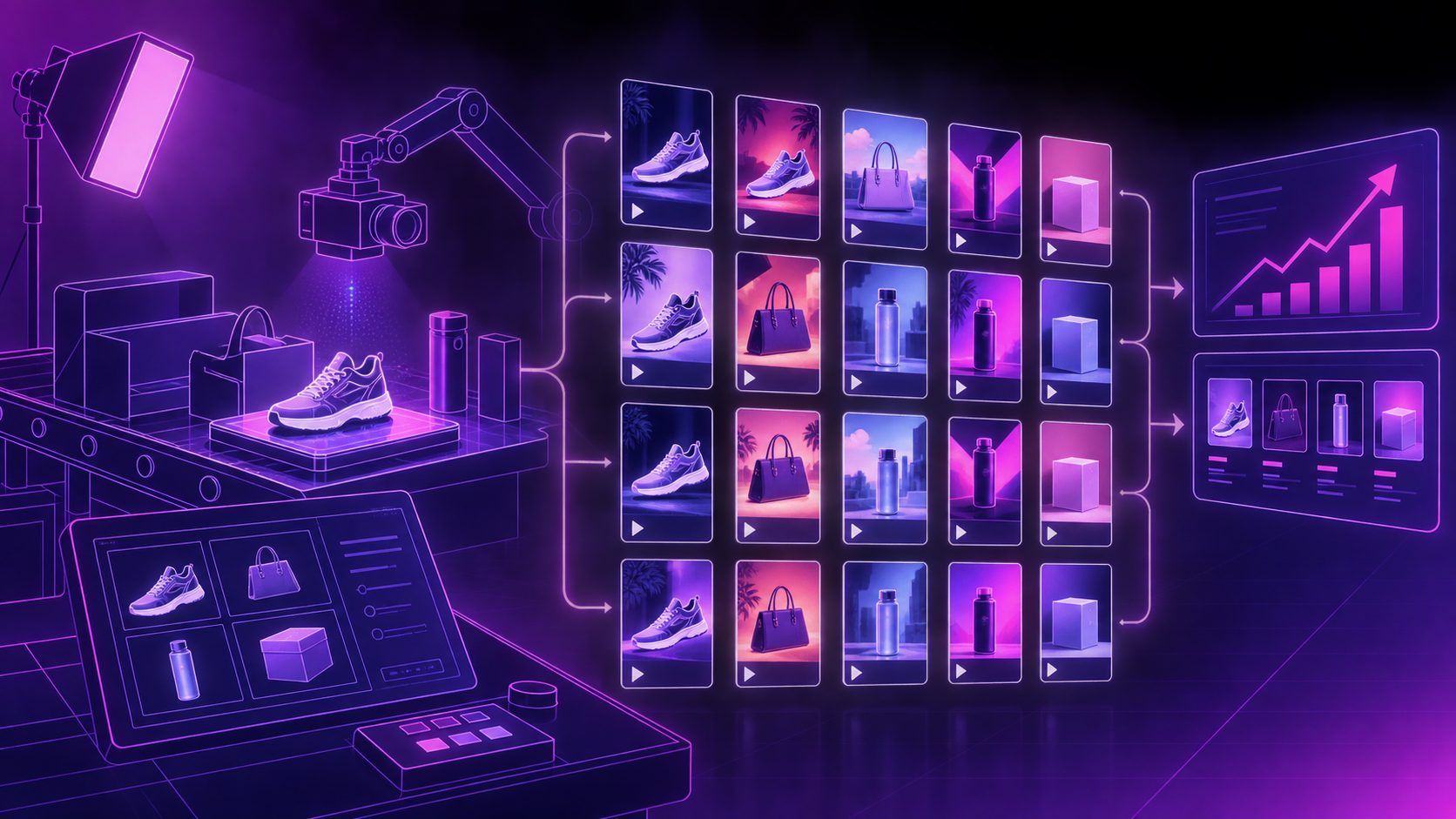
The best replacement workflow changes one variable at a time. Do not create ten unrelated videos from the same product image. Instead, build a controlled test set:
- Hook variant: problem-first versus result-first.
- Proof variant: demonstration versus close-up detail.
- Audience variant: beginner, parent, traveler, home organizer, or gift buyer.
- CTA variant: “check the yellow basket” versus “see the available options.”
- Format variant: talking-head, hands-only demonstration, product montage, or AI presenter.
A useful operating rule is to keep the product, core claim, and offer constant while changing only the opening and proof sequence. That makes performance easier to interpret.
AdsTurbo can support this production loop with product-video generation, ad cloning, motion control, lip sync, character replacement, subtitles, and video translation. For source footage that is soft or heavily compressed, an AI video enhancer can help prepare a cleaner asset before editing or resizing. Avoid using enhancement to invent product details; the final video should still represent the linked item accurately.
A recovery workflow for creators and sellers
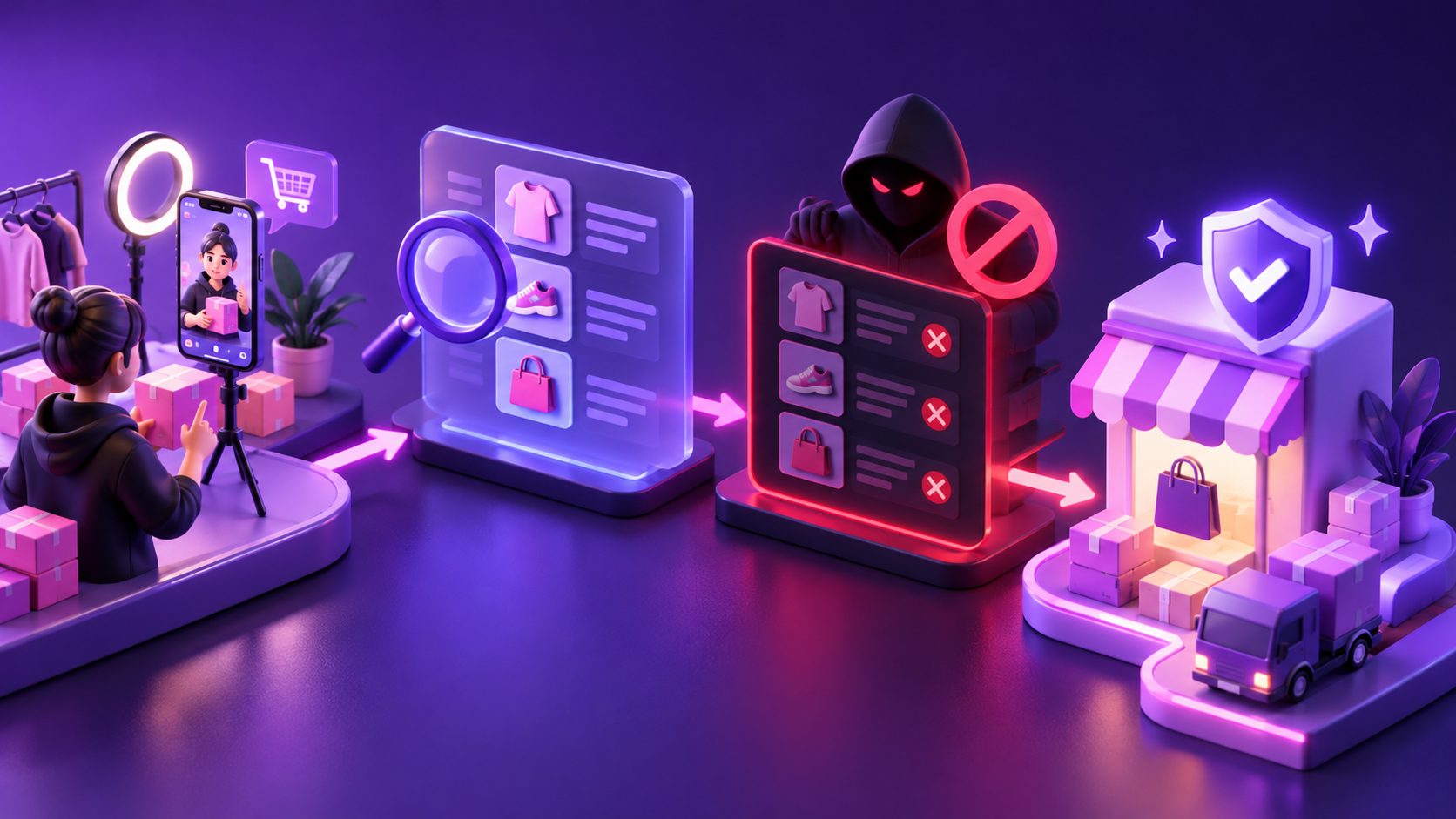
A dropped affiliate link is best treated as a workflow issue, not just a script issue. Use this five-step system:
-
Audit the original post.
Record views, clicks, orders, product variation, seller, and the reason the link failed. -
Attempt official relinking.
Preserve the original post when the new product genuinely matches. -
Create three 15-second replacements.
Keep the same product and claim, but test different hooks or proof moments. -
Add captions and product context.
TikTok Shop viewers often watch without sound, so display the product name, key benefit, and action clearly. -
Review performance by funnel stage.
Low views suggest a hook problem. Views without clicks suggest weak product context. Clicks without orders may indicate listing, price, reviews, shipping, or offer friction.
This approach creates a reusable “drop replacement” library instead of waiting for another viral post to fail before producing backup content.
Common questions
Can I relink a TikTok Shop video instead of reposting it?
Often, yes. If the video and replacement product are a close match and the post meets TikTok’s eligibility conditions, the relinking workflow may let you update the product connection without recreating the video. (seller-us.tiktok.com)
Should I use the same script for the replacement product?
Only if the product, offer, and claims remain materially the same. If the listing changes, rewrite the product name, proof point, variation details, and CTA so the video accurately reflects the new item.
What is the ideal length for a replacement affiliate video?
A 15-second format is useful for rapid recovery because it forces one hook, one proof point, and one CTA. Longer videos can work when the product requires setup, comparison, or demonstration, but the first few seconds should still establish relevance.
Can I add a product link to an older published video?
TikTok’s US Creator Center guidance says some videos posted within the previous 30 days can receive product links through the Link Products tool. Eligibility and interface access can vary by account and video status. (seller-us.tiktok.com)
What is the biggest relinking mistake?
The most common strategic mistake is choosing a product that looks similar but differs in a meaningful way. A replacement must match what viewers see, hear, and are told—not merely share the same broad category.