Trade Show Booth LED Screen Looping Video Maker: A Practical Guide

Summarize with
Summary
Learn how to create a silent, sharp, seamless booth loop from product images for trade show LED screens, with export and layout tips. Start creating.
By adsturbo.ai | Published 2026-11-04 | Updated 2026-11-04
A trade show booth led screen looping video maker turns product images, brand assets, and short messages into a silent video designed for unattended playback on a large exhibition display. The best result is not a conventional commercial: it is a short visual loop that works from any starting point, remains readable without sound, and returns smoothly to its opening frame.
For overseas B2B brands, this format can showcase a product before a salesperson starts a conversation. It can also turn one product image into a repeatable booth asset for distributors, buyers, and international prospects.
What makes a trade show LED booth video different?
A booth video must work under three conditions: visitors may see only a few seconds, the exhibition hall is noisy, and playback may begin at any point. That means the video needs instant visual context, large text, and no dependence on narration.
Many trade show video guides recommend a seamless loop, frequent messaging, and a short runtime. One production guide suggests keeping the video under 90 seconds, while other booth-screen recommendations favor roughly 30–90 seconds for passing audiences. (signalinc.com)
A useful rule is:
One loop should communicate one commercial idea, not explain the entire company.
For example, a B2B manufacturer might focus on “precision components for high-volume production” rather than showing every product category, certification, and service detail in one sequence.
The three-second, fifteen-second, thirty-second framework
A practical structure for product-based booth content is:
-
First 3 seconds: recognition
Show the product, logo, or unmistakable use case immediately. -
Next 15 seconds: proof
Demonstrate one feature, application, material detail, or before-and-after transformation. -
Final 10–20 seconds: invitation
Present a short CTA such as “Scan for specifications,” “Meet us at Booth B12,” or “Request a sample.”
This structure is an editorial framework rather than a fixed industry standard. Its purpose is to make every segment useful when a visitor enters midway through the loop.
How to create a silent booth loop from product images
A product photo can become a more engaging LED-wall asset when it is treated as the starting point for motion, not as a static slide. The workflow below is suitable for exporters, manufacturers, distributors, and ecommerce brands attending overseas exhibitions.
1. Start with a clean product image
Use a clear JPG or PNG product image. A product photographed against a plain, solid-color background generally gives the most reliable starting point for image generation and visual separation.
For products with reflective surfaces, small components, or technical details, choose the sharpest available image. Avoid using a compressed marketplace thumbnail if you expect the product to appear several meters wide.
AdsTurbo Product Image can analyze a product’s shape, color, and category, and can generate multiple image types from one uploaded product photo. These can include a main banner, lifestyle scene, close-up, material-detail image, instruction image, and brand image.
A helpful supporting workflow is to first create a pure white background product image, then use it as the clean master asset for the booth video.
2. Build a visual sequence, not a slide deck
A large LED screen needs movement, but excessive movement can make product details difficult to understand. Use a small number of deliberate visual beats:
- Product enters or rotates slowly.
- A key component receives a close-up.
- A use-case scene establishes context.
- A short benefit statement appears.
- The product returns to a composition similar to the opening.
Keep each message short enough to read while walking. Instead of writing “Our integrated manufacturing process improves operational efficiency across multiple production environments,” use “Built for high-volume production.”
The screen should carry the brand identity repeatedly. A logo that appears only in the first second may be missed by most passersby.
3. Add information that survives mute playback
Trade show halls contain conversations, announcements, music, and equipment noise. Industry guidance consistently recommends designing booth videos to work without narration or essential audio. (signalinc.com)
Place the core meaning in:
- Large on-screen text
- Product demonstrations
- Close-up details
- Simple diagrams
- Icons with clear labels
- A persistent CTA or booth number
Music may be optional, but it should never carry product information. If the display is muted, the visitor should still understand what the product is and why it matters.
For videos that require subtitles or translated messaging, AdsTurbo Video Subtitle can automatically transcribe speech, generate synchronized captions, and export either a video with embedded subtitles or a separate subtitle file. For a silent booth loop, however, use larger promotional text in addition to ordinary captions.
How long should an LED booth video loop be?
For most booth screens, start with a 30–60 second loop. This is long enough to show several product beats but short enough that a visitor does not need to wait several minutes for the main message to return.
A longer loop can work when the screen is part of a seated presentation area. It is less effective for an attract screen facing a busy aisle, where people may only glance at it for a few seconds. Some trade show specialists recommend delivering a new key message approximately every 10–20 seconds. (texas-pictures.com)
Use this decision table:
| Booth situation | Suggested loop approach |
|---|---|
| Aisle-facing LED wall | 30–45 seconds, fast recognition |
| Product demonstration screen | 45–75 seconds, several proof points |
| Large immersive video wall | 30–60 seconds, bold visual motion |
| Staff-led presentation screen | Longer sequence with separate presentation content |
Do not place a black frame, “The End” card, or long pause at the end. Those elements make the restart obvious and waste valuable screen time.
How to make the loop seamless
A seamless loop is more than enabling the repeat button. The first and last visual states should feel connected.
Three practical techniques work well:
-
Match the opening and closing composition.
End with the product in a similar position, scale, and background as the first frame. -
Use continuous movement.
A slow rotation, camera push, light sweep, or background animation can hide the transition. -
Keep the CTA persistent.
Rather than showing a final end card, keep the booth number, QR code, or short invitation visible in a consistent corner.
Before the event, play the file twice back to back and watch only the transition point. Check for jumps in scale, sudden color changes, frozen frames, or text that disappears too quickly.
Choose the right aspect ratio and export
The physical screen determines the creative format. Ask the event organizer or AV supplier for:
- Native pixel dimensions
- Landscape or portrait orientation
- LED wall aspect ratio
- Playback device and supported codecs
- Maximum file size
- Brightness and viewing distance
- Whether the screen is one panel or a multi-panel wall
AdsTurbo Event Poster supports nine aspect ratios for social, display, email, and print formats. This flexible approach is useful when the same campaign needs a booth version, a social teaser, and a follow-up sales asset.
For video exports, verify the required resolution instead of assuming every “large” LED wall needs 4K. A high-resolution file can still look wrong if it uses the wrong aspect ratio or is cropped by the playback system.
A repeatable production workflow for overseas exhibitors
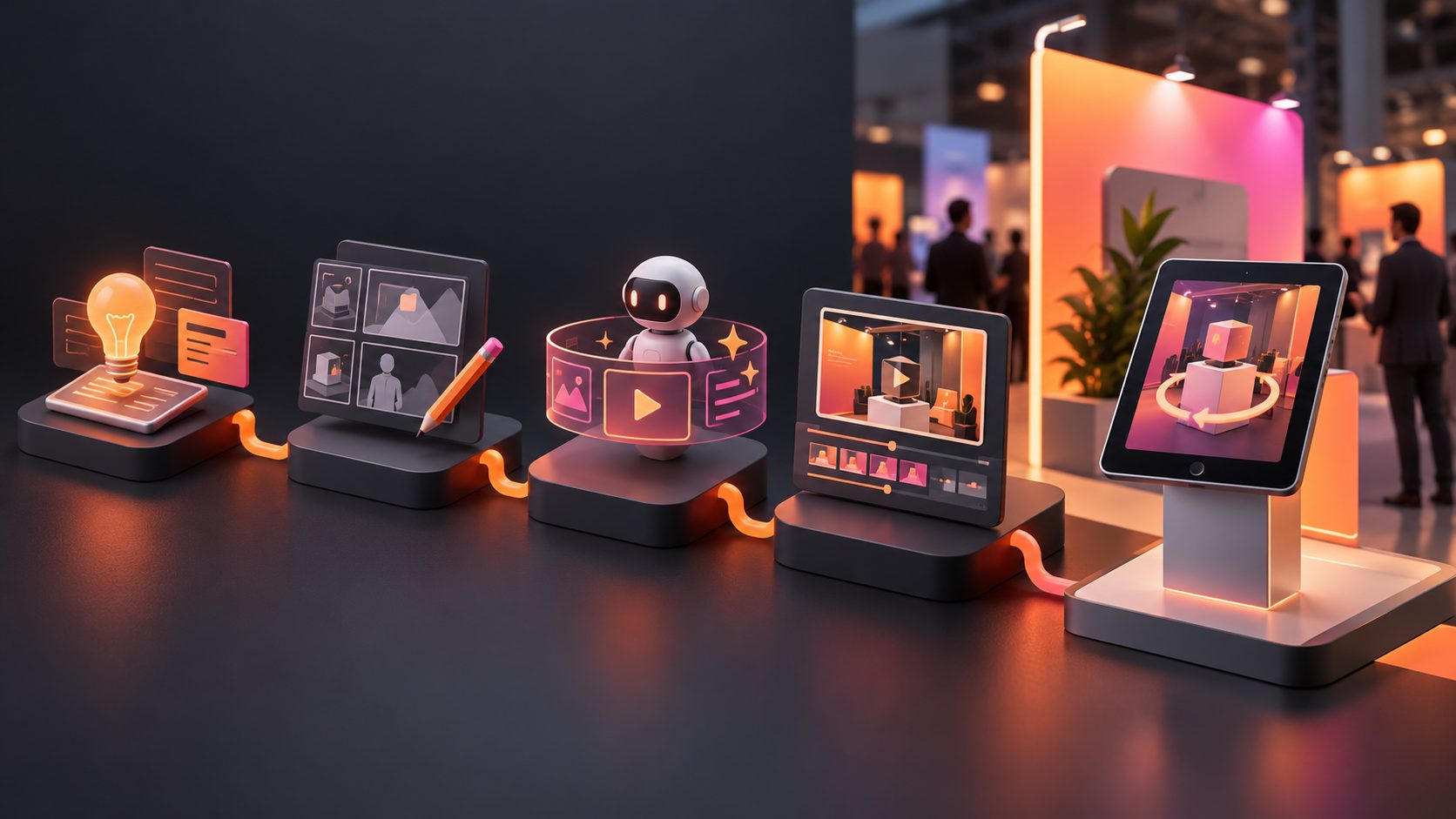
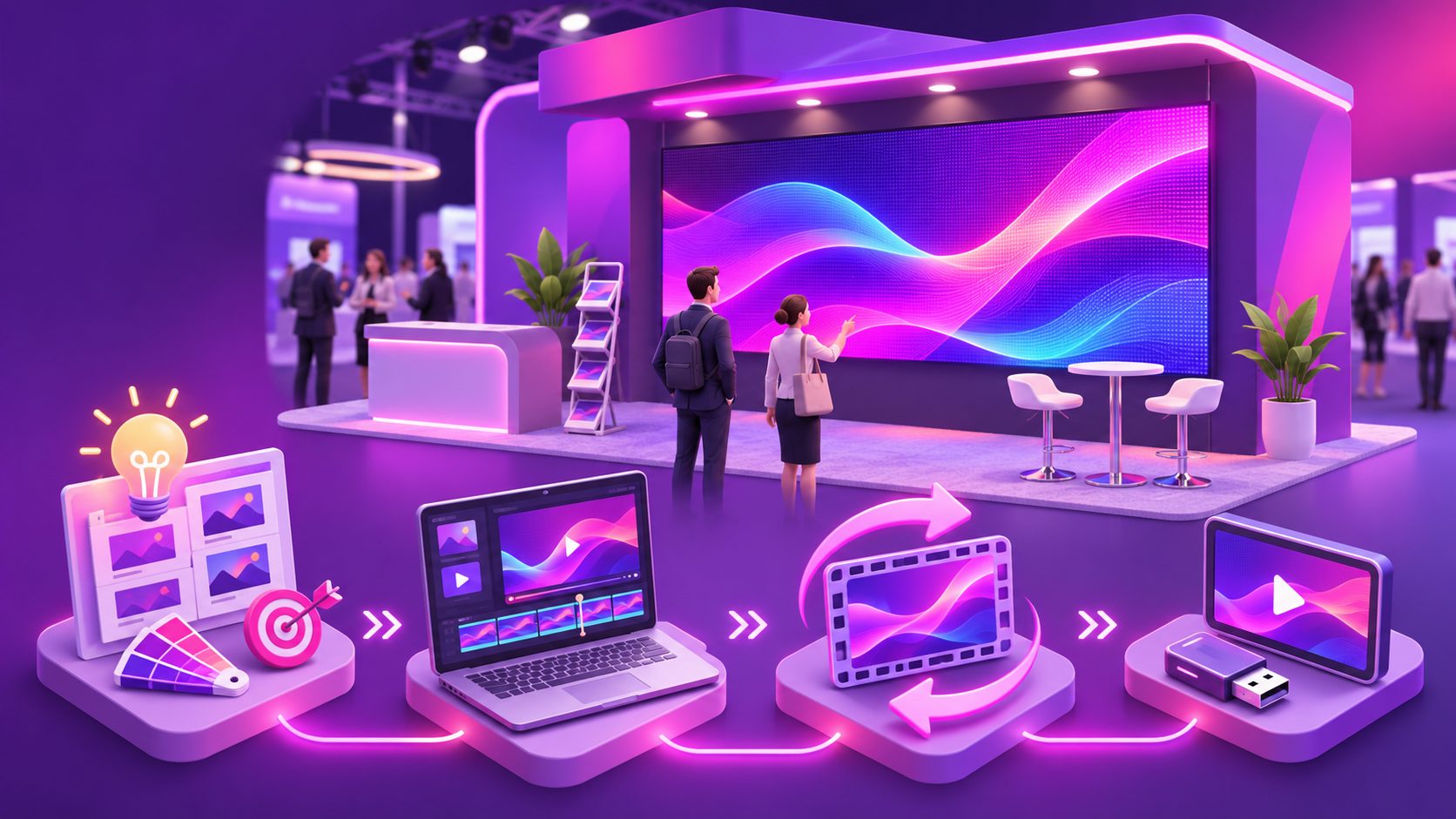
The most efficient workflow is to create one message system and several localized variants:
- Select one product and one commercial promise.
- Upload a clean JPG or PNG product image.
- Generate product scenes, close-ups, and detail visuals.
- Arrange three to five self-contained visual beats.
- Add the logo, booth number, QR code, and CTA.
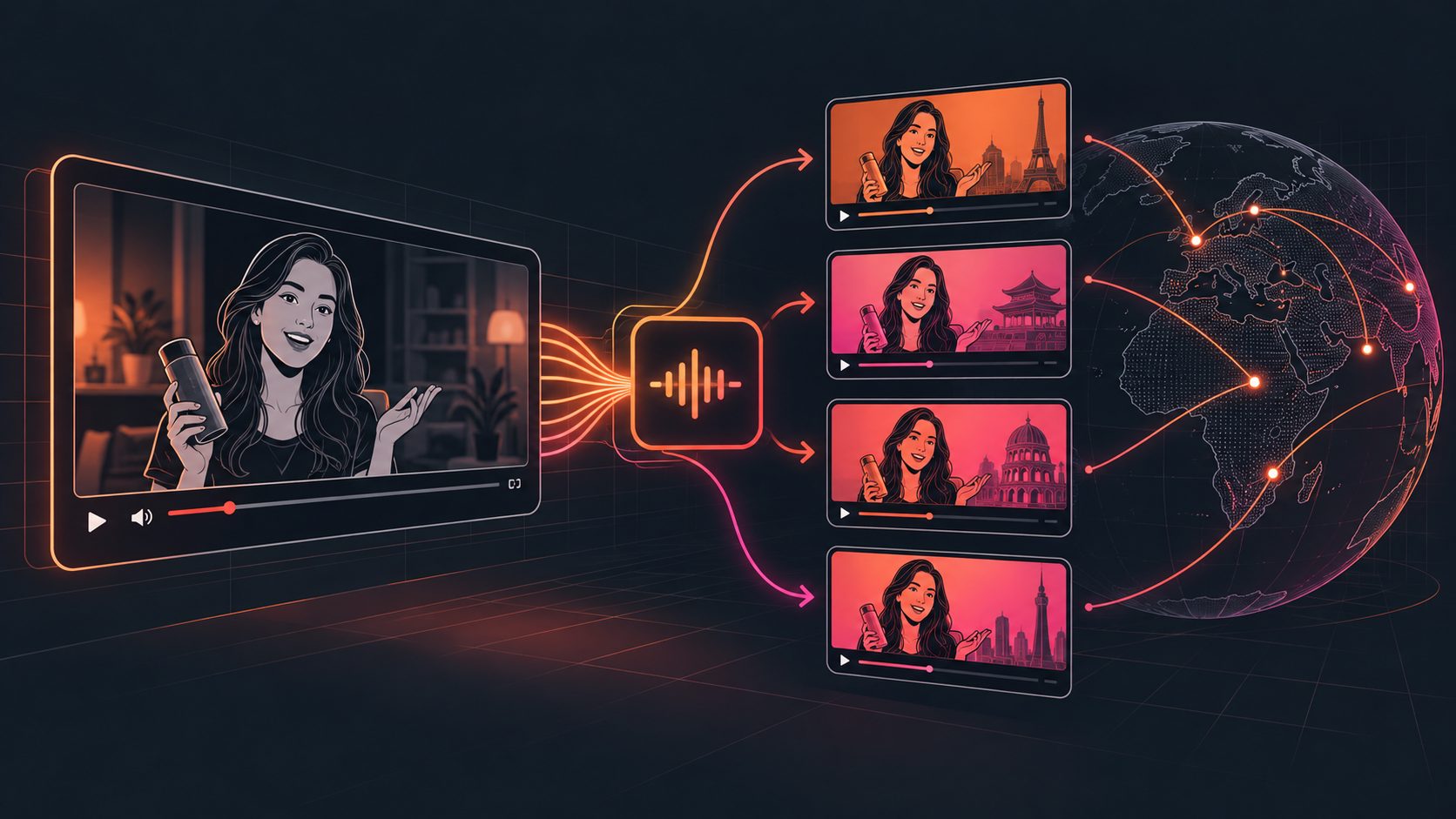
- Produce language variants for priority markets.
- Export the exact screen ratio requested by the venue.
- Test the file on the actual playback device.
- Keep a local backup on two separate drives.
AdsTurbo supports product image generation, product video creation, background replacement, video translation, subtitles, AI upscaling, and clip-by-clip editing. Its Event Poster workflow can also create promotional visuals around products, discounts, and campaign themes, which helps keep the booth screen and printed materials visually consistent.
For a broader creative testing process, see this guide to turning product screenshots into video ads. For event-specific promotional graphics, the campaign poster examples guide offers additional layout ideas.
Common questions
Can a booth video use voice-over?
It can, but the essential message should not depend on it. Trade show halls are loud, and many displays run without audio. Design the video so the product, benefit, and CTA remain clear on mute.
What is the best length for a booth LED loop?
A 30–60 second loop is a strong starting point for an aisle-facing display. Shorter loops improve message repetition, while longer loops may suit a presentation area with seated viewers.
Should the video show every product?
Usually not. One loop should focus on one product, use case, or commercial message. Additional products can be placed in separate loops or shown on a secondary screen.
Can one product image create enough content?
Yes, if the image is clear and the product is visually distinct. Generate complementary views such as a lifestyle scene, detail close-up, banner composition, and usage context rather than repeating the same static image.
How should the final file be tested?
Play it repeatedly on the same type of screen or playback device used at the event. Check the loop seam, text readability from the aisle, cropping, brightness, playback controls, and whether the file restarts automatically.
Final checklist
Before sending the video to the exhibition team, confirm:
- The first frame makes the product recognizable.
- The video works without sound.
- A key message appears every few seconds.
- The logo and CTA recur throughout the loop.
- The ending connects naturally to the beginning.
- Text is readable at the expected viewing distance.
- The aspect ratio matches the LED screen.
- The file plays locally without internet access.
- A backup copy is stored separately.
A well-built booth video does not try to replace a sales conversation. Its job is simpler and more valuable: make the right visitor stop, understand the offer quickly, and take the next step.