WhatsApp Abandoned Cart Video Message: Scripts and Automation

Summarize with
Summary
Build a WhatsApp abandoned cart video message flow for Shopify stores with short scripts, timing rules, consent safeguards, and a practical video production workflow.
By adsturbo.ai | Published 2026-11-09 | Updated 2026-11-09
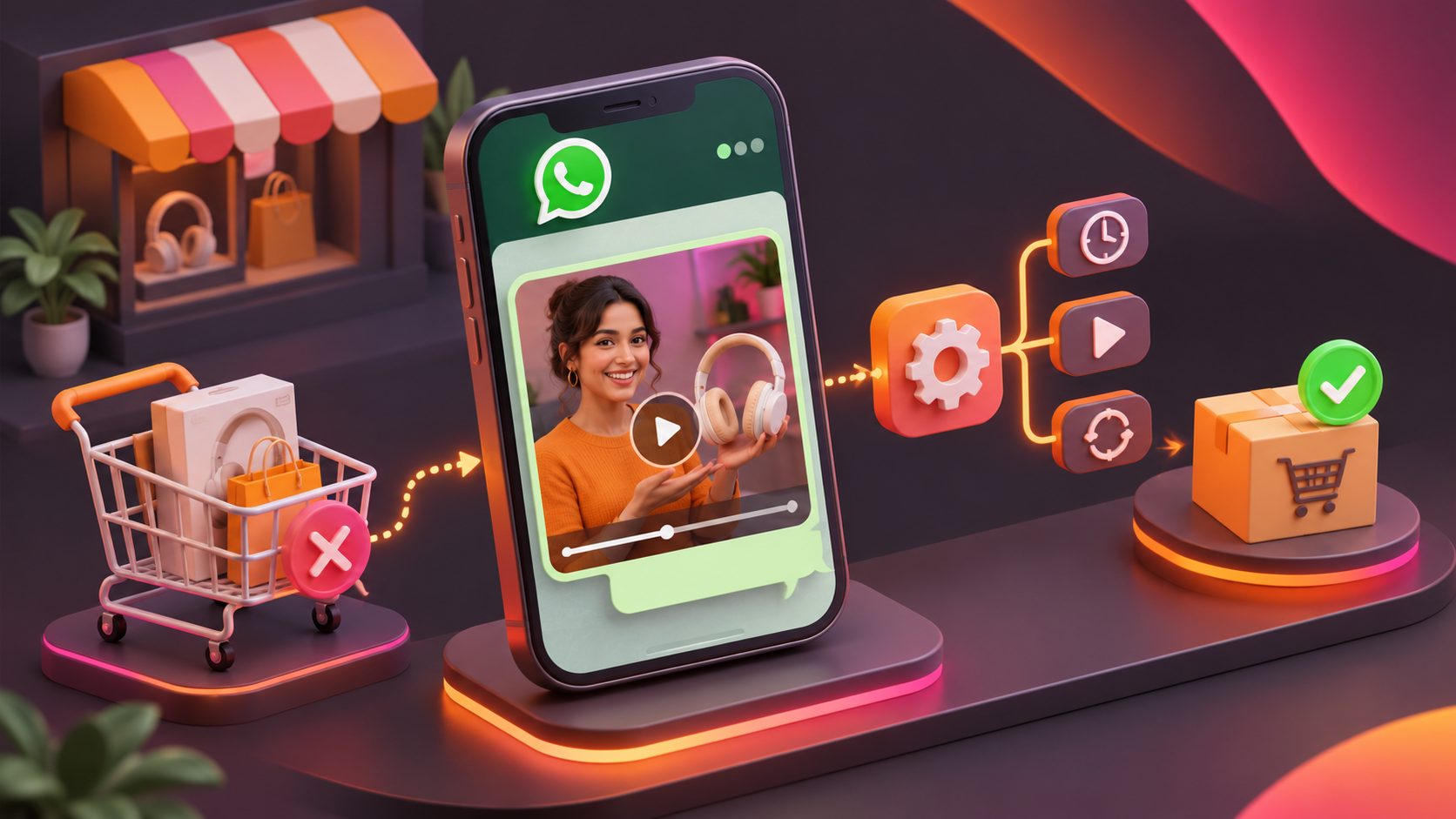
A WhatsApp abandoned cart video message is a short, personalized video sent to a shopper who added a product but did not complete checkout. The most effective version is not a generic advertisement: it reminds the shopper what they wanted, removes one likely objection, and gives them one clear path back to checkout.
What is a WhatsApp abandoned cart video message?
A WhatsApp abandoned cart video message combines a short product video with a direct chat message and a checkout link. It is designed for shoppers who have already shown purchase intent, so the content should answer “Why should I finish now?” rather than introduce the product from scratch.
For Shopify merchants, the first operational distinction is important:
- Abandoned cart: a shopper adds an item but may not provide enough information for direct WhatsApp contact.
- Abandoned checkout: a shopper begins checkout and provides contact details, then leaves before payment.
- Recovered order: the shopper returns through the message link and completes a purchase.
Shopify’s marketing automation tools distinguish between abandoned cart and abandoned checkout workflows and support WhatsApp as one available channel. (help.shopify.com) In practice, your automation should only message customers who have provided a usable phone number and the required marketing permission for WhatsApp communication.
The video itself should usually be 6–15 seconds. Longer videos create more production work without necessarily adding more decision-making value.
Why use video instead of a text-only reminder?
Text is efficient for a simple reminder. Video becomes more useful when the product needs to be seen in use, compared, demonstrated, or understood quickly.
A video can answer one of these high-friction questions:
- What does the product look like in real use?
- How large, flexible, textured, or functional is it?
- What problem does it solve?
- What happens after I place the order?
- Why should I choose this product instead of another one?
The key is not to turn the message into a full product commercial. A cart recovery video should feel like a helpful continuation of the shopper’s session.
A practical decision rule
Use a video when the product benefits from visual proof. Use text only when the likely obstacle is simple, such as shipping timing, payment options, or a missing checkout link.
For example:
| Product situation | Better recovery asset |
|---|---|
| Apparel with fit concerns | Short try-on or detail video |
| Beauty product with usage questions | Demonstration or application clip |
| Home product with size uncertainty | In-room scale comparison |
| Electronics with setup concerns | Three-step setup clip |
| Simple replenishment product | Text reminder with cart link |
| High-value product | Video plus support invitation |
This product-versus-objection matching is a useful improvement over sending the same video to every abandoned checkout.
What should the video script say?
A strong script follows a four-part structure:
- Recognition: identify the product or shopping context.
- Proof: show one useful product detail.
- Objection handling: answer one likely concern.
- Action: return the shopper to the saved cart.
Script framework for a 10-second video
0–2 seconds: Recognition
“Still thinking about the [product name]?”
2–6 seconds: Product proof
“Here’s a closer look at the [feature, material, fit, or use case].”
6–8 seconds: Reassurance
“Questions about delivery, sizing, or setup? Reply here.”
8–10 seconds: CTA
“Your cart is ready when you are.”
The WhatsApp caption should remain shorter than the video:
Hi {{first_name}} — you left {{product_name}} in your cart. We made this quick look to answer a common question about {{benefit}}.
Tap below to return to checkout, or reply if you need help.
Use one primary CTA, such as Return to cart, Complete checkout, or Get help. Avoid adding several competing buttons.
How to build a three-message recovery sequence
A video should not be sent repeatedly without a reason. A useful baseline is a short sequence with increasing assistance, not increasing pressure.
Message 1: Reminder and product proof
Timing: approximately 30–60 minutes after abandonment.
Purpose: recover shoppers who were interrupted or distracted.
Content: one short product video, the product name, and the cart link. Do not lead with a discount unless the offer was already visible during the shopping session.
Example:
Hi {{first_name}} 👋 Your {{product_name}} is still in your cart. Here’s a quick look at {{specific benefit}}.
Complete your order here: {{cart_link}}
Message 2: Objection handling
Timing: around 24 hours later.
Purpose: address uncertainty rather than repeat the first reminder.
Choose one common objection:
- “Not sure about sizing?”
- “Want to confirm delivery timing?”
- “Need help choosing between two options?”
- “Wondering how it works?”
- “Want to see the product in a real setting?”
Example:
Still deciding on {{product_name}}? The most common question is {{question}}. Here’s the answer in a few seconds.
Reply to this message if you need help, or return to your cart: {{cart_link}}
Message 3: Final follow-up
Timing: 48–72 hours later, only when appropriate.
Purpose: provide a final reason to act without creating artificial urgency.
Possible reasons include a real promotion, free shipping, a confirmed stock limitation, or the end of a campaign. Do not claim that inventory is running low unless the store data supports it.
Example:
Last reminder about your saved cart, {{first_name}}. If you still want {{product_name}}, you can complete checkout here: {{cart_link}}.
Need assistance? Just reply.
Stop the sequence as soon as the shopper purchases, opts out, or asks not to receive further messages. Fewer, more relevant messages are generally safer than a long automated series.
How to automate the workflow for Shopify
The automation should connect four systems: the store event, customer permission, video asset, and conversion tracking.
Step 1: Define the trigger
Use an event such as:
- Checkout started but not completed
- Cart created with a known WhatsApp number
- No purchase within the selected delay window
Do not treat every anonymous cart as a WhatsApp lead. The workflow needs a reliable phone number and a compliant communication basis.
Step 2: Add suppression rules
Before sending, check whether:
- The customer has already purchased
- The cart link has expired
- The customer has opted out
- A previous recovery message was recently sent
- The shopper is outside your permitted sending window
Step 3: Personalize the asset
At minimum, personalize the caption with the customer’s first name and product name. For higher-value products, create variations based on the actual product objection rather than making dozens of superficial edits.
AdsTurbo can support the creative production side with product video generation, ad cloning, video subtitles, translation, background replacement, and clip-by-clip editing. Its Product Video workflow accepts JPG or PNG product images, while its subtitle tool can generate synchronized captions for social-friendly formats. See the ecommerce checkout walkthrough video framework for a related approach to reducing checkout friction.
Step 4: Send the message through your WhatsApp provider
The messaging layer should handle approved templates, media delivery, buttons, opt-outs, and delivery status. Shopify’s own guidance notes that WhatsApp automations can be configured alongside email and SMS, with reporting available for marketing automation performance. (help.shopify.com)
Step 5: Track revenue, not just clicks
Create a unique campaign parameter or recovery code for each sequence. Measure:
- Delivered messages
- Video plays, where available
- Replies
- Cart-link clicks
- Recovered orders
- Recovered revenue
- Opt-outs and blocks
- Revenue after messaging cost
A simple recovery-rate formula is:
Recovered checkout rate = recovered orders ÷ eligible abandoned checkouts × 100
Do not use click-through rate as the final success metric. A video can receive attention without producing profitable orders.
How to create the video efficiently
A lean production workflow uses one product image, one objection, and one CTA per variation.
AdsTurbo’s Product Image tool supports JPG and PNG uploads and can analyze a product’s shape, color, and category. It can also generate multiple image formats for ecommerce placements. For a recovery sequence, those assets can become:
- A clean product close-up
- A lifestyle context frame
- A feature detail
- A comparison or scale frame
- A final CTA screen
For brands testing several customer segments, AdsTurbo’s Ad Clone workflow can analyze a reference video’s structure, pacing, shot logic, and CTA pattern, then help create new advertising variations. Keep the product claims, pricing, shipping information, and promotional terms accurate in every version.
For multilingual stores, subtitles and translated versions can be prepared for regional campaigns. The goal is not to translate every asset automatically; it is to preserve the same objection-handling logic in the shopper’s language.
Common mistakes to avoid
Sending a video before permission is clear
A phone number alone does not automatically mean the customer expects marketing messages. Make the opt-in language clear and keep an opt-out path available.
Opening with a discount
If every first message contains a coupon, shoppers may learn to wait for one. Start with a reminder or useful product proof, then test an offer later if margins allow it.
Using generic product footage
A polished video that does not answer the shopper’s concern is still irrelevant. Match the visual to the reason the shopper may have hesitated.
Making the message too long
WhatsApp recovery is a direct-response format. One product, one concern, and one CTA are usually stronger than a full brand story.
Ignoring the checkout problem
A video cannot fix surprise shipping costs, broken payment methods, unclear returns, or a slow checkout. Review those issues before scaling message volume.
Frequently asked questions
Can a WhatsApp abandoned cart video message replace email?
No. It is better treated as one channel in a coordinated recovery system. Email can carry more detail, while WhatsApp can support faster replies and shorter reminders.
How long should the recovery video be?
Start with 6–15 seconds. Test shorter versions first, especially when the product benefit can be shown immediately.
Should every abandoned cart receive a video?
No. Use video when visual proof helps resolve uncertainty. For simple replenishment products, a concise text message may be more efficient.
Can the video include a discount?
Yes, if the offer is real, clearly explained, and economically sustainable. Consider reserving discounts for a later message instead of making them the first recovery tactic.
What is the best CTA?
Use the action closest to the next step: Return to cart for purchase-ready shoppers, or Reply for help when the main barrier is uncertainty.