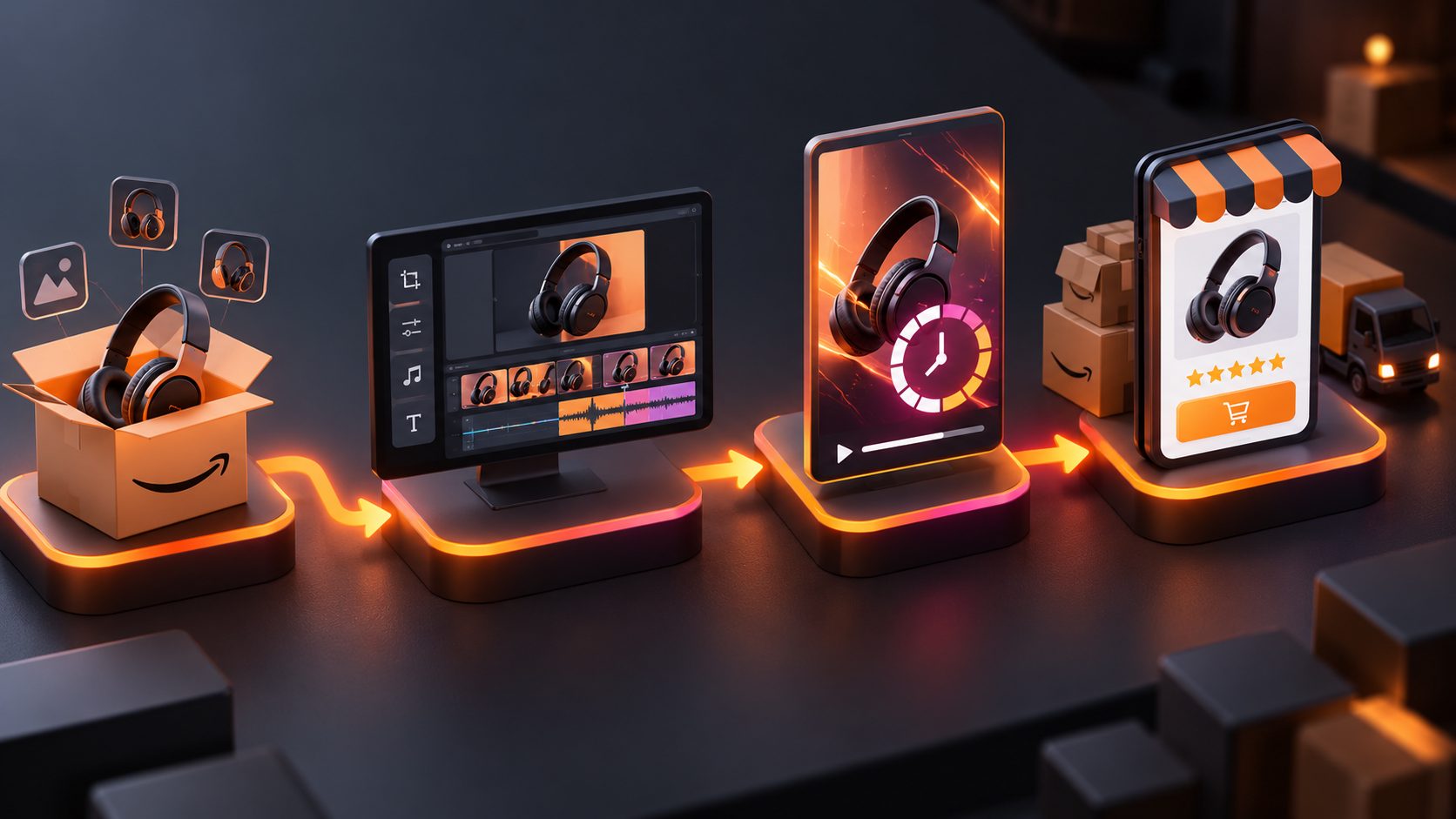
Amazon Customer Questions and Answers Video Generator


Summarize with
Summary
Turn Amazon buyer questions into short, proof-first videos for size, compatibility, setup, and use cases. Build clearer listing answers with AdsTurbo.
By adsturbo.ai | Published 2026-11-01 | Updated 2026-11-01
An Amazon customer questions and answers video generator turns recurring buyer questions into short product demonstrations. Instead of repeating “yes” or “please check the dimensions,” sellers can show the answer through scale references, compatibility checks, setup steps, close-ups, captions, and product-in-use footage.
Amazon recommends product videos such as overviews, unboxing, how-to, setup, and troubleshooting content. Its seller guidance also emphasizes that videos should help shoppers understand how a product works, rather than function as purely promotional commercials. (sell.amazon.com)
What is an Amazon customer questions and answers video generator?
An Amazon customer questions and answers video generator is a workflow that converts one buyer question into one focused visual answer. It is different from a generic product video because the starting point is not a product feature list—it is a specific purchase objection.
A useful question-answer video follows this structure:
- Show the question: “Will this fit in a standard cup holder?”
- Show the proof: Place the product beside or inside the relevant reference object.
- State the verified result: Explain the measured or tested outcome.
- Clarify the limitation: Identify the models, dimensions, or conditions that do not apply.
- Close with the correct product choice: Direct shoppers toward the relevant variation or specification.
This approach is especially useful for products where still images cannot clearly communicate size, fit, movement, texture, setup, or compatibility.
Which Amazon buyer questions should become videos?
The strongest candidates are questions that can be answered visually and that appear repeatedly in customer Q&A, reviews, search terms, support tickets, or return reasons.
| Buyer question type | What the video should prove | Example visual |
|---|---|---|
| Size and dimensions | Real scale, measurements, and proportions | Product beside a hand, ruler, shelf, or common object |
| Compatibility | Whether the product fits a model or environment | Connector, mounting point, device, or vehicle demonstration |
| Setup and installation | Whether the buyer can complete the process | Numbered steps with close-ups of difficult actions |
| Materials and finish | Texture, thickness, flexibility, or surface quality | Macro shots, bending, fastening, or light-angle comparison |
| What is included | Exact package contents | Unboxing with items arranged in a fixed order |
| Daily use | How the product performs in a realistic context | Before-and-after or routine use sequence |
| Variant selection | Differences between sizes, colors, or models | Side-by-side comparison with labels |
A practical prioritization rule is to score each question on frequency, return risk, visual proof value, and claim complexity. Produce the first videos for questions with high frequency, high return risk, and simple proof. Avoid starting with vague questions such as “Is it good?” because they produce generic promotional content.
How to turn an Amazon question into a proof-first script
A buyer question should not become a long sales script. It should become a compact demonstration with one measurable conclusion.
Step 1: Preserve the exact question
Use the shopper’s wording where possible. “Does this fit a 2020 Toyota Camry?” is more actionable than “Universal compatibility explained.” Exact wording also helps the creative team avoid answering a different question.
Step 2: Separate facts from assumptions
Create two columns:
- Verified facts: dimensions, supported models, included parts, tested steps, material specifications.
- Unverified assumptions: “fits everything,” “works in all conditions,” “best on the market,” or claims inferred only from an image.
Only the first column should drive the final answer. If the question cannot be verified visually or through reliable product information, use a clear limitation instead of inventing certainty.
Step 3: Match the proof to the objection
A dimension question needs a measurement. A compatibility question needs the actual connection or fitment context. A durability question needs a defined test—not a dramatic animation that implies performance without evidence.
This is the central distinction between a useful FAQ video and a standard product advertisement: the scene must make the answer inspectable.
Step 4: Keep one question per video
Amazon’s own product-video guidance describes short formats as generally suitable for many product videos, while more complex products may require longer explanations. (sell.amazon.com) For FAQ content, one question per clip usually makes the message easier to understand, localize, caption, and reuse.
A simple 25–45 second structure works well:
- 0–3 seconds: Display the question.
- 3–10 seconds: Show the product and relevant reference.
- 10–28 seconds: Demonstrate the answer.
- 28–38 seconds: Explain the limitation or supported variation.
- Final seconds: Reinforce the correct selection.
How to batch-create Amazon Q&A videos
Batch production becomes more reliable when the seller uses a Question-to-Proof Matrix rather than generating videos directly from a list of FAQs.
| Column | Purpose |
|---|---|
| ASIN or SKU | Prevents the wrong variation from entering the video |
| Buyer question | Defines the single answer |
| Proof type | Measurement, fit test, setup, unboxing, comparison, or use case |
| Required assets | Product image, reference footage, voice, text, or diagram |
| Verified answer | Controls the factual claim |
| Exclusions | Lists unsupported models, sizes, or conditions |
| Output format | Amazon listing, social short, or support clip |
| Review status | Tracks factual and brand approval |
AdsTurbo can support this production workflow with product image generation, product video creation, clip-by-clip editing, video subtitles, background replacement, and video translation. Product images can be uploaded in JPG or PNG format, and clear product photos on a plain background are suited to product-image generation.
For existing reference ads, AdsTurbo’s Ad Clone workflow can analyze a reference video of up to 12 seconds and generate structured variations. The useful application here is not copying another seller’s claims; it is reusing a proven rhythm—question, demonstration, explanation, and CTA—while replacing the product facts with your own verified information.
How to make the videos clearer on Amazon
Amazon says sellers can upload product videos through Seller Central and select categories such as product overview, unboxing, how-to, setup, troubleshooting, brand story, or other. Amazon also states that up to four shoppable videos can be added to an ASIN through its documented workflow. (sell.amazon.com)
For customer-question videos, prioritize clarity over cinematic polish:
- Put the question on screen before the demonstration.
- Use large captions because many viewers watch without sound.
- Show measurements with readable units.
- Label each product variation clearly.
- Avoid showing accessories that are not included.
- Do not use a generic “universal” claim when compatibility is limited.
- Use close-ups for ports, fasteners, seams, controls, and size references.
- Keep the product visually consistent with the listing images.
- Export subtitles as part of the video or as a separate subtitle file when needed.
AdsTurbo Video Subtitle can automatically transcribe speech, generate synchronized captions, adapt subtitle styling for short-form platforms, and export either a captioned video or a separate subtitle file. Translation tools can also help create localized versions, but the translated claim should still be checked against the supported product specifications.
How to measure whether FAQ videos help
Do not judge an FAQ video only by views. Measure whether it reduces uncertainty at the point of purchase.
Track these signals by ASIN or variation:
- Question coverage: How many recurring buyer questions now have a visual answer?
- Engagement: Video starts, completion rate, and drop-off at the first claim.
- Listing behavior: Changes in sessions, conversion rate, and variation selection.
- Customer friction: Repeated questions, support contacts, and return reasons related to the same objection.
- Creative efficiency: Production time per question and the number of reusable versions created.
A clean test compares one question-led video against the existing listing video while keeping price, inventory, traffic source, and major listing content stable. Record the baseline before publishing, then review the same ASIN over a defined testing window. Avoid claiming that every video improves conversion; the result depends on the question, proof quality, traffic, and product-market fit.
For a broader workflow, see this guide on turning ecommerce FAQs into proof-first video ads and this Amazon listing FAQ video generator workflow.
Frequently asked questions
Can one video answer several Amazon customer questions?
It can, but separate videos are usually clearer when the questions require different proof. Combine questions only when they share the same demonstration, such as dimensions and what fits inside.
What product categories benefit most from FAQ videos?
Products with fitment, sizing, setup, compatibility, assembly, or material questions usually benefit most because motion and scale can resolve uncertainty more effectively than copy alone.
Should the video use AI-generated product scenes?
Use AI-generated scenes for structure, visualization, and variations, but keep factual proof tied to verified product information and accurate assets. A generated scene should not imply a test or compatibility result that was never confirmed.
Can the same FAQ video be reused outside Amazon?
Yes. A question-led clip can be adapted for product pages, support content, social short-form video, and localized campaigns. Change the aspect ratio, captions, CTA, or language while preserving the verified answer.
How can sellers create many question videos efficiently?
Start with the Question-to-Proof Matrix, group questions by proof type, prepare consistent product assets, and generate clips in batches. AdsTurbo supports asynchronous generation, status polling, and Webhook completion events for workflow automation.