Solo Ecommerce Store Anniversary Promo Video Generator: A Lean Testing Framework


Summarize with
Summary
Use a solo ecommerce store anniversary promo video generator to turn product photos into offer-led ad variations, test hooks, and scale winners. Start creating with AdsTurbo.
By adsturbo.ai | Published 2026-11-07 | Updated 2026-11-07
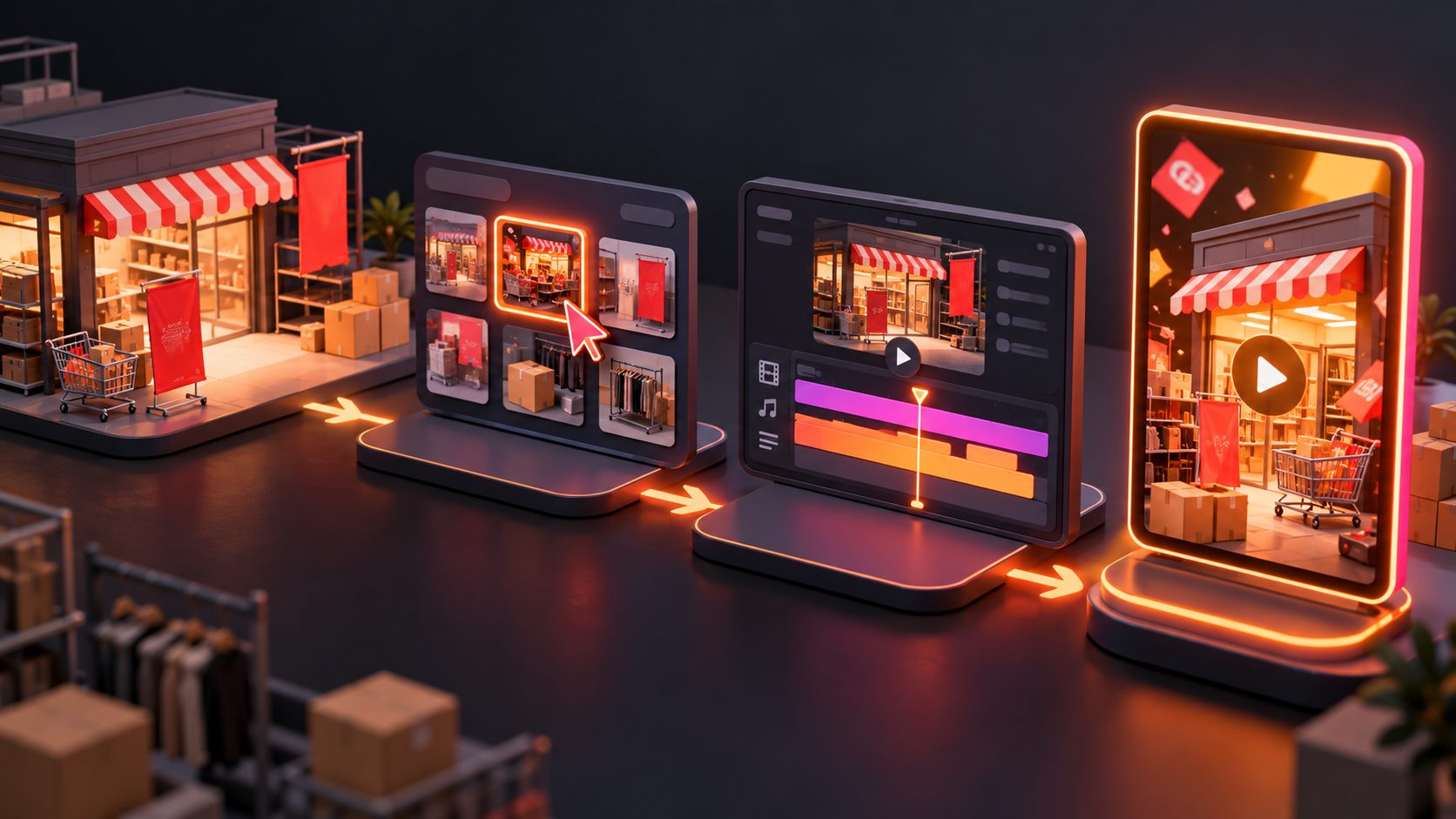
A solo ecommerce store anniversary promo video generator helps one-person stores turn existing product images into multiple promotional videos without organizing a new shoot. The most useful workflow is not producing one “perfect” anniversary ad. It is building a small testing matrix around the same product, offer, hook, and call to action.
For an anniversary campaign, one clean JPG or PNG product image can support a product reveal, offer announcement, customer-problem hook, gift-focused video, or last-chance reminder. AdsTurbo Product Video supports product images for UGC-style review, introduction, and demonstration videos, while its broader creative workflow supports product videos, subtitles, translations, background replacement, and ad variations.
What is an ecommerce anniversary promo video generator?
An ecommerce anniversary promo video generator is a tool or workflow that converts product assets and campaign information into short videos for a store milestone, anniversary sale, or limited-time promotion. It usually combines product visuals, motion, captions, offer details, and a final CTA.
For a solo seller, the value is operational: one approved product image becomes a controlled set of ads rather than a single unrepeatable concept. Product-photo-to-video guidance commonly recommends using the still image as the identity reference and varying motion, framing, or messaging instead of changing everything at once. (novapixeldev.com)
A strong anniversary video should answer three questions quickly:
- What product is being promoted?
- Why is the offer happening now?
- What should the viewer do next?
What should one-person stores prepare first?
Start with a clean source image, a single verified offer, and one campaign objective. A clear product photo on a plain or solid-color background is particularly useful because it gives the generator an unambiguous subject to analyze.
Prepare:
- One or more JPG or PNG product images.
- The anniversary message, such as “Celebrating 3 years.”
- The exact discount, bundle, gift, or promo code.
- The campaign end date, if one exists.
- One CTA, such as “Shop the anniversary sale.”
- A destination URL for the ad or landing page.
- Any product claim that can be supported by the listing.
Avoid placing five benefits, three discounts, and several CTAs into a 15-second clip. A small store usually learns faster when each video has one clear job.
For image preparation, a practical workflow is to begin with a white-background product image, then create lifestyle or promotional variations after the product shape, color, and packaging are approved. AdsTurbo Product Image can analyze a product’s shape, color, and category, and supports outputs for common ecommerce and social formats.
How should a solo seller build the anniversary testing matrix?
The following 3 × 3 Anniversary Creative Matrix is a compact framework designed for a one-person store. Keep the product and core offer fixed, then test three hooks against three visual treatments.
| Hook | Visual treatment | Example opening |
|---|---|---|
| Milestone | Clean product reveal | “We’re celebrating 3 years.” |
| Customer problem | Product demonstration | “Still dealing with this every day?” |
| Offer urgency | Fast offer-led edit | “Anniversary pricing ends Sunday.” |
This creates nine possible ads, but you do not need to produce all nine immediately. Begin with three:
- Milestone + clean reveal: best for existing customers and warm audiences.
- Customer problem + demonstration: best for introducing the product to new viewers.
- Offer urgency + fast edit: best for retargeting and sale-period reminders.
The information gain comes from changing one variable at a time. If the product, hook, visual style, discount, and CTA all change together, a seller may see a better result but learn nothing about why it worked.
This controlled approach is consistent with current product-image video guidance, which recommends testing camera emphasis, background motion, or message while keeping product identity stable. (swayclip.com)
What video structures work for anniversary promotions?
1. The milestone reveal
Use this structure when the anniversary itself is part of the brand story:
- 0–3 seconds: Product appears with “Our anniversary is here.”
- 3–9 seconds: Show one product detail or use case.
- 9–15 seconds: Reveal the offer and CTA.
This format is simple and suitable for customers who already recognize the store. The anniversary message provides context, while the product remains the main visual subject.
2. The product demonstration
Use this version when the offer is secondary to product understanding:
- Open with a visible customer problem.
- Show the product addressing that problem.
- Add one supported benefit.
- Finish with the anniversary offer.
A demonstration is usually stronger than a generic “sale” animation when the product requires explanation. AdsTurbo Product Video can generate product review, introduction, and demonstration-style videos from a product image and optional selling points.
For a more detailed product-photo workflow, see the low-budget ecommerce SOP for turning product photos into video ads.
3. The urgency reminder
Use this format after the campaign has already been announced:
- Lead with the offer or deadline.
- Show the product in the first frame.
- Keep the message short.
- End with a single action.
Do not invent scarcity. If the offer ends on a stated date, show that date accurately. If there is no real inventory limit, avoid “selling out” language.
How many versions should a solo store create?
A useful starting batch is six videos:
- Two opening hooks.
- Two visual treatments.
- One fixed offer.
- One fixed CTA.
For example, use a milestone hook and a problem hook, then pair each with a clean reveal, product demonstration, and offer-led treatment. This is enough to compare creative angles without creating an unmanageable editing queue.
Use platform-specific crops when possible. A vertical version can serve short-form social placements, while square and landscape versions may suit other ad surfaces or product pages. AdsTurbo Ad Clone supports exports in 9:16, 1:1, and 16:9 formats, making one reference concept easier to adapt across placements.
For a broader variation system, the ecommerce ad creative variation generator guide explains how to separate hook tests from offer and message tests.
How should the videos be reviewed before publishing?
AI-generated motion should be checked like any other advertising asset. Review the first frame, product identity, text accuracy, offer details, and final CTA.
Use this five-point checklist:
- Product lock: Is the shape, color, label, and packaging unchanged?
- Offer accuracy: Does the discount or code match the store promotion?
- Readable text: Can the message be understood with sound off?
- Safe framing: Is the product visible after cropping?
- Clear destination: Does the CTA match the landing page?
Add subtitles when the video includes speech or voiceover. AdsTurbo Video Subtitle can automatically transcribe speech, create time-synced captions, and export either a captioned video or a separate subtitle file. Subtitle styling can be adapted for TikTok, Instagram Reels, and YouTube Shorts.
If an existing anniversary ad performed well, an ad clone workflow for ecommerce creative testing can help preserve its pacing and CTA structure while creating new product or offer variations.
How can one person measure the test?
Do not judge the first batch only by views. Track the campaign objective that matters to the store:
- Thumb-stop or early-view rate for the opening hook.
- Click-through rate for message clarity.
- Add-to-cart rate for product and offer fit.
- Purchase conversion rate for commercial value.
- Cost per purchase for paid acquisition.
- Revenue per creative when spend is comparable.
A practical rule is to compare videos in groups with the same audience, offer, landing page, and budget conditions. The goal is not to prove that AI video always wins. The goal is to identify which combination of hook, visual treatment, and offer framing deserves more spend.
Frequently asked questions
Can I make an anniversary sale video from only a product photo?
Yes. A clean JPG or PNG product image can provide the visual base for a reveal, product introduction, demonstration, or offer-led video. The more accurate the source image, the less the generated video needs to invent.
Should the discount appear at the beginning or the end?
Test both, but assign them different jobs. A milestone or problem hook can delay the offer until the final seconds, while a retargeting reminder may benefit from showing the discount immediately.
How long should an anniversary promo video be?
Use the shortest duration that communicates the product, offer, and CTA clearly. A 15-second structure is often sufficient for a hook, one product message, and a closing action.
Can one anniversary video be reused for multiple platforms?
Yes, but export and review the relevant aspect ratios separately. Check cropping, subtitle placement, logo visibility, and CTA readability in each version.
What if I do not have video footage?
Start with product photography. AdsTurbo also supports product image generation, background replacement, subtitles, translations, and video editing controls, allowing a seller to build a campaign from static assets and expand it into multiple creative formats.
A solo store does not need a large production calendar to make an anniversary campaign testable. Start with one approved product image, one truthful offer, and three distinct creative jobs. Then produce only the variations that help answer a business question.